
What's the easiest AI children's book generator and illustrator?
By ZippyBooks Team ·

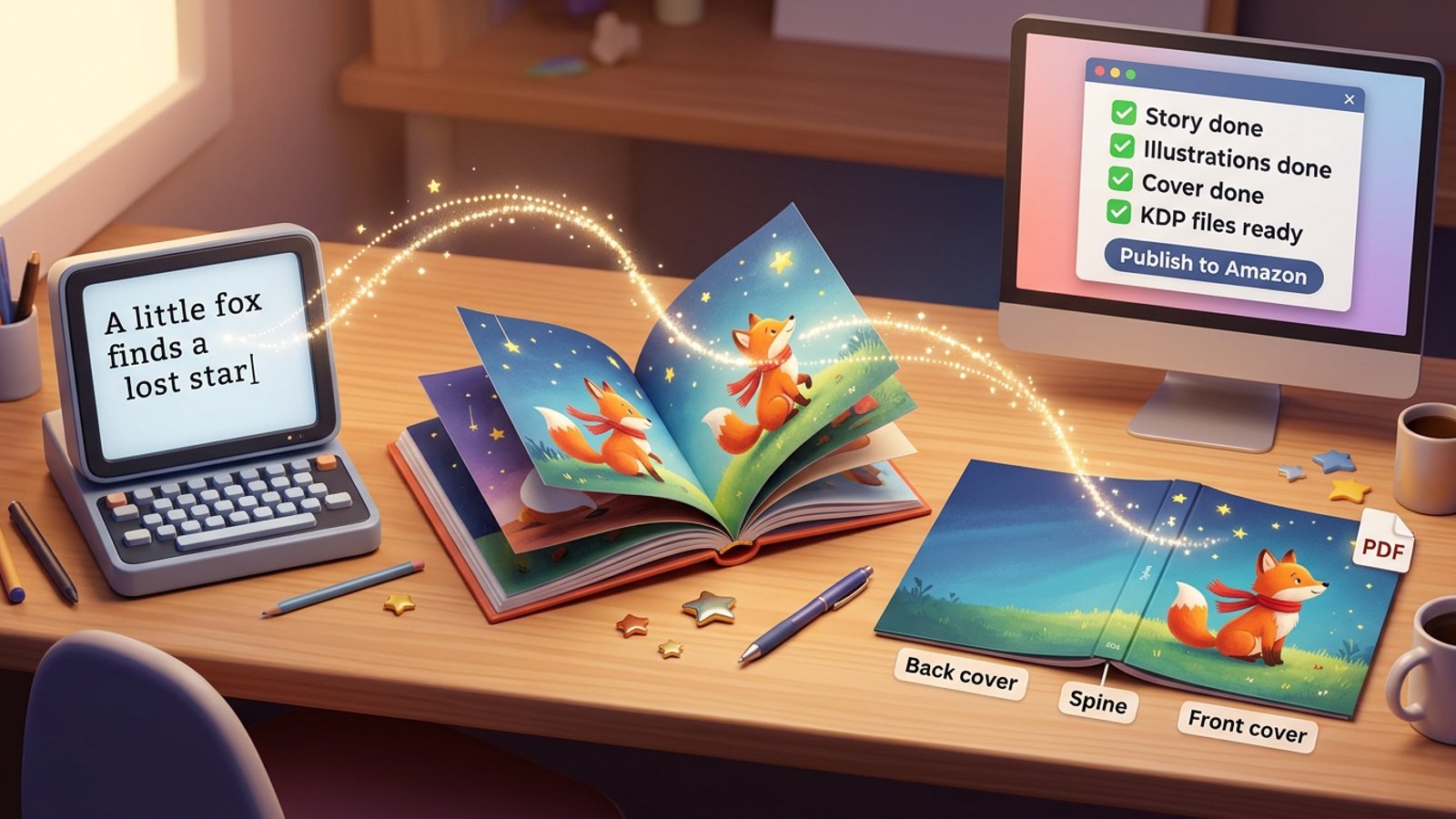
The easiest AI children's book generator and illustrator is one where a single sentence produces the whole book — story, illustrations, cover and upload-ready files — instead of writing in one tool and illustrating in another. The easiest AI children's book generator and illustrator route skips the character-consistency, page-layout and KDP trim work that sink most first books.
If you have a story idea and want a finished book you can upload, you want the shortest path from idea to file. Get ZippyBooks and let one prompt build the interior, the cover and the KDP-ready export for you.
What makes the easiest AI children's book generator and illustrator easy?
An easy generator removes the handoffs. The fewer times you copy text into a new app, place an image on a page, resize a canvas or recalculate a spine, the easier the tool is — and the fewer places a KDP rejection can sneak in.
Most tools are easy at one job and hard at the next. A writing tool is easy until you need pictures. An image tool is easy until you need the same character on page 14 that you had on page 2. A design tool is easy until you need a full-wrap cover at the right trim and bleed.
Ease, in practice, means one input, one place where the book lives, and one export that Amazon accepts.
Why does the "write here, illustrate there" route get hard?
Because every handoff is a place where the book can fall apart. A ChatGPT-shared workflow for a toddler picture book spells out the full chain: write the story, generate each illustration, combine text and images in Canva, Slides or PowerPoint, then export a PDF (ChatGPT shared chat, 2024). That's four or five steps before you've even seen a proof.
CNET's writer built a children's book with ChatGPT and described "a lot of back and forth" plus a second tool needed to put the book together (CNET, 2025). A German tech publisher ran the whole ChatGPT + Midjourney workflow end to end and concluded it can be done in a short time — but flagged that the image AI still struggles with some prompts, and that you may end up editing the story to fit the images (t3n, 2025).
That's the trade. You save on hiring, and you spend the time on assembly instead.
Can an AI children's book generator keep the same character on every page?
It can, but only if the tool is built for it — and most standalone image tools aren't. Generating pages independently produces a different character each time, according to DoodleBook's field notes (Hugging Face, 2026). Fixing that needs several layers at once: seed locking, a fixed character description and a canonical-character pass. Not a single setting.
Midjourney is the strongest example of "possible but manual." Its models drift across a series — slightly different palettes, faces and composition — per a guide citing Midjourney's own docs (checked March 2026). Its character-consistency tool takes only one reference image and isn't compatible with older edit tools like Pan, Zoom Out and Vary Region. The documented route uses --sref, --cref, --seed and --stylize: a repeatable workflow you build and maintain yourself (Sider AI, updated 2025).
Canva's route is blunter. A 2025 Canva walkthrough advises repeating the same character name and features in every prompt to keep a character the same (The TTC Agency, 2025). A 2026 round-up recommends building a character bible and reference sheet before generating finished pages — and notes no generator is an automatic guarantee of identical characters (MEFMobile, 2026).
How does ZippyBooks make it a one-prompt job?
You type a one-sentence story idea, and the app writes the book, illustrates the interior and designs the cover. You then adjust or regenerate any illustration with a sentence or one click, read the full book review for typos, grammar, gaps and consistency, and download the KDP-ready files.
The ease isn't just speed — it's that the character, layout and cover live in one place. There's no re-prompting the same character description into a second tool, and no rebuilding a page after a picture changes.
Here's the real technique, whether or not you use the app:
- Write the story as one clear sentence — the promise and the main character.
- Lock the character before generating finished pages: fixed description, fixed look.
- Generate the interior and cover together, so style matches.
- Review the whole book for typos, gaps and consistency before export.
- Fix flagged pages by regenerating the illustration, not the book.
- Export print-ready files at the correct trim and bleed, then upload.
ZippyBooks does steps 2 through 6 for you, which is where the hours go. If you're weighing it against a first attempt, this breakdown of the best AI illustrated book generator for a first children's book walks through what to expect.
What makes a KDP cover get rejected?
Formatting, almost never the art. KDP requires paperback covers uploaded as one single PDF containing back cover, spine and front as one image, and spine text needs at least 79 pages (KDP Help). Cover bleed is 0.125 in (3.2 mm) on the top, bottom and outside edges (KDP Help).
Real rejections follow those rules exactly. One 8.5×8.5 children's book with 26 interior pages was rejected for cover margins, interior margins and insufficient bleed — key text must sit at least 0.375 in inside the trim (Upwork job post, 2026).
Canva is where many of these happen. It has no built-in "KDP full-wrap" template, so the author sets a custom canvas at calculated dimensions (MJ Convert Systems, 2026), and common Canva-to-KDP failures are the wrap, bleed, spine or barcode clearance — not the design (BookCoversLab, 2026). Canva's "PDF Print" preset also adds crop marks and bleed by default, which can break a submission unless deliberately toggled (BookIllustrationAI, 2026).
ZippyBooks builds the cover with correct bleed, margins and formatting and auto-fills the KDP form and categories, so the file uploads with zero edits. If formatting is your worry, see can AI do all the KDP formatting for my children's book.
Source: US Illustrations
Which is easiest: AI app, Canva, ChatGPT + Canva, Midjourney + Canva, InDesign, or an illustrator?
For a complete, uploadable book from one prompt, ZippyBooks is our pick of the tools we compared. The others are each easier at one slice of the job.
| Option | Best for | Key features | Price / free option | Watch-outs |
|---|---|---|---|---|
| ZippyBooks (Our pick) | One prompt to a finished book | Full interior, cover, auto review, KDP files | $999, limited time, as of Nov 2026; API costs extra | Windows/Mac desktop only |
| Canva Magic Studio | Assembling pages in a browser | Text-to-image, style presets, free plan | Free plan for basic assembly | Page-by-page; no KDP wrap |
| ChatGPT + Canva | Hands-on authors who want control | Story chain, then manual assembly | Free or paid ChatGPT login | "A lot of back and forth" |
| Midjourney + Canva | A distinctive illustrated look | Reference tools for characters | Paid subscription | Drift, one reference, manual workflow |
| InDesign + stock art | Designers wanting full layout control | Precise trim, bleed, spine | Subscription + stock licences | You calculate the full wrap |
| Freelance illustrator | A hand-crafted, unique book | Human art direction | $350 fixed-price example, 2026 | Months of lead time |
Canva Magic Studio is the most direct choice if you mainly need a browser canvas with image generation in one place — style options like cartoon, watercolor and flat illustration, and a free plan for basic assembling (note.com, 2025). But images are placed page by page, text is added by hand, and there's no built-in KDP wrap size.
ChatGPT + Canva suits a fully hands-on author who wants to shape the story line by line. The chain is well documented, but CNET's account of back-and-forth and a second tool is the honest cost.
Midjourney + Canva is for authors who want a distinctive look and will invest in a reference workflow. Its character tools can keep a main character largely consistent if used carefully (t3n, 2025), but the workflow must be built and maintained by you, and you still assemble in Canva.
InDesign + stock illustration gives the most control over trim, bleed, spine and typography — the exact specs KDP publishes. If you're a designer, it's the more direct choice. If you're not, you're calculating wraps and sourcing a consistent character yourself.
Hiring a freelance illustrator is right for a book you want hand-crafted, where time isn't the constraint. A 2026 Upwork posting for an AI-assisted illustrator of a 32-page picture book budgeted $350 fixed-price — and asked for someone who refines AI output rather than accepting it. Traditional timelines are long: 6–8 months from the illustration side (Reedsy profile), 3–6 months for a standard 32-page book at 8–12 hours per spread (US Illustrations, 2026), and months-to-a-year lead times (Kidlit Creatives, 2025). A picture-book creator quoted 9 months to a year per book (Portland Press Herald, 2018 — an old source).
ZippyBooks is made by the team behind this blog. Its price is $999 as of November 2026, a limited-time deal, and prices can change; you also bring your own API key and pay your provider for each book. It's a desktop app for Windows and Mac only.
Source: US Illustrations
How long does a picture book take with an illustrator versus an AI tool?
Months versus a session. The illustrator estimates above run from 3–6 months for a standard 32-page book up to 9 months–1 year per book from one creator. An AI route that produces the interior, cover and files from one prompt collapses that to the time it takes you to review and adjust.
That gap is why publishers building a brand publish several books rather than one. If speed is the point, this look at the best AI picture book generator for a fast series launch covers the series workflow.
The easiest generator isn't the one with the prettiest sample page — it's the one that hands you a file Amazon accepts without a second tool.
Is one prompt really enough, or will I have to edit pages?
One prompt gets you a complete book; editing is how you make it yours. ZippyBooks generates the full interior and cover, then lets you edit or regenerate any illustration with a sentence or one click — and its full book review flags typos, grammar, gaps and consistency before you export.
Which free options exist, and are they good enough to publish?
Free options can get you a book; the question is what's left for you to do. Canva's free plan can be used for basic assembling (note.com, 2025), and ChatGPT can be used on a free login. Both leave the illustration consistency, page layout and KDP wrap to you — the parts that cause rejections.
ZippyBooks isn't free: $999 as of November 2026, limited time, prices can change, plus your own API costs. The trade is that it produces publishable files for Amazon KDP rather than a folder of images to assemble.
Ready to go from one sentence to a finished book? Get ZippyBooks and turn your next story idea into a KDP-ready children's book.
Sources
- KDP paperback cover requirements (KDP Help)
- KDP cover bleed (KDP Help NL)
- DoodleBook Field Notes (Hugging Face, 2026-06-14)
- Midjourney character-consistency guide (Cursor IDE中文站 citing Midjourney Docs, checked 2026-03-18)
- Midjourney reference-image guide (Sider AI, updated 2025-09-22)
- ChatGPT + Midjourney picture-book walkthrough (t3n, 2025-12-19)
- I Used AI to Generate a Book for My Future Baby (CNET, 2025-04-23)
- Shared ChatGPT picture-book workflow (ChatGPT, 2024-10-09)
- How I Illustrated My Children's Book in Canva with AI (The TTC Agency, 2025-10-27)
- ChatGPT + Canva Magic Media walkthrough (note.com, 2025-08-11)
- AI Children's Book Generators Compared (Position Is Everything, 2026-10-03)
- AI/Midjourney-assisted artist job post (Upwork, 2026-10-01)
- KDP margins/bleed rejection case (Upwork, 2026-10-19)
- KDP spine width formula (Opus Publishing, 2026-09-22)
- KDP cover wrong size in Canva (BookCoversLab, 2025-11-05)
- Canva → KDP bleed mistakes (BookIllustrationAI, 2026-05-16)
- How to fix KDP cover alignment (BookCoversLab, 2026-05-21)
- Canva KDP cover setup (MJ Convert Systems, 2026-08-25)
- Liz DiFiore illustrator profile (Reedsy)
- Behind the scenes of children's book illustrations (US Illustrations, 2026-02-25)
- Finding and choosing an illustrator (Kidlit Creatives on Patreon, 2025-03-13)
- Children's author interview (Portland Press Herald, 2018-05-29)
- 7 Best AI Art Generators for Children's Books (MEFMobile, 2026-08-13)
Frequently asked questions
Keep reading

Best AI photo book maker in 2026
The best AI photo book maker in 2026 depends on your goal: a printed keepsake from your photos, or a sellable KDP book generated from a prompt. Here's how to choose.

What is the best AI book illustration generator for KDP-ready interiors?
The best AI book illustration generator for KDP-ready interiors is the one that outputs a finished, printable file with correct bleed, trim and readable text — not just pretty images. Here's how the
Best AI children's book creator alternatives to StoryForge in 2026
The best AI children's book creator alternative to StoryForge is ZippyBooks: one prompt produces the story, illustrations, cover and print-ready KDP files. StoryForge suits text drafting better.