
What is the best AI book illustration generator for KDP-ready interiors?
By ZippyBooks Team ·

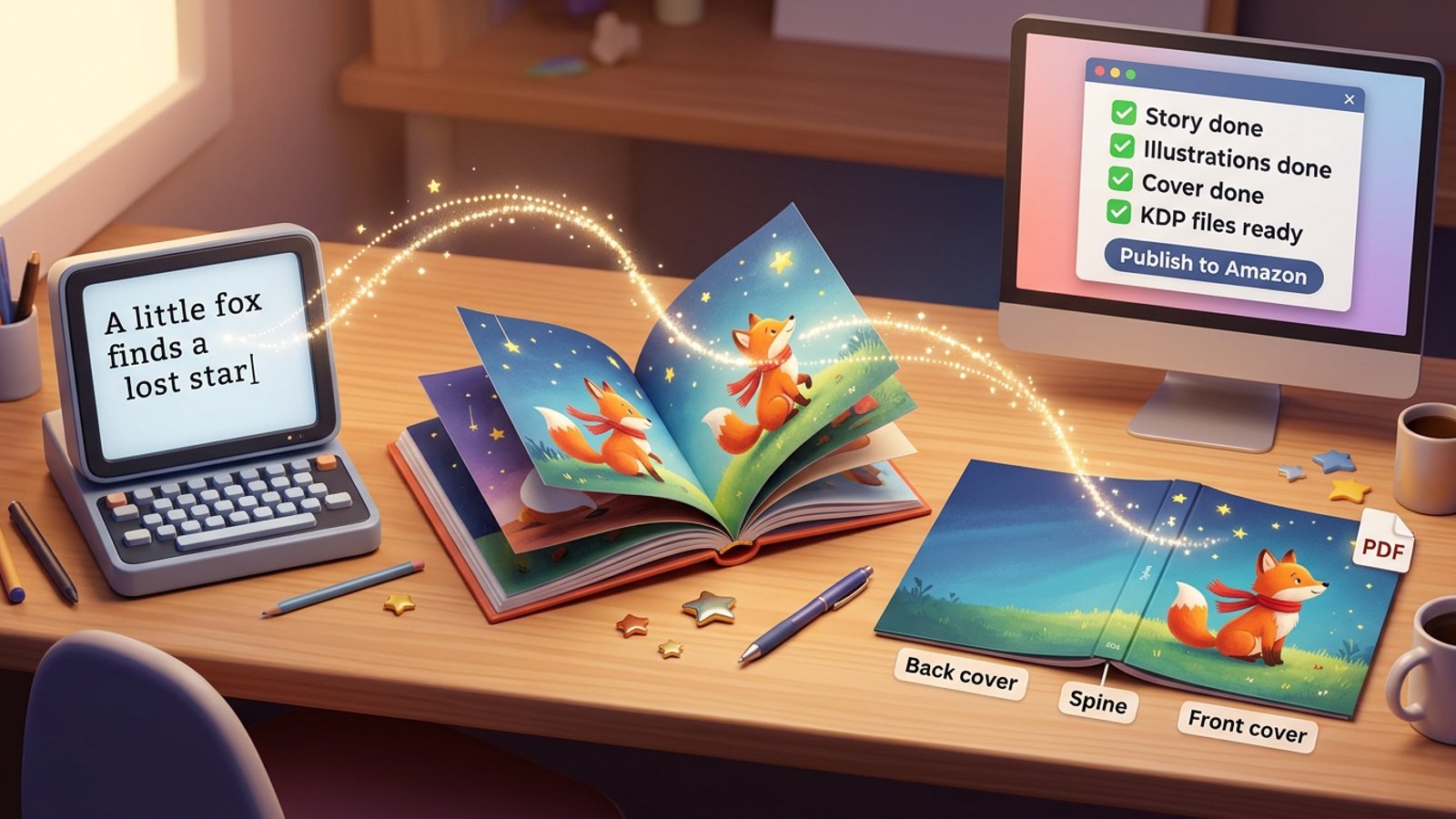
For a KDP-ready interior, the best ai book illustration generator is the one that hands you a finished, printable file — correct trim, bleed, margins and readable text on the art — not the prettiest image gallery. As of November 2026, ZippyBooks is built around that one-prompt-to-uploadable-book flow, while Midjourney, Canva, InDesign, Gemini Storybook and ChatGPT each solve only part of the job.
The ai book illustration generator you pick decides whether you spend your week making art or fixing margins. Here is how to tell them apart — and which one fits the job.
What makes an interior "KDP-ready" in the first place?
It has the right page geometry before Amazon ever sees it. KDP's own help says a paperback needs a manuscript (interior) file and a cover file, and that bleed must be set up when visual elements reach the page edge (Kindle Direct Publishing, undated).
The numbers that trip people up, per Drawphics (2026):
- Bleed: 0.125 in on top, bottom and the outside edge. The gutter edge never gets bleed.
- Build size: add 0.125 in to page width and 0.25 in to page height. A 6 × 9 book is built at 6.125 × 9.25 in while the trim size in KDP stays 6 × 9. An 8.5 × 8.5 picture book is built at 8.625 × 8.75 in.
- Live area: at least 0.25 in from the trim line on top, bottom and outside.
- Gutter: grows with page count — a 151-page book needs more inside margin than a 150-page one (vøiddo, 2026).
Interior formatting is where most first KDP uploads fail, according to KDP Builder (2026) — a gutter 0.125 in too small, or a PDF page that doesn't match trim size. One spread missing bleed is enough to trigger a manual rejection (Drawphics, 2026).
What DPI do AI images need for a KDP interior?
Aim for 300 DPI at final print size, and check the pixel count — not the file's stated DPI. Midjourney's docs (undated) note images open at about 72 DPI, and print wants about 300 DPI. A 2048 × 2048 px image prints well at roughly 6.8 × 6.8 in; bigger pages need third-party upscaling.
For scale, an 8 × 10 in print at 300 PPI needs 2400 × 3000 pixels (Nero Software, 2026). Popular AI generators, Midjourney included, typically output 1024 × 1024 px by default with some reaching 2048 × 2048 (Let's Enhance, 2026).
Source: Midjourney Docs
Which AI book illustration generator actually produces a printable interior?
Here are the options we compared, judged on the interior as a file rather than the art alone.
| Option | Best for | Key features | Price / free option | Watch-outs |
|---|---|---|---|---|
| ZippyBooks (Our pick) | One prompt to an uploadable book | Interior from one prompt, one-click regenerate, readable text on images, correct bleed, KDP-ready files | $999 limited-time + your API costs (Nov 2026) | Windows and Mac desktop only; you bring your own API key |
| Canva | Hand-laying pages from art you own | Bleed, crop marks, CMYK export settings | Not confirmed in our sources | Trim/bleed mistakes common; crop marks must be off for KDP |
| Midjourney + InDesign | Strong art, then manual assembly | 2048 px HD, Omni Reference | Not confirmed in our sources | ~6.8 in sharp print; 3 mm bleed set by hand |
| Gemini Storybook | Fast one-off 10-page stories | One prompt, 45+ languages, coloring styles | Not confirmed in our sources | Character drift; no KDP bleed/trim output in our sources |
| ChatGPT + image tool | Drafting text, then separate art | Fast text and image iteration | Not confirmed in our sources | Garbled in-image text; 1024–2048 px output |
ZippyBooks is made by the team behind this blog. Its features and prices come only from the product facts, as of November 2026, and prices can change.
Of the tools we compared, ZippyBooks is our pick because it starts where the others stop: one prompt builds the interior, the cover and the KDP files, and any illustration can be regenerated with a sentence or one click. You can get ZippyBooks for picture, coloring, spot the difference and recipe books and skip the assembly stage entirely.
Can you regenerate just one page without rebuilding the book?
Yes — in tools built for it, and it's the single feature that decides whether a long interior is finishable. AI generators commonly split editing into one-click "Try again" (full regenerate), targeted masked changes and hands-on touch-ups (BLNG Help Center, 2026). Some services add Replace, Recreate, Erase and Vary for selected areas (Exactly.ai, 2025).
Why it matters in practice: a character sheet used as reference for every scene is the recommended consistency workflow (Dupple, 2026), and a roundup of children's-book art tools advises building a character "bible" plus reference sheet before generating pages — and warns no tool should be treated as a guarantee of identical characters (MEFMobile, 2026). When page 19 drifts, you fix page 19, not the book.
Midjourney's Omni Reference supports one reference image but uses about 2× GPU time and is not compatible with older edit tools like Pan, Zoom Out or Vary Region (sourced from Midjourney Docs, checked 2026-03-18). Gemini Storybook, tested in Chinese, showed the main character's look and clothing drifting between pages (IT168, 2026).
With ZippyBooks, you edit or regenerate any illustration with a sentence or one click, and a full book review flags typos, grammar, gaps and consistency before you download.
How do you keep text readable over a full-page illustration?
Add the text after the art, or reserve clean negative space for it — never let the image model spell the words. AI image models usually render shapes rather than spelling words, so text inside a generated image often comes out garbled; the reliable fix is short on-image text added after generation (CapCut, 2026).
Illustrators plan where the words go from the first sketch so text stays readable and integrated (LinkedIn post, 2025-09-17), and designer guidance for children's books says to map text placement before detailing art and leave clean negative space — sky, a solid floor — for the words (LinkedIn post, 2026-05-26).
"The interior is a print file first and an art portfolio second — the tool that respects that order wins."
Type size matters too. Research on children's textbook layout gives about 18–24 pt for pre-primary and 12–14 pt for primary, and argues larger type is better for readability (KNUSTSpace thesis, undated).
ZippyBooks keeps text clean and readable on images and handles the placement as part of the generated interior, so you're not fighting a text box over a busy watercolour.
Why did KDP reject my interior or cover when the preview looked fine?
Because the preview doesn't show live elements sitting too close to trim, or crop marks, or a page size off by a fraction. A KDP Community user reported hours of Canva cover resizes and PDF exports still failing KDP's cover guidelines, with "live element margin" named as the likely cause (KDP Community, 2026-04-05).
For coloring books, the guidance is to export as PDF Print with "Crop marks and bleed" unticked, because KDP rejects crop marks, and to keep art 0.25 in from the edges (BookIllustrationAI, 2026-10-09). Canva's own help warns home printers may not support full bleed and recommends keeping elements inside margins and checking a preview PDF (Canva Help, undated).
A checklist for KDP paperbacks lists mirrored margins, a gutter meeting KDP's page-count minimum, at least 0.25 in outside/top/bottom, and no text or images in the margin area (publishing.co.uk, 2026-07-20).
Do you need bleed for a coloring book?
Often not. Use bleed for children's book illustrations, photo and art books, cookbooks with full-page images and workbooks with full-page artwork; a no-bleed interior is cleaner for text-heavy books (KDP Builder, 2026-08-05). A KDP Community thread on an 8.5 × 11 coloring book in Canva shows trim/bleed confusion, and the advice given is that coloring books often work better with no bleed, art kept inside the margins (KDP Community, 2025-06-26).
ZippyBooks handles the bleed decision as part of producing KDP-ready files, which matters if you're publishing picture books and coloring books side by side.
If your main need is a coloring-book-only workflow, Book Bolt Studio advertises an all-in-one KDP studio with trim/bleed/spine calculated from page count and a 3-day free trial (Book Bolt, 2026-08-31); ColorBook Studio is a Windows desktop app with a one-time licence and credits only for AI generation (Product Hunt, 2026-06-28); BookIllustrationAI advertises AI coloring pages at 300 DPI at KDP trim size with an interior PDF including bleed and backing pages (BookIllustrationAI, 2026-09-06). For picture books with a story, ZippyBooks is the more direct choice — and it's the one that also designs the cover.
Is it worth paying a formatter instead of doing it yourself?
Only if you enjoy layout. Formatting services exist specifically to convert finished illustrations and text into a print-ready picture-book PDF with trim, bleed, margins, gutter and readable text placement, plus fixes if KDP flags upload errors (Upwork service listing, 2026-10-03). That's a real service solving a real problem — and a recurring cost on every book.
InDesign is a standard layout tool for trade, educational and illustrated books, praised for versatility and plugins, but proprietary, relatively expensive and with a learning curve (Zenodo-hosted textbook, undated). Its print-shop guidance says 3 mm bleed must be created in the document and every element touching the edge must extend into it (Hochschule Hannover, undated). If you mainly need total typographic control and already know the tool, InDesign is the more direct choice.
If you want to publish many books fast to build an author brand, paying per book to fix geometry eats the margin. The alternative is a tool that outputs the file correctly the first time — which is the whole pitch of an AI children's book creator built around KDP files. You can download the book app for windows or mac and see the output before you commit to a series.
Sources
- KDP Bleed Settings: 4 Proven Fixes for Rejected Files (Drawphics, 2026-09-03)
- KDP Manuscript Formatting: Margins, Bleed & Trim (KDP Builder, 2026-08-05)
- KDP Interior Formatting: Margins, Gutter and Bleed (KDP Builder, 2026-07-16)
- KDP Margins and Gutter: Exact Settings for Every Trim Size (hmdpublishing, 2026-09-29)
- KDP margins and gutter: check your PDF before you upload it (vøiddo, 2026-11-14)
- Format Your Paperback (Kindle Direct Publishing, undated)
- KDP Formatting Checklist 2026 (publishing.co.uk, 2026-07-20)
- Paperback Cover Not Passing Guidelines (KDP Community, 2026-04-05)
- Canva size settings for bleed (KDP Community, 2025-06-26)
- How to make a coloring book on Canva for Amazon KDP (BookIllustrationAI, 2026-10-09)
- AI coloring page generator for Amazon KDP (BookIllustrationAI, 2026-09-06)
- Export settings — Canva Print Partnerships Documentation (Canva, undated)
- Mencetak desain menggunakan printer pribadi (Canva Help, undated)
- Image Size & Resolution (Midjourney Docs, undated)
- How to illustrate a children's book with AI (Dupple, 2026-02-16)
- 7 best AI art generators for children's books (MEFMobile, 2026-08-13)
- AI image text readability fix (CapCut, 2026-07-07/08)
- Edit and regenerate (BLNG Help Center, 2026-09-22)
- Editing tools (Exactly.ai Help Center, 2025-08-21)
- Gemini Storybooks (Google Blog, 2025-08-04/05)
- Gemini AI can turn prompts into picture books (TechRadar, 2025-08-06)
- Chinese test of AI picture-book tools (IT168, 2026-09-08)
- Character consistency guide, sourced from Midjourney Docs (Cursor IDE中文站, checked 2026-03-18)
- How to upscale AI images for large prints (Let's Enhance, 2026-01-07)
- How to upscale AI-generated images to 4K or 8K for print (Nero Software, 2026-08-06)
- Book layout and typography textbook (Zenodo-hosted, undated)
- Tips for creating documents in InDesign (Hochschule Hannover, undated)
- Children's textbook layout thesis (KNUSTSpace, undated)
- Avoiding text and art collisions in children's book layouts (LinkedIn post, 2026-05-26)
- Planning for text in picture books (LinkedIn post, 2025-09-17)
- KDP-ready children's book formatting and interior layout (Upwork, 2026-10-03)
- BB Studio (Book Bolt, 2026-08-31)
- ColorBook Studio (Product Hunt, 2026-06-28)
Frequently asked questions
Keep reading

What's the easiest AI children's book generator and illustrator?
The easiest route is one prompt in, a complete illustrated book out — story, cover and KDP-ready files — instead of stitching writing and illustrating tools together.

Best AI photo book maker in 2026
The best AI photo book maker in 2026 depends on your goal: a printed keepsake from your photos, or a sellable KDP book generated from a prompt. Here's how to choose.
Best AI children's book creator alternatives to StoryForge in 2026
The best AI children's book creator alternative to StoryForge is ZippyBooks: one prompt produces the story, illustrations, cover and print-ready KDP files. StoryForge suits text drafting better.