
Best AI photo book maker in 2026
By ZippyBooks Team ·

The best AI photo book maker in 2026 depends on one thing: whether you want to print a keepsake from your own photos or publish a sellable book. For a KDP-ready children's or image-led book built from a prompt — picture, recipe, spot the difference — ZippyBooks is our pick of the tools we compared, because it outputs print-ready interiors and covers.
If your goal is to sell on Amazon, you want the second kind of tool. Here is how to tell them apart, what KDP actually demands, and which option fits your job.
Get ZippyBooks (Picture, Coloring, Spot the Difference & Recipe Books) and go from a one-sentence idea to files you can upload.
What does "AI photo book maker" actually mean in 2026?
It covers two product types that do very different jobs. Mixbook's 2026 guide splits them cleanly: services that use AI to sort and arrange a user's uploaded photos into a book draft, and AI image generators that create images from prompts.
The first type is built for gifts. Mixbook's Story Mode takes 50 to 5,000 unsorted photos, filters duplicates, groups them by moment, gives milestone moments full pages and writes editable captions. The output is a printed keepsake — not a book you list for sale.
The second type is built for publishing. You bring a story idea, the tool generates the illustrations and pages, and you upload the result to a print platform. That is the ai photo book maker job most KDP publishers are actually hiring for.
A photo book shows your photos. A picture book tells a story with generated illustrations — and only one of those can be sold on Amazon.
Which type do you need — a keepsake or a KDP book?
Answer one question first: is the book for your shelf or for a store? If it is a gift, a print service is the direct route. If it is a product, you need files, not prints.
KDP does not accept a finished photo book from a print service. It accepts a manuscript file and a cover file that meet its specifications. KDP's own guidance says images — cover and interior — should be at least 300 DPI, and that if images bleed to the page edge the interior must be a PDF.
So the test for any tool is simple: does it hand you an interior PDF and a wrap cover PDF, sized and bled correctly? If not, you are buying a gift, not a publishing pipeline.
What are the best AI photo book makers in 2026?
Here are the options we compared, with the product this blog is about first.
| Option | Best for | Key features | Price / free option | Watch-outs |
|---|---|---|---|---|
| ZippyBooks (Our pick) | Prompt-to-book KDP publishing | One prompt → interior, cover, KDP files | $999, limited-time, as of Nov 2026 + API costs | Desktop only; no photo upload layout |
| Mixbook | Camera roll → keepsake draft | Story Mode, 700+ templates, up to 399 pages | Free app, print from $14.99 | Consumer print book, not KDP |
| Shutterfly | Free human design help | AI Autofill, 24-hour design service | ~$10–$60/book band | 6 sizes, max 111 pages |
| Canva | Manual layout control | PDF export with bleed and crop marks | Free tier plus paid | KDP bleed defaults trip people up |
| Midjourney + layout app | Maximum art control | Seed locking, per-slot aspect ratios | Not in our sources | Character drift; heavy manual work |
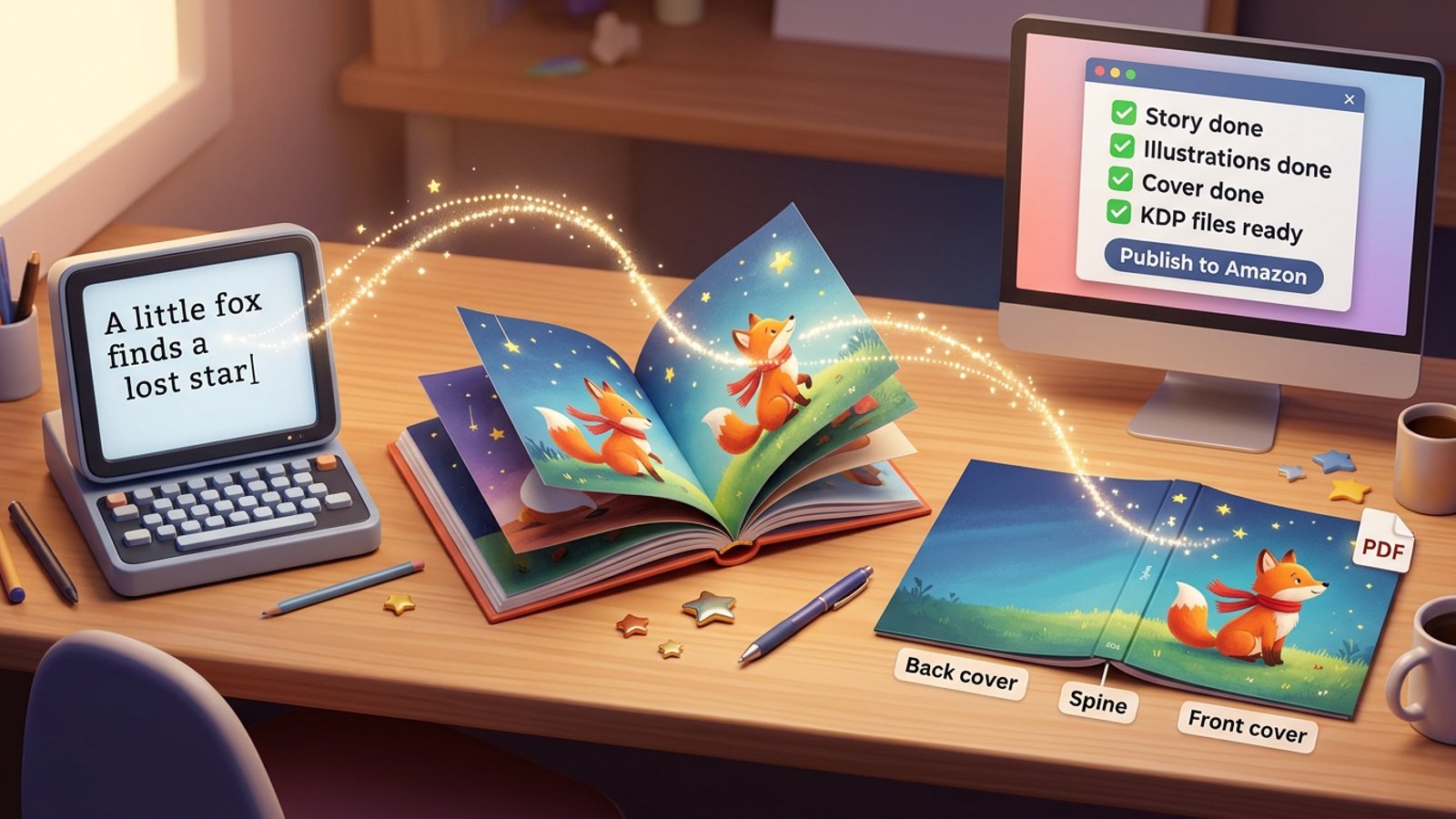
ZippyBooks is our pick of the tools we compared for one reason: it is built for the KDP job end to end. You type a one-sentence story idea, and the app writes the book, illustrates the interior and designs the cover. The interior PDF comes with the correct bleed and trim size, and the cover creator produces wrap designs. It also auto-fills the KDP form and categories for 1-click publish to Amazon.
It is honest about its shape: it generates books from a prompt, so it is not a tool for laying out your own uploaded holiday photos. It runs on Windows and Mac only, and you bring your own API key and pay your provider for each book.
Get ZippyBooks (Picture, Coloring, Spot the Difference & Recipe Books) if your goal is a sellable book rather than a printed gift.
Mixbook is excellent at the other job. Its Story Mode turns a messy camera roll into a designed draft, and the app is free to download — you pay only when you print, from $14.99, with Mixbook+ at $9.99/month (AppFollow listing, 2026). Mixbook itself is clear that the AI output is a draft: it doesn't know which photo matters emotionally, so you still pick favourites and write captions. If you mainly need a family keepsake, Mixbook is the more direct choice.
Shutterfly suits buyers who want a human to help. Mixbook's vendor-run comparison (2026) names Shutterfly as the stronger pick for a free human-designed book, built-in spellcheck or an Android app, and lists AI Autofill plus a free 24-hour design service. The same comparison puts it at 6 sizes and a maximum of 111 pages. Third-party 2026 bands put typical prices at roughly $10–$60 a book; a 20-page 8×8 hardcover was cited at $78.99 in August 2026, flagged as a snapshot rather than a checkout price. It is a gifting service, not a KDP tool.
Canva is the manual route. It exports PDFs with bleed and crop marks configured, which sounds ideal until you hit the defaults: Canva's PDF Print settings include crop marks and bleed by default, which breaks a no-bleed KDP upload unless you uncheck them (BookIllustrationAI, 2026). A Canva design also has to be rebuilt on a KDP-sized wrap canvas before export. If you mainly need design freedom and will handle the specs yourself, Canva is the more direct choice.
Midjourney plus a layout app gives the most art control, and the most work. A documented 2026 picture-book workflow found that generating several distant characters in one image failed, so the maker generated characters one at a time and composited them — and only 2 of 4 redrawn spreads were usable. A parallel guide describes the same drift problem and recommends seed locking, a locked art style and a separate layout tool. If you mainly need a signature art style and enjoy the craft, this route suits you better.
ZippyBooks is made by the team behind this blog.
How do you make a KDP-ready image-led book, step by step?
Start with the format, not the pictures. Most rejections come from file setup, not from bad art. PDF Press (2026) attributes about 40% of print-on-demand rejections to incorrect page dimensions and about 20% to missing or insufficient bleed.
- Pick a trim size. Preferred trims for photo and picture books include 8×10, 8.5×8.5, 8.25×8.25 and 8.5×11 (smartkdp, 2026). At 300 DPI, 8×10 means 2400×3000 px and 8.5×8.5 means 2550×2550 px (IngramSpark reference).
- Plan the bleed. Bleed is 0.125 in on the top, bottom and outside edges; the gutter never gets bleed (PDF Press, 2026).
- Keep characters consistent. If you generate images yourself, lock a seed and a fixed character description plus style suffix — the approach documented in Hugging Face's DoodleBook notes (2026).
- Build single pages, not spreads. Export at 300 DPI with no crop marks.
- Build one wrap cover PDF. KDP requires back, spine and front combined in a single PDF, and spine text is only allowed at 79+ pages.
- Check page count. KDP Community (2025) lists minimums of 24 pages for premium colour and black-and-white paperbacks, 72 for standard colour and 75 for hardcover.
- Run the previewer before you hit publish.
That is the honest manual path. It works. It is also where most of the time goes.
ZippyBooks compresses steps 3 to 5. The app generates the interior from a prompt, applies the correct bleed and trim, designs the cover, and runs a full book review for typos, grammar, gaps and consistency before you download. You can edit or regenerate any illustration with a sentence or one click.
Can you use your own photos in an AI photo book maker?
For a KDP book, not with the tools in this comparison. The photo-print services accept your photos but output consumer books; the prompt-based tools generate images but don't lay out your uploads.
That gap matters if your idea is, say, a family recipe book built from your own kitchen photos. Our recommendation: use a print service for the keepsake version, and a prompt-based tool for the sellable version where the images are generated.
What does an AI photo book maker cost in 2026?
The sticker price is rarely the whole cost. A practitioner's four-year log across roughly $47,000 of custom print orders argues sticker price is usually 55–65% of the true cost once design fees, proofing, shipping, rush charges and reprints are added (Moleskine OEM blog, 2026).
ZippyBooks is $999 as of November 2026 — a limited-time price, and prices can change — plus your API costs, paid directly to your provider. The owner's guidance is that one API key can realistically produce 100 or more books a month, which is the number to run against your own plan.
The print services work differently: Mixbook is free to download and you pay per printed book from $14.99, while Shutterfly sits in a roughly $10–$60 band with frequent sales. Those are costs per copy, not per title — fine for gifts, awkward for a catalogue.
Which AI photo book maker is best for a book series?
The one that removes repeat work. Series publishing lives or dies on consistency — the same character, the same trim, the same cover style, book after book.
This is where prompt-to-book tools pull ahead of both print services and manual generation. A print service has no concept of a series. A manual Midjourney workflow can hold a character with seed locking, but you rebuild the layout every time. ZippyBooks keeps the pipeline identical per title, which is what lets a publisher put out many books fast and build an author brand.
If you are weighing the wider category, our guide to the best AI picture book generator for self-publishing covers the story-writing side, and the print-ready files comparison digs into output specs.
Ready to turn a story idea into a finished book? Get ZippyBooks (Picture, Coloring, Spot the Difference & Recipe Books) and download the KDP-ready files.
Sources
- Mixbook — "How to make a photo book with AI" (2026-11-17)
- Mixbook — "Mixbook vs. Shutterfly" (2026-09-28)
- Mixbook app listing (AppFollow, 2026-10-20)
- MYPOSTER AI Photobook review (Shotkit, 2026-10-31)
- Mixtiles app listing (Apple App Store, 2026-10-10)
- Minted vs Zola vs DIY Photo Books (Moleskine OEM blog, 2026-11-19)
- iPhone Photo Printing 2026 (iPhone/iPad Fix, 2026-05-01)
- Best Photo Book Services for Smartphone Photos (Rotten WiFi, 2026-10-06)
- Midjourney picture-book workflow log (note.com, 2026-10-16)
- 用Midjourney做绘本 (Epwk, 2026-05-18)
- AI画册排版节奏失控 (2ds.cn, 2026-11-20)
- Canva export settings docs (no date)
- KDP bleed settings: 6 mistakes (BookIllustrationAI, 2026-05-16)
- Fix KDP Cover Alignment (BookCoversLab, 2026-05-21)
- KDP Community — Bleed and Canva (2025-06-26)
- KDP Community — Minimum number of pages (2025-01-08)
- KDP — Save Your Manuscript File
- KDP — Create a Paperback Cover
- Print-on-demand file setup (PDF Press, 2026-03-14)
- KDP trim sizes (smartkdp, 2026-08-03)
- IngramSpark interior size quick reference
- Hugging Face DoodleBook notes (2026-06-14)
Frequently asked questions
Keep reading

What's the easiest AI children's book generator and illustrator?
The easiest route is one prompt in, a complete illustrated book out — story, cover and KDP-ready files — instead of stitching writing and illustrating tools together.

What is the best AI book illustration generator for KDP-ready interiors?
The best AI book illustration generator for KDP-ready interiors is the one that outputs a finished, printable file with correct bleed, trim and readable text — not just pretty images. Here's how the
Best AI children's book creator alternatives to StoryForge in 2026
The best AI children's book creator alternative to StoryForge is ZippyBooks: one prompt produces the story, illustrations, cover and print-ready KDP files. StoryForge suits text drafting better.