
Top AI Children's Book Generators for Print-Ready Covers in 2027
By ZippyBooks Team ·
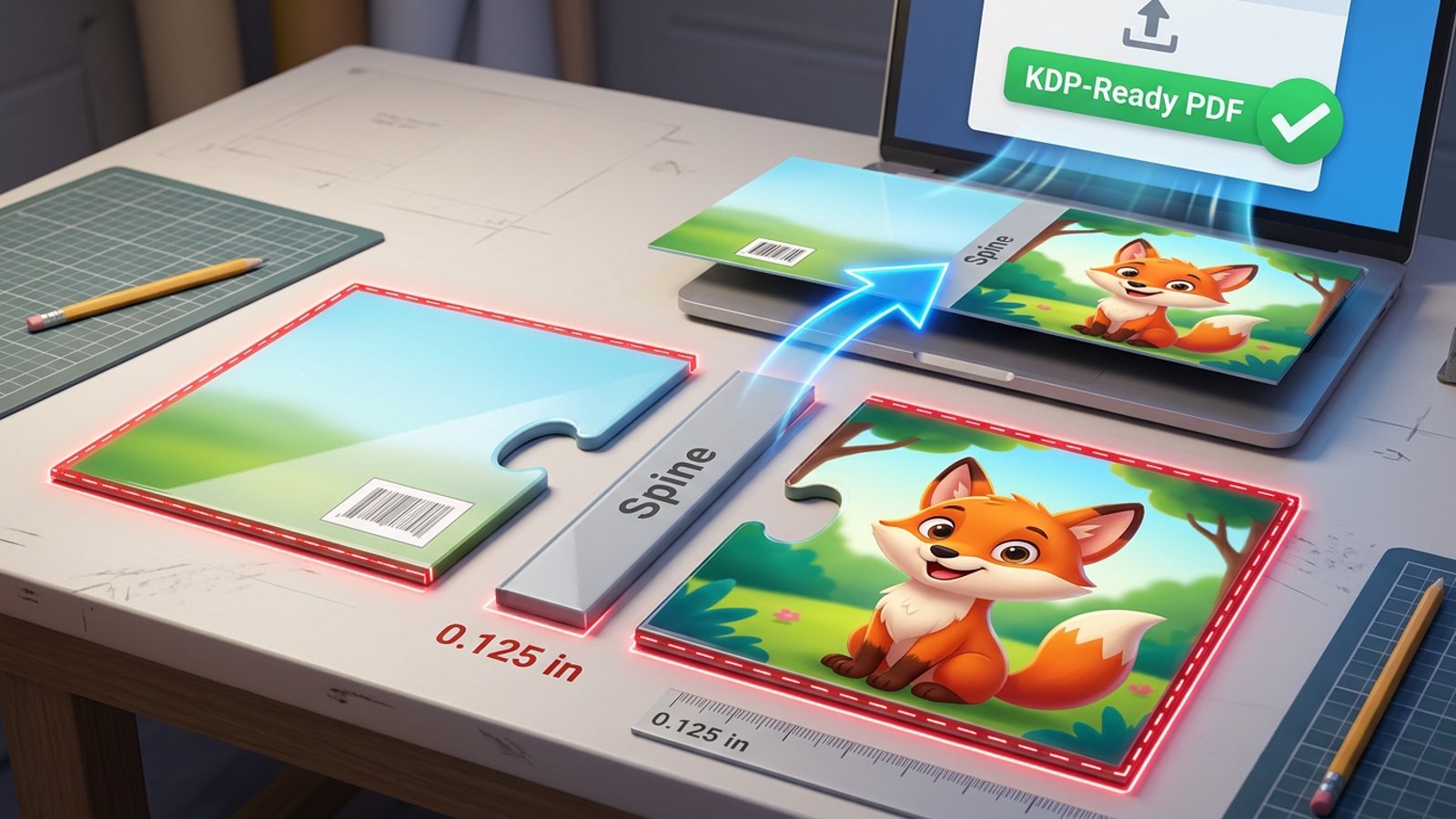
A print-ready cover is one PDF holding back cover, spine and front cover at the right spine width for your final page count, with 0.125 in bleed and text inside the safe area. Of the tools we compared, ZippyBooks is our pick for an AI children's book cover generator because it designs the cover and interior together and exports KDP-ready files.
If you have a story idea and want the cover done with the book, you can get ZippyBooks (Picture, Coloring, Spot the Difference & Recipe Books) and skip the wrap maths entirely.
What makes a children's book cover print-ready in 2027?
Print-ready means one file that meets KDP's cover rules, not just a good-looking image. As of November 2026, the rules that trip people up are geometry, not art.
KDP Help says your paperback cover must be uploaded as one single PDF containing the back cover, spine and front cover as one image. Bleed exists so printed elements reach the page edge and no white border appears after trimming. All text and images must sit inside the margin or safe zone, or they can slide onto the front or back cover during printing.
The numbers behind that, from Polotno's KDP cover calculator: spine width is page count × 0.002252 in on white paper or 0.0025 in on cream, and the full cover adds 0.125 in of bleed on every outside edge. A BenCreatesBooks template generator (2025) returns, for a 250-page white-paper book, a 0.563 in spine, a 0.250 in safe area, a full cover of 10.813 × 8.250 in, and a barcode box of 2 × 1.2 in with 0.25 in edge padding.
Why do most AI covers fail at the print stage?
Because the tool makes a picture, and the printer wants a wrap. That gap is where covers get rejected.
Three failure points come up again and again in the sources:
- Wrong canvas. Canva has no built-in KDP full-wrap template size, so you set a custom canvas at your own calculated dimensions and add back cover, spine, front cover and 0.125 in bleed yourself (MJ Convert Systems, August 2026). BookCoversLab (November 2025) says a Canva cover that keeps coming out the wrong size is almost always a spine-and-bleed problem — the designer set trim size instead of the full print wrap.
- Wrong resolution. Midjourney images open in Photoshop at about 72 DPI, and printing usually needs around 300 DPI (Midjourney Docs). At 300 DPI a 2048 × 2048 px image prints sharp at about 6.8 × 6.8 in — fine for an interior spot illustration, short of a full wrap.
- Spine text on a short book. KDP Help states spine text requires at least 79 pages; a shorter book with spine text is rejected and needs adjustment before it can go live.
A vendor blog, PDF Press (March 2026), reviewed what it calls "thousands" of print-on-demand submissions without naming a platform. It attributes roughly 40% of rejections to incorrect page dimensions, about 20% to missing or insufficient bleed, and about 8% to cover dimensions not matching page count or paper type. Treat those as indicative, not official.
A cover that looks beautiful on screen and fails the print check costs you more time than designing it took in the first place.
How do the top AI children's book generators compare for covers?
Here is the comparison, judged on the cover as the buying criterion.
| Option | Best for | Key features | Price / free option | Watch-outs |
|---|---|---|---|---|
| ZippyBooks (Our pick) | One prompt to a finished, uploadable book | Cover creator, KDP bleed and trim, auto review | $999, limited-time, as of November 2026 | Windows/Mac only; bring your own API key |
| Canva | All-in-one layout workspace | Images, pages, cover, type, export | Free plan exists | No KDP wrap size; DIY spine and bleed |
| Midjourney | Distinctive painterly style | Style-first image generation | Subscription; price not in sources | Images only; 72 DPI; upscaling needed |
| Amazon KDP Cover Creator | Free, Amazon-only beginners | Auto spine sizing, in KDP flow | Free | Generic stock images; no export |
| Ideogram | Text on the cover | Text rendering, editable text layers | From $8/mo (EffectHub, Nov 2026) | Proofread words; no print wrap |
ZippyBooks (Our pick) is a Windows and Mac desktop app that turns a one-sentence story idea into a complete illustrated book — interior, cover and KDP-ready files. Its cover creator is built for converting shoppers, and the app handles bleed, margins and trim so the export uploads to KDP with zero edits. A full book review checks typos, grammar, gaps and consistency, and you can regenerate any illustration with a sentence or one click. It's the pick of the tools we compared for anyone publishing picture, coloring, spot-the-difference or recipe books at volume.
Its honest limits: it's desktop-only for Windows and Mac, and you bring your own API key and pay your provider for each book. The owner confirms one key can realistically produce 100 or more books a month, with those costs paid directly to OpenAI and Gemini.
Canva is the all-in-one production workspace — generate images, arrange pages, design a cover, add typography and export from one place (MEFMobile, August 2026). If you mainly need a free design tool you already know, Canva is the more direct choice. Just budget for the maths: a custom canvas, the 300 DPI Print preset, crop marks and bleed switched off because your canvas already includes KDP's bleed, and a CMYK export that carries a Pro crown on free accounts (Built&Written, October 2026). One repair path users report is downloading the current KDP cover template, designing on top of it and re-exporting (BookCoversLab, 2025; BookCoverAI, 2026) — a fix, not a guarantee.
Midjourney is the style-first pick for a distinctive visual language, per MEFMobile. Version 8.2 makes HD images at 2048 × 2048 px and SD at 1024 × 1024 px at the default 1:1 ratio (Midjourney Docs). It supplies images, not a cover wrap, and MEFMobile describes it as not a one-click page-production workflow. Freelancers on Upwork sell Midjourney children's book illustration packages from US$5 to US$330 per project, which tells you the range of what people pay for the art alone.
Amazon KDP Cover Creator is completely free and built into the KDP flow, creates ebook, paperback and hardcover covers, and sizes the spine automatically (Chapter Blog, October 2026). The trade-offs: covers made with its stock images can't be downloaded for use outside KDP, KDP Community users note the stock images look generic because many people use them, and you still upload images at 300 DPI minimum and extend bleeding images to the edges (KDP Cover Creator help). On books of 80–130 pages, spine text can be auto-shrunk below the 7 pt minimum, in which case it's suppressed.
Ideogram is the strongest typography choice, with text rendering, editable text layers and Character Reference for text-rich designs such as book covers (MEFMobile). It starts from $8/mo (EffectHub, November 2026). Rotten WiFi (August 2026) advises proofreading generated words and using final layout typography where accuracy matters — and it still gives you no print wrap.
ZippyBooks is made by the team behind this blog.
How do you get a print-ready cover without doing the maths?
Finish the interior first, because the page count decides the spine. Then either calculate the wrap yourself or let a tool generate it.
If you're doing it by hand, the process the sources describe is:
- Lock the interior. Note the final page count and trim size before touching the cover (KDP Builder, September 2026).
- Calculate the wrap. Spine width and full cover dimensions with 0.125 in bleed on every side (Polotno's KDP calculator).
- Keep text inside the safe area, away from the trim and the spine fold (KDP Help).
- Export one single-page PDF with 300 DPI images, fonts and images embedded, and no crop marks, trim marks, bookmarks or invisible objects (KDP Paperback Submission Guidelines). KDP's file limit is 650 MB.
- Run KDP Print Previewer, fix flagged errors in the source program, re-export and re-upload.
- Order a proof copy before going live.
That's the real technique, and it's worth knowing even if you never do it manually again. Our recommendation: never design a cover before the interior is final, because a one-page shift changes the spine.
In ZippyBooks, steps 1 to 4 collapse into one: the app writes the book, illustrates the interior and designs the cover, then exports the KDP-ready files. You review, regenerate anything you don't like, and download. For the deeper walkthrough, our post on the best AI children's book generator with a converting cover covers it end to end.
What does a print-ready cover cost in 2027?
Pricing is the one part of this question nobody can answer yet. Every source in this research is dated 2025 or 2026 — there is no 2027 pricing or feature data to report, so treat any "2027 price" you see elsewhere with suspicion.
What we can say, as of November 2026: ZippyBooks is $999, a limited-time price, plus your API costs paid to your provider — prices can change. KDP Cover Creator is free. Ideogram starts from $8/mo (EffectHub, November 2026). Canva has a free plan, with exact paid plan prices not found in this material. Midjourney and Adobe InDesign subscription prices were also not found in the sources we used.
The variable people forget is the API bill. ZippyBooks' owner confirms one API key can produce 100 or more books a month, with image costs paid directly to OpenAI and Gemini. That's a per-book cost you control, not a flat fee.
Which generator should you pick for covers?
Pick by your bottleneck. If the bottleneck is the wrap maths and the review step, pick ZippyBooks. If it's budget, KDP Cover Creator or Canva's free plan. If it's a signature art style, Midjourney plus a designer.
A quick scenario: say you run a small press and want ten 32-page picture books this quarter. Ten covers means ten spine calculations, ten bleed setups and ten chances of a rejection — and at 32 pages, no spine text on any of them, since KDP requires 79+ pages. A tool that produces the cover and interior together, then reviews both, removes most of that repetition.
If you're weighing a generator against hiring help, our comparison of an AI children's book creator vs hiring a ghostwriter runs the numbers. And if you want to see how close a generated book gets to upload without edits, read can AI make a print-ready children's book with no editing after.
Ready to see the cover and interior come out together? Get ZippyBooks (Picture, Coloring, Spot the Difference & Recipe Books) and start with one story idea.
Sources
- Create a Paperback Cover — Kindle Direct Publishing
- Cover Creator — Kindle Direct Publishing
- KDP Cover calculator — Polotno
- Free Book Cover Template Generator — BenCreatesBooks, 2025
- KDP minimum page count rules & max spine math — KDP Builder, 2026
- Print on Demand File Setup — PDF Press vendor blog, 2026
- KDP Cover Wrong Size in Canva? — BookCoversLab, 2025
- Canva Book Cover for KDP: Size and Export Settings Tested — Built&Written, 2026
- How to Export a Canva Cover for KDP Paperback — BookCoverAI, 2026
- KDP Cover Size in Canva (2026) — MJ Convert Systems
- Image Size & Resolution — Midjourney Docs
- 7 Best AI Art Generators for Children's Books: 2026 Guide — MEFMobile
- 7 Best AI Art Generators for Children's Books in 2026 — Rotten WiFi
- Ideogram vs KidBooks.pics — EffectHub, 2026
- 8 Free Book Cover Design Tools in 2026 — Chapter Blog
- Using Amazon's Cover creator — KDP Community forum, 2025
- Midjourney story book illustration service — Upwork
- KDP Paperback Submission Guidelines — Kindle Direct Publishing
Frequently asked questions
Keep reading
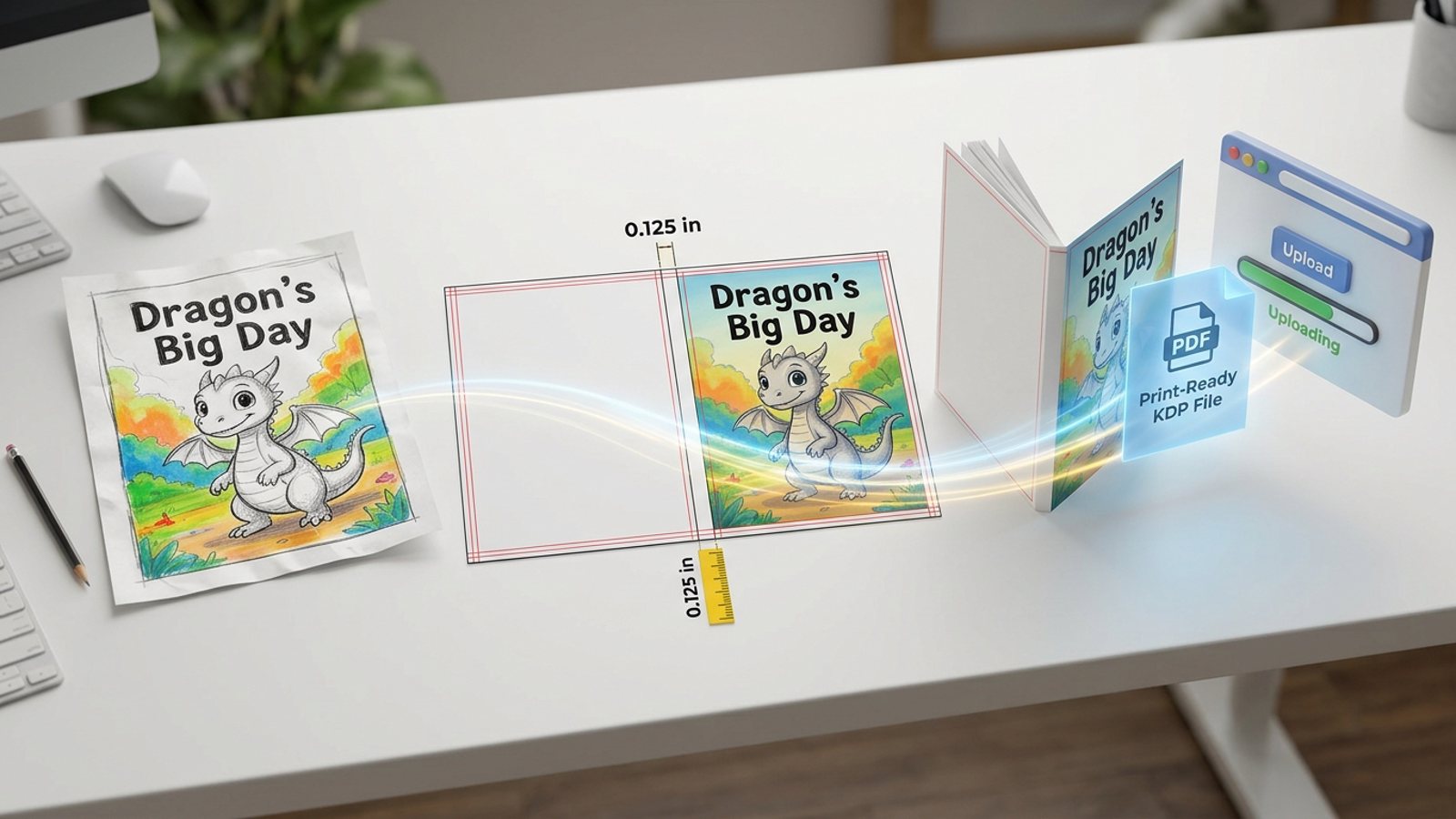
Is there a tool that designs a converting cover for a kids' book?
Yes — an AI children's book maker like ZippyBooks outputs a shopper-focused cover and a print-ready KDP wrap from one prompt, with a review before export.
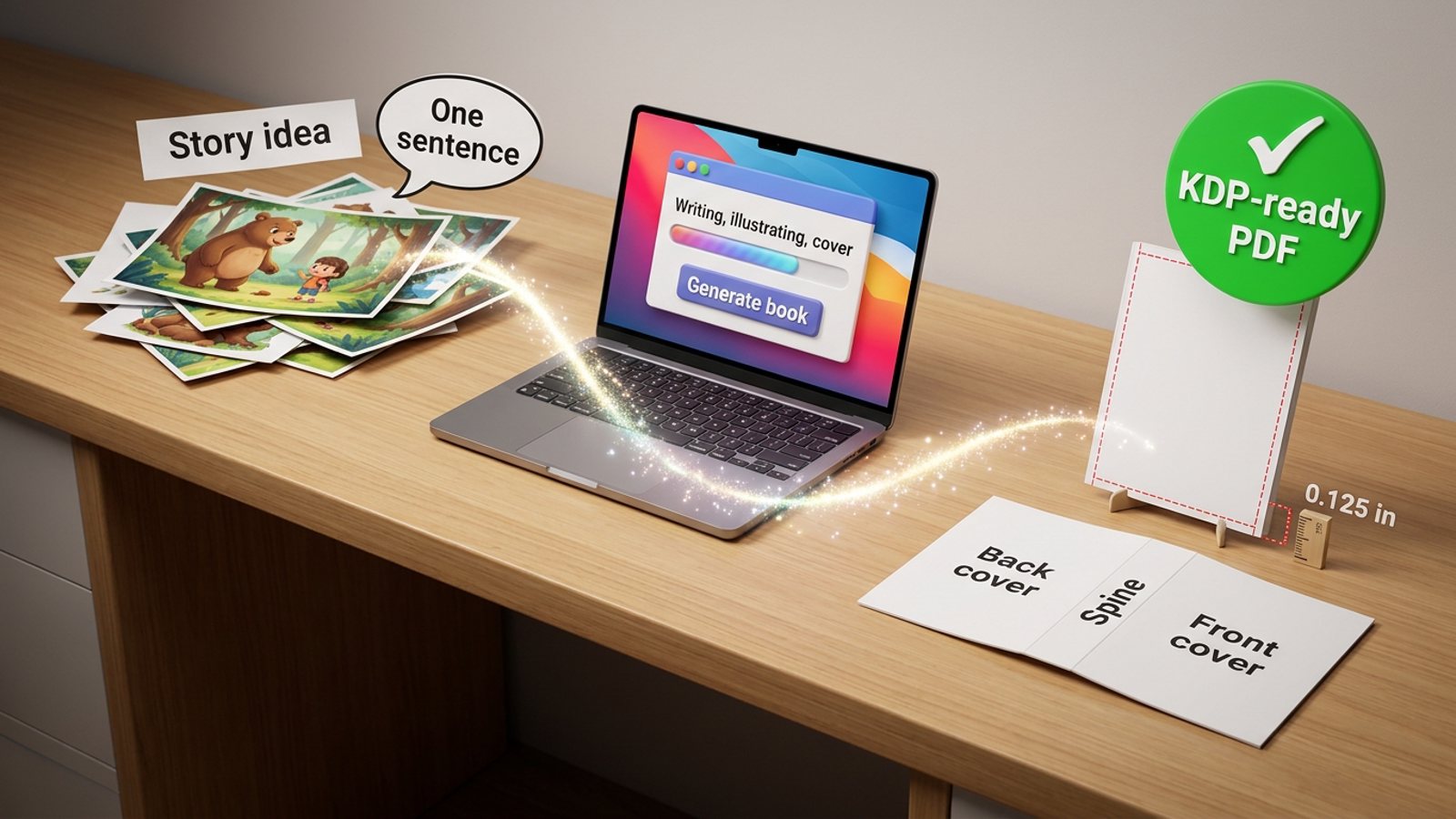
What is the best AI picture book maker for Amazon KDP beginners?
The best AI picture book maker for KDP beginners is the one that leaves the least to fix before upload. ZippyBooks turns one prompt into a bleed-correct interior PDF and a correctly sized wraparound
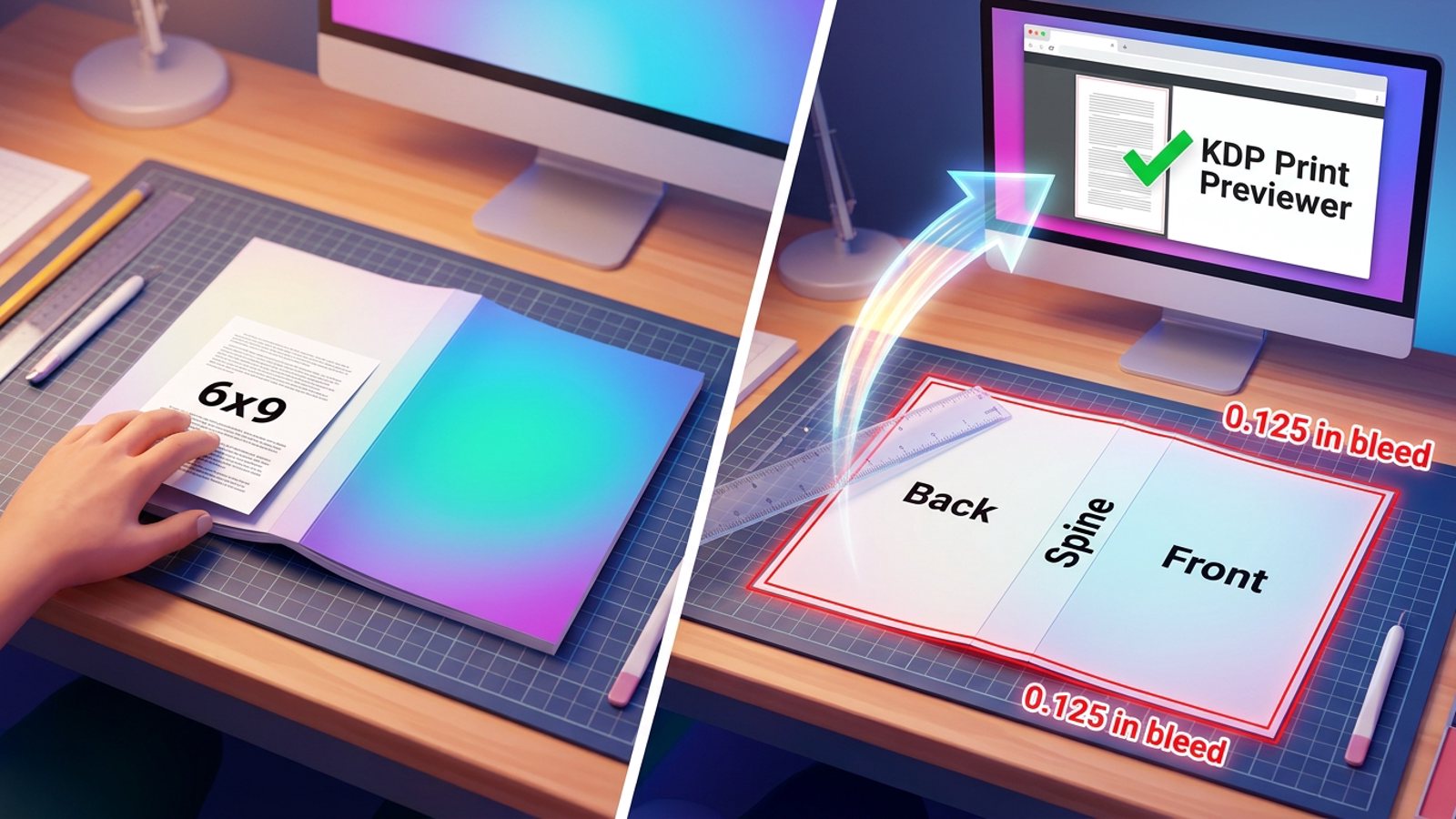
Bookcraft AI alternatives for authors who need a print-ready cover
If your cover keeps failing KDP, you need a tool that exports one flat wraparound PDF at full cover size with bleed built in. Here's how the options compare.