
What is the best AI picture book maker for Amazon KDP beginners?
By ZippyBooks Team ·
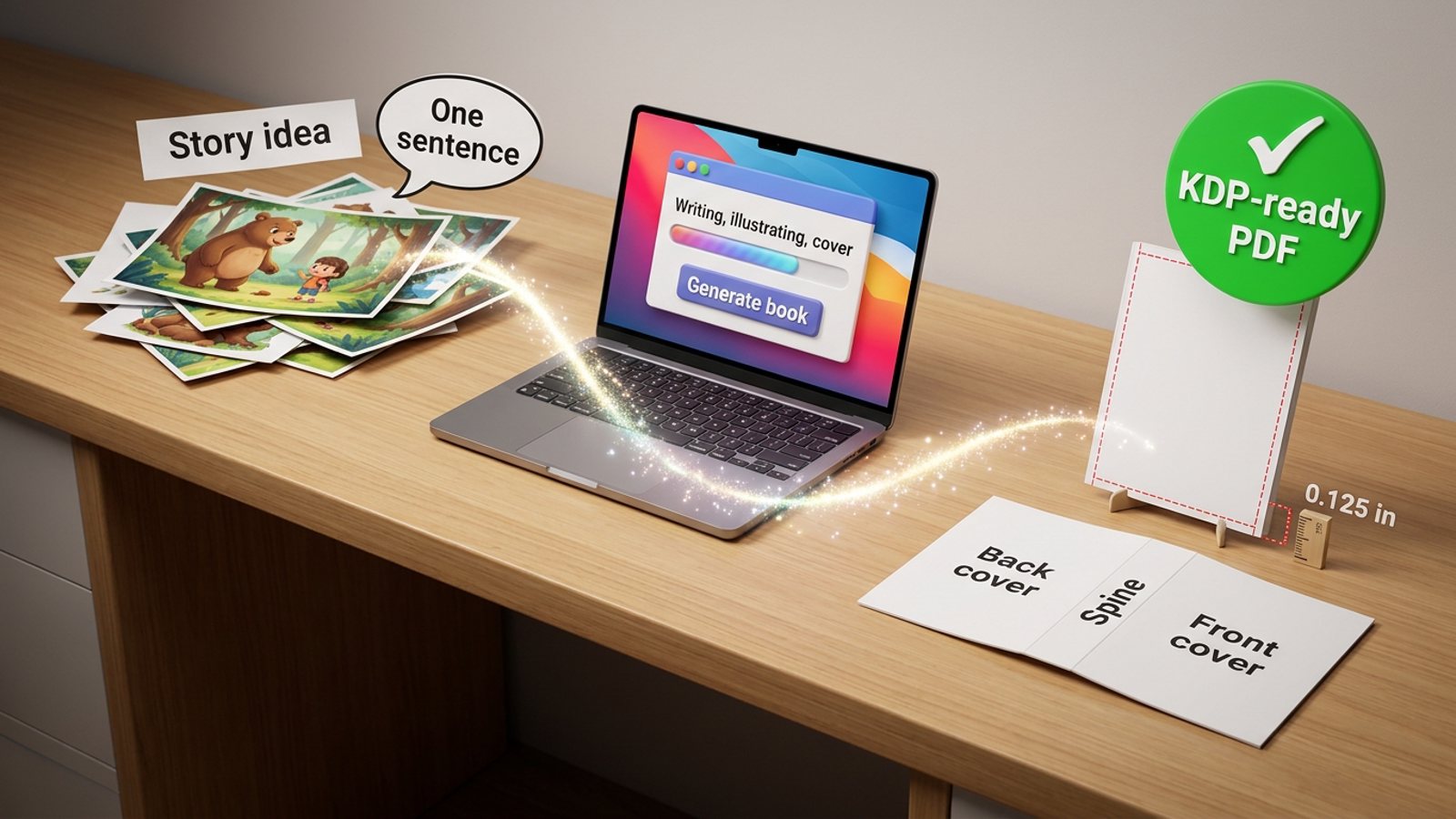
For a KDP beginner, the best AI picture book maker is the one that leaves you the least to fix before upload. ZippyBooks turns one prompt into a finished book — story, illustrations and cover — and exports a bleed-correct interior PDF and a correctly sized wraparound cover, so trim size, margins and cover dimensions are already handled when you open the KDP form.
If you have a story idea and want an uploadable ai picture book maker file rather than a folder of pictures, start with the tool that ships the print specs built in: Get ZippyBooks (Picture, Coloring, Spot the Difference & Recipe Books).
What does an Amazon KDP beginner actually need from an AI picture book maker?
A file that uploads without a formatting rescue mission. That means four things done right before you open the KDP form: the interior PDF is built at a supported trim size with bleed, the images are high enough resolution, the cover is a single wraparound PDF sized to your page count, and the interior is one page per PDF page with no spreads or crop marks.
KDP's own trim size and margins guidance says a manuscript without proper sizing may be rejected on upload or show print quality issues (KDP, no date). A 2026 file-setup guide from PDF Press puts numbers on it: incorrect page dimensions account for about 40% of print-on-demand rejections, and missing or insufficient bleed about 20% (PDF Press, 2026-03-14).
So the real question isn't "which tool draws the nicest bear?" It's "which tool hands me a file I don't have to rebuild?"
How much of the KDP formatting does each type of tool leave to you?
Almost all of it, unless the tool was built for print. Here's the pattern the research shows.
Image generators — Midjourney, ChatGPT with DALL·E — output pictures. Scalopa's 2026 guide on publishing children's books with AI notes that Midjourney produces images, not a book: you still handle text, layout, bleed, trim and cover, and character consistency is the biggest hurdle (Scalopa, 2026-02-04). BookCoversLab (2026-03-29) describes the same gap: AI picture-book pages are commonly generated in these tools and then need a separate formatter to reach a print-ready PDF.
Design tools — Canva is the friendly one, and a user who moved off Adobe Illustrator recommends it for KDP paperback design (Medium, 2024-12-15). But a Canva JPG exported straight to KDP is not a full-wrap cover; the design has to sit in a KDP-sized front-spine-back canvas with bleed, safe zones, barcode space and correct spine width before export (BookCoversLab, 2026-05-21). A cover-size test found Canva's suggested PNG came out at about 158 DPI at a 6x9, 180-page size (Built&Written, 2026-10-10).
KDP's own tool — Kindle Kids' Book Creator is free and from Amazon, listed in KDP's Tools and Resources index (KDP, no date). It assembles illustrated books; it does not generate your artwork or story, so the AI art step still happens somewhere else first.
Purpose-built picture-book makers — these start from the finished file and work backwards. That's the category that saves a beginner the most evenings.
The KDP specs your picture book files must meet
Here are the numbers, all from KDP's own guidance and the sources in the research. Check your file against each one before upload.
| Spec | What KDP asks for | Source |
|---|---|---|
| Bleed | 0.125" (3.2 mm) top, bottom, outside | KDP, no date |
| Gutter edge | No bleed | hmdpublishing, 2026-09-29 |
| Image resolution | 300 DPI minimum | KDP, no date |
| Cover file | One PDF: back + spine + front | KDP, no date |
| Spine text | Only at 79+ pages | KDP, no date |
| Interior PDF | Single pages, no spreads or crop marks | PDF Press, 2026-03-14 |
| Borders | Avoid; if used, 0.25" inside trim | KDP guidelines PDF, no date |
A few details worth knowing. The gutter edge never gets bleed (hmdpublishing, 2026-09-29). If your book has elements that bleed to the page edge, you must upload the manuscript as a PDF; without bleed, KDP accepts PDF, DOC, DOCX, RTF, HTML or TXT and converts them (KDP, no date). And KDP lists common failure points including unflattened transparency, locked or encrypted files, crop marks, bookmarks and annotations (KDP, no date).
Source: PDF Press
How to set up a KDP-ready picture book file, step by step
Even if a tool does this for you, knowing the steps tells you what to check.
- Pick a trim size from KDP's supported list before generating anything (KDP, no date).
- Build the interior at trim size plus bleed — 0.125" on top, bottom and outside edges only (hmdpublishing, 2026-09-29).
- Keep text and key art inside the safe margins, away from the gutter, and skip borders or place them 0.25" inside the trim line (KDP guidelines PDF, no date).
- Export a single-page PDF with no spreads and no crop marks, images at 300 DPI (PDF Press, 2026-03-14; KDP, no date).
- Build the cover as one PDF — back, spine and front — with spine width set from your page count (KDP, no date).
- Run both files through KDP's Print Previewer and official calculators before submitting (KDP, no date).
That's six steps where a beginner can slip. A purpose-built maker does 1 to 5 for you and leaves you step 6.
What is the best AI picture book maker for Amazon KDP beginners?
Of the tools we compared, ZippyBooks is our pick for a first-time KDP publisher, because it starts from the finished file. You type a one-sentence story idea; the app writes the book, illustrates the interior and designs the cover, then gives you a KDP-ready interior PDF with correct bleed and trim size and a cover built for the shelf. It also auto-fills the KDP form and categories, with 1-click publish to Amazon.
For a beginner that changes the job. Instead of learning bleed, spine math and PDF export, you review pages and adjust what you don't like — any illustration can be regenerated with a sentence or one click, and the app runs a full book review for typos, grammar, gaps and consistency.
Pricing, as of November 2026: $999 as a limited-time deal, plus your own API costs paid to your provider. Prices can change.
How do the options compare for a KDP beginner?
Our pick goes first, and the honest answer is that each tool suits a different kind of beginner.
| Option | Best for | Key features | Price | Watch-outs |
|---|---|---|---|---|
| ZippyBooks (Our pick) | Beginners who want an uploadable book | One prompt to full book; bleed-correct interior; wraparound cover; KDP form auto-fill | $999 limited-time + API costs | Windows and Mac desktop only; you bring your own API key |
| Canva | Designers who want drag-and-drop control | Templates; PDF Print export; 300 DPI option | Free tier implied; paid plans not confirmed | JPG isn't a wrap cover; bleed and spine still yours |
| Midjourney | Authors who want to art-direct every page | Strong art generation; character-sheet prompts | Subscription; tiers not confirmed | Images only; layout, bleed, trim and cover left to you |
| ChatGPT with DALL·E | Writing and images in one chat | Story concept plus illustration in one place | Subscription; tiers not confirmed | No KDP-formatted interior or wrap cover |
| BookBildr | Beginners who want a service on top | Children's-book builder; free AI-image trial; file-prep packages | Pricing not confirmed; PDFs non-refundable | "Essentials" tier expects a finished PDF from you |
If you mainly need free and from Amazon, Kindle Kids' Book Creator is the more direct choice — just expect to bring your own art. If design control matters more than speed, Canva earns its reputation. And if you want someone else to review files rather than a tool to generate them, BookBildr's service packages are the closer fit.
For the "what do I still have to fix" question, the practical difference is this: with Canva, Midjourney or ChatGPT you own steps 1–5 above. With ZippyBooks you own step 6. If you want to see what that looks like end to end, download the book app for windows or mac and run one short book through it before you commit to a series.
The beginner's real bottleneck was never the pictures — it's the four print specs nobody warns you about until your first upload bounces.
Why do beginners get their KDP cover rejected when it looks fine?
Usually the wrap, bleed, spine or barcode clearance — not the design. KDP Community threads from 2025 and 2026 show the pattern: a cover resized "as asked" in Canva and exported as PDF, still rejected (KDP Community, 2026-04-05), and an 8.5 x 11 coloring book returning "insufficient bleed" after two proof orders (KDP Community, 2025-06-26).
The fix is upstream: build the document at the right size with bleed from the start. KDP's own file setup and cover calculators are the authoritative route, and third-party calculators restate KDP's formulas while saying final files must be confirmed with Amazon's official tools (FilePrepLab, updated 2026-10-14).
Can one AI tool really produce the whole book, cover included?
Yes — that's the category ZippyBooks sits in, and it's the reason it leads this list. One prompt produces a complete book: story, interior illustrations, cover and the print-ready files. The cover creator is built for shopper appeal, and the interior PDF comes with bleed and trim already applied.
The honest limit: no tool can promise KDP will accept your file. KDP reviews every upload. What a purpose-built maker removes is the formatting work — not the review step.
If you're weighing this against the traditional route, our comparison of an AI picture book maker vs hiring an illustrator covers the cost and timeline side, and can AI do all the KDP formatting for my children's book? digs into the file specs.
Ready to stop fixing files and start publishing? Get ZippyBooks (Picture, Coloring, Spot the Difference & Recipe Books) and turn your next story idea into a book you can upload the same day.
Sources
- Create a Paperback Cover — Kindle Direct Publishing, no date
- Set Trim Size, Bleed, and Margins — Kindle Direct Publishing, no date
- Save Your Manuscript File — Kindle Direct Publishing, no date
- Paperback Submission Guidelines — Kindle Direct Publishing, no date
- KDP Tools and Resources — Kindle Direct Publishing, no date
- KDP Print Publishing Guidelines PDF (Spanish) — Amazon, no date
- Print on Demand File Setup — PDF Press, 2026-03-14
- KDP Margins and Gutter — hmdpublishing, 2026-09-29
- Canva Book Cover for KDP — Built&Written, 2026-10-10
- How to Fix KDP Cover Alignment — BookCoversLab, 2026-05-21
- AI Coloring Pages to KDP PDF — BookCoversLab, 2026-03-29
- A Guide to Setting Up Canva for KDP Paperback Printing — Medium, 2024-12-15
- Paperback Cover Not Passing Guidelines — KDP Community, 2026-04-05
- Canva size settings for bleed — KDP Community, 2025-06-26
- Publishing children's books with AI — Scalopa, 2026-02-04
- Children's Book Self-Publishing Packages — BookBildr, 2026-08-18
- BookBildr FAQ — BookBildr, 2026-10-15
- FilePrepLab — KDP Size Companion — Chrome Web Store, updated 2026-10-14
Frequently asked questions
Keep reading
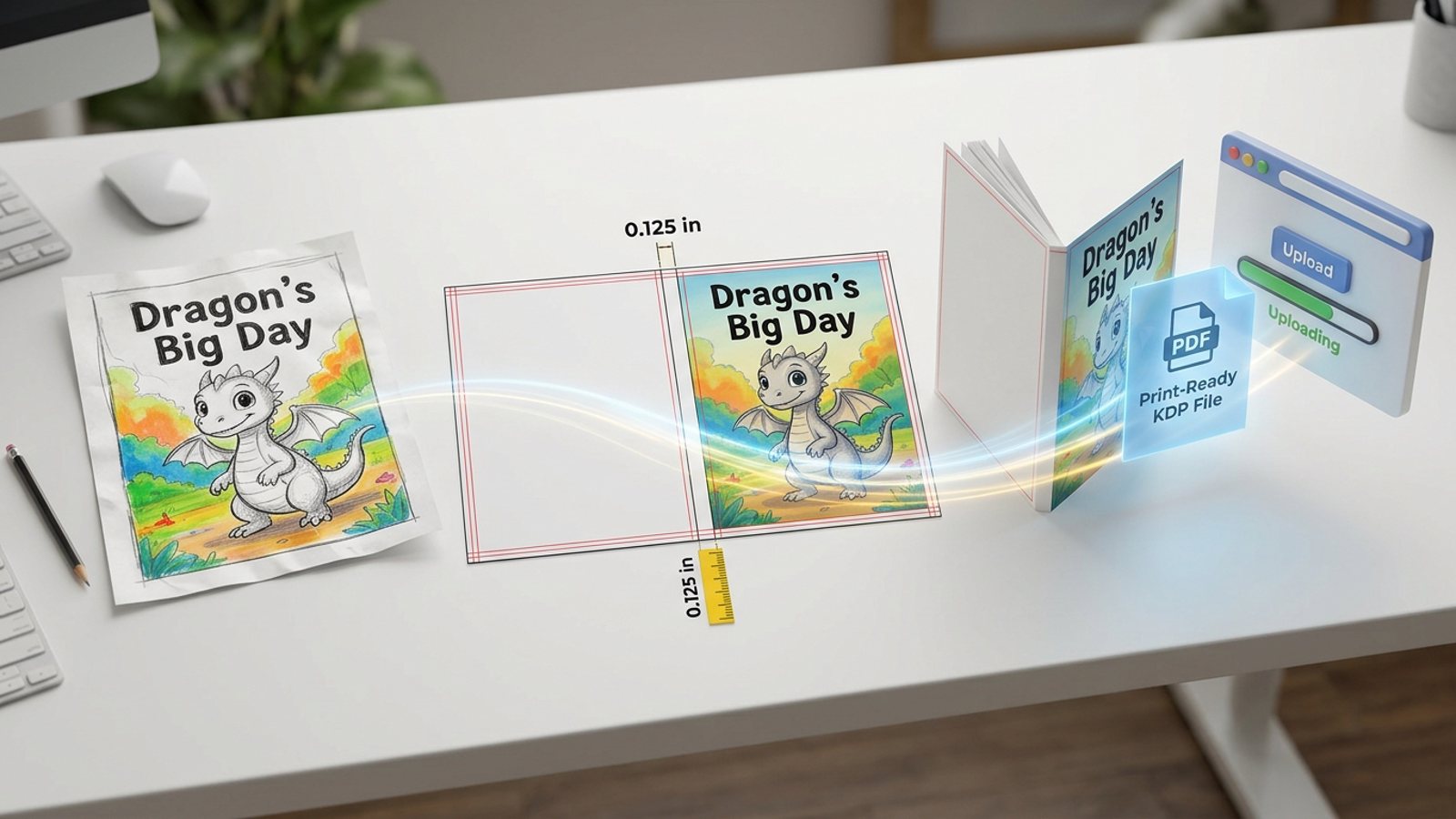
Is there a tool that designs a converting cover for a kids' book?
Yes — an AI children's book maker like ZippyBooks outputs a shopper-focused cover and a print-ready KDP wrap from one prompt, with a review before export.
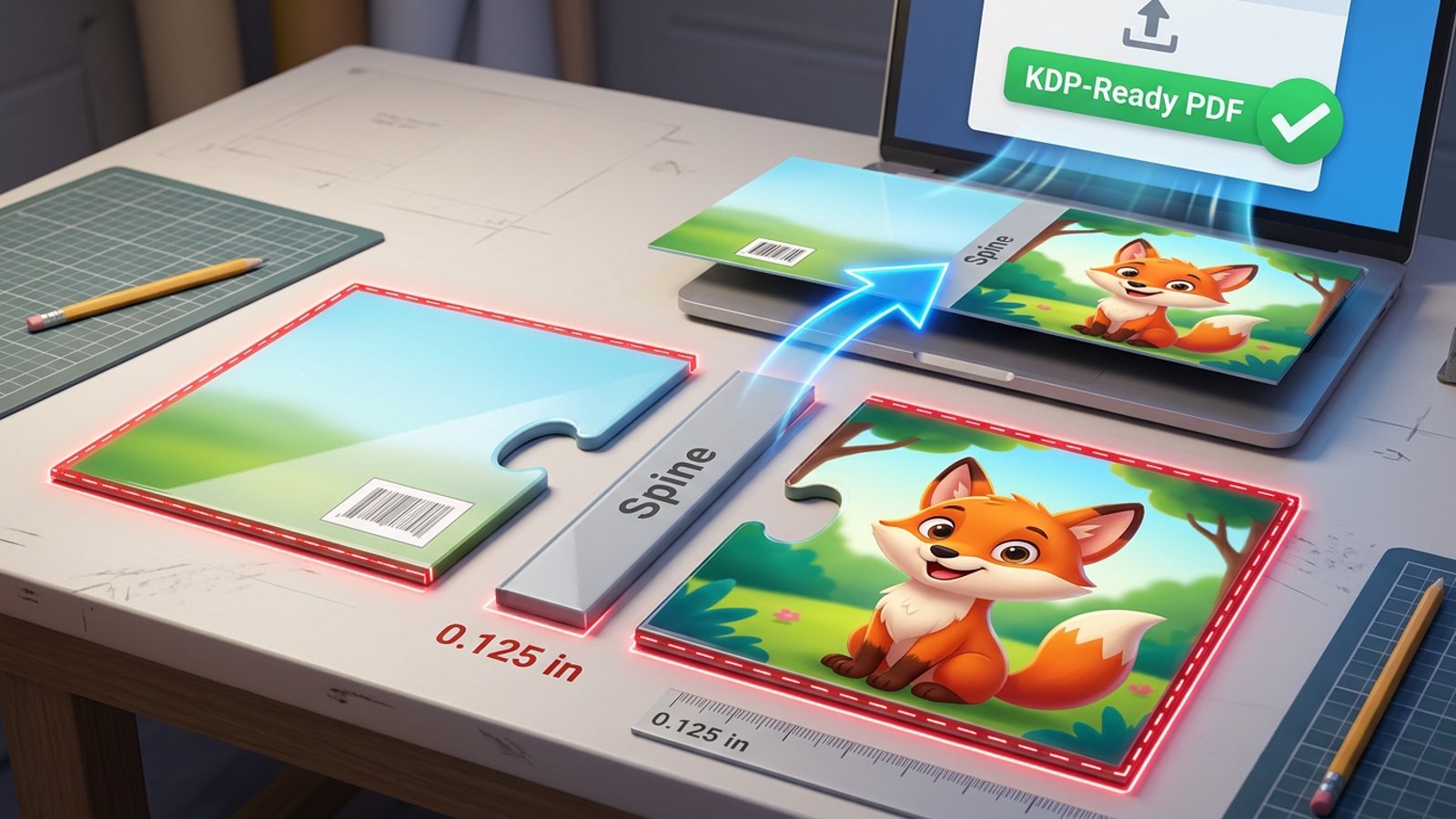
Top AI Children's Book Generators for Print-Ready Covers in 2027
A print-ready cover is one PDF with the right spine, bleed and safe area. We compare the AI tools that get the cover and interior KDP-ready in one step.
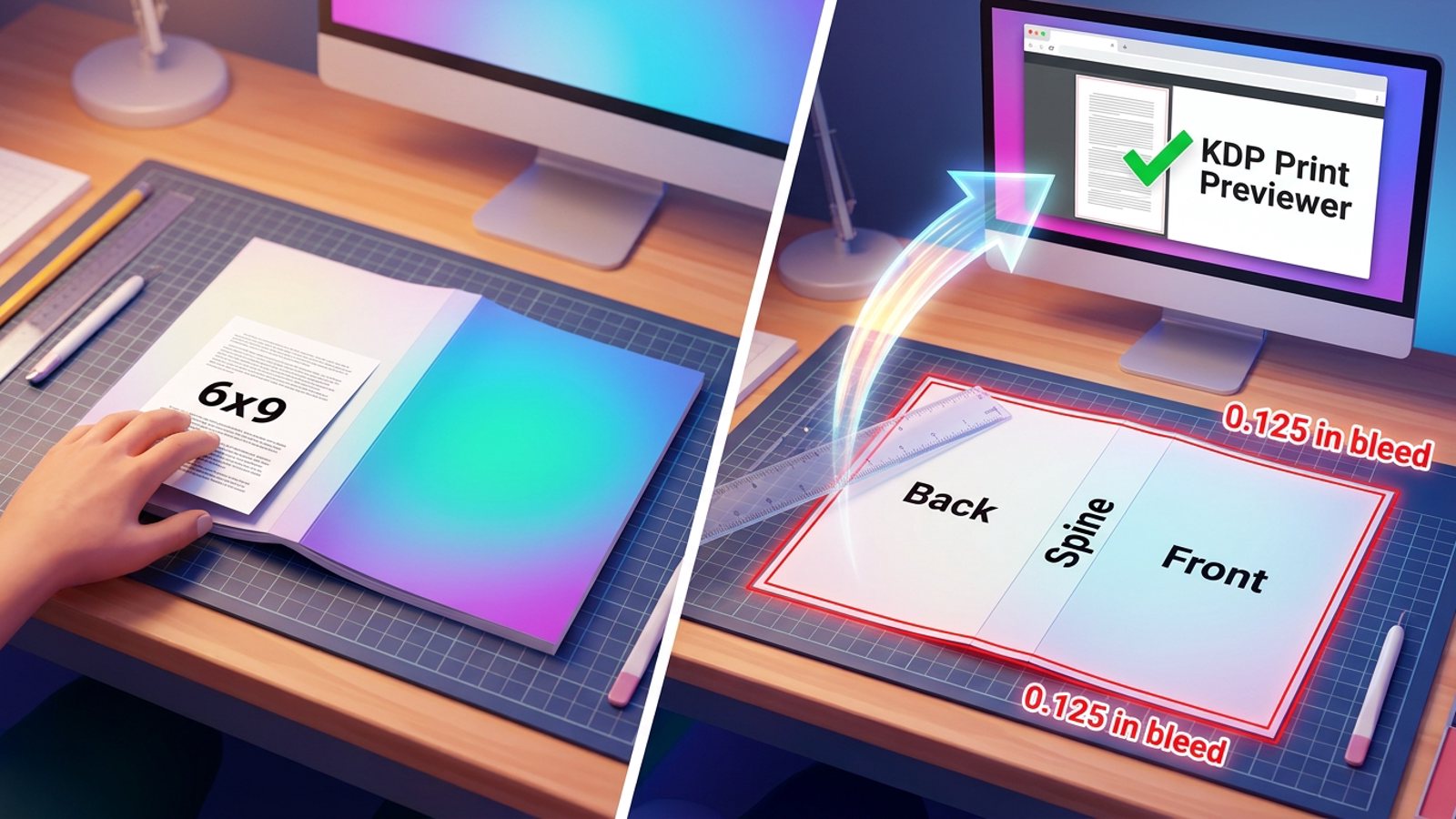
Bookcraft AI alternatives for authors who need a print-ready cover
If your cover keeps failing KDP, you need a tool that exports one flat wraparound PDF at full cover size with bleed built in. Here's how the options compare.