
Bookcraft AI alternatives for authors who need a print-ready cover
By ZippyBooks Team ·
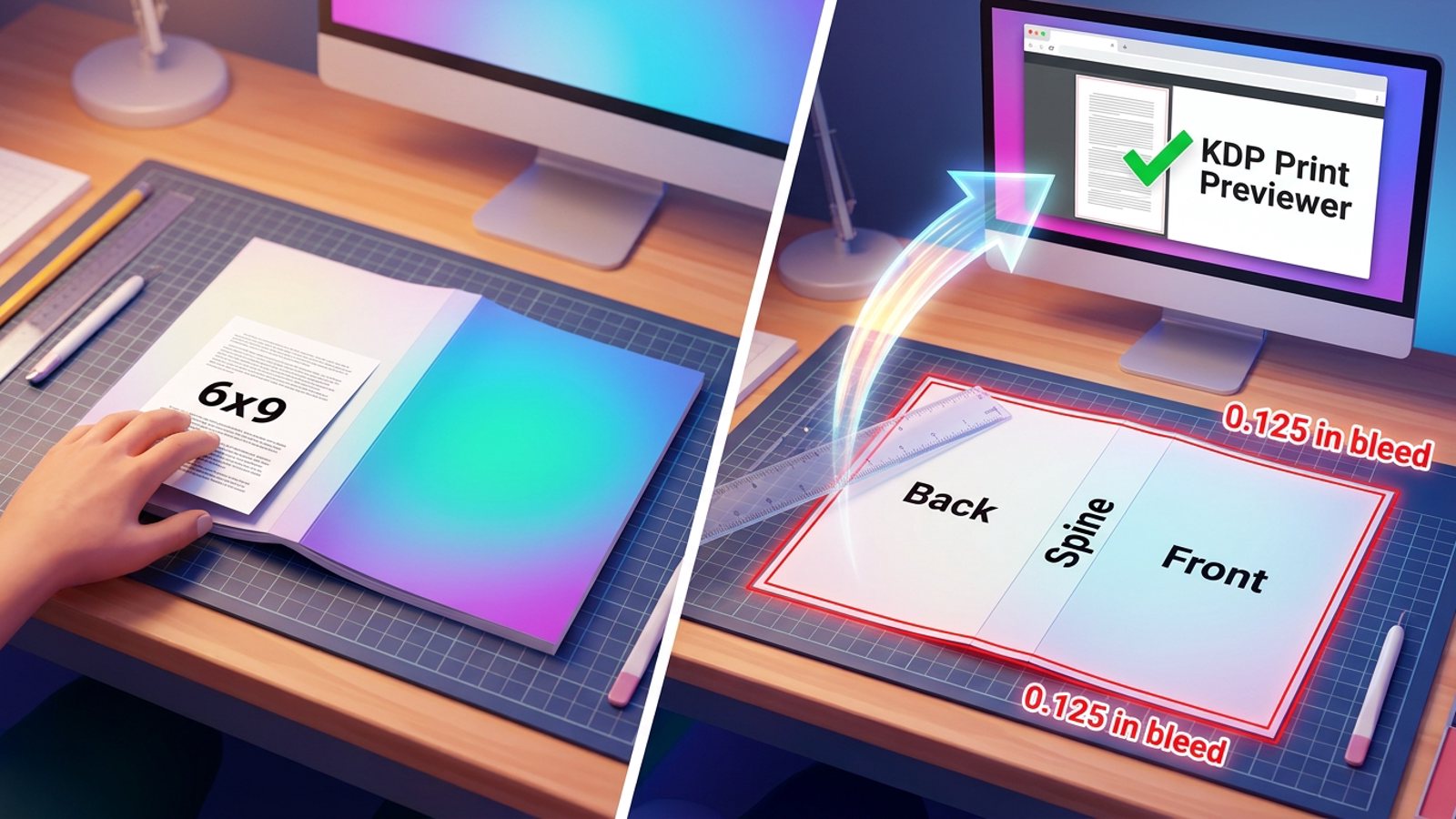
If your cover keeps failing KDP, you need a tool that exports one flat wraparound PDF at full cover size — back, spine and front — with 0.125 in bleed built in. Of the options we compared, ZippyBooks is our pick for a bookcraft ai cover alternative because it designs the cover and interior together and exports KDP-ready files.
Why does KDP reject a cover that looks fine on screen?
Because KDP checks the full print wrap, not the trim size you designed on. KDP's help pages say a paperback cover must be a single PDF containing back cover, spine and front cover as one image. If the file size doesn't match what KDP expects, the Print Previewer flags the discrepancy and blocks approval.
Two mistakes come up again and again. The first is bleed: anything meant to reach the page edge must extend 0.125 in (3.2 mm) past the trim line, and a cover with white space at the edges can fail for exactly that reason. The second is the starting canvas. One guide (BookCoversLab, 2025) argues KDP doesn't care about your 6×9 trim design at all — it checks the whole wrap, so a 6×9 canvas is the wrong size from the first click.
What size is a print-ready KDP cover, exactly?
Spine width equals page count × paper thickness, and the wrap is built around it. The formulas published by cover calculators are:
- Spine = pages × 0.002252 in (white or standard colour paper), 0.0025 in (cream), 0.002347 in (premium colour).
- Cover width = 0.125 + trim width + spine + trim width + 0.125.
- Cover height = 0.125 + trim height + 0.125.
A worked example from Keywords Everywhere's calculator: a 300-page 6×9 book on white paper gets a 0.676 in spine and a 12.926 × 9.25 in cover — 3,878 × 2,775 px at 300 DPI. That is the number you type into your design tool's custom size field, not 6×9.
How do you build a KDP cover step by step?
- Finish the interior first and note the exact page count — spine width depends on it.
- Run the full-cover size through a free KDP cover calculator: back + spine + front, plus 0.125 in bleed top, bottom and outside.
- Build or import the artwork at that exact page size; keep text, logos and the barcode area inside the safe zone.
- Extend edge-to-edge art 0.125 in past trim, and leave the spine blank under 79 pages.
- Export one flat PDF at 300 DPI, no crop marks, fonts embedded, transparency flattened, under 650MB.
- Check it in KDP's Print Previewer before you approve — that's where size mismatches surface.
KDP's own tools page lists a paperback file-setup calculator, a cover calculator and a template generator that produce margin, bleed and spine measurements. Our recommendation: run your numbers through KDP's calculator rather than a third-party one if you want the source of truth.
What does ZippyBooks do differently for the cover?
ZippyBooks designs the cover and the interior in one pass, so you never calculate a wrap. You type a one-sentence story idea into the desktop app; it writes the book, illustrates the interior and designs the cover, then you download KDP-ready files. The cover creator produces converting cover designs, and the interior PDF comes out with the correct bleed and trim size for KDP.
That removes the step where most rejections happen — the manual wrap. If you want to see the whole path from prompt to upload, this is where to get ZippyBooks for picture, coloring, spot the difference and recipe books.
You can still change things. Any illustration can be edited or regenerated with a sentence or one click, and a full book review checks typos, grammar, gaps and consistency before you export.
How do the Bookcraft AI alternatives compare?
Every option below is judged on one job: getting a print-ready cover file out the other end. Prices for other tools are as of November 2026 and can change.
| Option | Best for | Key features | Price / free option | Watch-outs |
|---|---|---|---|---|
| ZippyBooks (Our pick) | Cover and interior from one prompt | Cover creator, KDP bleed and trim, 1-click publish | $999 lifetime deal, limited time, plus your API costs | Windows and Mac desktop only |
| Bookcraft AI | Personal stories, memoirs, photo books | Automatic cover design, 25+ languages, PDF export | Free start, Pro subscription | KDP wrap not documented |
| Canva | Designers who know the wrap maths | Magic Media images, typography, PDF Print | Free tier; CMYK behind Pro | You build the full wrap yourself |
| BookBildr | Authors who want a human to prep files | File prep for KDP and IngramSpark | Paid packages, no prices listed | You supply a finished PDF |
| Adobe Express | Creators already in Adobe tools | Firefly generation plus design tools | No prices listed | Not documented as a KDP wrap tool |
| Illustrator by hand | Original bespoke art | Human eye on the front cover | No rates in our sources | You get art, not a compliant wrap |
ZippyBooks is made by the team behind this blog.
Bookcraft AI. Its listings describe creating a book with text and cover in minutes, AI illustrations per page, automatic cover design, 25+ languages, and export as PDF or ordering a printed copy (Google Play, 2026; App Store, 2026). A German press release from August 2026 describes it as a startup app combining AI text generation with book design. Its own material positions it around print-on-demand ordering rather than KDP file compliance, so if your job is a compliant KDP wrap, the other options here are more direct.
Canva. One workspace for AI images, typography and layout, and PDF Print is its documented 300 DPI export (Built&Written, 2026). But a test of Canva-to-KDP export found its suggested PNG preset came out around 158 DPI at full-cover size, CMYK is gated behind Pro, and PDF Print adds crop marks and bleed by default — which breaks KDP submission unless you uncheck the box (BookIllustrationAI, 2026). If you mainly need a flexible design canvas and you're willing to learn the wrap formula, Canva is the more direct choice.
BookBildr. Its Self-Publishing Essentials package takes a finished PDF for a picture book up to 40 interior pages and prepares files for Amazon KDP and IngramSpark, keeping your own ISBN and royalty accounts (BookBildr, 2026). That suits authors who already have a designed book. It expects a fully designed PDF as input, so it is file prep, not design from zero.
Adobe Express with Firefly. Good for creators already inside Adobe tools, with AI generation plus design and editing in one family of products (MEFMobile, 2026). No source in our material addresses its suitability for KDP cover wraps, and commercial permissions vary by product, plan and model — check Adobe's terms before you publish.
Hiring an illustrator or cover designer. You get original art and a human eye on the front cover's selling power. But you still receive art, not a compliant wrap: the bleed extension, spine width and safe zones remain yours to handle, and getting any of them wrong triggers rejection.
What if you only need the cover, not the whole book?
Then a free KDP cover calculator plus your design tool is a legitimate route. Calculators from Keywords Everywhere, Polotno, Lacuna and Made Good Designs give exact wrap size, spine width and 300 DPI pixel dimensions, and some generate downloadable PDF, PNG or SVG templates. They give numbers, not artwork — you still build the file.
Our recommendation: if you are publishing one book a year, that route is fine. If you are building an author brand across many titles, the hours spent on wraps add up fast, and a tool that outputs the cover and interior together pays for itself in time. If you want to see how the finished files look before you commit, you can download the book app for Windows or Mac.
The cover is the only page a shopper sees before they decide, so the file that reaches KDP has to be both clickable and correctly sized — and those are two different jobs.
What does ZippyBooks cost, and when is it worth it?
ZippyBooks is a $999 lifetime deal as of November 2026, offered for a limited time, and prices can change. On top of that you bring your own API key and pay your provider directly for each book. The owner's guidance is that one API key can realistically produce 100 or more books a month, with those costs paid to OpenAI and Gemini.
So the maths is simple: divide $999 by the number of books you plan to publish. At 100 books that's under $10 a book before API costs — against the price of a single custom cover from a designer. If you publish one book, a free calculator and Canva is cheaper.
Two honest limits: it's a desktop app for Windows and Mac only, and API usage is never free. If you work on a tablet or Chromebook, this isn't the tool for you.
Sources
- Set Trim Size, Bleed, and Margins (Kindle Direct Publishing)
- Create a Paperback Cover (KDP)
- Fix Paperback and Hardcover Formatting Issues (KDP)
- Paperback Submission Guidelines (KDP)
- KDP Tools and Resources (KDP)
- KDP Cover Size Calculator (Keywords Everywhere)
- KDP Cover Calculator (Polotno)
- KDP Cover Calculator (Lacuna, updated 2026-10-05)
- Free KDP Cover Calculator + Template (Made Good Designs, 2026-10-30)
- Canva Book Cover for KDP: Size and Export Settings Tested (Built&Written, 2026-10-10)
- KDP Cover Wrong Size in Canva? (BookCoversLab, 2025-11-05)
- KDP bleed settings: exact sizes and 6 mistakes that fail review (BookIllustrationAI, 2026-05-16)
- Paperback Cover Not Passing Guidelines (KDP Community, 2026-04-05)
- Bleed and Canva (KDP Community, 2025-06-26)
- 7 Best AI Art Generators for Children's Books (MEFMobile, 2026-08-13)
- Bookcraft AI (Apple App Store, 2026-09-11)
- Bookcraft (Google Play, 2026-09-06)
- Bookcraft macht jeden zum Autor (openPR.de, 2026-08-21)
- Children's Book Self-Publishing Packages (BookBildr, 2026-08-18)
Frequently asked questions
Keep reading
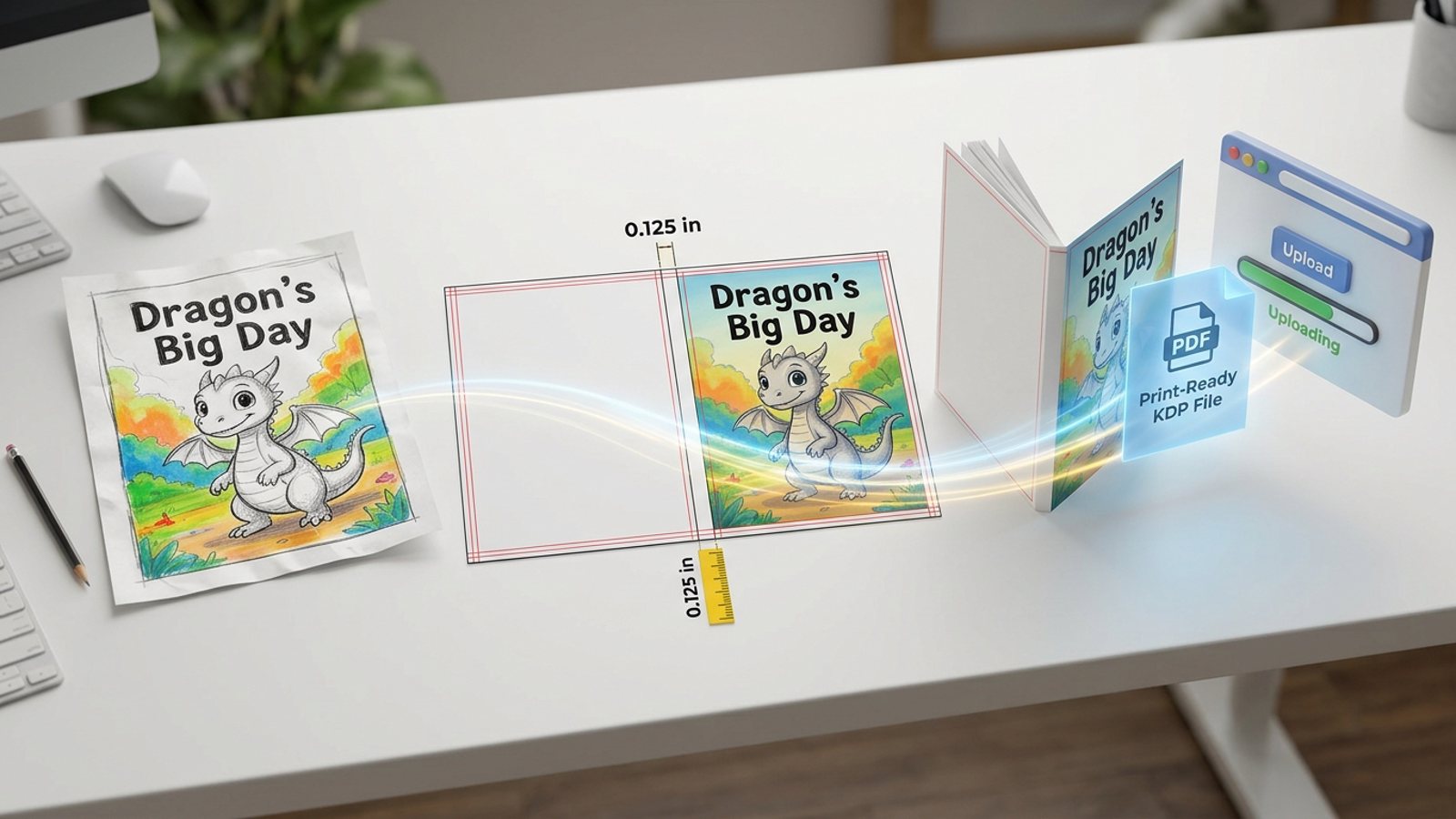
Is there a tool that designs a converting cover for a kids' book?
Yes — an AI children's book maker like ZippyBooks outputs a shopper-focused cover and a print-ready KDP wrap from one prompt, with a review before export.
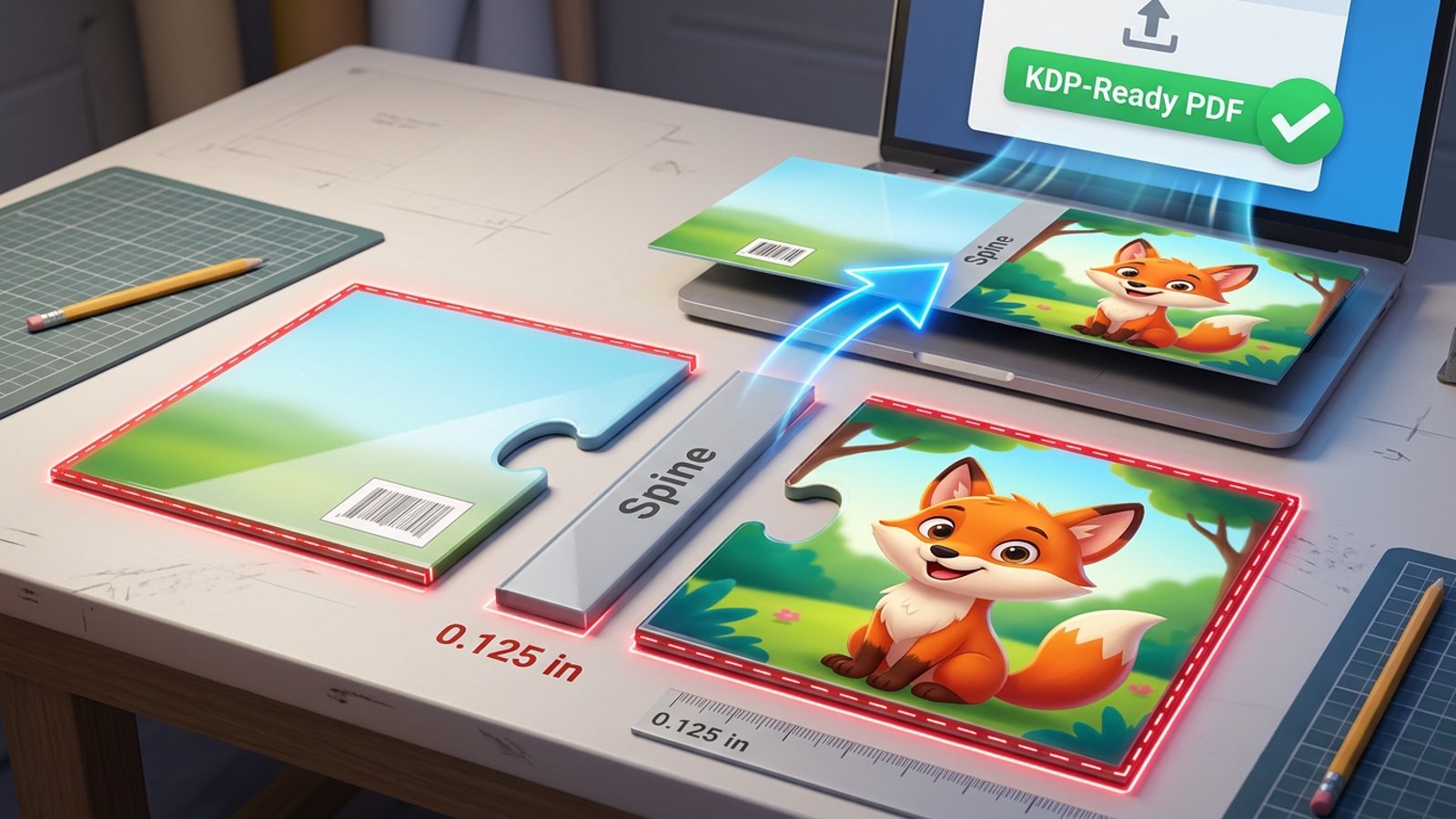
Top AI Children's Book Generators for Print-Ready Covers in 2027
A print-ready cover is one PDF with the right spine, bleed and safe area. We compare the AI tools that get the cover and interior KDP-ready in one step.
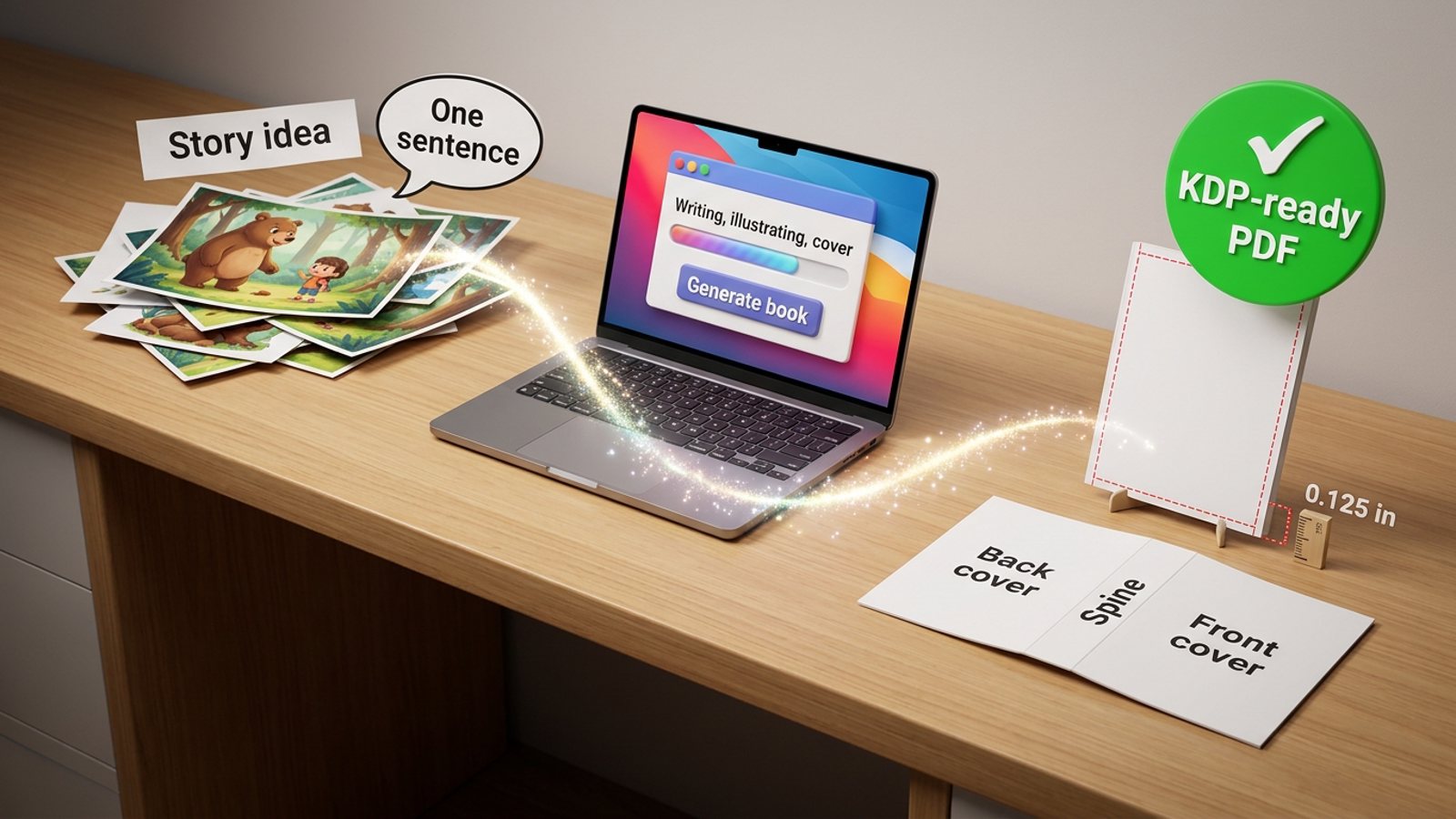
What is the best AI picture book maker for Amazon KDP beginners?
The best AI picture book maker for KDP beginners is the one that leaves the least to fix before upload. ZippyBooks turns one prompt into a bleed-correct interior PDF and a correctly sized wraparound