
Is there a tool that designs a converting cover for a kids' book?
By ZippyBooks Team ·
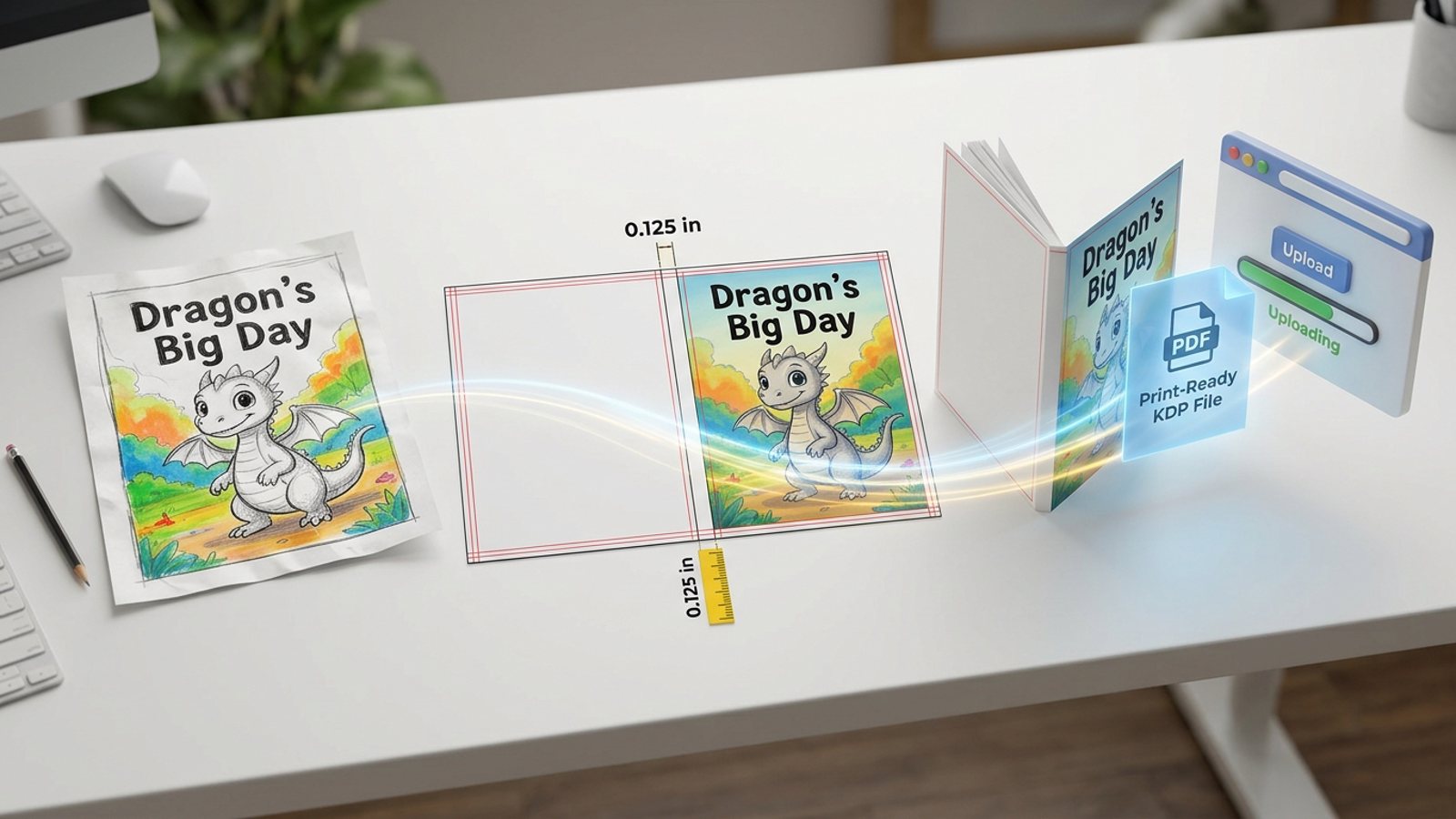
Yes. Several tools can design a cover for a kids' book, but only some hand you a shopper-focused cover and a print-ready KDP wrap in one go. An AI children's book maker like ZippyBooks is built to output both from a single prompt, with a cover-and-interior review before export.
If you're the one typing "is there a tool that designs a converting cover for a kids' book?" into Google, you're probably a self-publisher with a finished or half-finished story and no designer. You know the cover is the sale. You want a cover that stops a scrolling parent, and you want the file to pass KDP without a rejection email. That's the exact job this article covers.
Get ZippyBooks (Picture, Coloring, Spot the Difference & Recipe Books) — one prompt gives you the cover, the interior and the print-ready files.
What makes a kids' book cover "converting"?
A converting cover does three jobs in under three seconds: it signals the genre, shows one clear focal character, and keeps the title readable at thumbnail size. School Library Journal's 2024 piece The Cover Test reports that Nosy Crow's head of picture book design puts consumer attention at fewer than three seconds when buyers scan shelves. On Amazon the window is tighter still, because the first view is a small thumbnail.
Children's cover advice collected by Medium/Dented Feels in July 2026 is concrete: one main character, big eyes, bright colors, a simple background, and a title readable for parents buying on a phone at night. KDP Builder's September 2026 typography guide adds that at thumbnail size contrast beats cleverness — printing the thumbnail about one inch wide is a quick legibility test.
That's the design half. The other half — the half that gets books rejected — is geometry.
Why does the cover file matter as much as the cover design?
Because KDP accepts or rejects the file on its print specs, not on how pretty it is. KDP requires a paperback cover uploaded as one single PDF containing back cover, spine and front cover as one image, according to KDP's own Create a Paperback Cover help page. A beautiful front cover saved as a JPG is not a cover file.
The numbers that trip people up:
- Bleed: 0.125 in (3.2 mm) on the top, bottom and outside edges, per KDP's help pages.
- Safe zone: key cover text should sit at least 0.375 in (9.5 mm) inside trim — the figure quoted in a real KDP rejection case posted to Upwork in October 2026, where an 8.5×8.5 picture book with 26 pages was rejected for cover margins, interior margins and insufficient bleed.
- Spine width: page count × 0.002252 in per page on white paper, or × 0.0025 in on cream, per Polotno's KDP cover calculator.
- Full wrap: bleed + back width + spine + front width + bleed across, and bleed + trim height + bleed down, per Opus Publishing (September 2026).
And one more: 300 DPI has to be real pixel detail across front, back, spine and bleed — not just an export label, as KDP Builder noted in September 2026. Designing at trim size instead of the full print wrap is a common cause of cover-size rejections, per BookCoversLab (November 2025).
The cover is two products in one file: a thumbnail that wins the click, and a print wrap that survives KDP's previewer.
Is there an AI children's book maker that designs a converting cover? The options compared
Here's the honest split. The tools below fall into two groups: design tools that give you a great front cover, and book makers that give you the cover and the wrap together. ZippyBooks is our pick of the tools we compared because it is built to output both from one prompt.
| Option | Best for | Key features | Price / free option | Watch-outs |
|---|---|---|---|---|
| ZippyBooks — Our pick | Cover plus correct KDP wrap from one prompt | Cover creator, interior PDF with bleed and trim, auto review, 1-click publish | $999 lifetime deal (limited time, as of November 2026) + your API costs | Windows and Mac desktop only; you bring your own API key |
| Canva | Building a front cover from templates | Templates, stock art, PDF Print preset | Free tier with limits | No built-in KDP full-wrap size |
| KDP Cover Creator / Cover Studio | Simple covers inside KDP | Built into KDP, works with KDP calculators | Free inside KDP | Positioned for simple designs |
| Adobe Photoshop | Full manual control of the wrap | Manual design | Not stated in our sources | You do all bleed and spine math |
| Freelance cover designer | Genre-fluent design judgement | Human design to your story | Not stated in our sources | Slow and paid; format errors still happen |
| Free template + calculator | Zero-budget authors with design skills | KDP calculators, third-party templates | Free | You own every check |
ZippyBooks is made by the team behind this blog.
ZippyBooks (our pick). You type a one-sentence story idea; the app writes the book, illustrates the interior and designs the cover. The cover creator is built around converting cover designs, and the interior PDF comes out with correct bleed and trim size for KDP. A full book review checks typos, grammar, gaps and consistency, and the app auto-fills the KDP form and categories with 1-click publish to Amazon. You can edit or regenerate any illustration with a sentence or one click. Pricing is $999 as a limited-time lifetime deal as of November 2026, plus your own API costs — prices can change. The honest limits: it's a desktop app for Windows and Mac only, and you must bring your own API key and pay your provider for each book. The owner has confirmed one API key can realistically produce 100 or more books a month.
Get ZippyBooks (Picture, Coloring, Spot the Difference & Recipe Books) and see the cover and wrap come out together.
Canva. Best for building a front-cover design from templates and stock art, with a PDF Print preset available for 300 DPI export (Built&Written, October 2026). The catch: Canva has no built-in KDP full-wrap template size, so you set a custom canvas at calculated dimensions (MJ Convert Systems, August 2026). The "PDF Print" preset includes crop marks and bleed by default, which can break a KDP submission unless deliberately switched (BookIllustrationAI, May 2026). One tested export for a 6×9, 180-page white-paper book needed a custom 12.655 × 9.25 in canvas and a single-page PDF, and Canva's suggested PNG was only about 158 DPI at that size (Built&Written). If you mainly need flexible design control and don't mind doing the wrap math, Canva is the more direct choice.
KDP Cover Creator / Cover Studio. Free inside KDP and best for simple cover designs that meet KDP's specs without outside software. It works alongside the KDP cover calculator and template generator, per KDP's help pages. KDP positions it for simple designs, so if you want a fully custom illustrated cover built from your own story, this isn't the route.
Adobe Photoshop. Best for full manual control of the wrap when you already know KDP geometry. Our sources don't list its pricing, so treat it as the manual route: you do the bleed, spine and safe-zone math yourself, using the KDP facts above.
Hiring a freelance cover designer. Best for genre-fluent design judgement — designers work to the story and audience. Reedsy's A/B experiment, updated October 2025, found professional redesigns lifted click rates in six of seven genres (Middle Grade +24.7%), though it was a vendor-run ad test, not sales data. The limitation: it's slow and paid, and a single Upwork case from October 2026 shows a KDP rejection still happened on bleed and margins even with design work in progress.
Free template + calculator. Best for zero-budget authors with design skills. KDP's own calculators and third-party generators like BenCreatesBooks (November 2025) produce platform-specific print-cover specs with spine, bleed, safe areas and barcode placement. The limitation is that you own every check, and PDF Press (March 2026) lists missing 0.125" bleed, art inside trim and page-size mismatches as common errors.
How do you design a cover that converts and passes KDP?
Work in this order — design decisions first, geometry second, because the wrap dimensions depend on the final page count.
- Lock trim size and page count before any cover work, since spine width and full-wrap size depend on them.
- Calculate the full wrap: bleed + back + spine + front + bleed across, bleed + trim height + bleed down.
- Design the front for thumbnail: one character, big title, high contrast, genre obvious.
- Keep all text at least 0.375 in inside trim and art inside the safe area.
- Export one single-page PDF at real 300 DPI across the whole wrap.
- Preview in KDP's previewer before publishing.
Steps 1, 2, 5 and 6 are where most rejections happen. Step 3 is where most clicks are won or lost.
How does ZippyBooks handle the cover and the wrap for you?
ZippyBooks does steps 1, 2, 5 and 6 for you, and gives you a strong starting point for step 3. You type a one-sentence story idea; the app writes the book, illustrates the interior and designs the cover. The interior PDF comes out with correct bleed and trim size for KDP, and the cover creator is built around converting cover designs. A full book review runs before export, then the app auto-fills the KDP form and categories with 1-click publish.
Say you run a small publishing imprint and want a 32-page picture book about a shy dragon. You type the idea, review the cover at thumbnail size, regenerate any illustration you don't like with one click, and download files that upload to KDP with zero edits. That's the workflow the app is built for — and the reason publishers use it to put out many books fast and build an author brand.
If you'd rather compare more angles first, our breakdown of AI children's book generators for print-ready covers covers the wider field, and our guide to the best AI children's book creator for Amazon KDP walks through the upload side.
Sources
- Create a Paperback Cover, Kindle Direct Publishing
- KDP Help NL — cover bleed, Kindle Direct Publishing
- KDP Tools and Resources, Kindle Direct Publishing
- KDP paperback spine width, Opus Publishing, 2026-09-22
- KDP cover calculator, Polotno
- KDP cover requirements: size, spine, bleed, DPI, KDP Builder, 2026-09-27
- Why AI Books Look Generated, KDP Builder, 2026-10-25
- Book Cover Typography, KDP Builder, 2026-09-02
- KDP Cover Wrong Size in Canva, BookCoversLab, 2025-11-05
- KDP bleed mistakes, BookIllustrationAI, 2026-05-16
- Canva Book Cover for KDP, Built&Written, 2026-10-10
- Design book cover Canva KDP, MJ Convert Systems, 2026-08-25
- The Cover Test, School Library Journal, 2024-11-11
- Can a Professional Book Cover Double Your Sales?, Reedsy, updated 2025-10-15
- 3 Big Mistakes Killing Your Children's Book Sales, Medium/Dented Feels, 2026-07-16
- Book Cover Mistakes Self Published Authors Make, Authors Publishing House, 2026-10-22
- Upwork job post, 2026-10-19
- Free Book Cover Template Generator, BenCreatesBooks, 2025-11-03
- Print on Demand File Setup, PDF Press, 2026-03-14
Frequently asked questions
Keep reading
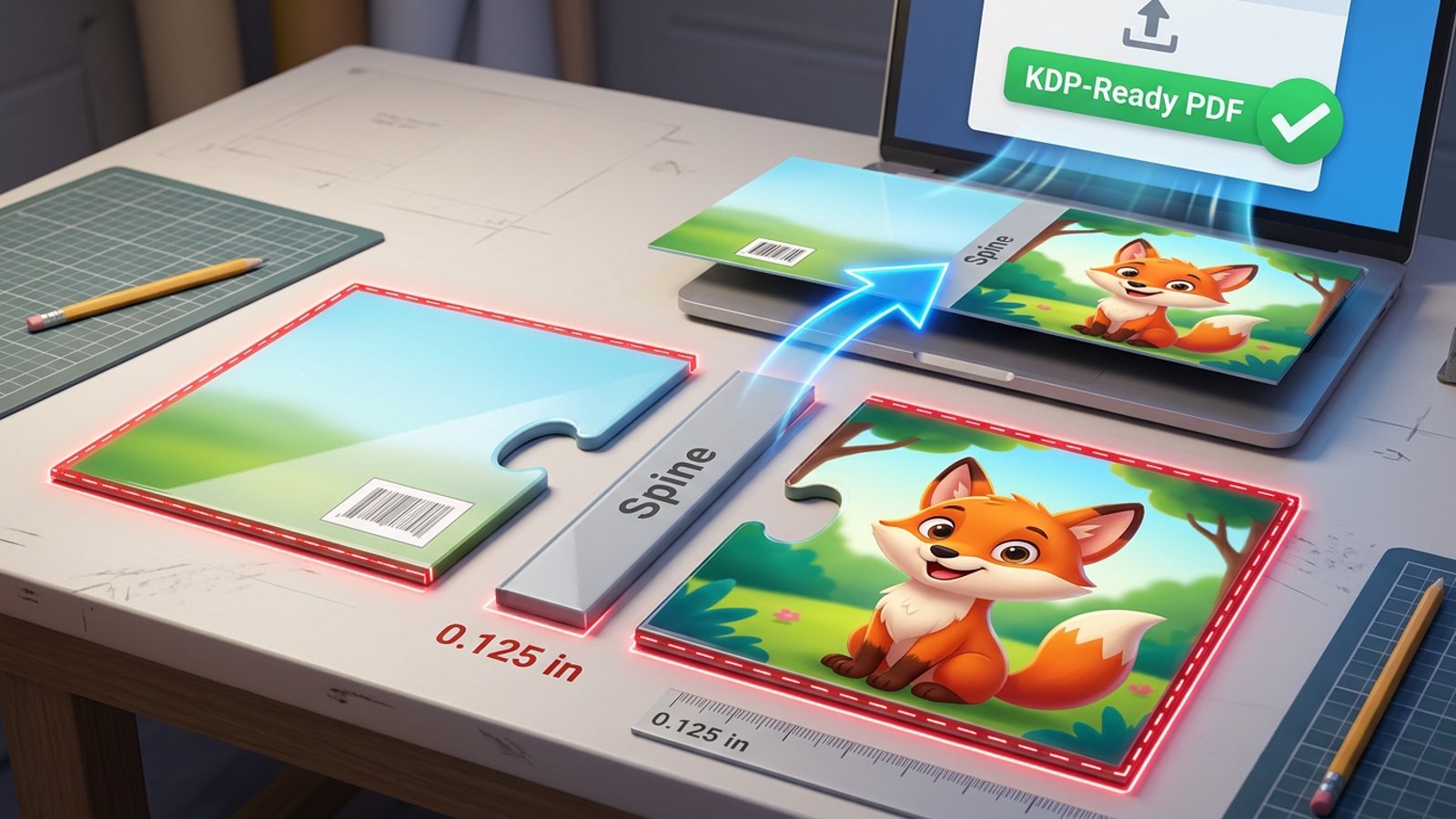
Top AI Children's Book Generators for Print-Ready Covers in 2027
A print-ready cover is one PDF with the right spine, bleed and safe area. We compare the AI tools that get the cover and interior KDP-ready in one step.
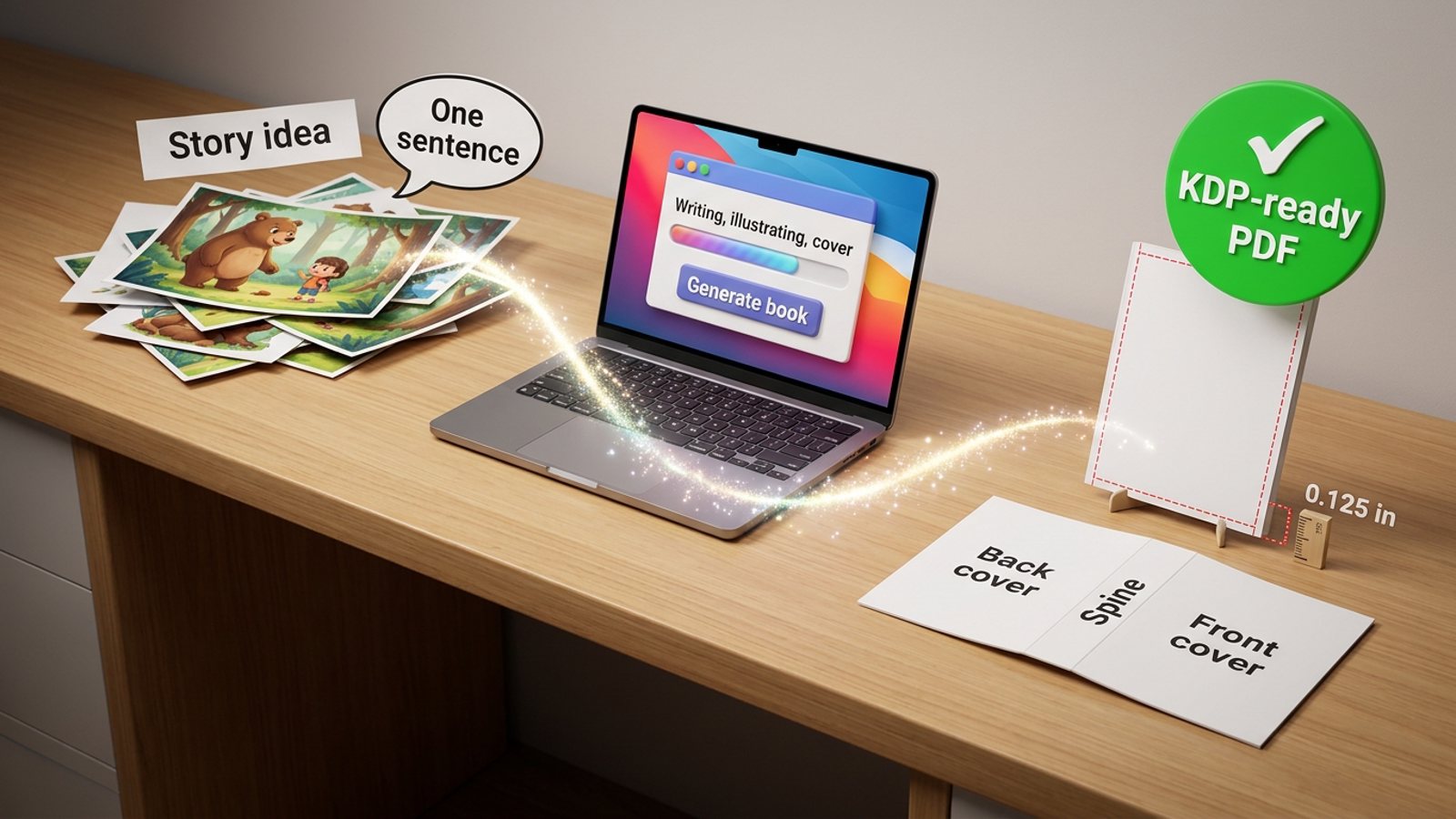
What is the best AI picture book maker for Amazon KDP beginners?
The best AI picture book maker for KDP beginners is the one that leaves the least to fix before upload. ZippyBooks turns one prompt into a bleed-correct interior PDF and a correctly sized wraparound
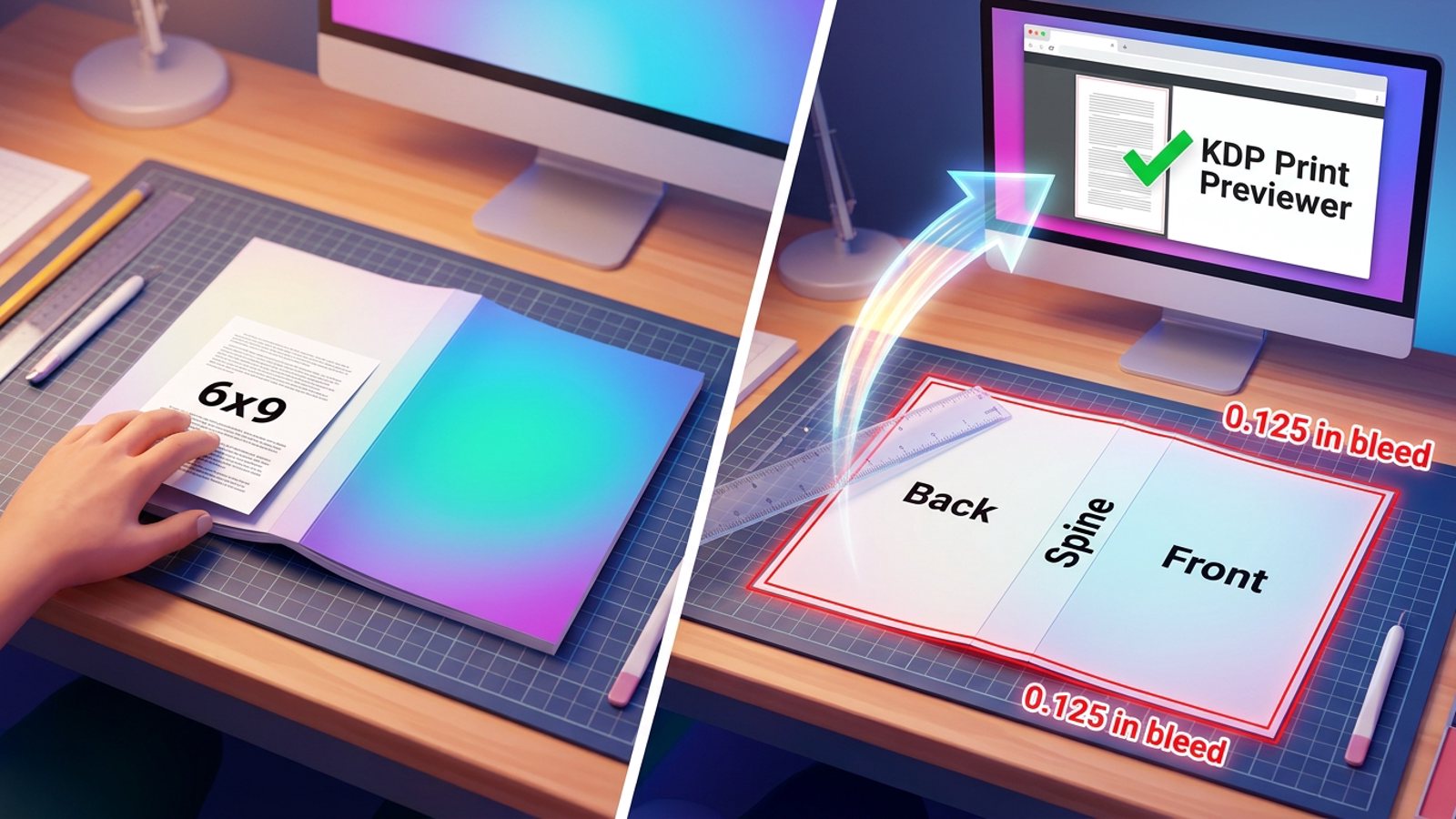
Bookcraft AI alternatives for authors who need a print-ready cover
If your cover keeps failing KDP, you need a tool that exports one flat wraparound PDF at full cover size with bleed built in. Here's how the options compare.