
Can AI make a print-ready children's book with no editing after?
By ZippyBooks Team ·
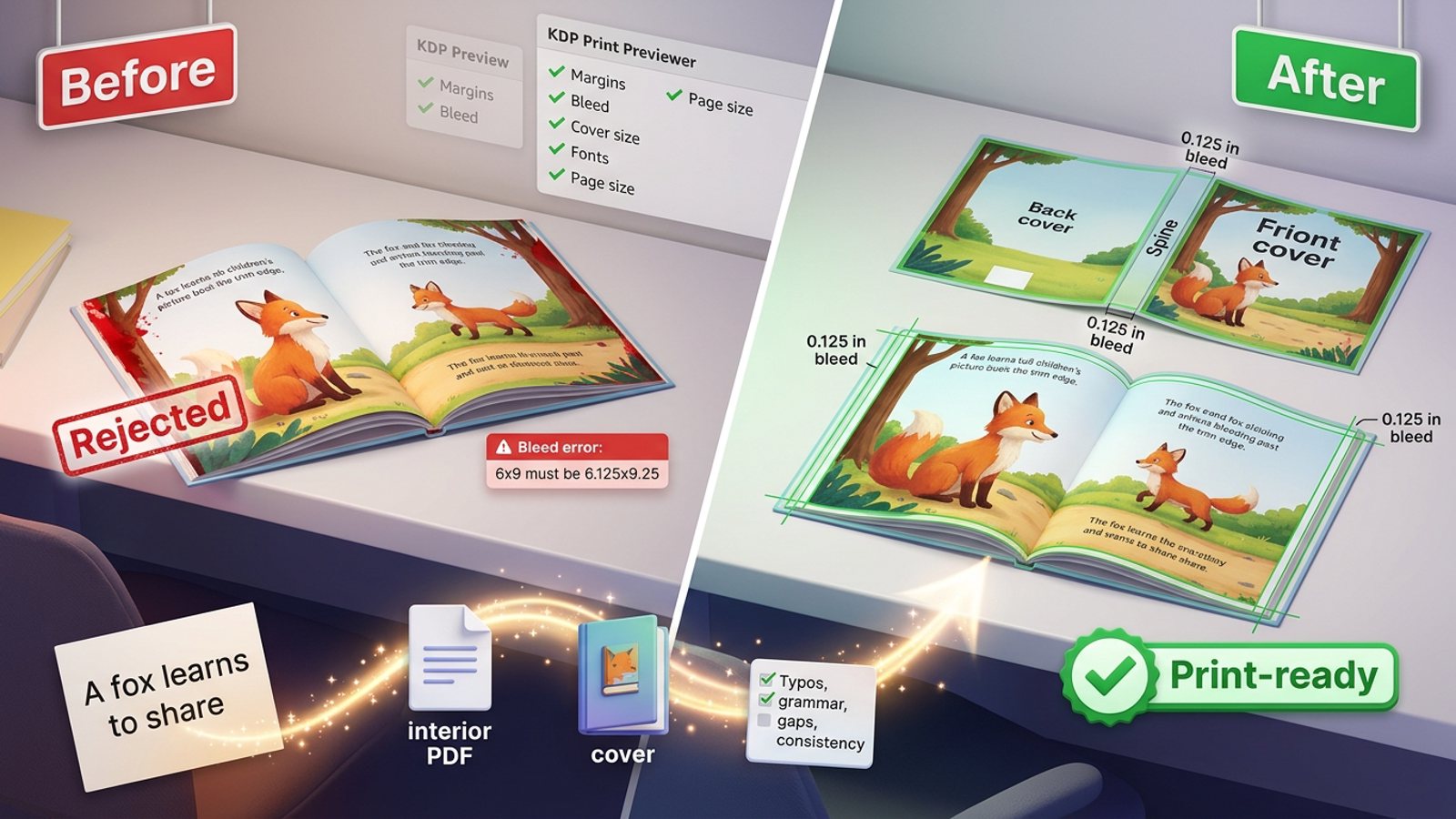
A print-ready children's book ai can produce the interior PDF, the wraparound cover and a typo/consistency review in one pass — but "no editing" means correct files first time, not zero review. KDP still runs its automatic Print Previewer and a manual check, and only a proof copy confirms print quality.
If you want the whole job done from one sentence, ZippyBooks is the AI children's book creator this article compares the others against — it writes, illustrates, designs the cover and exports KDP files.
What does KDP actually check when you upload a children's book?
KDP runs two separate checks, and both can send your file back. The first is the automatic Print Previewer scan at upload, which looks at margins, cover size, fonts, bleed and page size. The second is a manual review by Amazon's team after you submit, and problems found there arrive by email with a link straight to the error and fixing instructions (KDP Help, date not given).
The part that catches authors: when the Previewer flags something, KDP will not patch it for you. You fix it in the original program, export a new PDF and upload again. That is why "no editing after" is really a question about what your file looks like before it reaches Amazon.
Why do children's books get rejected for bleed and trim?
Because bleed is the single most misunderstood setting in KDP, and the fix is counter-intuitive. Bleed confusion comes from KDP's wording: you enlarge the exported file's page dimensions, not the trim size you selected in KDP (Drawphics, 2026-09-03).
Concretely, per KDP Help: a 6×9 in book with bleed must be set to 6.125×9.25 in — add 0.125 in to the width and 0.25 in to the height. Change the page size and your text reflows, your page count shifts, and your margins need rechecking.
One vendor blog, PDF Press (2026-03-14), says it reviewed "thousands" of print-on-demand submissions and found incorrect page dimensions behind roughly 40% of rejections — it names no platform and no sample size, so treat that figure as indicative rather than official.
The trim sizes that work for picture books
8×10 in is described as the most popular KDP picture-book trim, with 32 pages as the standard picture-book length (iWrity guide, date not given). If you might also distribute through IngramSpark, LeadWorks Print (2026-07-30) notes that 8.5×8.5 in is the only square trim both KDP and IngramSpark share — 8×8 in is often called "standard" but isn't supported by both.
The margin and gutter numbers to hit
Minimum outside margins are 0.25 in (6.4 mm) without bleed and 0.375 in (9.6 mm) with bleed. The gutter grows with page count: 0.375 in for 24–150 pages, 0.5 in for 151–300, 0.625 in for 301–500, 0.75 in for 501–700 and 0.875 in for 701–828 (BookIllustrationAI, 2026-04-14 — a vendor blog, so treat the table as indicative).
What makes a cover print-ready — and why does the spine trip people up?
A paperback cover must be one single PDF containing back cover, spine and front cover as one image (KDP Help, date not given). Not three files. Not a front cover dropped into a template.
Two rules sink covers most often:
- Spine text needs 79 pages or more. A shorter book with spine text is rejected and must be adjusted before it can go live (KDP Help, date not given).
- Spine width follows the final page count. It is page count × page thickness — 0.002252 in on white paper, 0.0025 in on cream — plus 0.125 in of bleed on the full cover (Polotno KDP cover calculator, date not given).
What does raw chatbot output actually give you?
Text and loose images — and a fair amount of work left over. A hands-on ChatGPT + Midjourney picture-book workflow published by t3n (2025-12-19) goes story prompt, then illustration, then layout, and the author notes the output shows what's possible quickly while admitting parts of the illustrations would have needed more work.
Character consistency is the other gap. A book needs one consistent main character across pages; Midjourney's Omni Reference lets you upload a reference image alongside the prompt, but it isn't perfect and small details can drift between images (t3n, 2025-12-19).
So with a chatbot you still own layout, trim, bleed, margins, font embedding and image prep — the exact items the Previewer reports.
How do you build a print-ready children's book, step by step?
Here is the real technique, whether you use a tool or do it by hand.
- Pick the trim size first — 8.5×8.5 or 8×10 for picture books — because margins, cover, bleed and print cost all follow from it.
- Set the page size to trim plus bleed (width +0.125 in, height +0.25 in) if any art runs to the edge. No-bleed books can be PDF, DOC, DOCX, RTF, HTML or TXT; books with bleed must be PDF (KDP Paperback Submission Guidelines, date not given).
- Keep content inside the minimums — 0.25 in outside margins without bleed, 0.375 in with bleed, and the gutter for your page count.
- Export images at 300 DPI, flattened, and embed every font. Strip crop marks, trim marks, bookmarks, comments and invisible objects; keep the file under 650 MB.
- Finish the interior, note the final page count, then build the cover as one PDF at the spine width that page count gives. Skip spine text under 79 pages.
- Run the upload through the Print Previewer. If it flags an error, fix the source and re-export.
- Order a proof copy before publishing. Colour and sharpness can't be judged on screen.
A preflight tool can automate part of step 6: Apify (2026-10-24) lists a checker that tests page size for trim and bleed, page count, gutter and outside margins, embedded fonts, transparency, bookmarks, annotations, 7 pt minimum type, 300 DPI images and the 650 MB limit, returning one report per file saying what passes, what fails and on which page.
Where does ZippyBooks fit — and where do the alternatives win?
ZippyBooks is a Windows and Mac desktop app that turns one prompt into a complete illustrated book: interior, cover and KDP-ready files. It generates the interior from a single prompt, builds a cover designed to convert, exports the interior PDF with correct bleed and trim size, auto-fills the KDP form and categories with 1-click publish, and runs a full book review for typos, grammar, gaps and consistency. You can edit or regenerate any illustration with a sentence or one click.
Price is $999 as of November 2026, and it's a limited-time deal — prices can change. You bring your own API key and pay your provider for each book; the owner says one key can realistically produce 100 or more books a month, with costs paid directly to OpenAI and Gemini.
Our pick of the tools we compared for the specific job of "upload with no editing after": it's the only option here that ships the interior, the cover and a review pass together. Get ZippyBooks and go from story idea to KDP files in one session.
ZippyBooks is made by the team behind this blog.
| Option | Best for | Key features | Price (as of Nov 2026) | Watch-outs |
|---|---|---|---|---|
| ZippyBooks (Our pick) | One-prompt books to KDP | Interior + cover + review | $999 + API costs | Desktop only; you supply API key |
| ChatGPT + manual layout | Fast story drafts | Story text, iteration | Not stated in sources | No print files; you do layout |
| Canva | DIY layout and bleed setup | Layout, export | Not stated in sources | You set bleed, DPI, colour |
| Adobe InDesign | Professional control | Full layout toolset | Not stated in sources | You own every fix |
| Fiverr designer | Outsourcing the design | Human design work | Not stated in sources | Brief and check output yourself |
ChatGPT plus manual layout is the fastest way to a story draft — named characters, plot guidance, free to iterate by regenerating (t3n, 2025-12-19). But it produces text and loose images, not print files, and the tutorial's own result needed editing. If you mainly need story ideas and enjoy the design work, it's the more direct choice.
Canva appears as the layout stage in published AI-picture-book workflows and in a dedicated Canva + KDP guide, and bleed setup instructions exist for it alongside InDesign, Photoshop and Illustrator (Drawphics, 2026-09-03). The catch is that you must set correct bleed, trim, DPI and colour yourself — and screen-resolution and RGB exports are the classic errors (publishing.co.uk, 2026-07-13). If you want design control and don't mind learning the settings, Canva works.
Adobe InDesign is the professional layout route, with bleed setup documented (Drawphics, 2026-09-03). It also means you do the trim, bleed, margin, font-embedding and image-resolution work — the exact items KDP's Previewer reports — and own every fix. Choose it if you're building a design business, not if you want to skip formatting.
A Fiverr illustrator or designer outsources the work you're trying to avoid, and guides exist framed around "who can format my picture book for KDP", which shows a paid market for it (publishing.co.uk, 2026-07-13). The material gives no pricing, turnaround or quality data, and you still have to brief them and check the output against KDP specs yourself. If you'd rather hand it to a person, that's a legitimate route.
What can still go wrong after a clean upload?
Plenty — and none of it is a formatting bug. KDP's manual review can still come back with a query, and on-screen colour never matches paper. That's why the proof copy is the last word on print quality, not the Previewer.
There's also the spine trap in reverse: if you change the interior after building the cover, the spine width is wrong. And if you later reuse a paperback interior for hardcover, it only works if the trim size is on the hardcover list, the page count is within range and the margins meet the gutter rules (bookyai.net, 2026-10-08).
Our recommendation: lock the interior, then the cover, then upload — in that order, every time.
Ready to stop fixing files by hand? Download the book app for Windows or Mac and turn your next story idea into KDP-ready files.
Sources
- ペーパーバックとハードカバーのフォーマット問題の修正 (Amazon KDP Help)
- Create a Paperback Cover (Kindle Direct Publishing)
- Paperback Submission Guidelines (Kindle Direct Publishing)
- KDP Tools and Resources (Kindle Direct Publishing)
- KI als Ghostwriter und Illustrator (t3n, 2025-12-19)
- KDP Bleed Settings: 4 Proven Fixes (Drawphics, 2026-09-03)
- KDP Paperback PDF Preflight Checker (Apify, 2026-10-24)
- Print on Demand File Setup (PDF Press, vendor blog, 2026-03-14)
- KDP publishing checklist (kdpbook.io, 2026-09-25)
- KDP Minimum Page Count: Rules, Max & Spine Math (KDP Builder, 2026-09-30)
- KDP cover calculator (Polotno)
- Children's Picture Book Size Guide for Self Publishers (LeadWorks Print, 2026-07-30)
- KDP coloring book trim size, bleed, and rejections (BookIllustrationAI, 2026-04-14)
- Children's Book Formatting Service (publishing.co.uk, 2026-07-13)
- Publishing Picture Books on KDP 2026 (iWrity)
- How to Self Publish a Hardcover Book on Amazon KDP (bookyai.net, 2026-10-08)
Frequently asked questions
Keep reading
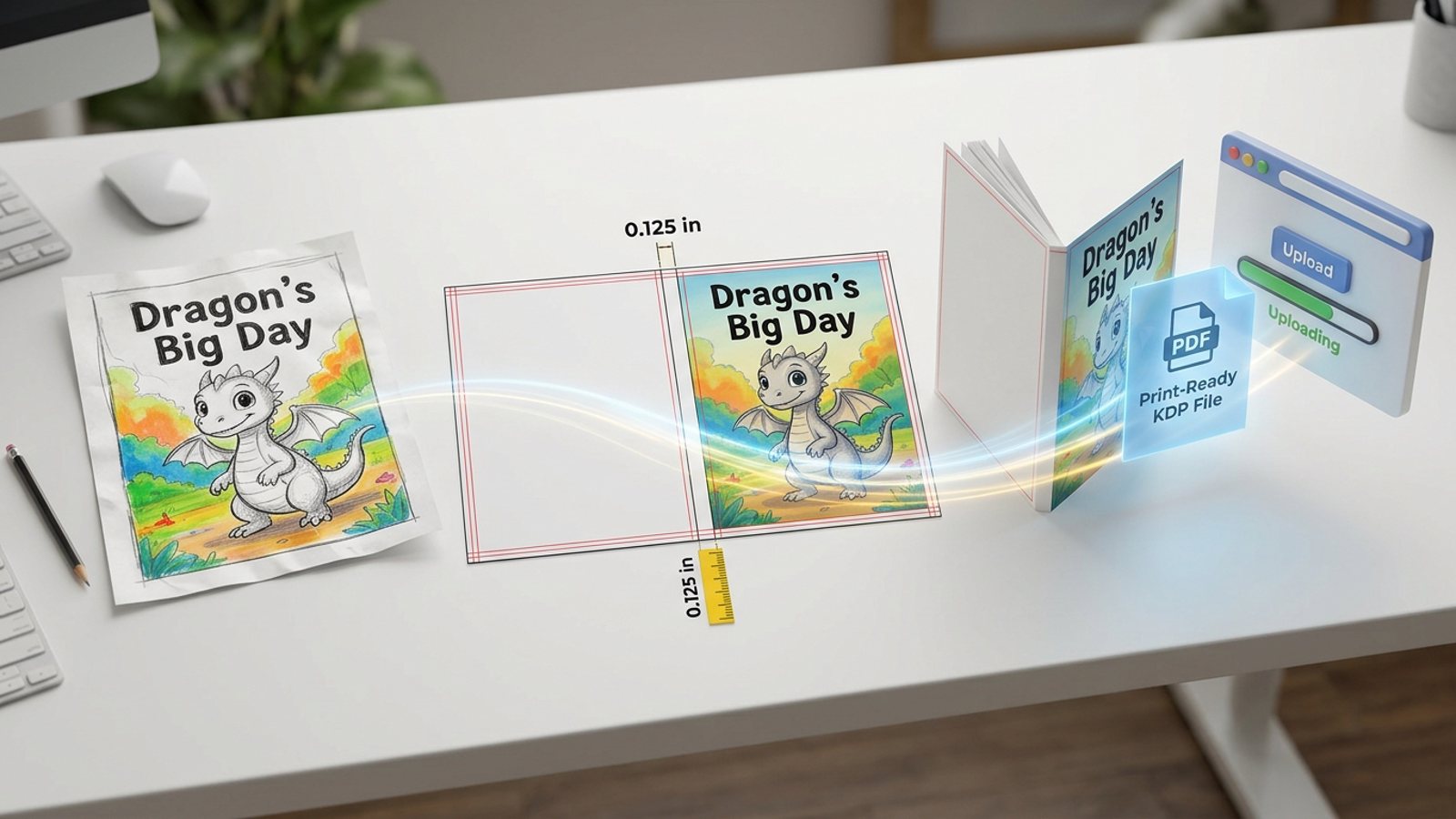
Is there a tool that designs a converting cover for a kids' book?
Yes — an AI children's book maker like ZippyBooks outputs a shopper-focused cover and a print-ready KDP wrap from one prompt, with a review before export.
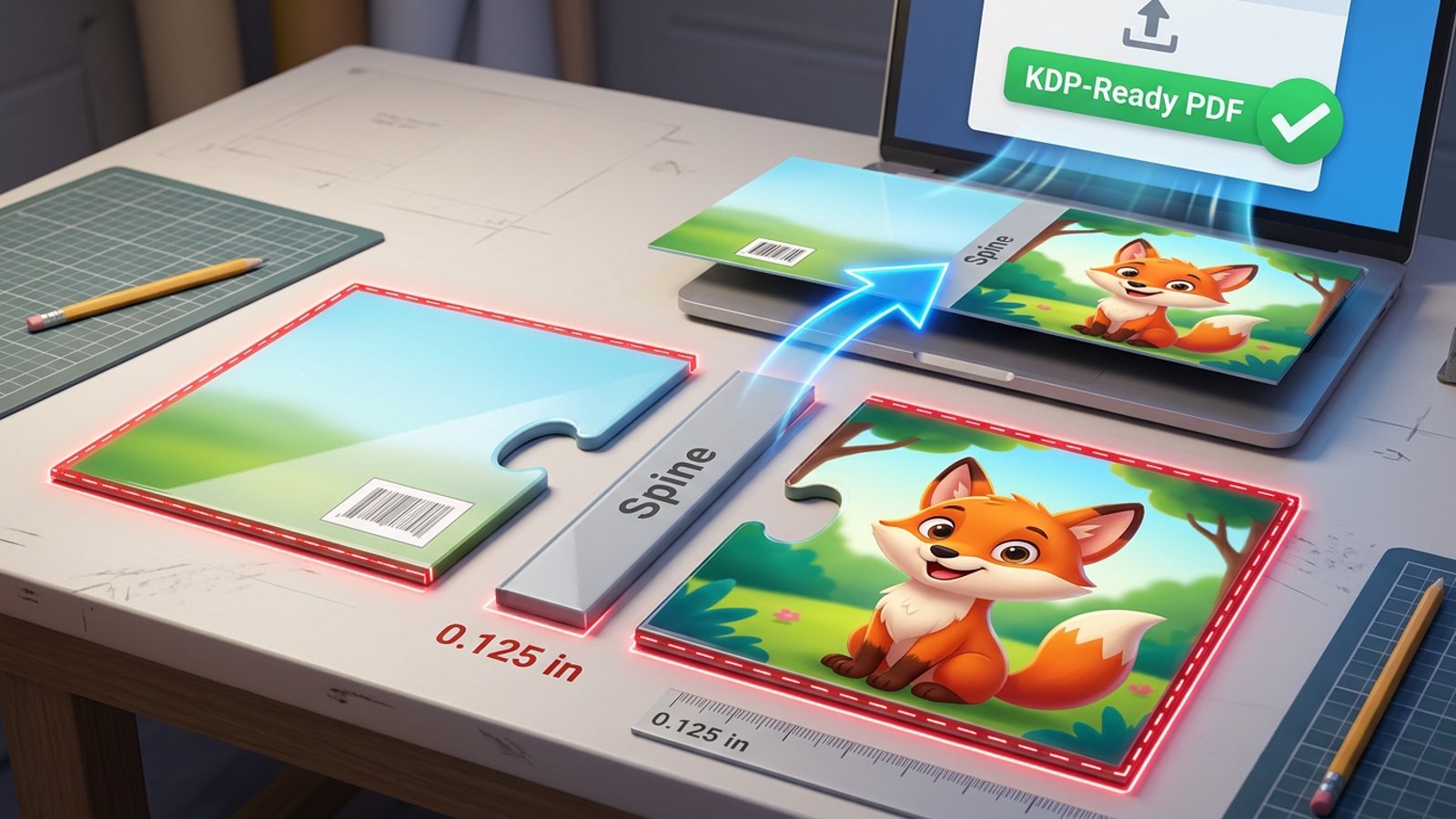
Top AI Children's Book Generators for Print-Ready Covers in 2027
A print-ready cover is one PDF with the right spine, bleed and safe area. We compare the AI tools that get the cover and interior KDP-ready in one step.
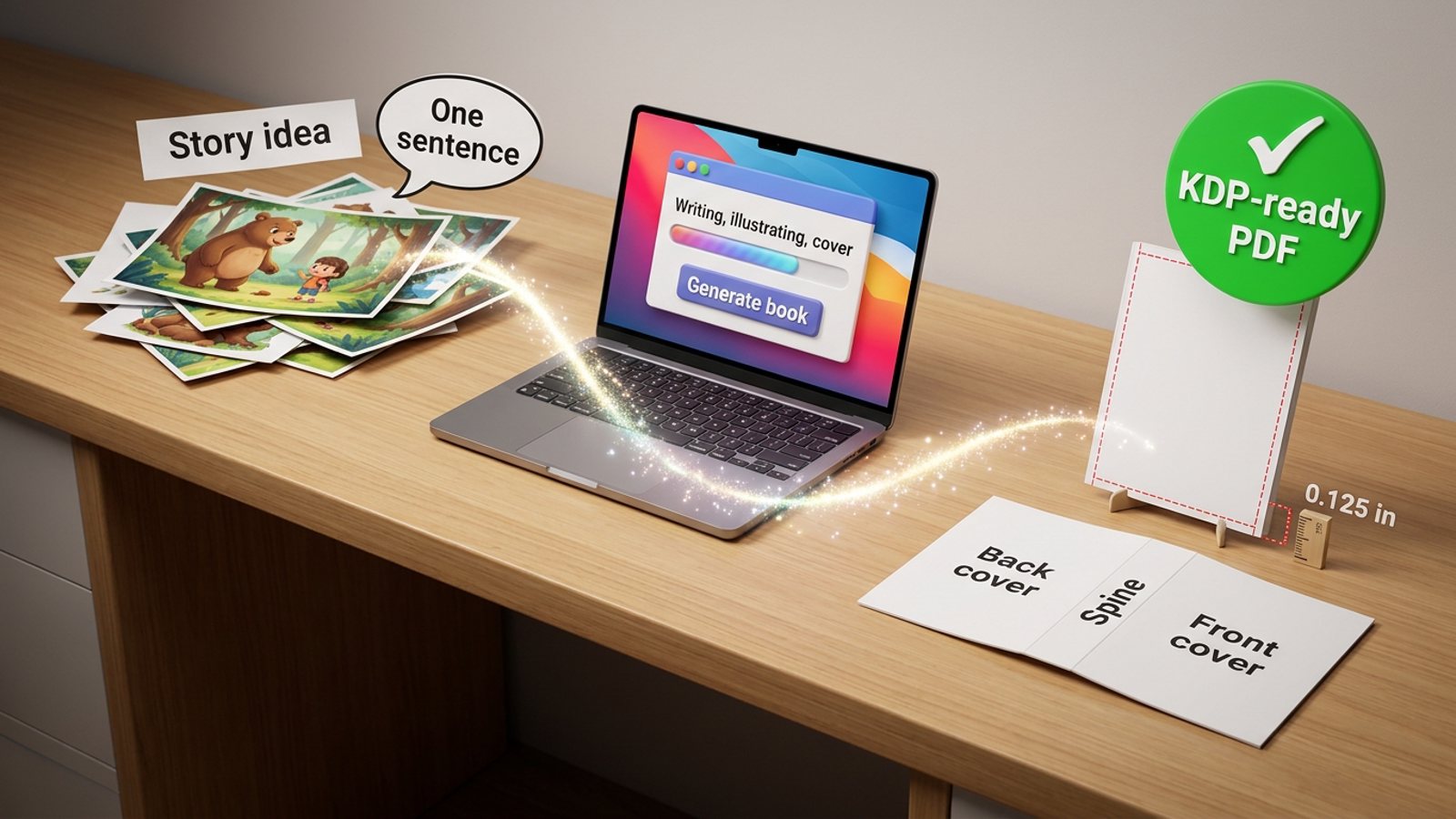
What is the best AI picture book maker for Amazon KDP beginners?
The best AI picture book maker for KDP beginners is the one that leaves the least to fix before upload. ZippyBooks turns one prompt into a bleed-correct interior PDF and a correctly sized wraparound