
What is the best AI children's book creator with a cover designer built in?
By ZippyBooks Team ·
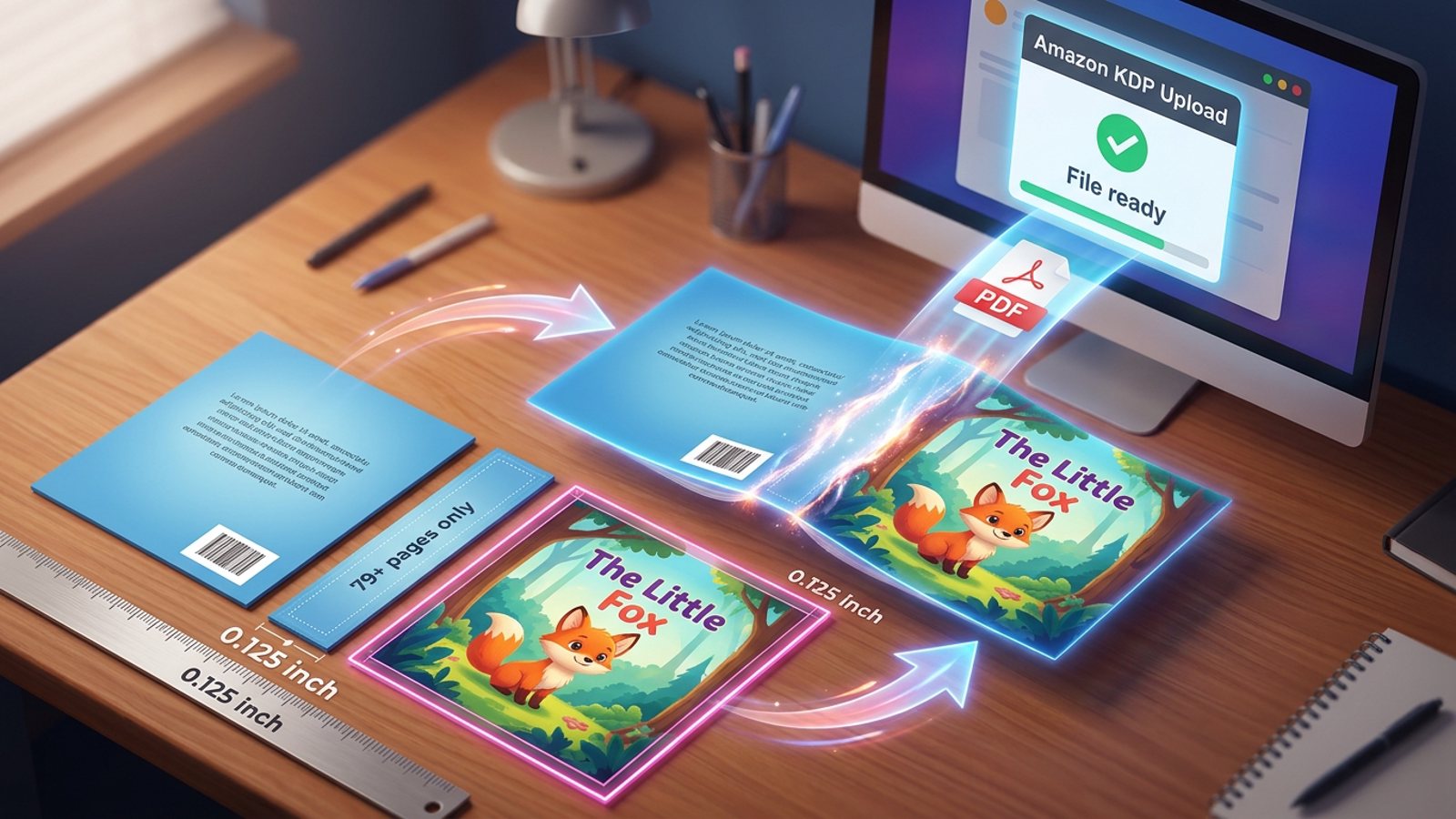
Most AI children's book tools write the story and illustrate the pages, then hand you a separate job: building the KDP cover yourself. The best AI children's book creator with cover design built in does the whole wrap — back, spine and front, with bleed and safe zones — as one print-ready file. ZippyBooks builds that cover from the same prompt as the book.
Ready to see the cover come out with the book? Get ZippyBooks (Picture, Coloring, Spot the Difference & Recipe Books) and go from one sentence to an uploadable file.
Why does the cover decide whether your children's book gets published?
Because KDP judges the cover file before it judges anything else — and a cover that is only the front, or sized to trim, fails review. A KDP paperback cover must be uploaded as one single PDF containing the back cover, spine and front cover together as one image, per KDP Help. That single rule is where most first-time publishers lose a week.
Here is what that means in practice. Your book is 8.5 × 8.5 in with 32 pages on white paper. The file KDP wants is not 8.5 × 8.5. It is the full wrap: 0.125 in bleed + 8.5 + spine + 8.5 + 0.125 across, according to Lacuna's KDP cover calculator (updated October 2026). Design at trim size and the file is the wrong shape before anyone looks at the artwork.
What should a built-in cover designer actually do?
It should produce the full wraparound, sized from your page count, with art running into the bleed and text kept inside the safe zone. Anything less and you are still doing cover production by hand.
The checks that matter, from the sources:
- Full wrap, one page: back, spine and front as a single PDF — KDP Help.
- Bleed of 0.125 in on the top, bottom and outside edges — Lacuna, October 2026.
- Spine width from page count: page count × 0.002252 in per page on white paper, 0.0025 in on cream — Polotno's KDP cover calculator.
- Safe zone for text: important cover text should sit at least 0.375 in (9.5 mm) inside the trim edges — the Upwork job post, October 2026.
- Spine text only at 79+ pages: a shorter book with spine text gets rejected until it is removed — KDP Help.
A cover has three spine zones — the art, a narrower safe area for text, and a dead margin left empty — and safe area is not the same as margin, as Opus Publishing explained in October 2026. That is the level of detail a built-in designer has to handle for you, every time, without you calculating anything.
The cover is not decoration on top of the book. It is a print file with a fixed shape, and it either matches that shape or it bounces.
How does ZippyBooks handle the cover?
ZippyBooks generates the cover and the interior from the same one-sentence story idea, and outputs files built to upload to KDP with zero edits.
You type a story idea. The app writes the book, illustrates the interior and designs the cover. You can edit or regenerate any illustration with a sentence or one click, then download the KDP-ready files. The cover creator is designed to convert shoppers, and it handles correct bleed, margins and formatting — the exact things that cause rejections elsewhere.
Two more things that save time on the cover specifically:
- Auto-review: every title gets a full book review for typos, grammar, gaps and consistency, plus a 5-star cover and interior auto review.
- KDP form and categories: the app auto-fills the KDP form and categories, with 1-click publish to Amazon.
That means the cover is not a separate project with its own to-do list. It arrives with the book.
Publishing many books is how an author brand gets built, and the cover is the part shoppers see first in search results. A workflow that produces a correctly sized cover every time is what makes volume possible.
What are the best AI children's book creators with a cover designer, compared?
Of the tools we compared, ZippyBooks is our pick for a cover-first workflow, because the wrap and the interior come out of the same prompt. The others each cover part of the job.
| Option | Best for | Key features | Price / free option | Watch-outs |
|---|---|---|---|---|
| ZippyBooks — Our pick | One prompt to uploadable book | Interior + cover from one prompt; bleed and trim handled; auto review; KDP form fill | $999, limited-time, as of November 2026; plus your API costs | Windows and Mac only |
| Canva | Designing the cover yourself | AI images, typography, page layout, cover design | Free tier exports RGB only; CMYK needs Pro | You calculate the wrap and spine |
| Midjourney + layout tool | A distinctive art style | Personalization holds palette and mood | Not stated in our sources | No cover or spine layout |
| BookBildr | Template-driven picture books | Ready-made vector art, customizable spine, front and back covers | No subscription for PDF upload printing, per BookBildr | Cover assembly is manual |
| StoryJumper | Classroom storytelling | Templates, scenes, props, voice and sound | Not stated in our sources | Education-focused; no KDP wrap workflow |
ZippyBooks is made by the team behind this blog. Its price is $999 as of November 2026 and it is a limited-time deal — prices can change. Compare that with the cost of your own time: the Canva route for a 6 × 9, 180-page white-paper book needed a custom canvas of 12.655 × 9.25 in, the PDF Print preset and a single-page PDF, according to a tested export recipe published by Built&Written in October 2026. That is one book, one size, done carefully. Now do it thirty times.
Get ZippyBooks (Picture, Coloring, Spot the Difference & Recipe Books) if the cover is the part you keep getting wrong.
Canva
Canva combines generated images, typography, page composition and cover design in one design tool, per MEFMobile's 2026 ranking. It is genuinely flexible, and there is a documented export recipe for KDP.
The catch is that Canva does not know your book. Its PDF Print preset includes crop marks and bleed by default, which can break a KDP submission unless you deliberately set them before downloading, per BookIllustrationAI (May 2026). Designing at trim size rather than the full wrap is a common cause of KDP cover-size rejections, per BookCoversLab (November 2025) — KDP judges the full wraparound file. And free accounts export RGB only; CMYK carries a Pro badge, per Built&Written.
If you mainly need total design control and you enjoy layout work, Canva is the more direct choice.
Midjourney plus a separate layout tool
Midjourney is the pick when you want a distinctive, art-directed look. Its Personalization feature supports a consistent style — palette, mood, rendering — and works with model versions 6, 7 and 8.1, per MEFMobile (August 2026).
But style consistency is not character identity. MEFMobile notes no generator in its shortlist guarantees identical characters, and the most reliable method is a character bible built before you generate finished pages. For scene-by-scene work, Dupple (February 2026) documents a detailed prompt plus a reference image, generating 4–8 variations per scene. Then you still need a designer for the wrap and a cover calculator for the spine.
If you mainly need gallery-quality illustration and will handle layout separately, Midjourney is the more direct choice.
BookBildr
BookBildr offers hundreds of ready-made scalable vector illustrations, a range of fonts and backgrounds, a customizable book spine and easy front and back covers, in three formats and six sizes, per its 2019 launch announcement. Its editor gives full control over layout, format and cover, and it accepts an uploaded PDF, which it prints with no subscription, per BookBildr's own September 2026 page.
That is a solid template library. The limitation is that cover assembly stays manual inside the editor, and the material documents no automatic KDP wrap generation or KDP file validation.
If you mainly need ready-made illustrations and a hands-on editor, BookBildr is the more direct choice.
StoryJumper
StoryJumper is a web tool where users build illustrated stories from templates, adding text, scenes, voice, sounds, music, images and props, per TESL-EJ and gdl-project.eu. Books can be shared for peer feedback, and it is positioned as an education and creative-writing tool for classrooms.
It is built for storytelling in class, not for a KDP wraparound cover. The sources document no KDP cover workflow.
If you mainly need a classroom storytelling tool, StoryJumper is the more direct choice.
How do you build a KDP-ready cover step by step?
You can do it by hand, and it is worth knowing the steps even if you later automate them. Here is the documented process.
- Fix page count, trim size and paper first. The wrap and spine depend on them, and spine text needs 79+ pages — KDP Help.
- Work out the full wrap. Width is 0.125 + trim + spine + trim + 0.125; height is 0.125 + trim + 0.125 — Lacuna, October 2026.
- Calculate the spine. Page count × 0.002252 in on white paper, × 0.0025 in on cream — Polotno.
- Design back, spine and front as one file. Extend art into the bleed and keep key text at least 0.375 in inside the trim — Opus Publishing, October 2026.
- Export a single-page 300 DPI PDF. In Canva, choose PDF Print and set crop marks and bleed deliberately — Built&Written, October 2026.
- Preflight the file before uploading. Free checkers exist that test a cover or interior PDF against KDP's published print rules — Apify, October 2026.
- Or skip steps 2–6. Generate the cover and interior together in one prompt-driven app and let it output the KDP-ready files.
Steps 1–6 are why so many publishers end up hiring someone to fix margins and bleed on books they already submitted — the Upwork post from October 2026 is a live example of exactly that. Our recommendation: learn the rules once so you can spot a bad file, then let a tool do the arithmetic on every book after that.
What else do you need to know before you upload?
Two things sit outside the file itself, and both catch new publishers.
Disclosure: Amazon KDP requires disclosure of AI-generated images in a book, per MEFMobile (August 2026). Check KDP's own guidelines for the current wording rather than relying on a summary.
Copyright: the U.S. Copyright Office position cited by MEFMobile is that prompting alone is not enough for copyright protection — meaningful human-authored expression, arrangement or modification still matters. This is not legal advice, and rules vary by country.
Which tool should you use?
If your goal is a finished, uploadable children's book with a cover designed to convert shoppers and correct bleed, ZippyBooks is our pick of the tools we compared — one prompt produces the interior, the cover and the KDP-ready files. If you want to design the cover yourself, Canva gives you the most control. If the art style matters more than the file, Midjourney plus a layout tool is the route.
Want to see the whole thing come out of one sentence? Get ZippyBooks (Picture, Coloring, Spot the Difference & Recipe Books) and download the book app for windows or mac. If you are still weighing the cost, read is an AI children's book creator worth it for a first-time KDP author? next, and if you plan to publish in volume, see the best AI coloring book creator for a KDP side business in 2026.
Sources
- Create a Paperback Cover — Kindle Direct Publishing
- KDP cover calculator — Lacuna (updated 2026-10-05)
- KDP cover calculator — Polotno
- KDP bleed settings: exact sizes and 6 mistakes that fail review — BookIllustrationAI (2026-05-16)
- KDP Cover Wrong Size in Canva? Here's the Easy Fix — BookCoversLab (2025-11-05)
- Canva Book Cover for KDP: Size and Export Settings Tested — Built&Written (2026-10-10)
- Children's Book – Urgent Amazon KDP Margins/bleed/formatting — Upwork (2026-10-19)
- KDP Cover Template Explained: Bleed, Spine, Barcode — Opus Publishing (2026-10-08)
- 7 Best AI Art Generators for Children's Books: 2026 Guide — MEFMobile (2026-08-13)
- How to Illustrate a Children's Book with AI — Dupple (2026-02-16)
- BookBildr Revolutionizes Custom Picture Books Creation — The Free Library / PR.com (2019-04-29)
- KI-generiertes Buch drucken — BookBildr (2026-09-03)
- A Comparison of Storyjumper with Book Creator, and Storybird — TESL-EJ
- STORYJUMPER — gdl-project.eu
- KDP Paperback PDF Preflight Checker — Apify (2026-10-24)
Frequently asked questions
Keep reading
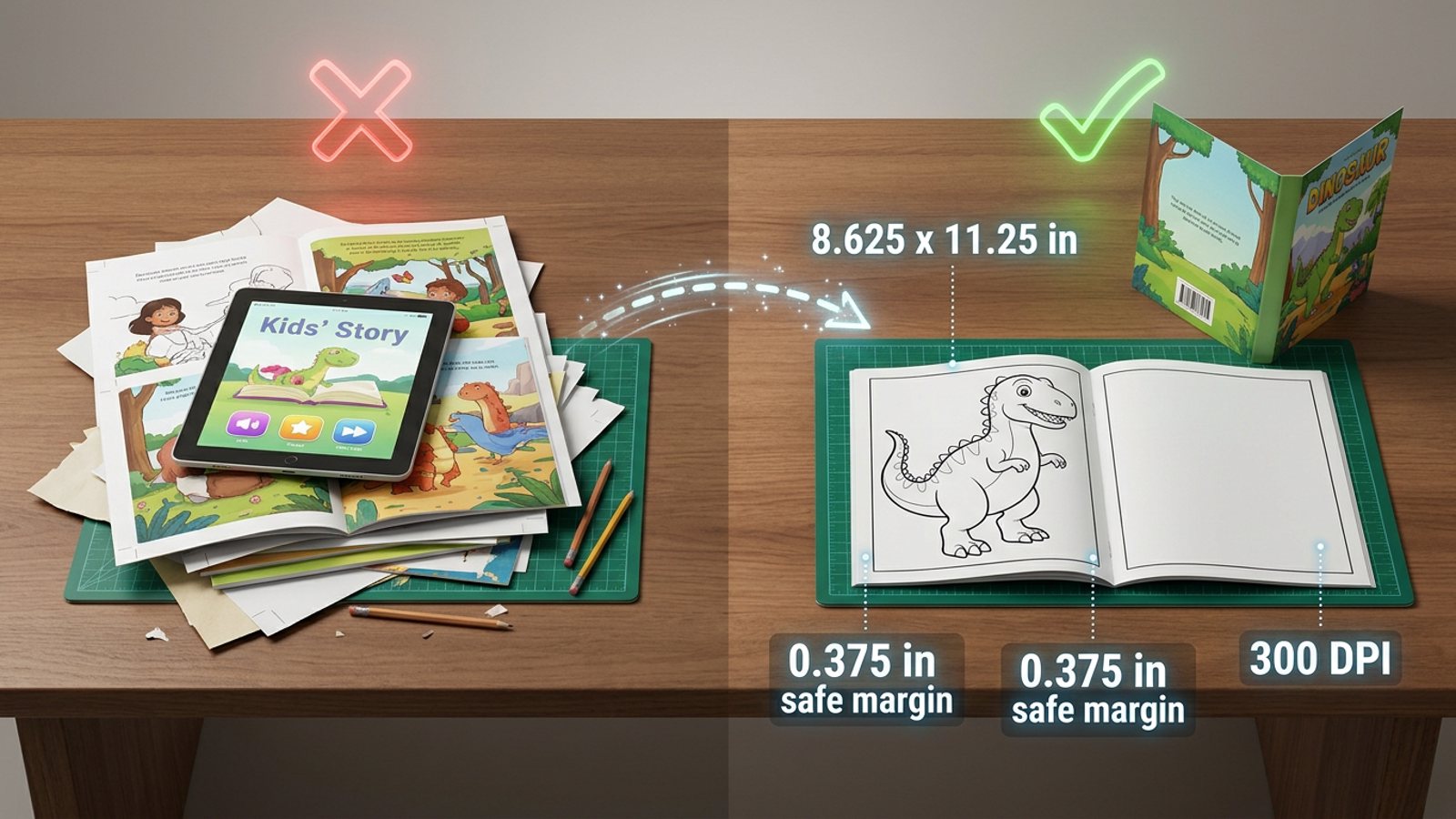
LoveToRead.ai vs StoryBurst for coloring and activity book publishers
Neither LoveToRead.ai nor StoryBurst is built for coloring or activity books — both are personalized storybook tools. See what a coloring publisher actually needs and which tool outputs KDP-ready
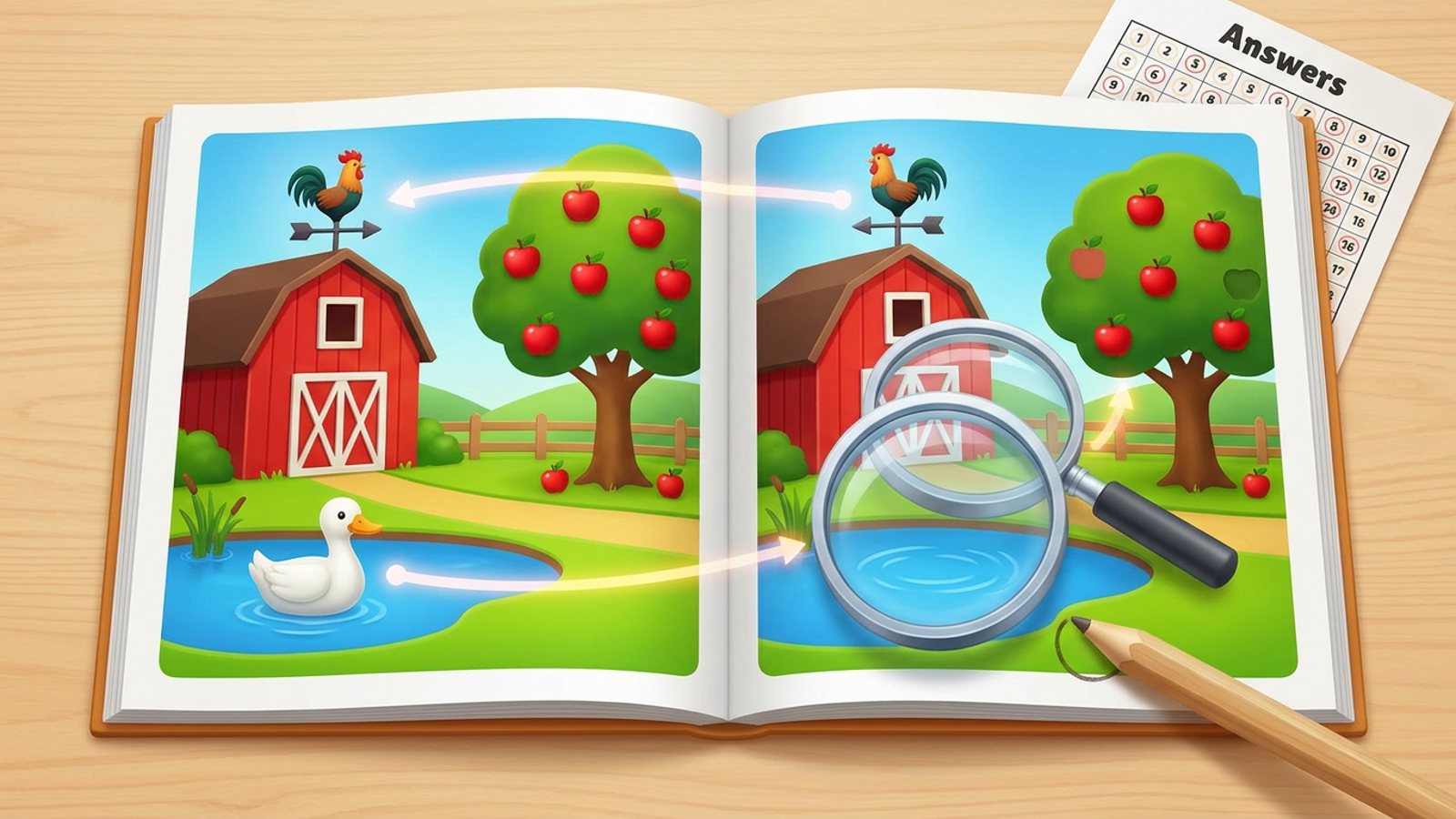
Best Bookcraft AI alternatives for spot the difference books
Bookcraft AI makes story books, not paired-image puzzles. See which tools actually produce a countable, answer-keyed spot-the-difference book with KDP-ready files.
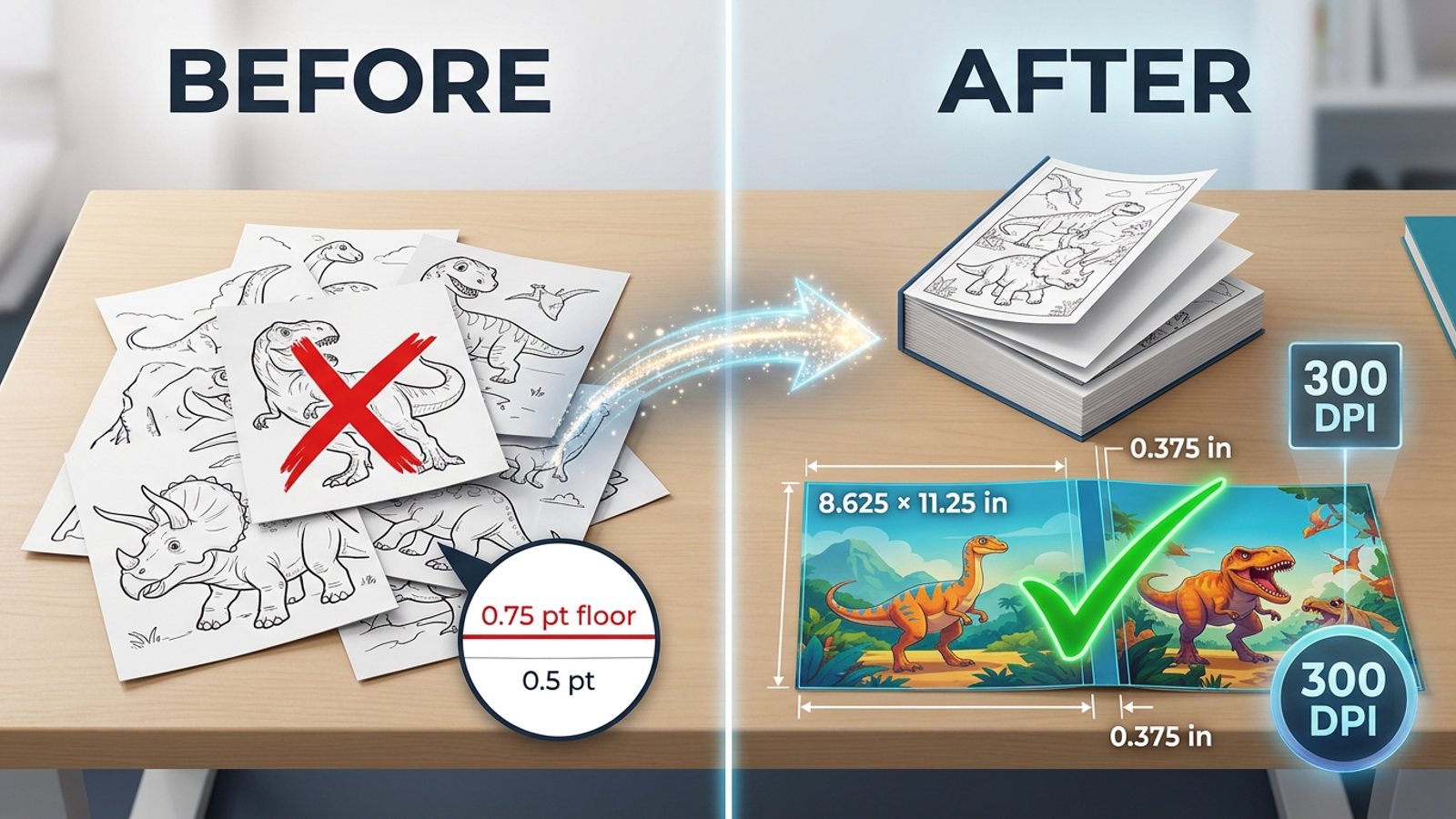
Tyniko alternatives for making coloring books to sell on Amazon
Tyniko promises one-click coloring books but publishes no pricing or KDP specs. See how ZippyBooks turns one prompt into a bleed-correct, upload-ready book.