
LoveToRead.ai vs StoryBurst for coloring and activity book publishers
By ZippyBooks Team ·
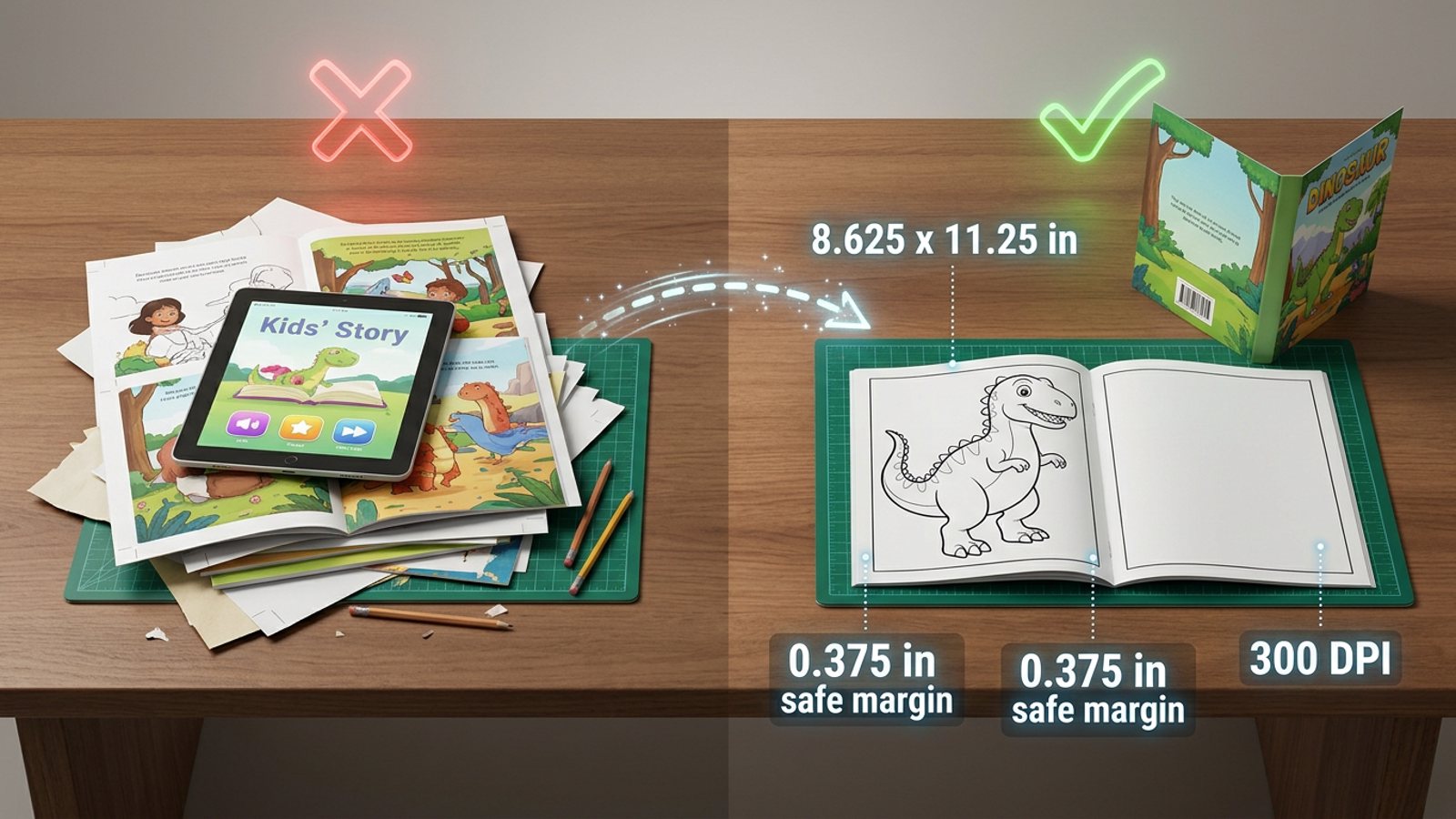
If you publish coloring or spot-the-difference books, neither LoveToRead.ai nor StoryBurst is built for your job. Both are marketed as personalized children's storybook creators, and the pages reviewed for this ai coloring book creator comparison don't advertise coloring pages, activity pages or KDP print-ready files. A coloring publisher needs line art plus a bleed-and-spine-correct KDP cover — that's a different tool category.
What are LoveToRead.ai and StoryBurst actually built for?
Both are storybook tools, not activity-book tools. LoveToRead.ai lets you describe characters or upload a photo, pick a K–5 reading level and generate an illustrated story — its own creator says a book takes about 30 seconds. StoryBurst is an iPad app where a parent or grandparent makes a personalized storybook with the child as hero, using custom characters from a photo and five art styles.
That's a great fit for a gift. It's a poor fit for a publisher whose product is 40 line-art designs a buyer colors in with markers.
Can LoveToRead.ai or StoryBurst make coloring pages or spot-the-difference pages?
Not according to the pages reviewed for this article. LoveToRead.ai's vendor blogs describe storybook illustration with consistent characters; StoryBurst's App Store listing describes story and illustration generation in five art styles. Neither lists coloring templates, mazes, dot-to-dot or spot-the-difference generation.
That doesn't mean the images are useless — an illustration can be a starting point. But you'd be converting color art to line art and laying out pages yourself, which is the work you were trying to avoid.
What does a coloring book publisher actually need from a tool?
Five things, and KDP is strict about all of them:
- Line art at print resolution. KDP recommends images of at least 300 DPI.
- The right trim and bleed. 8.5 × 11 in is the standard coloring book trim; with bleed the page is 8.625 × 11.25 in, and you select "Bleed (PDF only)" on KDP.
- A safe area. Keep important art at least 0.375" from the outside edges of the bleed page, per ColorCraft's 2026 guide.
- The right gutter. KDP's minimum gutter is 0.375" for 24–150 pages, 0.5" for 151–300, and so on up to 0.875" at 701–828 pages.
- A wraparound cover. One PDF with back, spine and front. Cover width = 0.125" bleed + trim + spine + trim + 0.125" bleed, and spine width is page count × page thickness (0.002252" on white paper, per Polotno's calculator).
Miss these and you land in the rejection pile. PDF Press reported in March 2026 that missing or insufficient bleed accounts for roughly 20% of file rejections at print-on-demand services — and a real Canva-built children's book was rejected in October 2026 for cover margins, interior margins and insufficient bleed.
The tool that wins for a coloring publisher isn't the one that writes the best story — it's the one that hands you a file KDP accepts on the first upload.
How do the three options compare for coloring and activity books?
Here's the comparison, with ZippyBooks first because it's the only one of the three whose stated output is a KDP-ready coloring or activity book.
| Option | Best for | Key features | Price / free option | Watch-outs |
|---|---|---|---|---|
| ZippyBooks (Our pick) | Coloring, spot-the-difference, picture and recipe books | One prompt → interior + cover + KDP files; 5-star cover designs; auto-fills KDP form | $999 lifetime deal + your API costs, as of November 2026 | Windows and Mac desktop only; you bring your own API key |
| LoveToRead.ai | Personalized children's storybooks | Photo or described characters; K–5 reading levels; ~30-second stories | Free Preview $0; packs $9.99–$19.99 | Personal-use free previews; no refunds; storybook-shaped output |
| StoryBurst | Gift storybooks on iPad | Child as hero; 5 art styles; narration; printed hardcover | Free download, in-app purchases from $4.99 | iPad only; auto-renewing subscriptions; no refunds |
| Canva (manual route) | Designers who want full control | General layout and design | Not compared here | Bleed and crop marks must be set manually |
Our pick: ZippyBooks. Of the tools we compared, it's the one that starts from a story idea and ends with publishable files for Amazon KDP — cover included, with correct bleed and trim. You can edit or regenerate any illustration with a sentence or one click, and a full book review checks typos, grammar, gaps and consistency before you upload.
ZippyBooks is made by the team behind this blog. The honest limits: it's a Windows and Mac desktop app, and you pay your own API provider for each book. The owner has confirmed one API key can realistically produce 100 or more books a month, with those API costs paid directly to the providers. The $999 is a limited-time deal and prices can change.
If you mainly need a personalized gift storybook for one child, LoveToRead.ai is the more direct choice — the free preview lets you try it before spending anything. If you want the child to hear their story narrated and you own an iPad, StoryBurst is the more direct choice.
Ready to make a coloring book that uploads without edits? Get ZippyBooks (Picture, Coloring, Spot the Difference & Recipe Books) and turn one prompt into a finished book.
How much do LoveToRead.ai and StoryBurst cost?
Both are cheap to try and cheap per book — but neither price buys you KDP formatting.
LoveToRead.ai (checked November 2026, prices can change): Free Preview at $0, Storyteller Pack at $9.99 for 100 credits, Dreamer Pack at $19.99 for 225 credits, and credits never expire per its pricing page. A third-party comparison by Story Genie, a LoveToRead competitor, lists a 14-page story at 7 credits and a 20-page story at 10 credits. Paying customers get a commercial-use licence; free-preview stories are personal use only, and there are no refunds.
StoryBurst (US App Store in-app pricing, checked November 2026, prices can change): 50 Credit Pack $4.99, 100 Story $12.99, then subscriptions from Storyteller at $9.99/month ($124.99/year) up to Library Legend at $99.99/month ($999.99/year). Terms state fees are charged in advance, trials auto-convert unless cancelled, and there are no refunds for any reason.
Source: LoveToRead.ai pricing page and StoryBurst Apple App Store listing, checked November 2026
The catch is what you still have to do after paying: build the interior at 8.625 × 11.25 in with bleed, set the gutter, and build a wraparound cover with the correct spine width. That's the step where hand-built layouts usually fail.
Why do coloring books get rejected on KDP — and how do you avoid it?
Most rejections come from file setup, not from the artwork. The common failures, according to PDF Press (March 2026) and KDP Builder (July 2026):
- Wrong page size. The interior PDF must match your trim size exactly, plus bleed if used. A 6" × 9" book submitted on US-Letter pages is an automatic rejection.
- Missing bleed. If art reaches the page edge, the manuscript must be uploaded as a PDF with bleed.
- Gutter too small for your page count.
- Cover dimensions wrong. KDP's Previewer flags wrong cover dimensions and blocks approval until fixed.
- Spine mismatch. Spine width must match your final page count.
A few habits fix most of this. Our recommendation: keep key art 0.375" inside the trim and bleed edges. For marker users, insert a blank page after each design — and if you declare bleed, those blank pages need bleed too. Keep the back-cover barcode zone (2.0" × 1.2", with a 0.25" safe inset) clear.
Then run KDP Previewer and fix every flagged error before approving. KDP's own guidance is that images should be at least 300 DPI.
This is exactly the work ZippyBooks automates: it produces an interior PDF with correct bleed and trim size, a cover designed for the format, and files that upload to KDP without edits. You can download the book app for windows or mac and test it on one title.
Which should you pick for a coloring or activity book series?
If your product is coloring, spot-the-difference or activity books, pick the tool that outputs KDP-ready files — of the three compared here, that's ZippyBooks. It covers picture books, coloring books, spot-the-difference and recipe books from one prompt, so you can publish many titles fast and build an author brand instead of reformatting each one.
If your product is a personalized storybook for one child, LoveToRead.ai or StoryBurst will serve you well and cost far less.
Sources
- Format Your Paperback (KDP)
- Create a Paperback Cover (KDP)
- Fix Paperback and Hardcover Formatting Issues (KDP)
- KDP cover calculator (Polotno)
- KDP coloring book trim size, bleed, margins (ColorCraft, 2026-10-19)
- KDP coloring book format and rejections (BookIllustrationAI, 2026-04-14)
- KDP bleed mistakes that cause rejection (BookIllustrationAI, 2026-05-16)
- KDP Interior Formatting Guide (KDP Builder, 2026-07-16)
- Print on Demand File Setup (PDF Press, 2026-03-14)
- How to Format a Coloring Book PDF for KDP (WPS, 2026-10-19)
- Children's book KDP margins/bleed rejection case (Upwork, 2026-10-19)
- I built LoveToRead.ai (DEV Community, 2025-12-19)
- AI Storybook Maker (LoveToRead vendor blog, 2025-12-07)
- AI Story Book Generator (LoveToRead vendor blog, 2025-12-07)
- LoveToRead pricing (vendor)
- LoveToRead Terms of Service (2026-09-25)
- StoryBurst – Kids Story Books (Apple App Store, 2026-03-04)
- StoryBurst – AI Storytelling (Apple App Store SE, 2025-04-13)
- StoryBurst via MWM (2026-01-12)
- StoryBurst Terms of Service (2026-07-24)
- LoveToRead vs Looma Stories (Looma Stories, 2026-10-21 — competitor)
- Story Genie vs LoveToRead (Story Genie — competitor)
Frequently asked questions
Keep reading
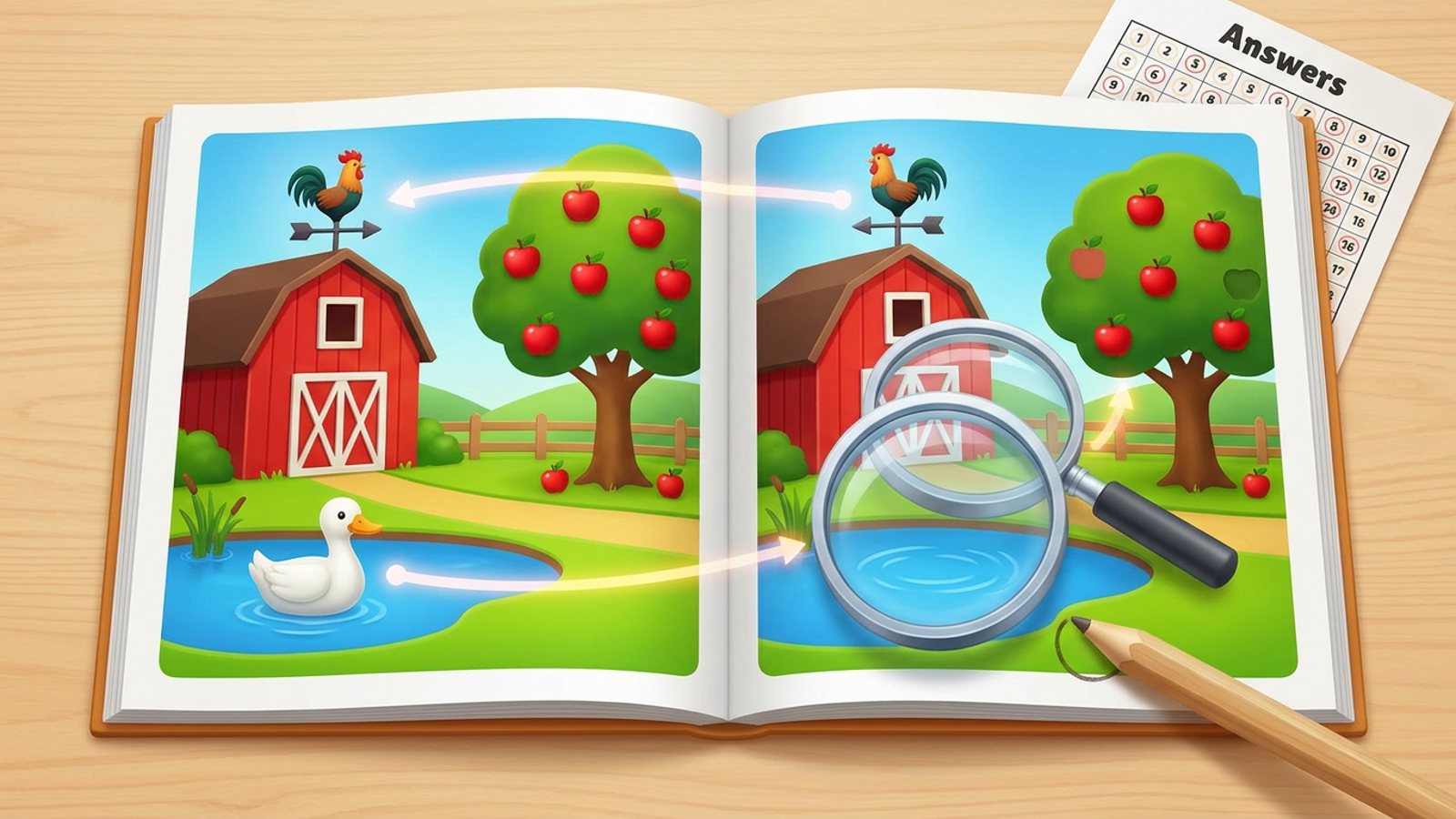
Best Bookcraft AI alternatives for spot the difference books
Bookcraft AI makes story books, not paired-image puzzles. See which tools actually produce a countable, answer-keyed spot-the-difference book with KDP-ready files.
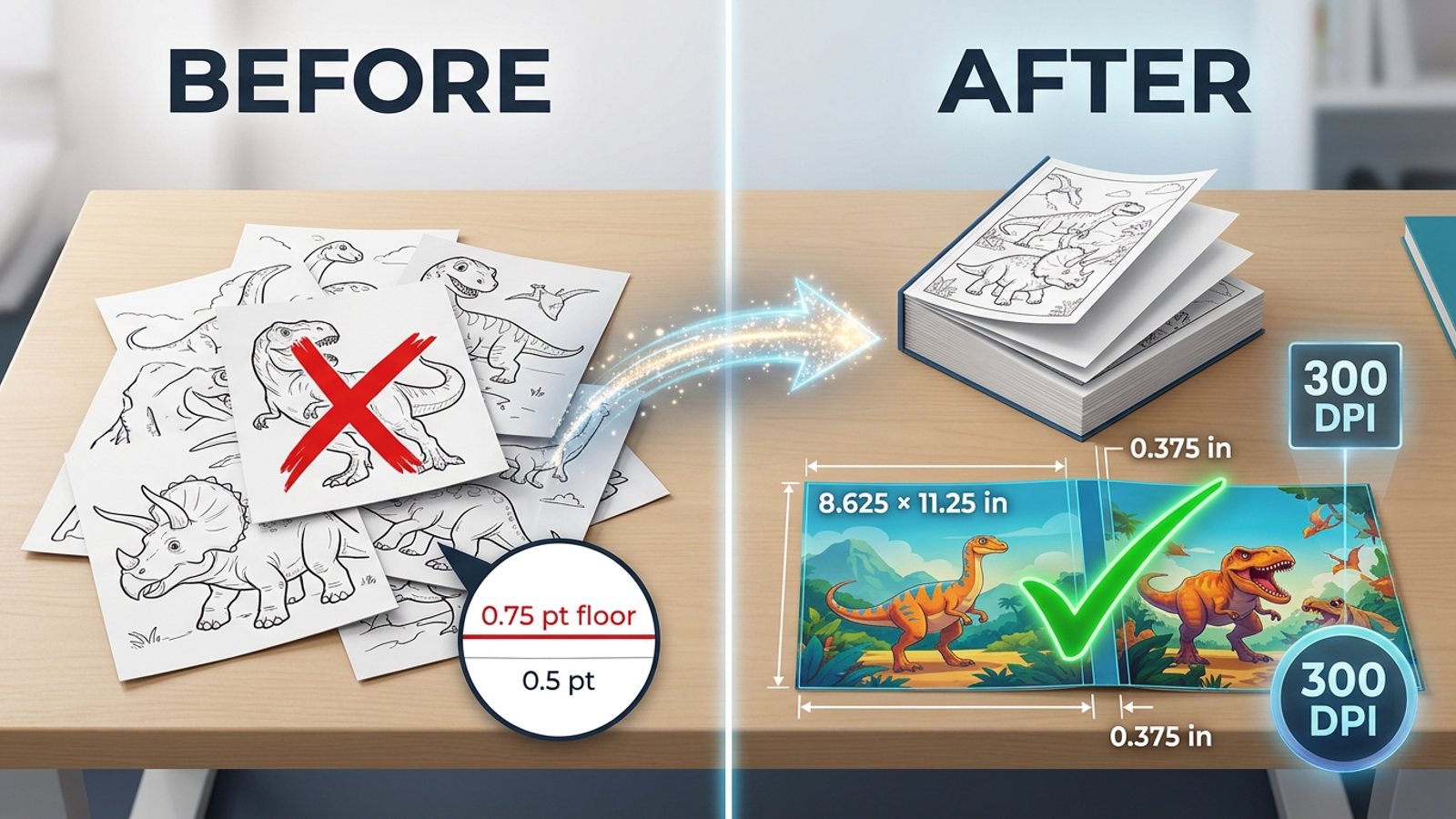
Tyniko alternatives for making coloring books to sell on Amazon
Tyniko promises one-click coloring books but publishes no pricing or KDP specs. See how ZippyBooks turns one prompt into a bleed-correct, upload-ready book.
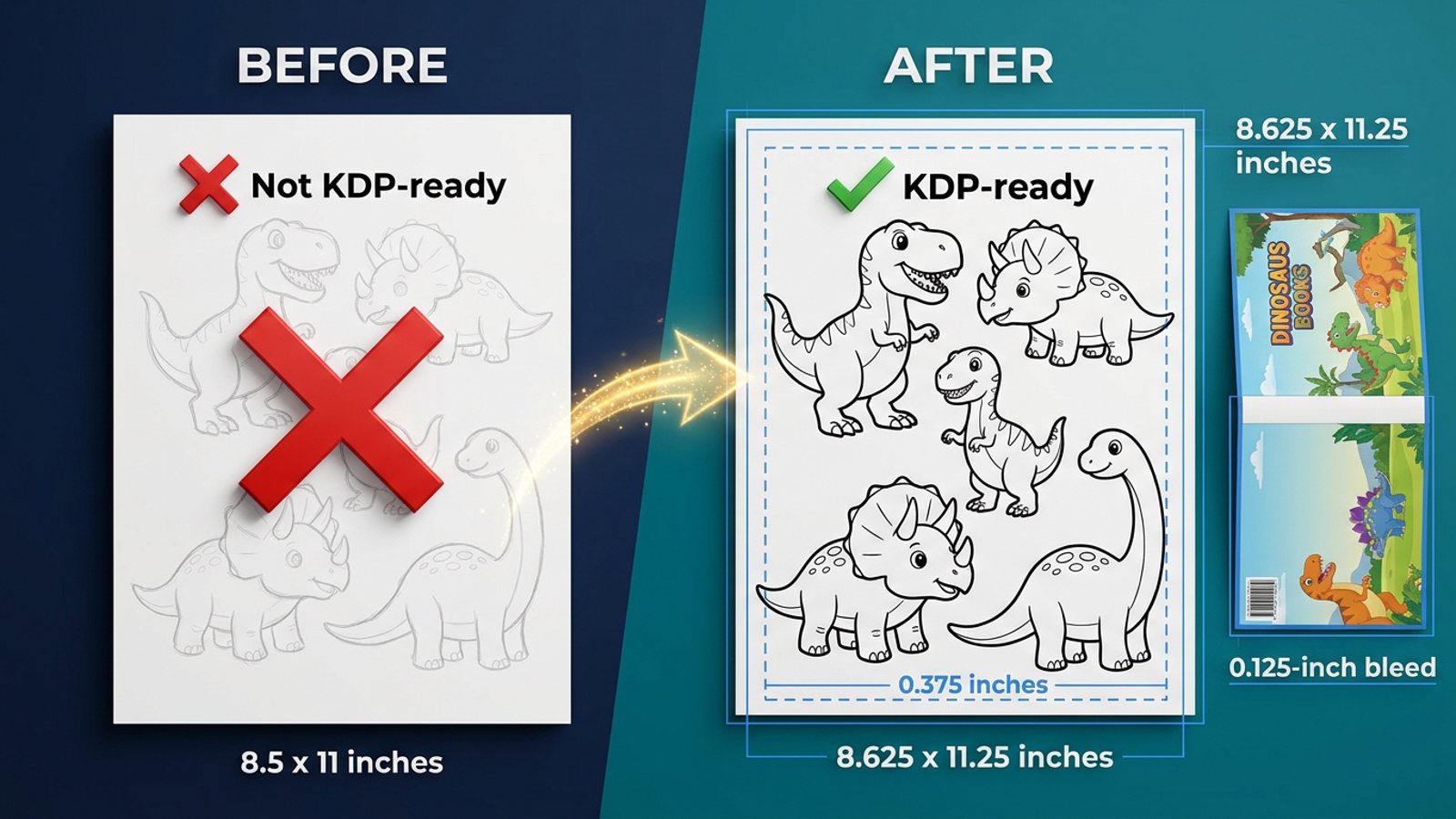
Readkidz alternatives for coloring book creators on Amazon KDP
Readkidz is built for story-first picture books, not coloring interiors. See how ZippyBooks, Canva, Midjourney and Kindle Kids' Book Creator compare for KDP coloring and activity books.