
Tyniko alternatives for making coloring books to sell on Amazon
By ZippyBooks Team ·
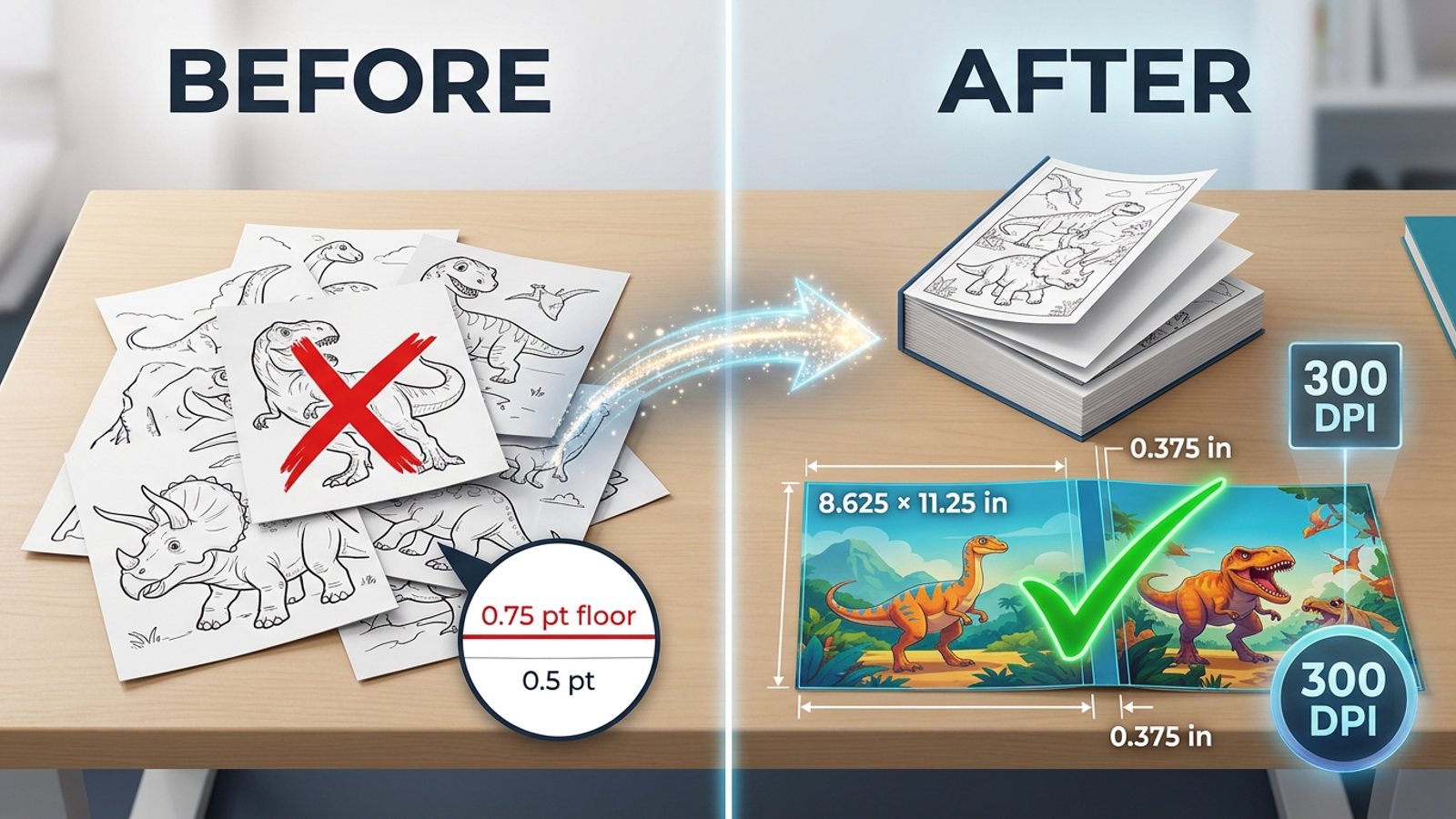
If you want a coloring book that uploads to Amazon KDP without edits, the deciding feature is not the line art — it's the trim, bleed, blank backing pages and spine-sized cover. Of the tools we compared, ZippyBooks is the only one built to produce that whole package from one prompt. Tyniko, Midjourney + Canva, ChatGPT and Ideogram + Photoshop each handle part of the job.
Buyers searching tyniko alternatives coloring books usually weigh two camps: tools that make images, and tools that make a book. That gap is the whole story of this article.
Get ZippyBooks (Picture, Coloring, Spot the Difference & Recipe Books) and you type one sentence — "a friendly dinosaur coloring book for ages 4–8" — and get a finished, uploadable book back.
What are the best tyniko alternatives coloring books for KDP?
Because Tyniko's public footprint is thin. On Product Hunt (9 April 2026) it is listed as an AI tool that generates "personalized children's story books, coloring books, and low-content books in a single click," aimed at parents, teachers, self-publishers and KDP sellers, with "one-click, print-ready output" claimed. The maker's intro says they built it because children's books were "time-consuming and expensive — requiring writers, illustrators, and designers."
That is a strong pitch. What the collected sources don't show is the detail a KDP publisher actually needs: no published pricing, and no statement on trim size, bleed, DPI, line weight or how the cover spine is sized. "Print-ready" there is the maker's own launch-page claim.
So the honest reason to compare alternatives is simple: you can't budget for a tool with no visible price, and you can't trust "print-ready" until you know what it means for a bleed-correct interior.
What does a coloring book actually need before KDP will accept it?
Six specs, and every one of them is a rejection waiting to happen.
- Trim size. 8.5 × 11 in is the default KDP trim for coloring books. With bleed, every interior page becomes 8.625 × 11.25 in, and you tick "Bleed (PDF only)".
- Gutter. KDP's minimum gutter is 0.375 in for 24–150 pages, 0.5 in for 151–300, and 0.625 in for 301–500.
- Line weight. The KDP floor is 0.75 pt (0.01 in / 0.3 mm). Canva element line art often sits at 0.5 pt and prints as broken or missing. Bold-and-easy designs typically run 4–8 pt.
- File type. One continuous PDF for the interior, exported at 300 DPI in grayscale, with no crop marks.
- Blank backing pages. Insert a blank page after each illustration for single-sided printing, so markers don't bleed through.
- Cover. One PDF containing back cover, spine and front cover as a single image. Spine width is page count × 0.002252 in on white paper or 0.0025 in on cream — a 100-page 8.5 × 11 white-paper book has a 0.2252 in spine and a 17.4752 × 11.25 in full cover. Spine text is only allowed at 79+ pages.
Also: KDP black-and-white paperbacks need at least 24 pages.
None of this is hard. It is just tedious, and it repeats for every single book. That's the part worth automating.
The technique that separates a fast publisher from a slow one
Say you want a 40-page dinosaur coloring book. The manual route looks like this:
- Lock the trim before you draw anything — 8.5 × 11 in, 8.625 × 11.25 in with bleed.
- Generate one page at a time. General AI image tools make good line art but not a book: you re-roll a prompt 40–80 times for a full title.
- Resize every export to trim with bleed, then check the stroke weight against the 0.75 pt floor.
- Insert a blank page behind every design.
- Assemble the single interior PDF at 300 DPI, grayscale, no crop marks.
- Build the wraparound cover once the final page count and paper type are locked, because the spine depends on both.
- Run the KDP Print Previewer before approving the proof.
Step 2 is where most people quit. Steps 3–6 are where most books get rejected.
The technique that fixes this is to decide the book before the pages: fix trim, page count and bleed first, then generate art into that frame. Publishers who work that way can ship a title a week. Publishers who draw first and format later spend their evenings in a PDF editor.
The line art is the easy part of a coloring book. The bleed, the blank backs and the spine are what decide whether it ever goes on sale.
How does ZippyBooks handle the whole coloring book in one prompt?
It does steps 1–6 above for you. You type a one-sentence story idea into the desktop app, and it writes the book, illustrates the interior and designs the cover. The interior PDF comes out with correct bleed and trim size for KDP, and the cover creator produces a wraparound design sized to the book.
Before export, a full book review checks typos, grammar, gaps and consistency — the 5-star cover and interior auto review. You can edit or regenerate any illustration with a sentence or one click. Then you download the KDP-ready files and upload. The app also auto-fills the KDP form and categories, with 1-click publish to Amazon.
It covers picture books, coloring books, spot the difference, recipe and text books. If you want the text side too, there's an AI text book factory in the same app.
Price: $999 per month plus your API costs, as of November 2026 — the owner describes this as a limited-time price, and prices can change. You bring your own API key and pay your provider directly; the owner's guidance is that one key can realistically produce 100 or more books a month.
Honest limits: it's a Windows and Mac desktop app only, and the API cost is yours to pay.
How do the alternatives compare?
ZippyBooks is made by the team behind this blog, so treat our pick with that in mind — and read the "watch-outs" column properly, because for some publishers another row is the better answer.
| Option | Best for | Key features | Price / free option | Watch-outs |
|---|---|---|---|---|
| ZippyBooks — Our pick | Volume publishers who want upload-ready files | One prompt → interior + cover; auto review; KDP form auto-fill | $999/mo + API costs, as of Nov 2026 | Windows/Mac only; you pay your provider |
| Tyniko | Trying one-click generation cheaply | Story, coloring, low-content books from a theme | No published pricing | No public KDP spec statement |
| Midjourney + Canva | Creators with images who want a layout editor | Strong line art; 1.6M+ templates; PDF Print with bleed | Midjourney $10–$120/mo; Canva Pro $144/yr | Prompt per page; 0.5 pt lines; Pro needed for print export |
| ChatGPT image generation | Ad-hoc single pages | Line art from text prompts | Not confirmed in our sources | One image, not a book |
| Ideogram + Photoshop | Full manual control | Per-page stroke weight, DPI, colour mode | Not confirmed in our sources | Every page assembled by hand |
Tyniko
Best for anyone who wants to test a one-click generator before paying. It's aimed squarely at KDP sellers, and the maker positions it as replacing writers, illustrators and designers. The watch-out is transparency: no pricing page, no KDP spec statement on trim, bleed, gutter, 300 DPI or line weight, no confirmed wraparound cover sizing, and no substantive user reviews visible in the collected material. If you mainly need a cheap first experiment, Tyniko is the more direct choice — just budget for reformatting.
Midjourney + Canva
Best for creators who already have source images and want a full layout editor. Midjourney generates strong line art from text prompts; Canva offers 1.6M+ free templates, custom page sizes, PDF Print with bleed and 300 dpi export. Costs: Midjourney has no free tier and runs $10 (Basic), $30 (Standard), $60 (Pro) and $120/month (Mega) per a vendor blog from May 2026, billed by Fast GPU time rather than images. Canva Pro is US$144 a year, and "Export print-ready designs / as CMYK" sits under Pro, not Free.
The catch: Canva's coloring generator starts from an uploaded image, not a written description, and you still set trim, blank backing pages, cover spine and the crop-marks checkbox yourself. Canva line art often sits at 0.5 pt — below the KDP floor. You can sell what you make under Canva's AI Product Terms, but results aren't exclusive: a similar prompt can give someone else a similar page.
ChatGPT image generation
Best for ad-hoc line art pages. It generates line art from text prompts, but produces a single image, not a book — you still re-roll prompts 40–80 times, resize for trim and bleed, insert blank pages, assemble the PDF and build a spine-sized cover. Pricing isn't confirmed by an official source in our research, so check before you budget.
Amazon KDP Cover Creator
Best for making a compliant paperback cover once the interior's page count and paper type are locked. It's free and built into KDP, produces a single back–spine–front file and calculates spine width. But it covers only the cover, not the interior — and the spine width must match your final page count and paper type exactly.
Ideogram + Photoshop
Best for full manual control over line weight, spot removal, page assembly and bleed. Photoshop gives per-page editing of stroke weight, DPI and colour mode. The cost is time: you assemble every page, insert blank backs, convert to grayscale 300 DPI, measure line weight against the 0.75 pt floor and build the cover by hand. Pricing for both isn't confirmed in our sources.
What mistakes get a coloring book rejected?
Four, and they're all formatting.
- Crop marks left on the PDF. KDP rejects them. This is the single most common Canva failure.
- Strokes under 0.75 pt. They print broken or vanish. Aim for 1 pt minimum, 4–8 pt for bold-and-easy designs.
- No blank backing pages. Marker bleeds through to the next design and buyers complain.
- A cover built before the page count is final. Change the page count and the spine is wrong.
Two more to keep in mind: KDP asks authors to disclose AI-generated images when publishing, and disclosure and royalty rules vary by territory — this is not legal advice, so check KDP's own publishing flow and your local tax rules.
If you'd rather compare other routes first, our breakdown of AI vs hiring a freelancer to make a coloring book covers the cost side, and what software writes, illustrates and exports a coloring book for KDP goes deeper on the tooling.
Ready to stop formatting and start publishing? Download the book app for Windows or Mac and turn your next story idea into a finished coloring book.
ZippyBooks is made by the team behind this blog.
Sources
- Tyniko product page (Product Hunt, 2026-04-09)
- Tyniko Forums (Product Hunt, 2026-04-09)
- Midjourney pricing (Mobbi AI vendor blog, 2026-05-24)
- Midjourney pricing index (Flexprice, 2026-10-02)
- Canva coloring page generator vs BookIllustrationAI (BookIllustrationAI, 2026-09-18)
- AI coloring page generator for Amazon KDP (BookIllustrationAI, 2026-09-06)
- How to make a coloring book on Canva for Amazon KDP (BookIllustrationAI, 2026-10-09)
- KDP coloring book trim size, bleed, rejections (Book Illustration AI, 2026-04-14)
- How to Format an Adult Coloring Book PDF for Amazon KDP (WPS, 2026-10-19)
- KDP Coloring Book Trim Size, Bleed and Margins (ColorCraft, 2026-10-19)
- KDP Coloring Book Spec Card (Genius Junkie, 2026-09-24)
- How to make a KDP coloring book (Optimsy, 2026-11-03)
- AI coloring book generator (Optimsy, 2026-11-04)
- KDP paperback cover file requirements (KDP Help, no date)
- KDP cover calculator (Polotno, no date)
Frequently asked questions
Keep reading
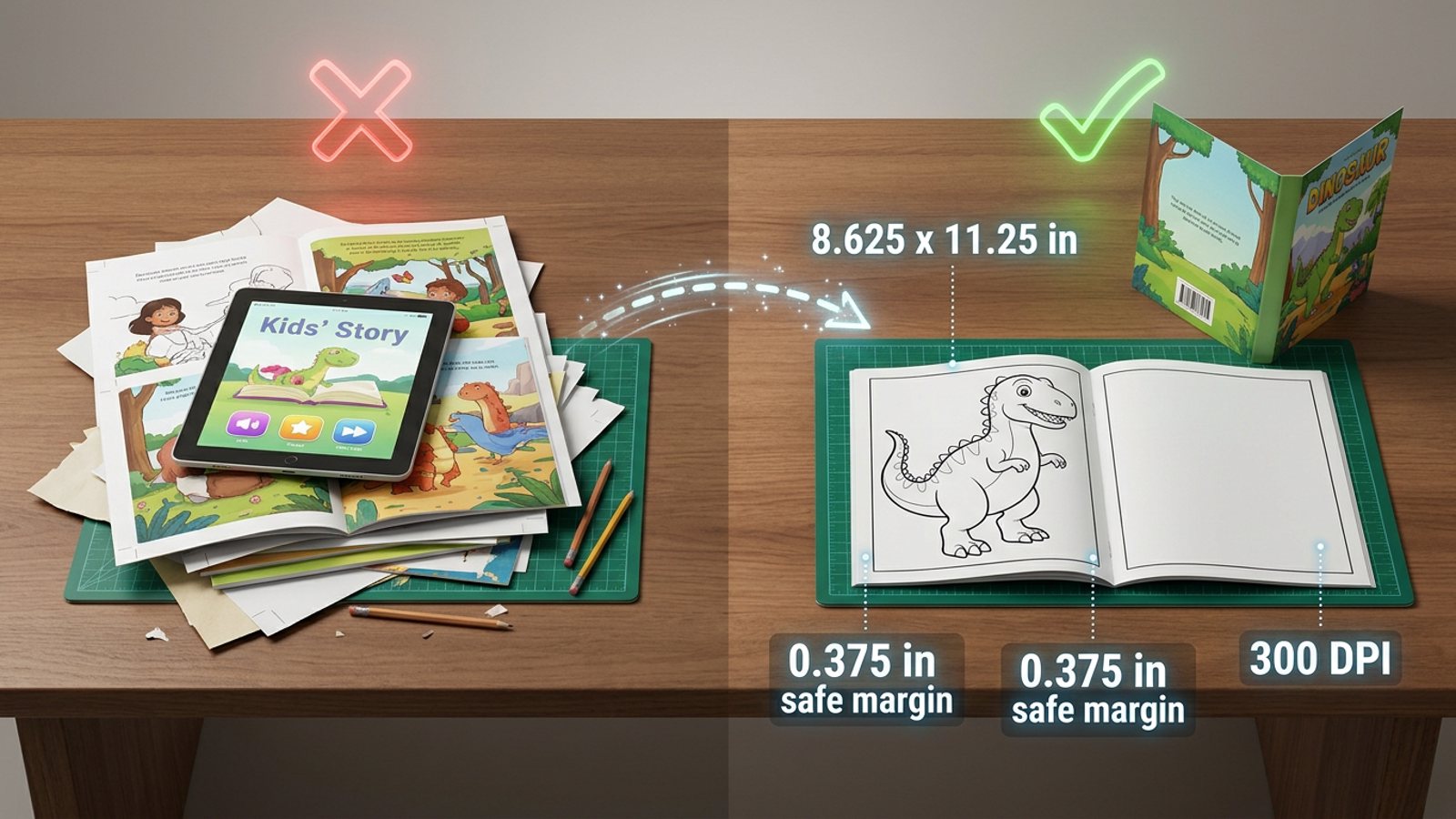
LoveToRead.ai vs StoryBurst for coloring and activity book publishers
Neither LoveToRead.ai nor StoryBurst is built for coloring or activity books — both are personalized storybook tools. See what a coloring publisher actually needs and which tool outputs KDP-ready
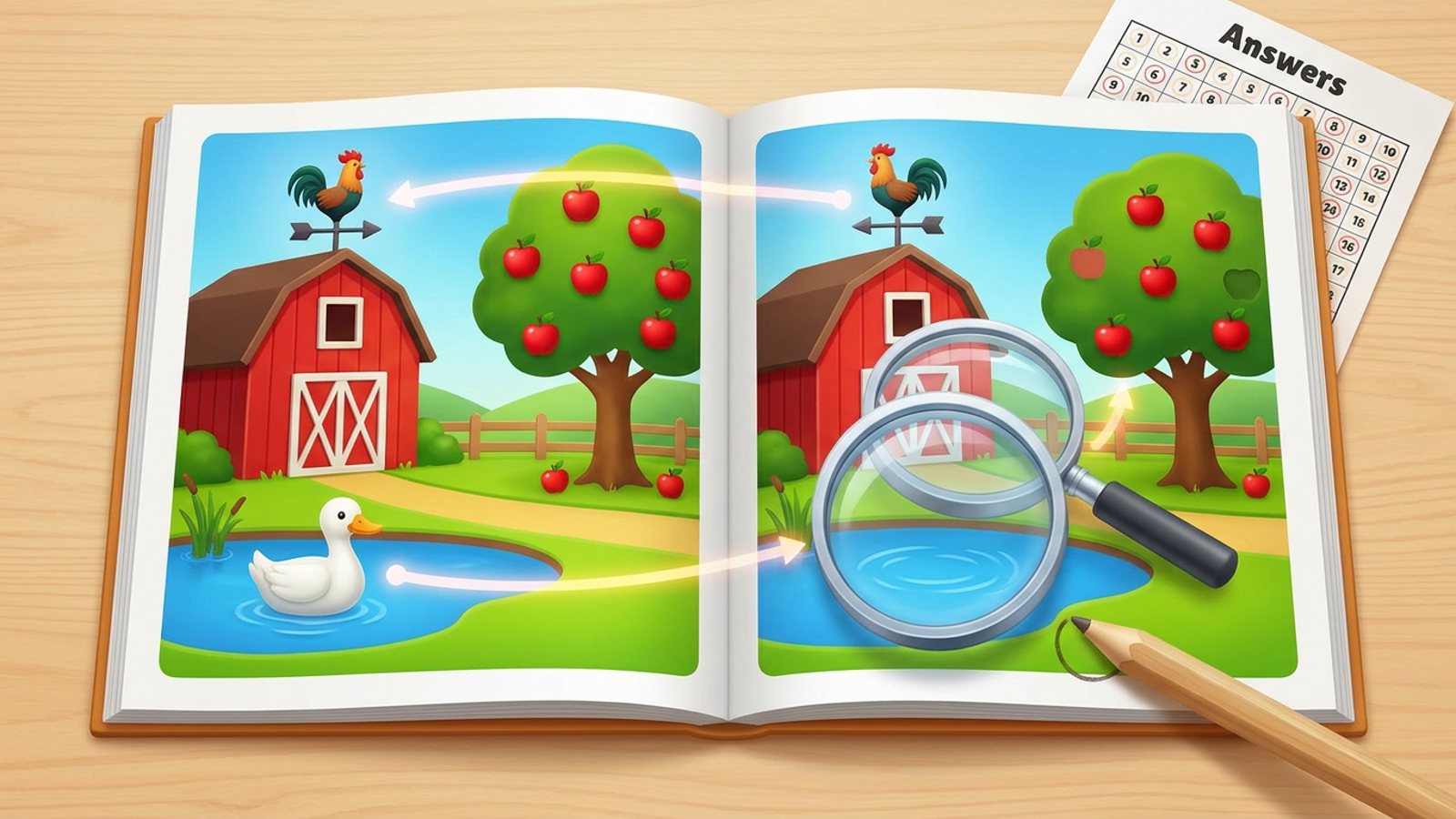
Best Bookcraft AI alternatives for spot the difference books
Bookcraft AI makes story books, not paired-image puzzles. See which tools actually produce a countable, answer-keyed spot-the-difference book with KDP-ready files.
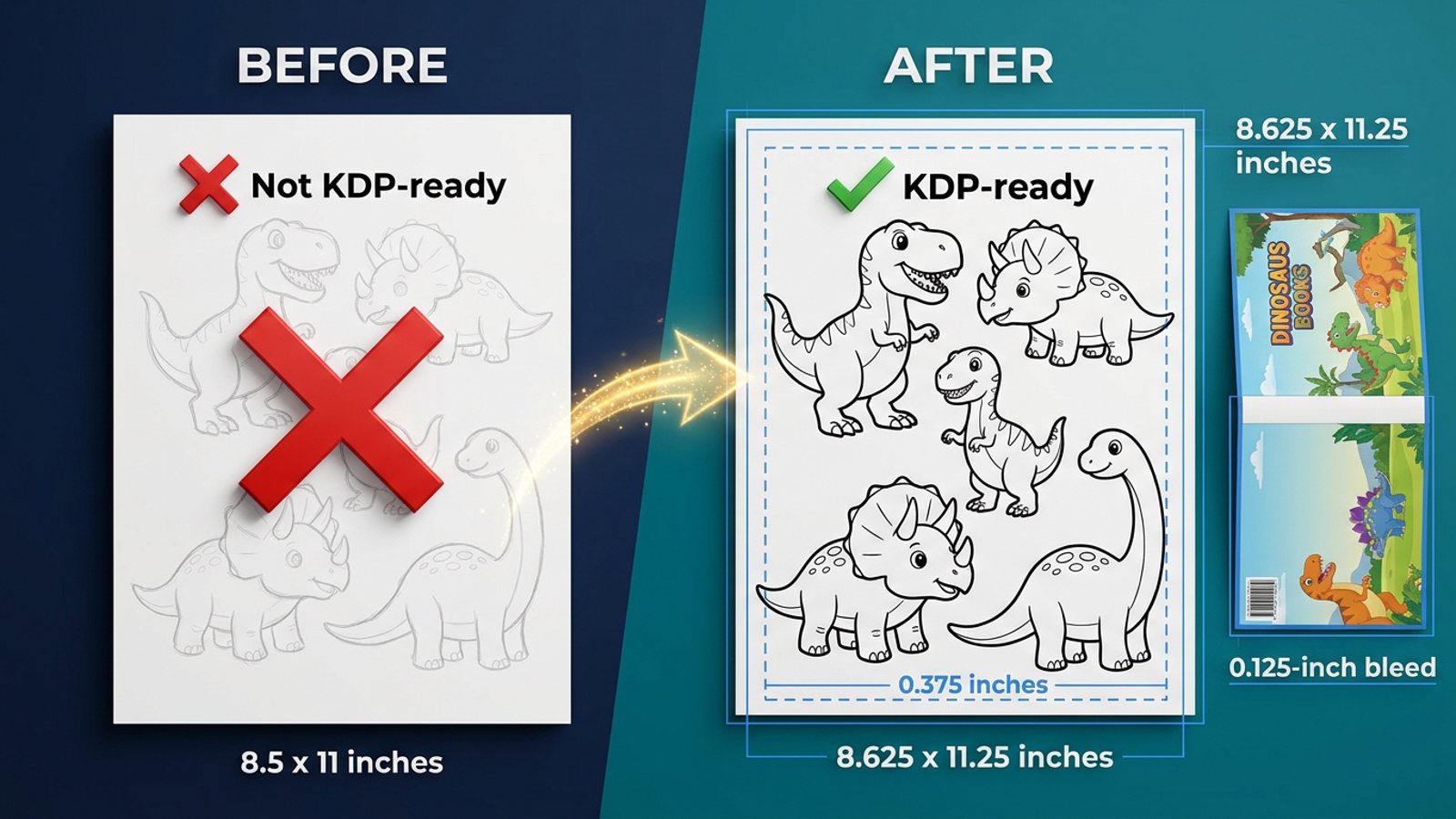
Readkidz alternatives for coloring book creators on Amazon KDP
Readkidz is built for story-first picture books, not coloring interiors. See how ZippyBooks, Canva, Midjourney and Kindle Kids' Book Creator compare for KDP coloring and activity books.