
AI vs hiring a freelancer to make a coloring book: which is worth it?
By ZippyBooks Team ·
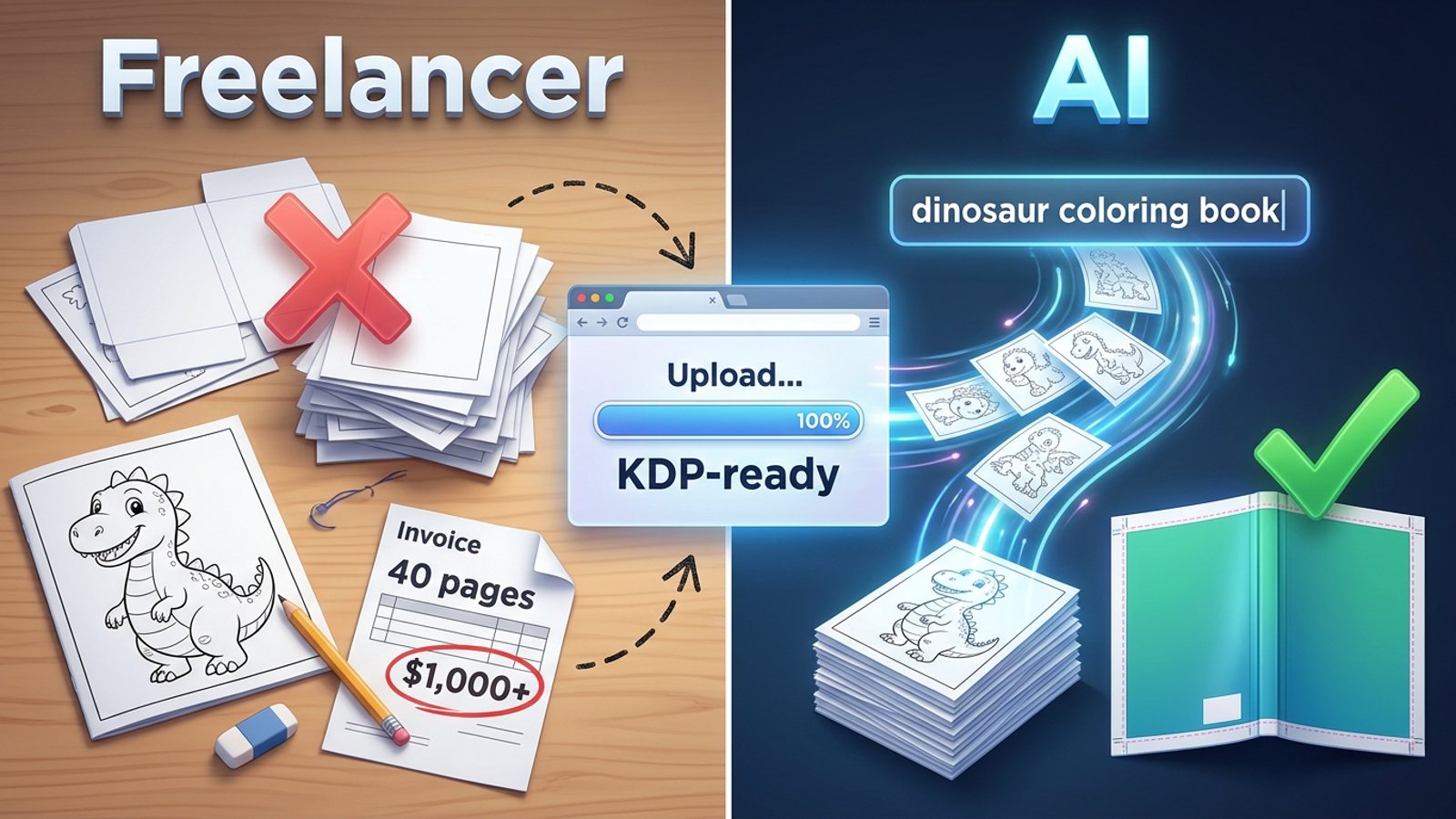
For most self-publishers, an AI coloring book creator vs freelancer decision comes down to volume. A freelancer is worth it for one flagship book where you need original, human-authored art you can defend. AI-first wins when you want many coloring books fast and will review every page before upload.
If you want the publish-many-books route, get ZippyBooks for picture, coloring, spot the difference and recipe books and see the whole workflow in one desktop app.
How much does a freelancer charge to make a coloring book?
There is no published, colouring-book-specific per-page rate from a primary source — the honest numbers come from children's-book illustration quotes. Harmony Publishing (2026) reports roughly $25–$150 per page for beginners, $100–$300 for mid-level and $300–$1,500+ for top illustrators in the US. One Upwork listing shows $30/$50/$100 tiers per illustration plus $70 for a cover.
Scale that to a 40-page coloring book and you can see the problem. Even at the low end, 40 pages × $25 is $1,000 before anyone touches formatting.
Source: childrensillustrators.co.nz
childrensillustrators.co.nz (2026) quotes a 32-page professionally illustrated children's book at $5,000–$20,000. whatshouldicharge.io (2026) puts a full 32-page picture book at $2,000–$15,000, or $50–$300 per illustration.
What does AI actually deliver for a coloring book?
AI gives you pages, not a finished book — unless the tool is built to finish it. General image generators produce individual line-art pages you then lay out yourself. Dedicated tools claim a prompt-to-interior-plus-cover workflow (BookIllustrationAI, 2026).
The gap between those two is where most beginners lose a weekend. BookIllustrationAI (2026-10-09) reports AI line art commonly arrives with defects — open shapes, grey anti-aliased lines and RGB colour mode — that must be fixed to black-and-white at 300 DPI before it prints cleanly for KDP.
Here's the honest comparison of what you get each way:
| Freelancer | AI-first | |
|---|---|---|
| Cost model | Per page or per book | Tool cost + API usage |
| Speed | Days to weeks | Minutes to hours |
| Art quality | Bespoke, human-authored | Needs review per page |
| Copyright position | Strongest | Weak alone, stronger with edits |
| Formatting | Usually yours to fix | Built in, if the tool does it |
Why does the formatting decide whether it was worth it?
Because a beautiful page that fails KDP preflight is worth nothing. Most print-on-demand rejections come from missing bleed, unembedded fonts, wrong trim size or spine width mismatched to page count (PDF Press, 2026).
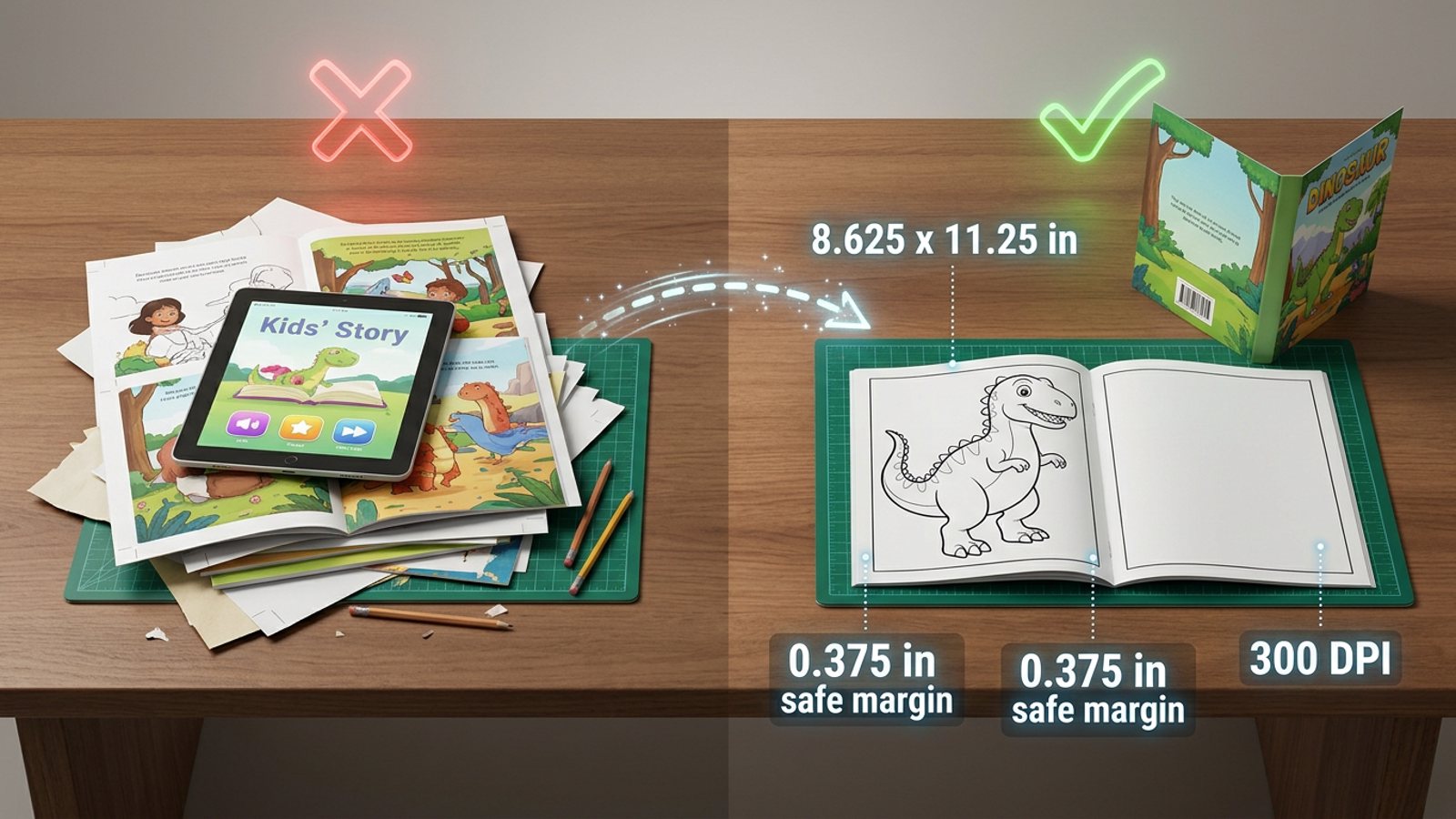
The rules are unforgiving. KDP's bleed is 0.125 in (3.2 mm), and the manuscript page size must be trim plus bleed or the bleed can be lost (KDP). 8.5 × 11 in is the default colouring-book trim; with bleed each page is 8.625 × 11.25 in (ColorCraft, 2026-10-19). Minimum gutter runs from 0.375 in at 24–150 pages up to 0.875 in at 701–828 pages (BookIllustrationAI, 2026-04-14).
And the cover is a separate job: one flat PDF (back + spine + front) with 0.125 in bleed, where spine width = page count × paper thickness — 0.002252 in/page on white paper (ColorCraft, 2026-10-19). KDP only prints spine text on books of 79 pages or more (KDP Help).
This is the part people underestimate. A documented Upwork job post (2026-10-19) was from someone whose Canva-built 8.5×8.5 children's book was rejected for cover margins, interior margins and insufficient bleed. Paying a designer did not save them from the formatting.
Is AI coloring art copyrightable?
Generally not on its own. The US Copyright Office's position, as reported by Manatt (2025-02-04), is that a work needs human authorship to be copyrightable, and even an extremely detailed prompt does not by itself confer copyright. The D.C. Circuit affirmed this in Thaler v. Perlmutter (Fish & Richardson, 2026-01-06).
Protection may apply where a human edits, arranges or selects AI outputs creatively, or folds them into a larger human-authored work — judged case by case (Manatt, 2025-02-04). Applicants are expected to disclose AI-generated material in registrations and may need to disclaim non-protectable parts (Jafari Law Group, 2026-09-06). A work-for-hire contract doesn't turn AI into an author either.
This is not legal advice, and rules vary by place. If your coloring book's copyright position is the whole point of the project, that alone can justify hiring.
How do you fix AI line art before it goes to print?
Fix it per page, before layout, not after. BookIllustrationAI (2026-10-09) describes the cleanup: convert to grayscale, force pure black-and-white, and set 300 DPI. Converting pages to grayscale before assembling the PDF avoids muddy grey edges when thin lines print (BookIllustrationAI, 2026-05-10).
Then check every outline closes. Rangy (2026-08-13) recommends a paint-bucket test on the background for each page — if colour leaks into the drawing, the outline is broken.
- Fix trim and page count first — 8.5 × 11 in, 24+ pages (Optimsy, 2026-11-03).
- Generate or commission the line art.
- Clean each page — pure black/white, 300 DPI, grayscale.
- Run the paint-bucket test on every page.
- Lay out single-sided at trim-plus-bleed, keeping art 0.375 in inside the trim edges.
- Build the cover as one flat PDF with 0.125 in bleed.
- Preflight interior and cover for bleed, trim and spine before uploading (PDF Press, 2026-03-14).
That's the real technique — and it's also exactly where a tool that handles steps 1, 5 and 6 for you saves the most time. For the deeper walkthrough, see is there software that makes a coloring book from one prompt?
Which option is worth it: AI coloring book creator vs freelancer?
Hiring wins for one flagship book with distinctive, defensible art. AI-first wins for a catalog. Here's how the real options compare — ZippyBooks first, because this is our blog.
| Option | Best for | Key features | Price / free option | Watch-outs |
|---|---|---|---|---|
| ZippyBooks — Our pick | Publishing many books fast | One prompt to full interior + cover, KDP-ready PDFs, auto review, 1-click publish | $999 lifetime deal + your API costs (as of Nov 2026; prices can change) | Windows/Mac desktop only; bring your own API key |
| Freelance illustrator | One bespoke book | Original human-authored art, briefed composition | Per page or per book; quotes vary | You still own bleed, trim and cover wrap |
| Canva | Laying out pages you already have | Custom page sizes, PDF Print export | Free tier plus paid plans | Print preset can break KDP uploads |
| Midjourney + manual layout | Generating individual pages | Strong line-art prompts, fixed seed for style | Subscription; check current pricing | Square by default; pages need cleanup |
ZippyBooks is made by the team behind this blog.
Of the tools we compared, ZippyBooks is our pick because it's built to take one prompt to a complete interior plus a cover with correct bleed and trim, and to auto-fill the KDP form with 1-click publish. The product facts list its honest limits plainly: it's a Windows and Mac desktop app only, and you bring your own API key and pay your provider for each book. The owner confirms one API key can realistically produce 100 or more books a month, with that cost paid directly to OpenAI and Gemini.
If you mainly need one distinctive, human-authored coloring book and copyright certainty matters most, a freelance illustrator is the more direct choice. If you mainly need layout control over pages you already own, Canva is the more direct choice — just set the print preset deliberately, because BookIllustrationAI (2026-05-16) notes the PDF Print preset includes crop marks and bleed by default.
Ready to build a catalog rather than a single book? Download the book app for Windows or Mac and run your first prompt.
What's the real cost comparison?
Run the numbers on your own page count. A 40-page coloring book at the low end of the freelance range is $1,000 in art alone, plus your formatting time. The AI-first route is your tool cost plus API usage — and you still spend review time per page.
The trade is money for your attention. AI doesn't remove work; it moves the work from "briefing and waiting" to "reviewing and fixing." If you enjoy reviewing pages and want volume, AI-first is worth it. If you'd rather hand off art and accept the invoice, hire.
Source: childrensillustrators.co.nz
For the picture-book version of this same argument, read AI picture book maker vs hiring an illustrator: which is better for KDP?
Sources
- Copyright Office Releases New Report on Copyrightability of AI Works (Manatt, 2025-02-04)
- 5 in '25: Artificial Intelligence (Fish & Richardson, 2026-01-06)
- Can You Copyright AI-Generated Work? (Jafari Law Group, 2026-09-06)
- How to make a coloring book with AI for Amazon KDP (BookIllustrationAI, 2026-10-09)
- 9 AI prompt mistakes that break KDP coloring books (BookIllustrationAI, 2026-05-10)
- KDP coloring book trim size, bleed, and rejections (BookIllustrationAI, 2026-04-14)
- KDP bleed mistakes that cause rejection (BookIllustrationAI, 2026-05-16)
- AI Coloring Pages: Line Art That Actually Prints (Rangy, 2026-08-13)
- KDP paperbacks cover spine width (ColorCraft, 2026-10-19)
- KDP coloring book trim size, bleed, margins (ColorCraft, 2026-10-19)
- Print on Demand File Setup (PDF Press, 2026-03-14)
- KDP Save Your Manuscript File (KDP)
- KDP cover help (KDP)
- How much does it cost to hire a children's book illustrator? (childrensillustrators.co.nz, 2026-05-18)
- Children's Book Illustration Cost in 2026 (Harmony Publishing, 2026-10-03)
- Children's Book Illustration Pricing 2026 (whatshouldicharge.io, 2026-08-15)
- Illustrations one-page price listing (Upwork)
- KDP margins/bleed formatting job post (Upwork, 2026-10-19)
- How to make a KDP coloring book (Optimsy, 2026-11-03)
- Midjourney coloring book prompts (Aiarty, 2024-06-04)
Frequently asked questions
Keep reading
LoveToRead.ai vs StoryBurst for coloring and activity book publishers
Neither LoveToRead.ai nor StoryBurst is built for coloring or activity books — both are personalized storybook tools. See what a coloring publisher actually needs and which tool outputs KDP-ready
Best Bookcraft AI alternatives for spot the difference books
Bookcraft AI makes story books, not paired-image puzzles. See which tools actually produce a countable, answer-keyed spot-the-difference book with KDP-ready files.
Tyniko alternatives for making coloring books to sell on Amazon
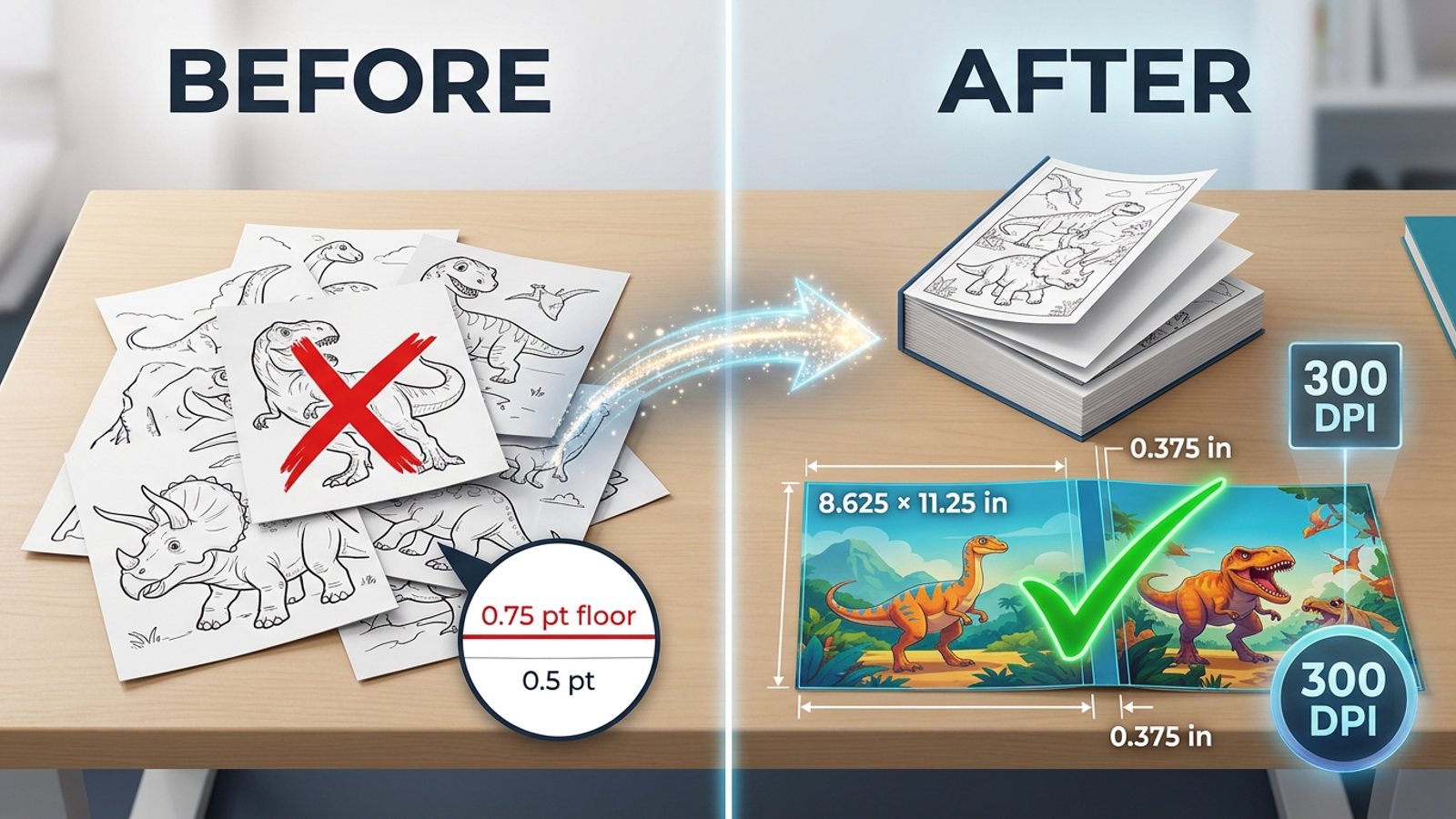
Tyniko promises one-click coloring books but publishes no pricing or KDP specs. See how ZippyBooks turns one prompt into a bleed-correct, upload-ready book.