
Is there software that makes a coloring book from one prompt?
By ZippyBooks Team ·
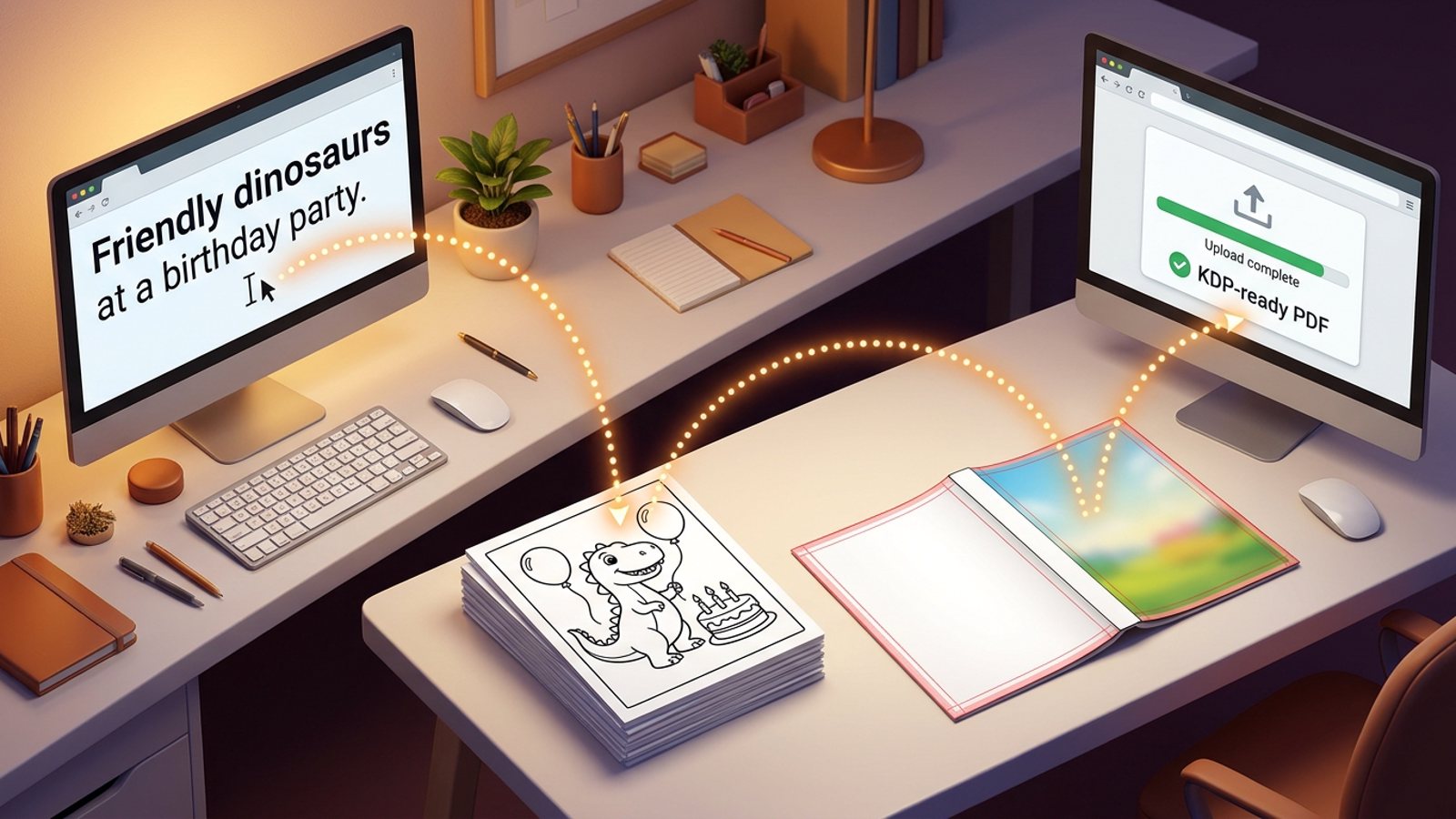
Yes. A few tools now turn one theme prompt into a full coloring book interior plus a KDP-ready cover and PDF. Others produce single pages you still have to lay out, size and export yourself. The difference matters: page generators save drawing time, while an ai coloring book creator that goes prompt-to-book saves the whole production job.
If you want the whole book built from your idea, Get ZippyBooks (Picture, Coloring, Spot the Difference & Recipe Books) and start with a single sentence.
What does "from one prompt" actually mean for a coloring book?
It means the tool takes a theme — "friendly dinosaurs at a birthday party" — and returns finished pages. What changes between tools is where that process stops.
Some tools stop at the artwork. You get 30 nice line drawings and then spend your evening resizing them, adding margins, building a cover and exporting a PDF that KDP will accept. Others carry the job through to a print-ready file. That second group is what most publishers mean when they search for a coloring book maker from a prompt.
The practical test is simple: does the tool hand you something you can upload, or something you still have to assemble?
What has to be right before KDP will accept a coloring book?
Four things: trim size, bleed, margins and the cover. Get them wrong and the file comes back.
Most print-on-demand rejections come from missing bleed, unembedded fonts, wrong trim size or a spine width that doesn't match the page count, according to PDF Press (2026). The standard bleed is 0.125″.
Here are the numbers that decide whether your interior passes, from BookIllustrationAI (2026) and KDP's own guidance:
- Bleed: 0.125″ added to width and height when art reaches the edge.
- Minimum pages: 24 for black-and-white paperbacks (Optimsy, 2026).
- Gutter by page count: 0.375″ for 24–150 pages, 0.5″ for 151–300, 0.625″ for 301–500.
- Outside margin with bleed: 0.375″ minimum, with 0.5″ used as a safety buffer in many professional templates.
- Resolution: 300 DPI minimum, or the lines print visibly blurred.
Then there's the cover, which is one flat PDF covering back, spine and front. Spine width is page count × paper thickness — 0.002252″ per page on white paper, 0.0025″ on cream, per ColorCraft (2026). A 100-page 8.5 × 11 book on white paper needs a 0.2252″ spine and a 17.4752 × 11.25″ cover.
Source: ColorCraft
How do you make a coloring book from one prompt, step by step?
Pick a theme and style, generate, check the pages, then fix the geometry. The technique is the same whether you use software or do it by hand.
- Choose a theme and a style. BookIllustrationAI (2026) describes "bold and easy" — thick outlines, simple shapes — as the dominant coloring-book style on Amazon KDP in 2026.
- Generate the pages and inspect each one. You want clean black lines at 300 DPI, consistent line weight, and no grey smudge where a line should be solid.
- Set trim size and margins. KDP's Format Your Paperback guide lists this as the first step: trim, margins, then bleed if visual elements reach the page edge.
- Keep pages one-sided with blank backs. KDP Builder (2026) recommends this to limit marker bleed-through — and the blank backs help you clear the 24-page minimum.
- Build the cover as one piece. Back, spine and front, plus 0.125″ bleed all round, with the spine calculated from your final page count.
- Export the interior as PDF. Keep files under KDP's 650MB limit and keep emoji characters out of file names, per KDP's guidelines.
- Preflight both files. Automated checkers now test a PDF against KDP's published rules — page size, page count, gutter and outside margins, embedded fonts, 300 DPI images (Apify, 2026).
- Declare AI use at upload if your pages were AI-generated. BookIllustrationAI (2026) states this is required; check KDP's own AI content policy before you publish, since rules and marketplaces vary.
That's a real afternoon's work the first time, and it's the part most new publishers underestimate.
Where does ZippyBooks fit in that workflow?
ZippyBooks does steps 1 to 6 for you. You type a one-sentence story idea into the desktop app; it writes the book, illustrates the interior and designs the cover. Then you download KDP-ready files.
The relevant pieces for a coloring-book publisher:
- Interior from one prompt — picture books, coloring books, spot the difference, recipe and text books.
- Correct bleed and trim size built into the interior PDF, rather than something you set by hand.
- A cover creator with designed cover layouts, so the back-spine-front geometry is handled.
- Edit or regenerate any illustration with a sentence or one click, when a page comes out muddy.
- A full book review for typos, grammar, gaps and consistency before you upload.
- KDP form auto-fill with categories, plus 1-click publish to Amazon.
Two honest limits. It's a desktop app for Windows and Mac only. And you bring your own API key, paying your provider for each book — the owner confirms one key can realistically produce 100 or more books a month, with those costs paid directly to OpenAI and Gemini.
Pricing is $999 as of November 2026, offered as a limited-time deal, plus your API costs. Prices can change.
One prompt gets you a finished, uploadable coloring book — the formatting work is the part software should absorb, not the part it hands back to you.
If you'd rather see the whole one-prompt workflow across picture books too, the guide to an AI book creator that writes, illustrates and formats in one walks through it.
Which prompt-to-coloring-book tools are worth comparing?
Here's how the options stack up, with ZippyBooks first because it covers the widest stretch of the job of the tools we compared.
| Option | Best for | Key features | Price / free option | Watch-outs |
|---|---|---|---|---|
| ZippyBooks (Our pick) | One prompt to full book + KDP files | Interior, cover, book review, KDP form fill | $999, limited time, as of Nov 2026 + API costs | Windows/Mac only; bring your own API key |
| Optimsy | KDP and printable sellers | Theme to cover, pages, KDP-ready PDF | Free to start; pricing not published on the page reviewed | Vendor page; pricing detail not shown |
| ColorBook Studio | Windows users wanting a one-off licence | Theme and style, 9 steps, AI interiors, full cover with spine | One-time licence, credits for AI generation | Windows desktop only; pricing not given |
| Colorsheets | Fast bulk page generation | Story Mode, Bulk Generate, character tags | Pricing not given | Page-focused; layout work still yours |
| ColorBliss | Simple prompt-to-page output | Text prompts, words/names/numbers, bulk up to 50 pages on higher plans | $9/month on its own pricing page | Another listing quotes "from $7/mo" — a discrepancy worth checking |
ZippyBooks is made by the team behind this blog.
The honest read: if you mainly need cheap single pages to test an idea, ColorBliss or Colorsheets is the more direct choice. If you want a one-time licence on Windows and don't mind assembling the KDP file, ColorBook Studio is worth a look. If you want the interior, cover and KDP-ready files out of one prompt, ZippyBooks is the pick here — and you can download the book app for Windows or Mac to try the workflow.
What will a coloring book actually earn?
KDP pays 60% of list price minus printing cost, or 50% below the marketplace price threshold, according to Keywords Everywhere's royalty calculator. In the US, black-ink printing runs about $1.00 fixed plus $0.012 per page, or $2.30 flat for 24–108 pages.
The threshold effect is sharp. A 300-page paperback at $9.98 pays $0.39 a copy; at $9.99 it pays $1.39 — because KDP pays 50% at $9.98 or less and 60% at $9.99 or more, per a 2026 Feedly post. Our recommendation: price at or above the threshold and check the calculator for your marketplace before you set a list price. Royalty mechanics vary by marketplace, and this is not financial advice.
That maths is why publishing many books matters more than perfecting one. A thin margin per copy only works at volume.
Ready to turn a single idea into a finished coloring book? Get ZippyBooks (Picture, Coloring, Spot the Difference & Recipe Books) and build the interior, cover and KDP files in one pass.
Sources
- Paperback Submission Guidelines — Kindle Direct Publishing
- Format Your Paperback — Kindle Direct Publishing
- Print on Demand File Setup: PDF Templates for POD Services — PDF Press, 2026-03-14
- KDP Spine Width and Cover Size — ColorCraft, 2026-10-19
- KDP coloring book trim size, bleed, and rejections [2026] — BookIllustrationAI, 2026-04-14 (vendor blog)
- How to create a coloring book for Amazon KDP [2026] — BookIllustrationAI, 2026-03-24 (vendor blog)
- How to Make a Coloring Book to Sell on Amazon KDP and Etsy — Optimsy, 2026-11-03
- AI Coloring Book Generator for KDP & Etsy — Optimsy, 2026-11-04
- Coloring Book Publishing: Line Art & Print Quality — KDP Builder, 2026-08-23
- Coloring book print prep for KDP paperbacks — DEV Community, 2026-11-15
- KDP Paperback PDF Preflight Checker — Apify, 2026-10-24
- KDP Royalty Calculator — Keywords Everywhere
- KDP paperback royalty post — Feedly, 2026-10-31
- ColorBook Studio — Product Hunt, 2026-06-28
- Colorsheets — Product Hunt, 2025-12-25
- Pricing — ColorBliss
- Best AI Coloring Page Generators in 2026, page 2 — MEFMobile
- Best AI Coloring Page Generators in 2026 — MEFMobile, 2026-10-15
Frequently asked questions
Keep reading
LoveToRead.ai vs StoryBurst for coloring and activity book publishers
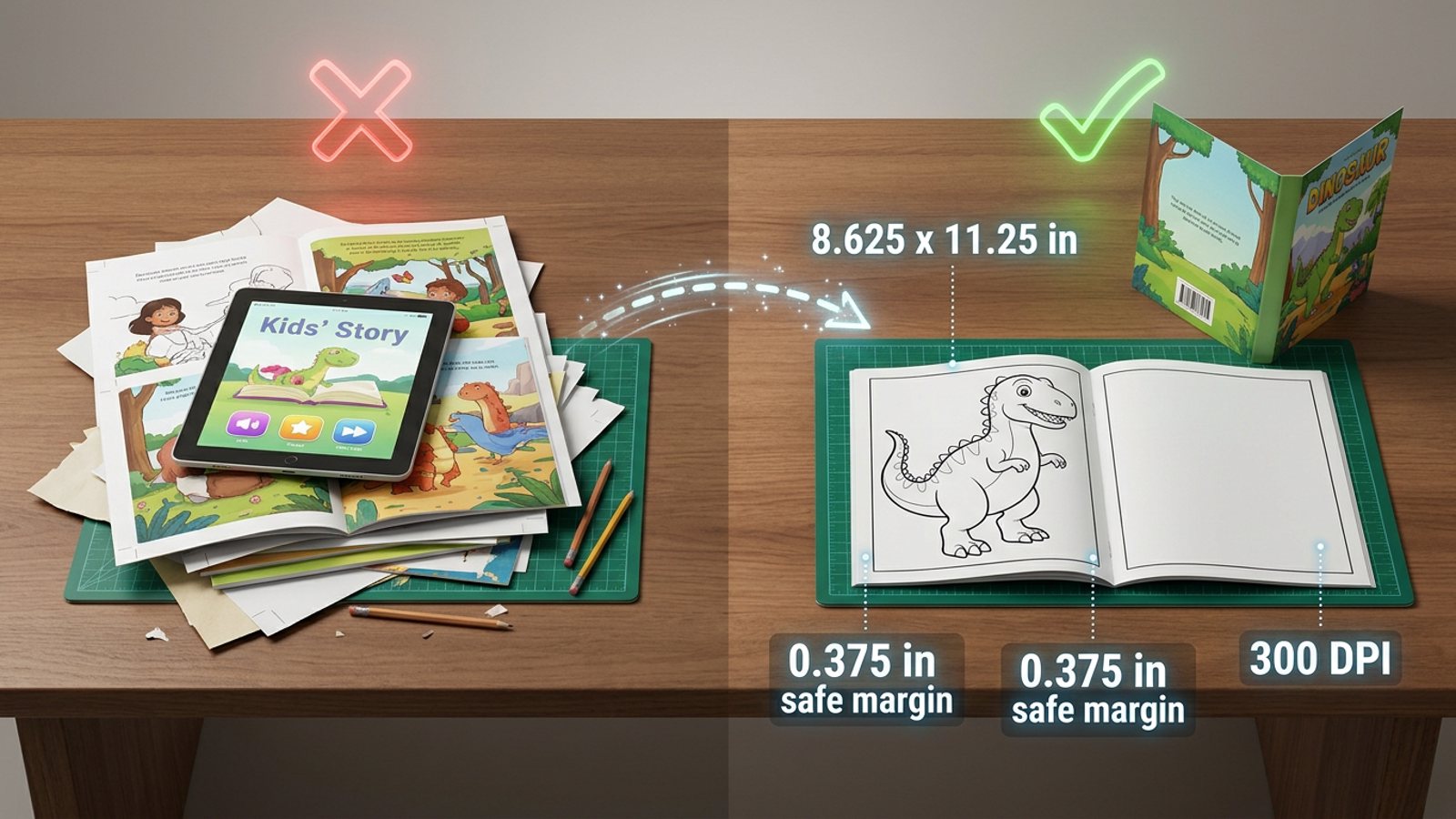
Neither LoveToRead.ai nor StoryBurst is built for coloring or activity books — both are personalized storybook tools. See what a coloring publisher actually needs and which tool outputs KDP-ready
Best Bookcraft AI alternatives for spot the difference books
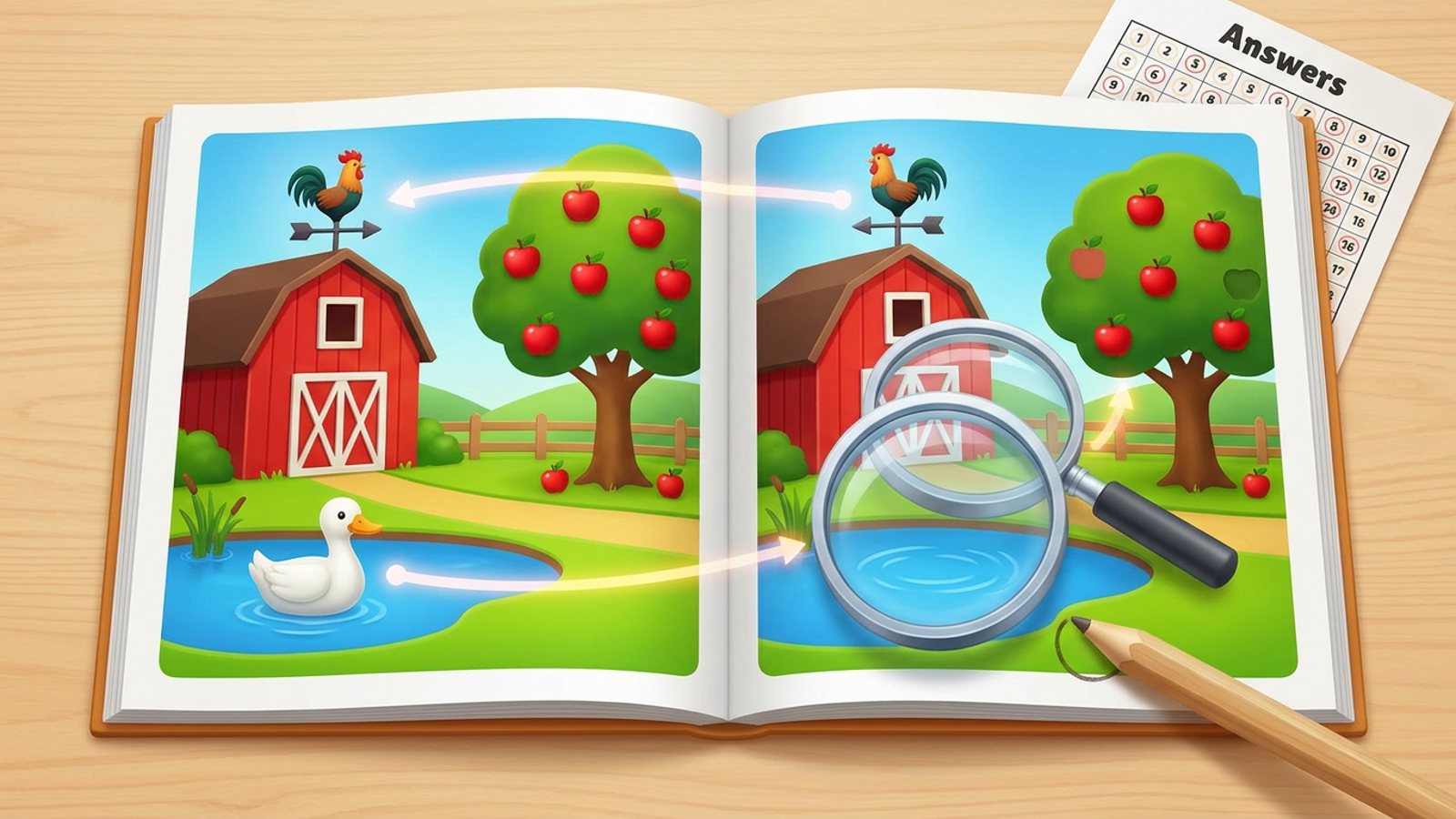
Bookcraft AI makes story books, not paired-image puzzles. See which tools actually produce a countable, answer-keyed spot-the-difference book with KDP-ready files.
Tyniko alternatives for making coloring books to sell on Amazon
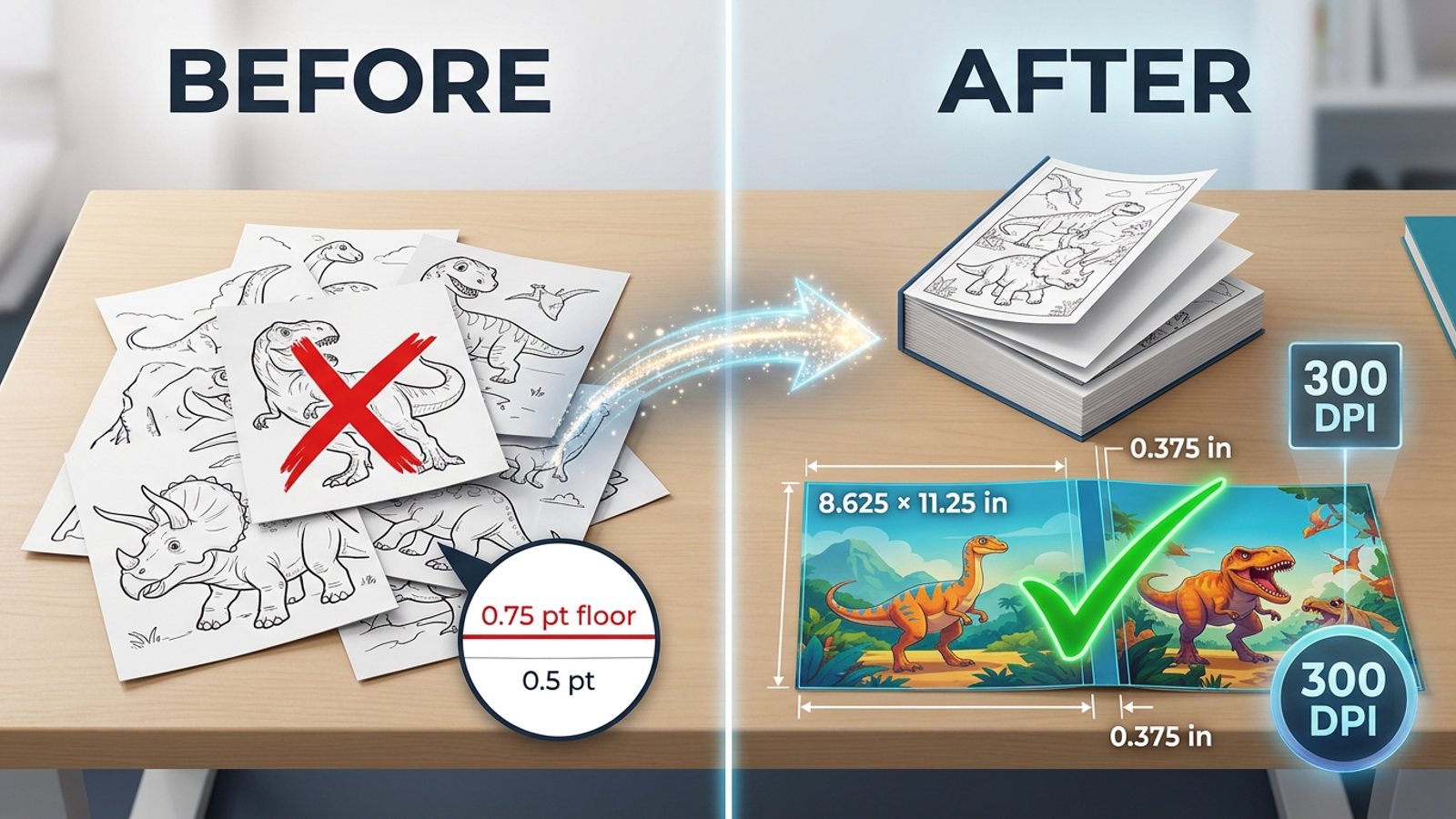
Tyniko promises one-click coloring books but publishes no pricing or KDP specs. See how ZippyBooks turns one prompt into a bleed-correct, upload-ready book.