
What software writes, illustrates and exports a coloring book for KDP?
By ZippyBooks Team ·
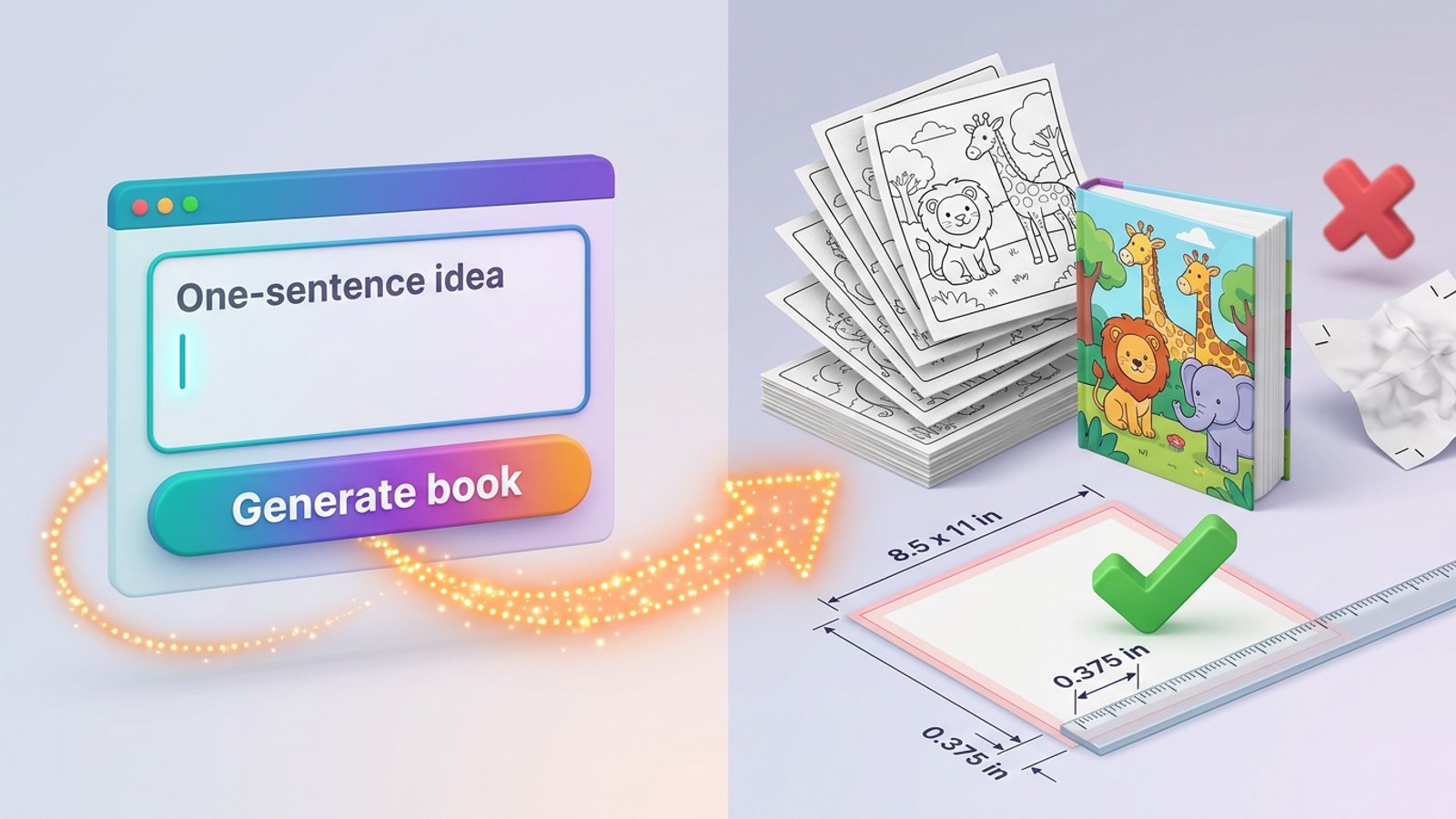
If you want one program to write, illustrate and export a coloring book, the closest fit is purpose-built coloring book software for KDP like ZippyBooks — a Windows and Mac desktop app that turns one prompt into a complete coloring book with cover and print-ready files. Canva and Book Bolt only lay out art you supply; Midjourney only makes pictures.
ZippyBooks is built for exactly this job: you type a one-sentence idea, and it writes the book, illustrates the interior and designs the cover. You can get ZippyBooks for picture, coloring, spot the difference and recipe books and download the KDP-ready files.
What does a coloring book tool actually have to do?
It has to do three separate jobs, and most software only does one. Writing means page order, a title page, front matter and a theme that holds across 40 or so designs. Illustrating means clean black-and-white line art at 300 DPI with no shading or gray. Exporting means a single PDF with single pages, correct trim, correct bleed and no crop marks.
That split is why publishers stitch two or three tools together. Every guide in the research shows the same pattern: generate art in one place, lay it out in another, then fix the file by hand before upload.
What specs must the exported file meet?
Lock the trim size first, because every other number follows from it. Most KDP coloring books use 8.5 × 11 in, according to a ColorCraft guide from October 2026, with 6 × 9 and smaller sizes used for travel and gift books.
Then work through the list:
- Choose bleed or no bleed. If any art reaches the page edge, set up with bleed: an 8.5 × 11 book becomes 8.625 × 11.25 in, per InkChamps (September 2026). If one page needs bleed, KDP recommends setting up the whole interior with bleed.
- Keep art inside the safe zone. ColorCraft's October 2026 guide says keep important art at least 0.375" from the outside edges and 0.375" from the binding edge for books of 24–150 pages.
- Check the gutter for your page count. A BookIllustrationAI post from April 2026 lists gutter minimums of 0.375" for 24–150 pages, 0.5" for 151–300 pages and 0.625" for 301–500 pages. Most 40-design coloring books fall in the first bucket.
- Use one design per page with a blank back. KDP Builder (August 2026) and Book Upload Pro (November 2026) both describe one-sided pages as the common setup, to reduce marker bleed-through.
- Export single pages, not spreads. Mosaci Studio's September 2026 guide warns that a spread export gives pages twice the expected width and half the count — it either fails at upload or prints wrong.
- Strip the junk. Crop marks, trim marks, registration marks, comments, hidden layers and leftover placeholder template text are all named as rejection triggers in the same guide.
- Build the cover last. Spine width depends on trim size, page count, paper type and bleed, so it can't be guessed (KDP Builder, August 2026).
Which coloring book software for KDP writes, illustrates and exports in one place?
ZippyBooks is the one tool in this comparison that covers all three steps from a single prompt. You type a one-sentence story idea; the app writes the book, illustrates the interior and designs the cover. It produces an interior PDF with correct bleed and trim size for KDP, auto-fills the KDP form and categories, and gives you a full book review for typos, grammar, gaps and consistency before you publish.
For coloring books specifically, that means line art pages generated in one style, laid out to KDP's rules, with a cover designed to convert shoppers — then files you upload without edits. You can download the book app for Windows or Mac and run a first book from a single idea.
The honest limits: it is a desktop app for Windows and Mac only, and you bring your own API key and pay your provider for each book. The owner confirms one API key can realistically produce 100 or more books a month, with that cost paid directly to the model providers. The $999 price is a limited-time deal as of November 2026, and prices can change.
How do the alternatives compare?
Each option below is genuinely good at part of the job. The table shows which part.
| Option | Best for | Key features | Price / free option | Watch-outs |
|---|---|---|---|---|
| ZippyBooks (Our pick) | Prompt to finished coloring book | Writes, illustrates, cover, KDP files | $999 limited-time, as of Nov 2026, plus API costs | Windows/Mac only; own API key |
| Canva | Laying out pages you already have | Blank-canvas editor, PDF export | Free plan; Pro $144/year | No line-art generation |
| Book Bolt | KDP niche research | KDP Spy, puzzle generators, designer | From $9.99/mo yearly; 3-day trial | Not a coloring-art generator |
| Midjourney + layout tool | Distinctive line art | Prompt control, seed for style | Not in sources | Images only; layout manual |
| Adobe Illustrator | Original vector linework | Full page control | Not in sources | All KDP specs on you |
Canva is a design tool, not a generator. Octozia (September 2026) describes it as a blank canvas where you place text, shapes and images by hand. Its free plan is a full editor, and Pro is reported at $144/year (The AI Rankings, October 2026). The KDP setup is entirely manual: BookIllustrationAI's October 2026 walkthrough says to set a custom 8.5 × 11 size, put a blank page after each design, keep art 0.25 in from the edges, and download as PDF Print with crop marks and bleed unticked. If you mainly need to arrange pages you already own, Canva is the more direct choice.
Book Bolt is the research-first option. AMZBase (September 2026) lists Newbie at $11.99/mo monthly or $9.99/mo billed yearly, Pro at $23.99/mo or $19.99/mo yearly, and Premium at $35.99/mo or $29.99/mo yearly. It brings keyword research, the KDP Spy extension, a cover and interior designer and puzzle generators. InkChamps (May 2026) notes there's no free plan, only a 3-day trial, that it's positioned for research and hand-designed low-content interiors rather than coloring-art generation, and that users have reported charges after cancelling during the trial. If you mainly need to know what to publish, Book Bolt is the more direct choice.
Midjourney plus a layout tool gives you the most control over the art itself. Aiarty's prompt guide (updated May 2025) recommends specifying black-and-white line art, no shading, thick smooth outlines, large open areas and a white background, plus --no colors, shadows, shades and a reused seed for consistent style across a book. Legnext's April 2026 prompt library adds a portrait aspect ratio such as --ar 2:3. But Midjourney only makes images — every page still has to be placed, sized and exported elsewhere. If you mainly want a distinctive art style, this is the more direct choice.
Adobe Illustrator is the route for hand-drawn or refined vector linework, with full page control. It doesn't generate or research anything in the supplied material, and every KDP spec — single PDF, single pages, stripped crop and registration marks, correct trim and bleed — is on the operator (Mosaci Studio, September 2026). If you mainly want original linework you draw yourself, Illustrator is the more direct choice.
ZippyBooks is made by the team behind this blog.
Are there other purpose-built AI coloring book creators?
Yes, and they market themselves on the same print-readiness promise. ColorCraft advertises a 7-day free trial with card required and plans from $9/month, an 8.5 × 11 default trim (also 8 × 10, 7 × 10, 6 × 9, 5.5 × 8.5, 5 × 8), and interiors in KDP bleed format at 300 DPI, per its pricing page and an October 2026 post. Its trial allows 5–24 pages and plans 5–100 pages. One limitation worth knowing: the trim size can't be changed after the pages are drawn.
kdpbook.io advertises 2,000 free signup credits with no card required, and its own September 2026 page puts a 106-page 8.5 × 11 kids' coloring book at about 1,803 credits (about $18). Free-plan exports carry a "kdpbook.io preview" watermark and aren't for sale. BookIllustrationAI (September 2026) advertises 300 DPI line art at your KDP trim size, one style held across 50+ pages, and an interior PDF with bleed and backing pages already correct.
These are third-party tools with their own terms, and the sources above are vendor pages — treat the claims as the vendors' own.
How do you keep the art style consistent across 40+ pages?
Reuse a seed, or pick a tool with a fixed style across pages. With Midjourney, Aiarty's guide says to reuse a seed so the style holds across a book. Purpose-built tools take the other route: BookIllustrationAI advertises one style held across 50+ pages, and ZippyBooks generates the whole interior from one prompt and lets you edit or regenerate any illustration with a sentence or one click if one page drifts.
Style drift is the quiet killer of a coloring book. Forty pages that look like forty different artists read as a rushed product to a shopper flipping the preview.
What does each route cost?
The reported numbers vary widely, and they measure different things — a subscription, a per-book credit, or a one-time price plus usage.
ColorCraft starts at $9/month after its trial; Book Bolt's Newbie plan is $9.99/mo billed yearly; kdpbook.io's 106-page book comes to about $18 in credits; Canva Pro is $144/year; ZippyBooks is $999 as of November 2026, a limited-time price that can change, plus your own API costs. Midjourney, Illustrator and stock line-art prices weren't in the supplied material.
If you're ready to go from an idea to uploadable files, get ZippyBooks and turn one prompt into a finished coloring book.
Sources
- Low-Content Books (Kindle Direct Publishing)
- KDP Coloring Book Trim Size, Bleed and Margins (ColorCraft, 2026-10-19)
- KDP coloring book trim size, bleed, and rejections (BookIllustrationAI, 2026-04-14)
- KDP Coloring Book Size, Margins and Bleed (InkChamps, 2026-09-18)
- Coloring Book Publishing: Line Art & Print Quality (KDP Builder, 2026-08-23)
- What Interior File Does a KDP Coloring Book Need? (Book Upload Pro, 2026-11-18)
- KDP Coloring Book Interior Specs (Mosaci Studio, 2026-09-16)
- How to Format an Adult Coloring Book PDF for Amazon KDP (WPS, Oct 19 2026)
- Black and white coloring page for kids prompt (Legnext, 2026-04-01)
- How to Write Midjourney Prompts for Coloring Books (Aiarty, updated 2025-05-23)
- Book Bolt Alternatives (AMZBase, 2026-09-23)
- Best Tool to Create a KDP Coloring Book (InkChamps, 2026-05-21)
- Book Bolt vs Canva (octozia.com, 2026-09-20)
- Best AI Coloring Page Generators in 2026 (The AI Rankings, 2026-10-21)
- How to make a coloring book on Canva for Amazon KDP (BookIllustrationAI, 2026-10-09)
- AI coloring page generator for Amazon KDP (BookIllustrationAI, 2026-09-06)
- AI Coloring Page Generator (ColorCraft)
- How to Make a Coloring Book for Amazon KDP (ColorCraft, 2026-10-15)
- AI Coloring Book Generator for KDP (kdpbook.io, 2026-09-27)
- AI coloring book generators for KDP, compared (kdpbook.io, 2026-10-03)
- Coloring Book Format on KDP (kdpcoloringbook.com, 2026-11-16)
Frequently asked questions
Keep reading
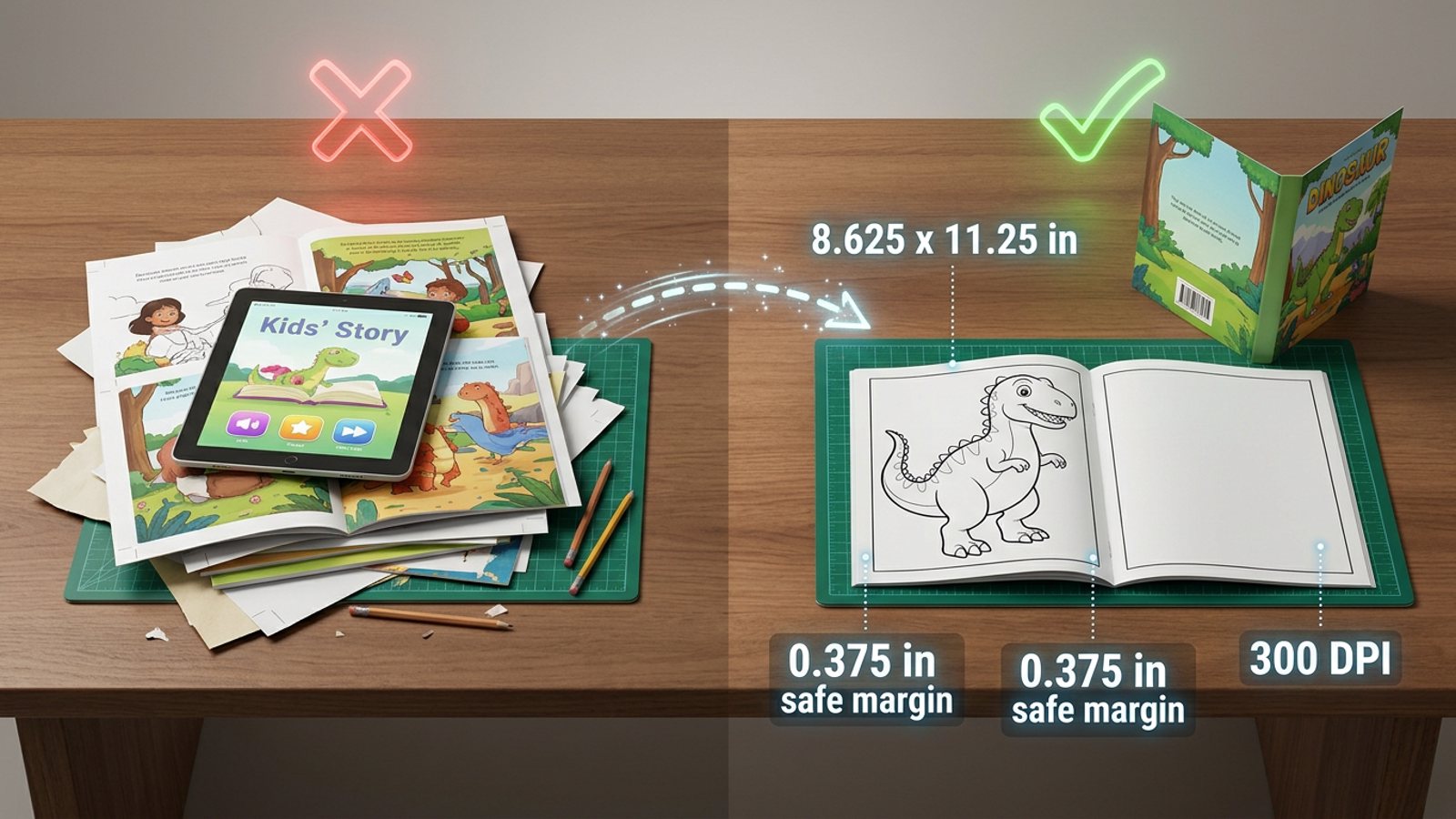
LoveToRead.ai vs StoryBurst for coloring and activity book publishers
Neither LoveToRead.ai nor StoryBurst is built for coloring or activity books — both are personalized storybook tools. See what a coloring publisher actually needs and which tool outputs KDP-ready
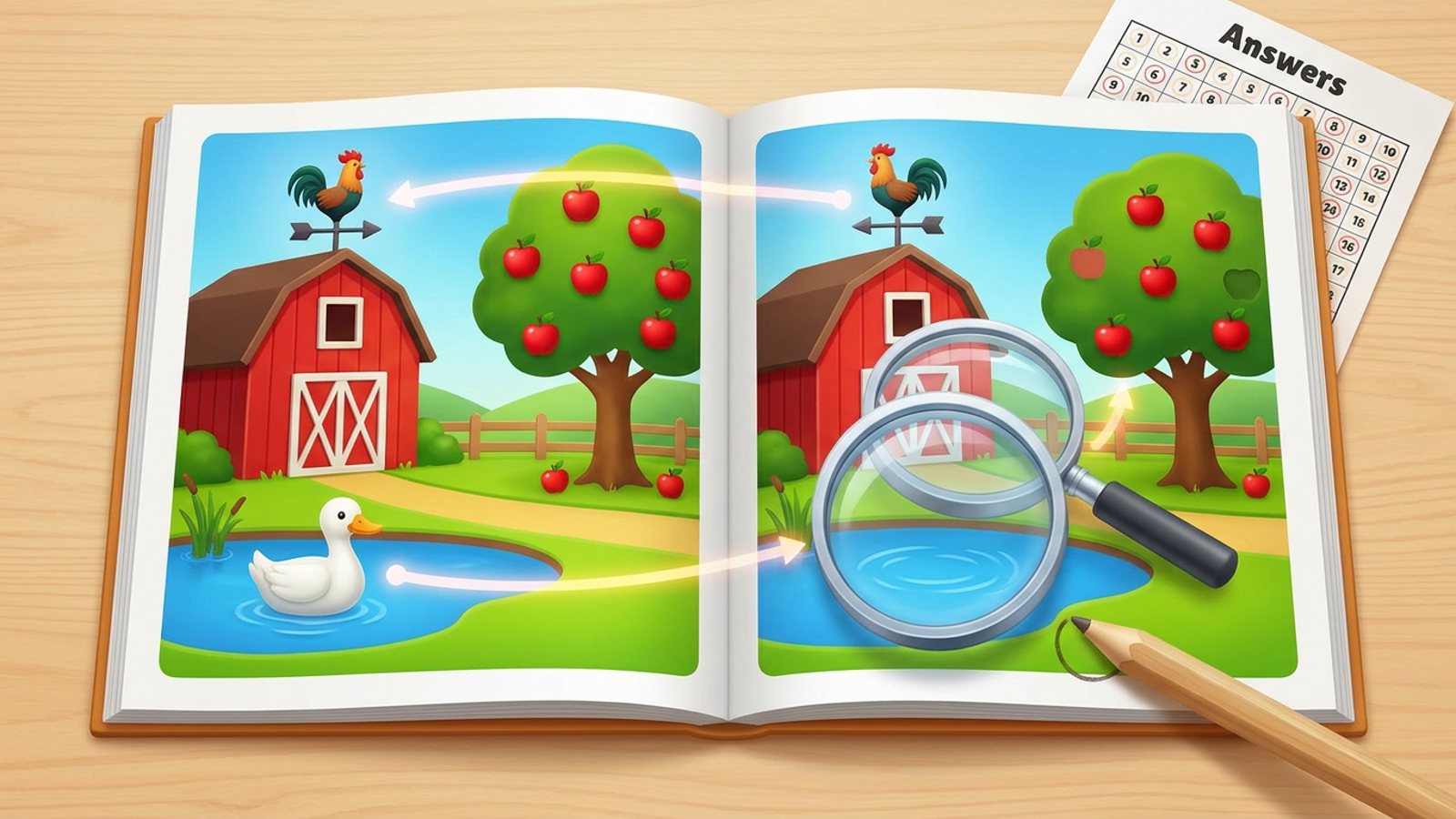
Best Bookcraft AI alternatives for spot the difference books
Bookcraft AI makes story books, not paired-image puzzles. See which tools actually produce a countable, answer-keyed spot-the-difference book with KDP-ready files.
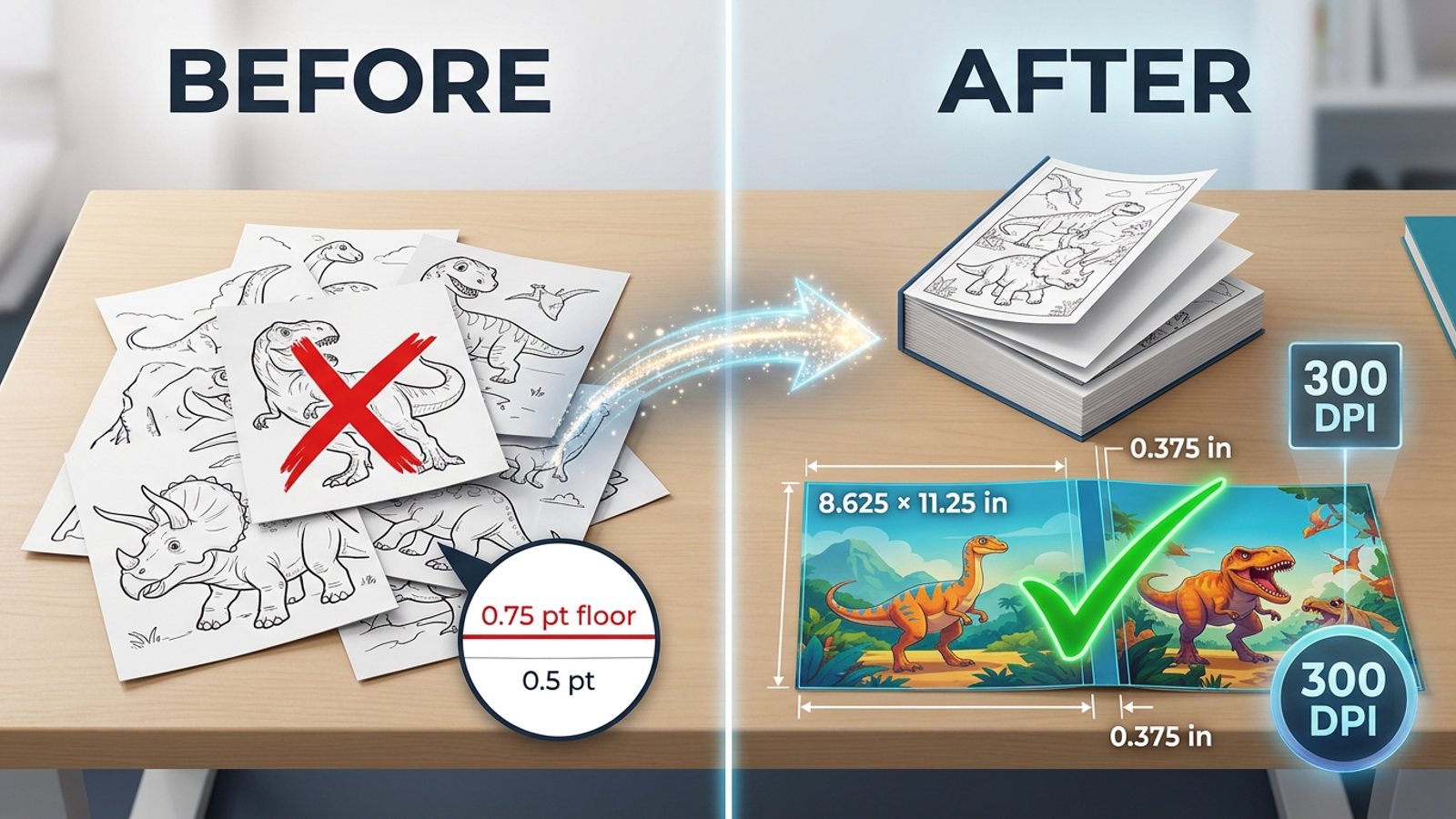
Tyniko alternatives for making coloring books to sell on Amazon
Tyniko promises one-click coloring books but publishes no pricing or KDP specs. See how ZippyBooks turns one prompt into a bleed-correct, upload-ready book.