
Best AI coloring book creator for a KDP side business in 2026
By ZippyBooks Team ·
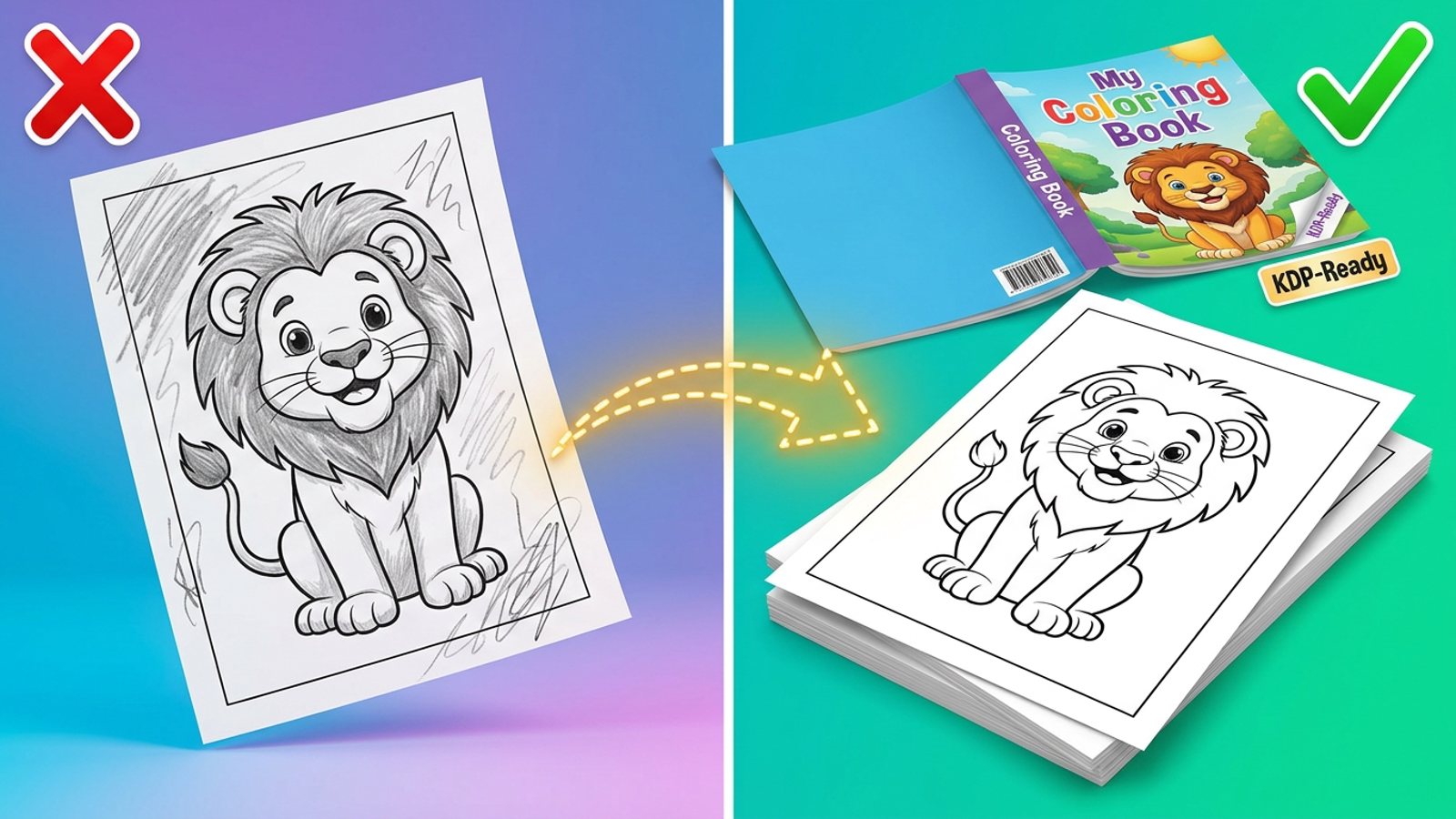
For a KDP side business, the best ai coloring book creator kdp is the one that gets you to a compliant, uploadable interior and cover fastest — not the one with the prettiest art. Of the tools we compared, ZippyBooks is our pick: one prompt produces a complete interior, a converting cover and print-ready KDP files, with no manual pagination, spine maths or export traps.
Get ZippyBooks (Picture, Coloring, Spot the Difference & Recipe Books) and turn one story idea into a finished, uploadable coloring book.
What makes a coloring book creator the best for a KDP side business?
The best tool is the one that removes the most manual steps between your idea and a file Amazon accepts. Art quality is a nice-to-have; a rejected upload at 11pm after a full day at work is what kills a side business.
Think about what actually stands between a prompt and a published book. BookIllustrationAI's guide to making a coloring book with AI (2026) lists the real work: fix the trim size and page count first, prompt for pure black line art with no shading, clean every page to two colours at 300 DPI, assemble a single-sided interior of at least 24 pages, and declare the images as AI-generated on upload. That's before you've touched the cover.
Speed to a compliant file is the product. Everything else is decoration.
Why do most AI image tools fail at KDP coloring books?
Because they generate pictures, not books. A picture still needs sizing, cleaning, pagination, blank backs and a spine — and each of those is a place a KDP upload fails.
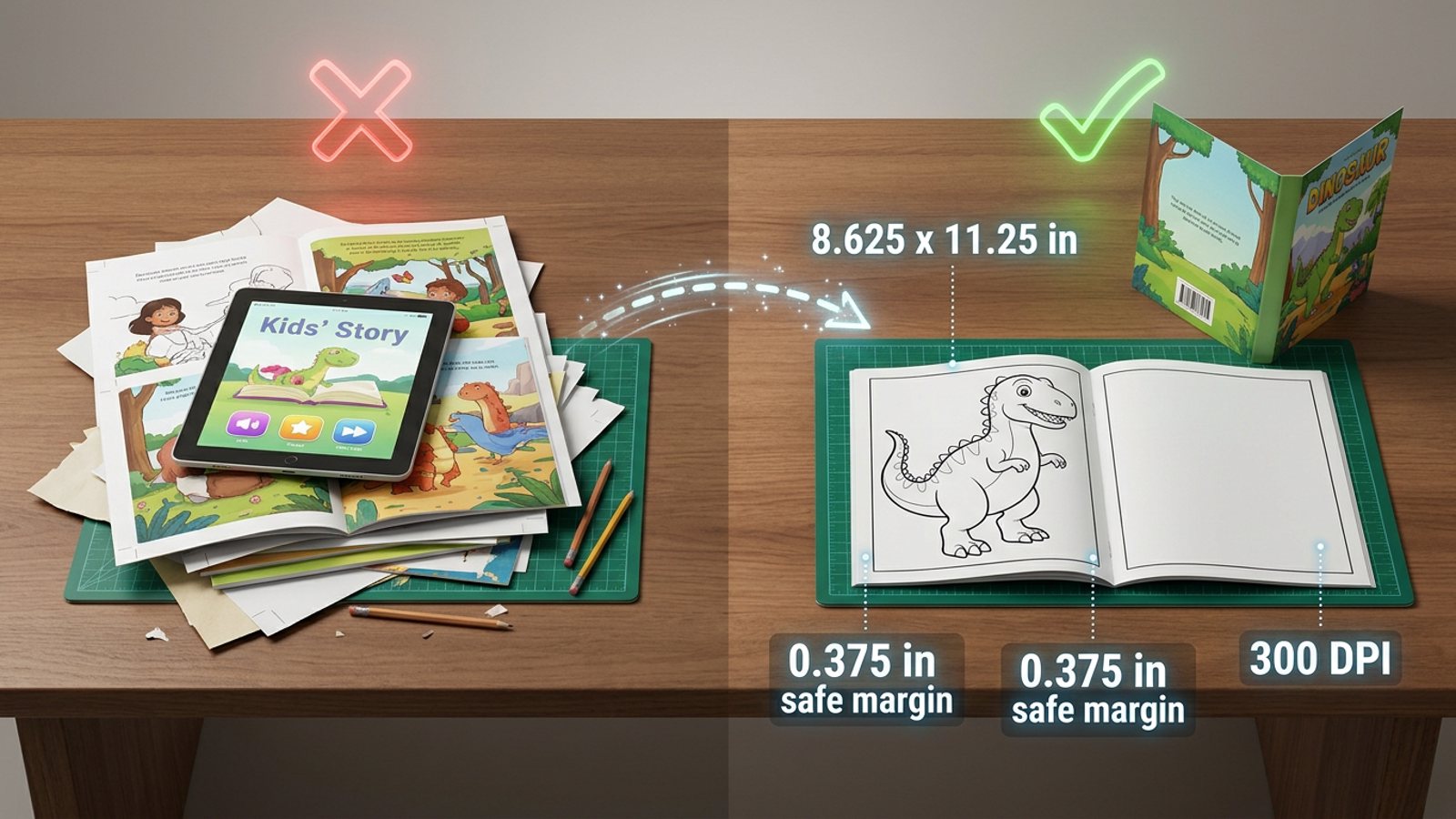
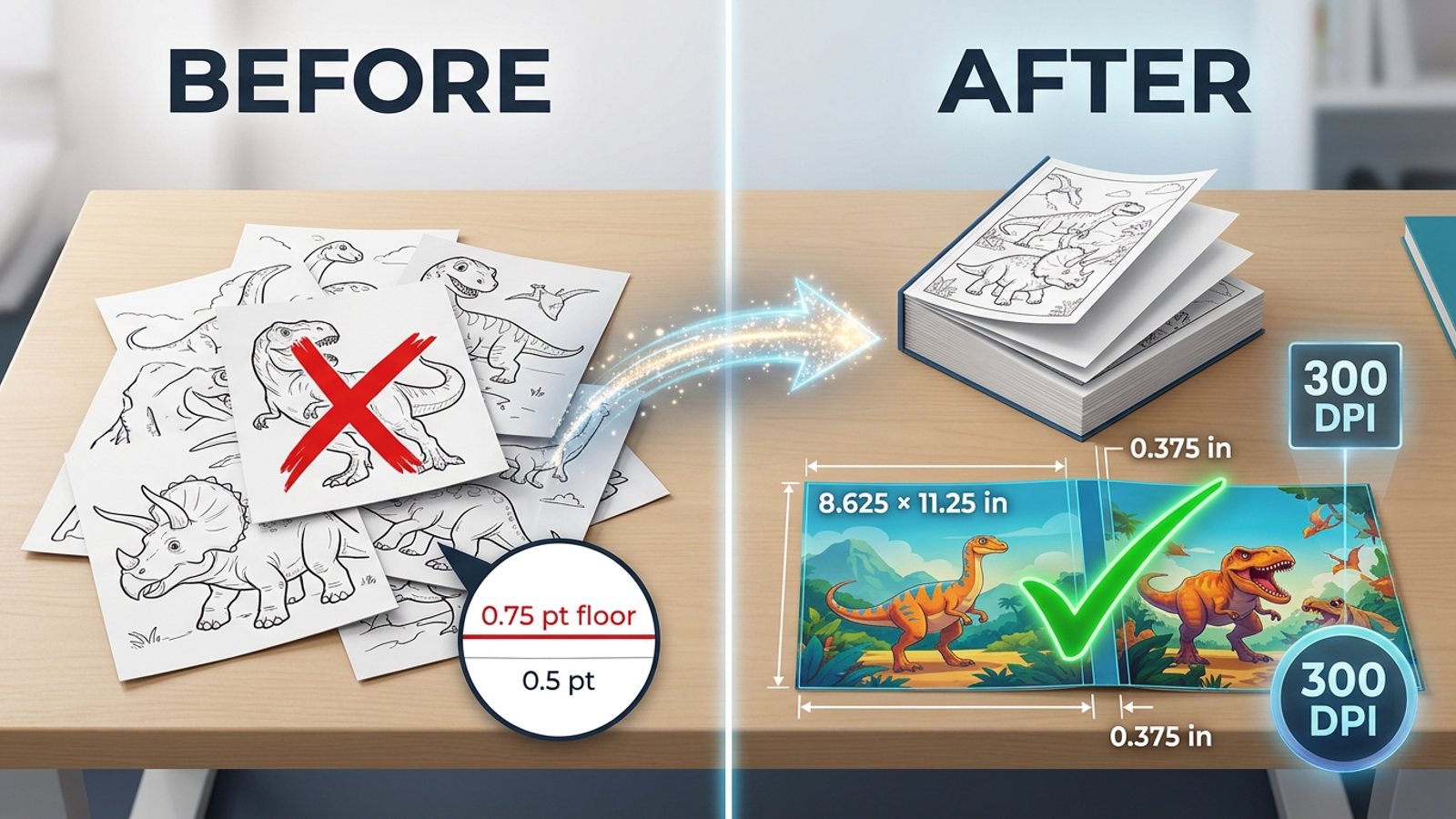
Here's the gap in plain terms. A generated image arrives in whatever dimensions and colour depth the model chose. A KDP interior needs 300 DPI, two colours, art held inside the gutter and outside margins, and a blank page after every design so markers don't bleed through (WPS Office, 2026). Then the cover is a separate job: one flat PDF of back, spine and front with 0.125 in bleed all round, where spine width equals page count × paper thickness (ColorCraft, 2026).
What are the KDP format rules you have to hit?
The non-negotiables are trim size, margins, DPI, page count and the single flat cover — get any one wrong and the upload bounces.
| Rule | What KDP needs | Source |
|---|---|---|
| Trim size | 8.5 × 11 in standard | BookIllustrationAI, 2026 |
| Inside margin | 0.375 in min (24–150 pp) | BookIllustrationAI, 2026 |
| Outside margin | 0.375 in min | BookIllustrationAI, 2026 |
| Image quality | 300 DPI, two colours | BookIllustrationAI, 2026 |
| Layout | Single-sided, blank backs | WPS Office, 2026 |
| Cover | One PDF, 0.125 in bleed | ColorCraft, 2026 |
Most pro templates use 0.5 in for the inside margin as a safety buffer (BookIllustrationAI, 2026). Our recommendation: build to the buffer, not the minimum.
How do the best AI coloring book creators compare in 2026?
ZippyBooks is our pick of the tools we compared because it produces the whole book — interior, cover and KDP files — from one prompt, while the others stop at images or design.
| Option | Best for | Key features | Price | Watch-outs |
|---|---|---|---|---|
| ZippyBooks (Our pick) | Full book, fast | Prompt → interior + cover + KDP files | $999, limited time, as of Nov 2026; plus your API costs | Desktop only; own API key |
| Midjourney | Distinctive art style | Strong style; Relax mode | From $10/mo (Mobbi AI, 2026) | No free tier; GPU-time billing; images only |
| Canva | Design editing | Templates + AI generator | Free; Pro $144/yr (Techpresso, 2026) | Crop-mark export trap; manual pagination |
| ChatGPT | Page ideas | Single-prompt images | Not stated in our sources | Images only; reported KDP blocks |
ZippyBooks is made by the team behind this blog. It's a Windows and Mac desktop app: you type a one-sentence story idea, it writes the book, illustrates the interior, designs a cover built to convert shoppers, and hands you KDP-ready files with correct bleed and trim. It also runs a full book review for typos, grammar, gaps and consistency, and auto-fills the KDP form and categories. Honest limits: it's desktop only, and you bring your own API key and pay your provider for each book — the owner confirms one API key can realistically produce 100 or more books a month.
If you mainly need a striking illustration style and you enjoy post-processing, Midjourney is the more direct choice — Standard at $30/month adds unlimited Relax generations for volume work (Mobbi AI, 2026), though it bills by GPU time, so retries burn allowance. If you mainly need to lay out and edit pages by hand, Canva is the more direct choice: it has free coloring-page templates and an AI generator (Krea, 2026), but the "Crop marks and bleed" checkbox is where most Canva coloring books fail — KDP rejects files with crop marks (BookIllustrationAI, 2026).
Get ZippyBooks (Picture, Coloring, Spot the Difference & Recipe Books) to skip the cleaning, pagination and spine maths entirely.
How much can a KDP coloring book actually earn?
At the $9.99 default price, a 100-page 8.5 × 11 black-ink coloring book returns about $3.15 per sale after printing.
KDP changed its royalty structure on 10 June 2025 so books under $9.99 earn 50% instead of 60% — which is why $9.99 is now the default price for coloring books (BookIllustrationAI, 2026). ColorCraft's royalty breakdown (2026) prices a 100-page 8.5 × 11 black-ink book at a flat $2.84 print cost, with no publishing fee and a free ISBN.
Source: ColorCraft
The maths is simple: the faster you can produce a compliant book, the more titles you can list, and the more chances you have to earn. That's the whole argument for a pipeline over a picture generator.
How do you go from prompt to uploadable book?
Six steps take you from a story idea to a file Amazon accepts — and a book-production app collapses most of them into one.
- Fix trim and page count. Choose 8.5 × 11 in and decide your page count before generating anything (BookIllustrationAI, 2026).
- Generate line art. Prompt for bold outlines, white background, no shading (ai-pedias, 2026).
- Clean each page. Two colours, 300 DPI, no greyscale.
- Lay out single-sided. Blank page after each design, art inside the margins (WPS Office, 2026).
- Build the wrap cover. Back, spine and front in one PDF with 0.125 in bleed (ColorCraft, 2026).
- Upload and declare. Run the Print Previewer and mark images as AI-generated.
With ZippyBooks, step 1 is a setting, steps 2–5 happen from one prompt, and step 6 is auto-filled. You still adjust or regenerate any illustration with a sentence or one click.
Can you sell AI coloring books on Amazon KDP?
Yes — but AI-generated images must be disclosed on upload, and that disclosure doesn't guarantee approval.
KDP classifies content as AI-generated if an AI tool created it, even after substantial human editing; AI-assisted means you created it and AI only edited or checked it (ColorCraft, 2026). Generated pages, cleaned-up generated pages and AI cover art all count as AI-generated.
Which tool should you pick?
Pick ZippyBooks if your goal is many finished, compliant books fast; pick the others if you want art control or hands-on design.
If you're running this as a side business, your scarcest resource is evening hours. A tool that hands you a complete interior and cover wins over one that hands you a beautiful picture and a to-do list. For a related workflow, see how to make spot the difference books with AI and whether ChatGPT can write and illustrate a whole children's book.
Ready to build your first title? Get ZippyBooks (Picture, Coloring, Spot the Difference & Recipe Books) — a Windows and Mac desktop app that turns one prompt into a print-ready book. Prices are $999 as of November 2026, a limited-time deal, and prices can change; API costs are paid separately to your provider.
Sources
- How to make a coloring book with AI for Amazon KDP (BookIllustrationAI, 2026)
- KDP coloring book trim size, bleed, and rejections (BookIllustrationAI, 2026)
- How to make a coloring book on Canva for Amazon KDP (BookIllustrationAI, 2026)
- How to price your coloring book on Amazon KDP (BookIllustrationAI, 2026)
- Can You Sell AI Coloring Books on Amazon KDP? (ColorCraft, 2026)
- KDP Coloring Book Royalties (ColorCraft, 2026)
- KDP Spine Width and Cover Size (ColorCraft, 2026)
- How Much Does It Cost to Publish on KDP? (ColorCraft, 2026)
- How to Format an Adult Coloring Book PDF for Amazon KDP (WPS Office, 2026)
- ราคา Midjourney อธิบายแบบละเอียด (Mobbi AI, 2026)
- Midjourney | Pricing Index (Flexprice, 2026)
- Canva Pricing 2026 (Techpresso, 2026)
- Free Coloring Page Generators in 2026 (Krea, 2026)
- AIぬりえ・塗り絵ページ作成ツール完全ガイド2026 (ai-pedias, 2026)
- Books Blocked (KDP Community, 2026)
- Book Blocked Issue (KDP Community, 2025)
Frequently asked questions
Keep reading
LoveToRead.ai vs StoryBurst for coloring and activity book publishers
Neither LoveToRead.ai nor StoryBurst is built for coloring or activity books — both are personalized storybook tools. See what a coloring publisher actually needs and which tool outputs KDP-ready
Best Bookcraft AI alternatives for spot the difference books
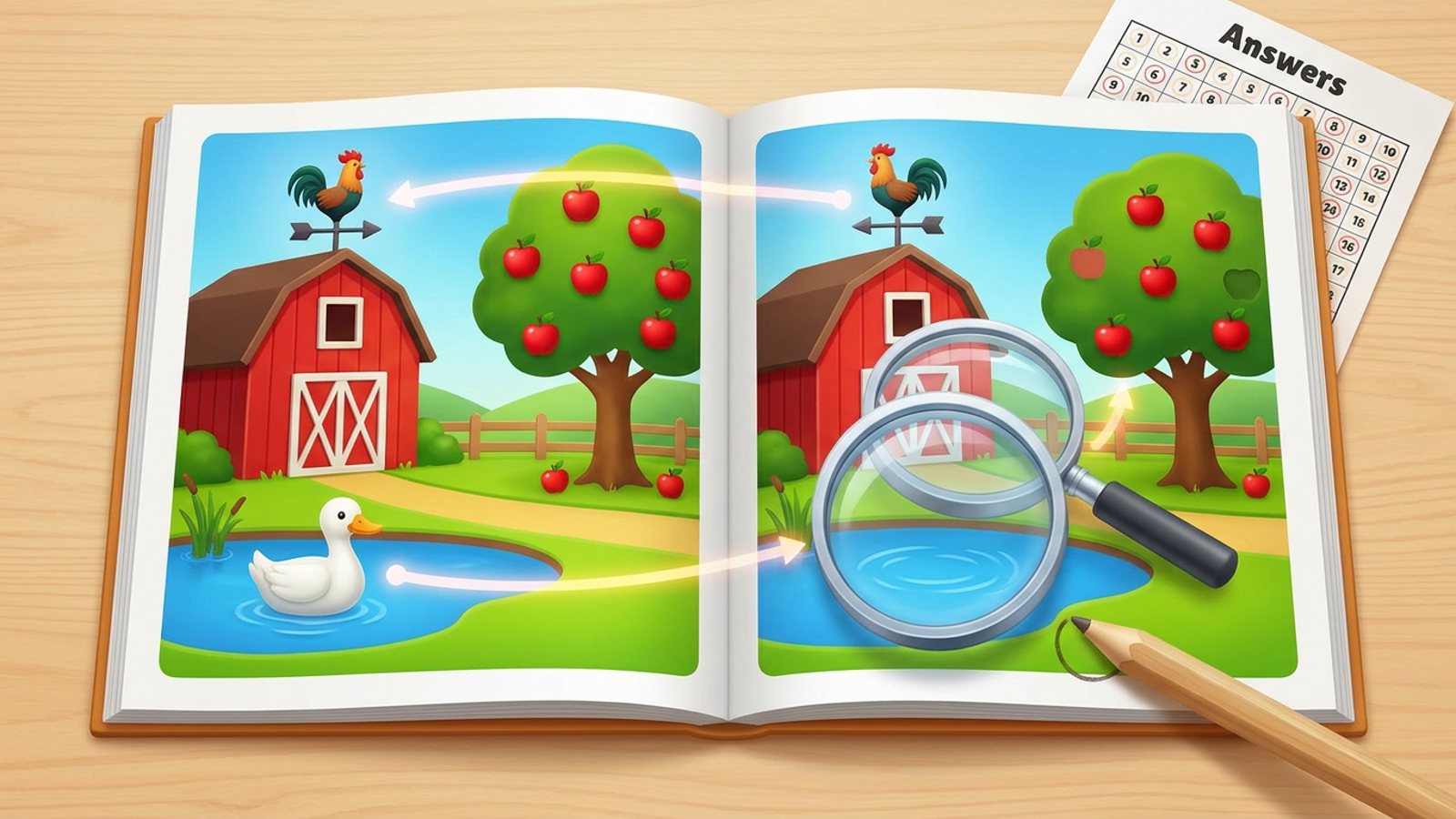
Bookcraft AI makes story books, not paired-image puzzles. See which tools actually produce a countable, answer-keyed spot-the-difference book with KDP-ready files.
Tyniko alternatives for making coloring books to sell on Amazon
Tyniko promises one-click coloring books but publishes no pricing or KDP specs. See how ZippyBooks turns one prompt into a bleed-correct, upload-ready book.