
What is the best AI for making spot the difference books to publish?
By ZippyBooks Team ·
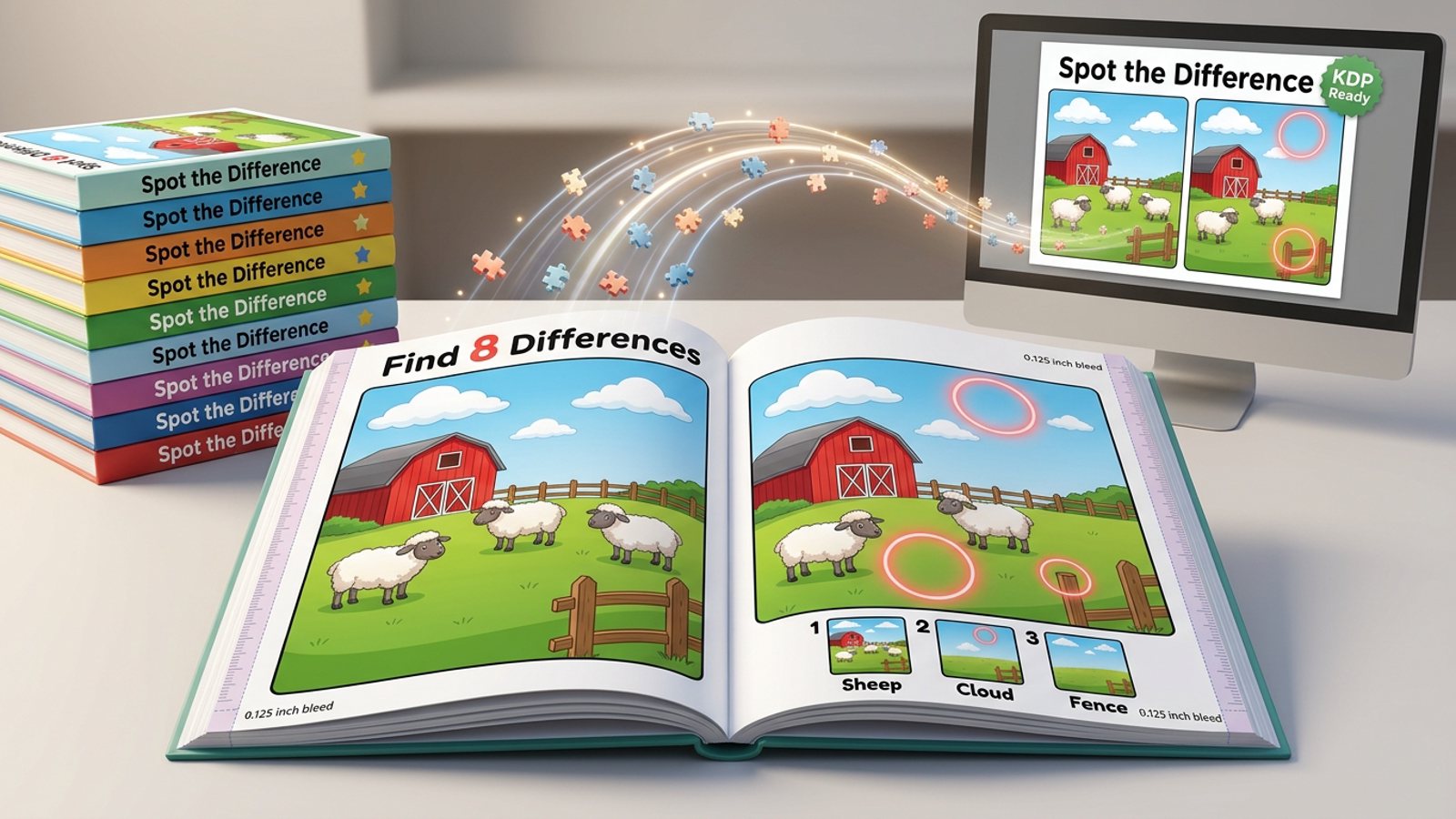
No single AI tool is purpose-built for publish-ready spot-the-difference books. Chatbots make single images but not a matched pair with a countable set of differences, and design tools like Canva or InDesign make you build every paired page by hand. For a complete interior plus KDP-ready files from one prompt, ZippyBooks is the practical pick of the tools we compared.
The hard part isn't the pictures — it's the pairing and the print files. Here's which tool gets you to a finished, uploadable book fastest.
Why is spot the difference so hard to build with AI?
Because the puzzle isn't one image. It's two images that must look identical except for a stated number of changes you can actually point to.
A spot-the-difference puzzle needs a stated number of differences that truly exist between the two images, and parents expect an answer key at the back, according to MadeGoodDesigns' activity book design guide (6 June 2026). You can't just ask for "two similar pictures." You need a pair where you know exactly what changed, and you need to prove it on an answer page.
There's a second problem: consistency. Image generators sample a learned distribution, so different prompts often return similar-looking images, as a DEV Community writer described (24 May 2026). A vendor blog from 图叮AI (18 July 2026) adds that a model has no memory of the previous image across generations — consistency has to be forced from outside with reference images and hard constraints. Christopher S. Penn made the same point (14 January 2026): text prompts alone create too much variance, and reference images are the practical shortcut.
Put those together and you see why most sellers either hand-build pages in Canva or skip the niche entirely, as SpotHuntStudio's KDP guide describes.
What should an AI spot the difference book creator actually do?
It should take one idea and hand you a finished book: paired pages, answer keys, cover and a file Amazon accepts.
Here's the checklist we used to judge every option below:
- Paired images from one instruction. Not two separate prompts you have to reconcile.
- A countable set of differences. The number on the page must match what's really there.
- Answer keys. Compact, several per page, labelled to match each puzzle — MadeGoodDesigns' guidance.
- Correct page geometry. 300 DPI minimum, and for full-bleed interiors KDP asks for images extended 0.125" (3.2 mm) beyond trim on top, bottom and outer edges, with the PDF 0.25" (6.4 mm) taller and 0.125" (3.2 mm) wider than trim.
- A cover that fits. Trim, bleed and barcode space handled.
- A PDF you can upload. KDP requires PDF for books where images bleed to the page edge.
Very few tools tick all six. That's the honest finding.
Which tool is best for making spot the difference books?
Of the tools we compared, ZippyBooks is the one that produces a complete image book — interior, cover and KDP files — from a single prompt.
You type a one-sentence story or book idea into the app. It writes the book, illustrates the interior and designs the cover. You can edit or regenerate any illustration with a sentence or one click, then download the KDP-ready files and upload them to Amazon.
A few things matter specifically for this niche:
- It builds the whole interior, not one picture. That's the difference between a folder of images and a book.
- The cover creator is built for shoppers, with designs aimed at converting browsers into buyers.
- The interior PDF carries correct bleed and trim size for KDP.
- It auto-fills the KDP form and categories, with 1-click publish to Amazon.
- A full book review checks typos, grammar, gaps and consistency — useful when a puzzle page says "find 8 differences" and you need to be sure eight exist.
- Clean, readable text on images comes via Nano Banana Pro, which matters for instructions and answer labels.
It also handles picture books, coloring books, recipe books and text books, so you can build a series rather than a one-off.
The honest limits: ZippyBooks is a desktop app for Windows and Mac only, so there's no browser version. And you bring your own API key, paying your provider for each book — API usage is not free. The owner confirms one API key can realistically produce 100 or more books a month, with the cost paid directly to OpenAI and Gemini. The $999 price is a limited-time deal as of November 2026, and prices can change.
If that fits the job in front of you, get ZippyBooks and turn your puzzle idea into a finished, uploadable book.
How do the alternatives compare?
Each option below is genuinely good at something. None of them is a publishing-ready spot-the-difference book generator except the one we picked.
| Option | Best for | Key features | Price / free option | Watch-outs |
|---|---|---|---|---|
| ZippyBooks — Our pick | One prompt to a finished, KDP-ready image book | Full interior, cover creator, KDP form auto-fill, book review | $999 limited-time deal + your API costs (as of Nov 2026) | Windows and Mac desktop only; you pay API costs |
| Canva | Hand-building pages yourself | Familiar design canvas, manual image editing | Not stated in our sources | Every paired page built by hand |
| Adobe InDesign | Professional interior layout | Precise bleed, margins, trim, print PDFs | Not stated; freelance formatting runs about $45 to $900+ | Manual — most authors hire it out |
| Book Bolt | Maze, word search, crossword, Sudoku interiors | Puzzle tools, AI credits on paid plans | Pro $19.99/mo annual per its own page (Aug 2026) | No spot-the-difference generator named |
| KDPActivityBook | A free single-puzzle maker | Trims 5"×8" to 8.5"×11", PDF at 300 DPI | Free | Page options only; not a full book |
| ChatGPT image generation | Single images from a prompt | Strong one-off image quality | Not stated in our sources | No layout or KDP file output |
Canva is the route most sellers take, and the sources describe it plainly as the hand-build option — "most sellers either hand-build pages in Canva (slow)," per SpotHuntStudio. A printables creator describes the slow part as starting from a blank canvas and editing two similar images by hand (DeviantArt post, 3 July 2025). If you mainly need design freedom and you enjoy the work, Canva is the more direct choice.
Adobe InDesign gives you professional layout with proper bleed, margins, trim and print-ready PDFs, per an Upwork listing. The catch is that it's manual: every paired puzzle page is placed by hand, and most authors hire someone rather than learn it. Freelance formatting rates in our sources run from about $45 for a small project up to $350–$900 tiered packages and $250+ for interior design services (Freelancer.se, Upwork, BenCreatesBooks, 29 September 2026). If you mainly need total control over a complex layout, InDesign is the more direct choice.
Book Bolt is a solid low-content puzzle toolkit. RevenueGeeks (20 April 2026) lists maze, word search, word scramble, crossword and Sudoku creation, and Book Bolt's own pricing page (26 August 2026) lists Pro at $19.99/month billed annually with a 3-day free trial; Vappingo (27 March 2026) reports 1,000 monthly AI credits on Pro. Note that plan names and tiers differ between sources, so treat the live page as authoritative. No source supplied names a spot-the-difference generator in Book Bolt. If you mainly need mazes and word searches, Book Bolt is the more direct choice.
KDPActivityBook's free Spot the Difference Maker is worth a look for testing the format. Its tool page lists trims from 5"×8" to 8.5"×11", square and A4, large-print sizes, and PDF output at 300 DPI (2550 × 3300 px). It makes pages, not a book with a cover and answer section.
ChatGPT image generation is excellent at single images. But a user report describes it returning very similar imagery across unrelated prompts, and it has no cross-generation memory. No layout or KDP file output is described in any source. If you mainly need one great illustration, a general image model is the more direct choice.
Also worth naming: SpotHuntStudio publishes a KDP guide for this exact book type, Poe's SpotDiffPuzzle is an AI puzzle generator built on FLUX, GPT-Image and Google Imagen with preset scenes, and LessonCraftStudio offers a paired-image worksheet generator with answer keys and PDF export on a free trial with a watermark. Pricing for all three isn't in our sources.
ZippyBooks is made by the team behind this blog. This blog is the product's own, so weigh our pick with that in mind — the comparison above is written so you can pick the tool that fits your job, not ours.
Is a spot the difference book a low-content book on KDP?
Generally no. KDP states that puzzle books and coloring books are generally not treated as low-content, though exceptions exist.
That matters because the checkbox changes how your book is reviewed. The low-content box must be ticked for genuinely low-content titles, and ticking the wrong box can lead to rejection, per KDP's Japanese help page. Vappingo's categories guide (updated September 2026) adds that low-content print books get no free KDP ISBN.
Our recommendation: read KDP's low-content page yourself before you upload, and match your book to the box it belongs in. Rules vary by place and by marketplace, so check the help pages for the store you're publishing in. This is not legal advice.
How long does KDP take to review an activity book?
KDP says reviews for low-content books and for activity books such as coloring or puzzle books "might take 3-4 weeks."
Plan your launch around that. If you want a book live for a specific season, upload well ahead of it. And if you're publishing several titles to build an author brand, stagger your uploads so a single review backlog doesn't hold up your whole catalogue.
What trim size and file settings do puzzle interiors need?
Start from KDP's own numbers, then build the book to fit them.
- 300 DPI minimum for all images, cover and interior.
- 0.125" (3.2 mm) bleed beyond final trim on top, bottom and outer edges for full-bleed interiors.
- PDF sized 0.25" (6.4 mm) taller and 0.125" (3.2 mm) wider than trim when the interior bleeds.
- Upload as PDF whenever images bleed to the page edge.
For a pixel reference, IngramSpark's KDP quick reference lists 8 × 10 in at 300 DPI as 2400 × 3000 px, and 8.5 × 11 in as 2550 × 3300 px. That 8 × 10 in size is listed for activity and coloring books.
Here's the practical version: pick your trim, set your page geometry once, and let the tool hold it for every page. That's what ZippyBooks does with its interior PDF — correct bleed and trim size, generated rather than assembled. If you'd rather see how a full illustrated book gets built end to end, our guide to whether ChatGPT can write and illustrate a whole children's book walks through the same production steps.
How do you actually make one, step by step?
- Pick the buyer and the difficulty band. Easy large-print for seniors, or ages 5+ for kids. Difficulty should match the age on the cover, per Inkario's activity book guide (14 July 2026).
- Choose your trim size and set page geometry: 300 DPI, bleed 0.125" past trim, PDF 0.25" taller and 0.125" wider if full-bleed.
- Generate each paired scene — or have a tool generate the whole interior — and fix a stated number of differences that actually exist in the pair.
- Add an answer key at the back, compact, several per page, labelled to match each puzzle.
- Upload the interior as PDF if anything bleeds, preview it, and tick the correct KDP category box.
- Expect a 3–4 week review and set your launch date accordingly.
Step 3 is where most people stall. Say you run a small press and want a 40-page "Christmas Spot the Difference" for grandparents to buy. In Canva, that's 40 paired pages, each one edited twice by hand, plus 40 answer labels. With a prompt-to-book tool, it's one instruction, a review pass, and a download.
The niche is open precisely because the production is painful — so the tool that removes the pain is the one worth paying for.
If you want to turn one story idea into a complete, uploadable puzzle book, get ZippyBooks and start your first spot-the-difference book today.
Sources
- Low-Content Books — Kindle Direct Publishing
- コンテンツが少ない本 — Kindle Direct Publishing Japan
- Paperback Submission Guidelines — Kindle Direct Publishing
- How to Make a Spot-the-Difference Puzzle Book for Amazon KDP — SpotHuntStudio
- Activity Book Design: Puzzles and Layouts — MadeGoodDesigns, 6 Jun 2026
- How to create an activity book for KDP — Inkario, 14 Jul 2026
- KDP Categories for Low-Content Books — Vappingo, updated Sep 2026
- Book Bolt Review 2026 — Vappingo, 27 Mar 2026
- Book Bolt Review 2026: Pricing, Pros & Verdict — RevenueGeeks, 20 Apr 2026
- Book Bolt Preise — Book Bolt, 26 Aug 2026
- Why GPT's image generator keeps giving you the same picture — DEV Community, 24 May 2026
- You Ask, I Answer: Consistent AI Image Generation? — Christopher S. Penn, 14 Jan 2026
- GPT Image 2 多角度商品图对不上 — 图叮AI blog (vendor), 18 Jul 2026
- Οι AI εικόνες καταλήγουν να μοιάζουν μεταξύ τους — PTTL.gr (sponsored), 26 Dec 2025
- Spot the Difference Maker — KDPActivityBook
- SpotDiffPuzzle — Poe
- Hidden Objects Worksheet Generator — LessonCraftStudio, 27 Apr 2026
- 312 Spot-the-Difference Prompts — DeviantArt, 3 Jul 2025
- IngramSpark KDP quick reference — IngramSpark
- Complete Book Formatting for Amazon KDP — Upwork
- Book formatting and layout design for Amazon KDP — Upwork
- Book Interior Design & Formatting — BenCreatesBooks, 29 Sep 2026
- Amazon Book Formatting & Publishing — Freelancer.se
Frequently asked questions
Keep reading
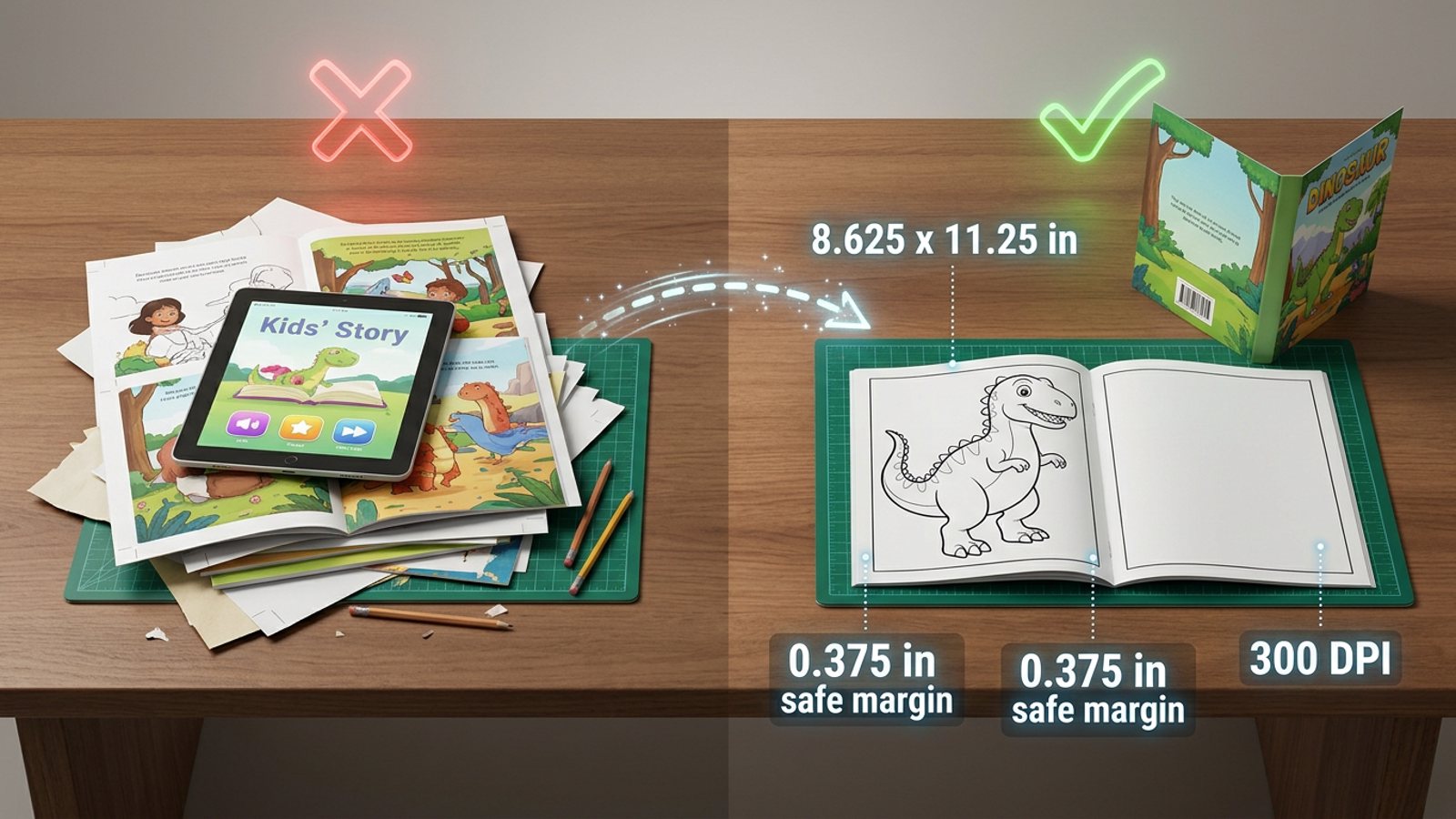
LoveToRead.ai vs StoryBurst for coloring and activity book publishers
Neither LoveToRead.ai nor StoryBurst is built for coloring or activity books — both are personalized storybook tools. See what a coloring publisher actually needs and which tool outputs KDP-ready
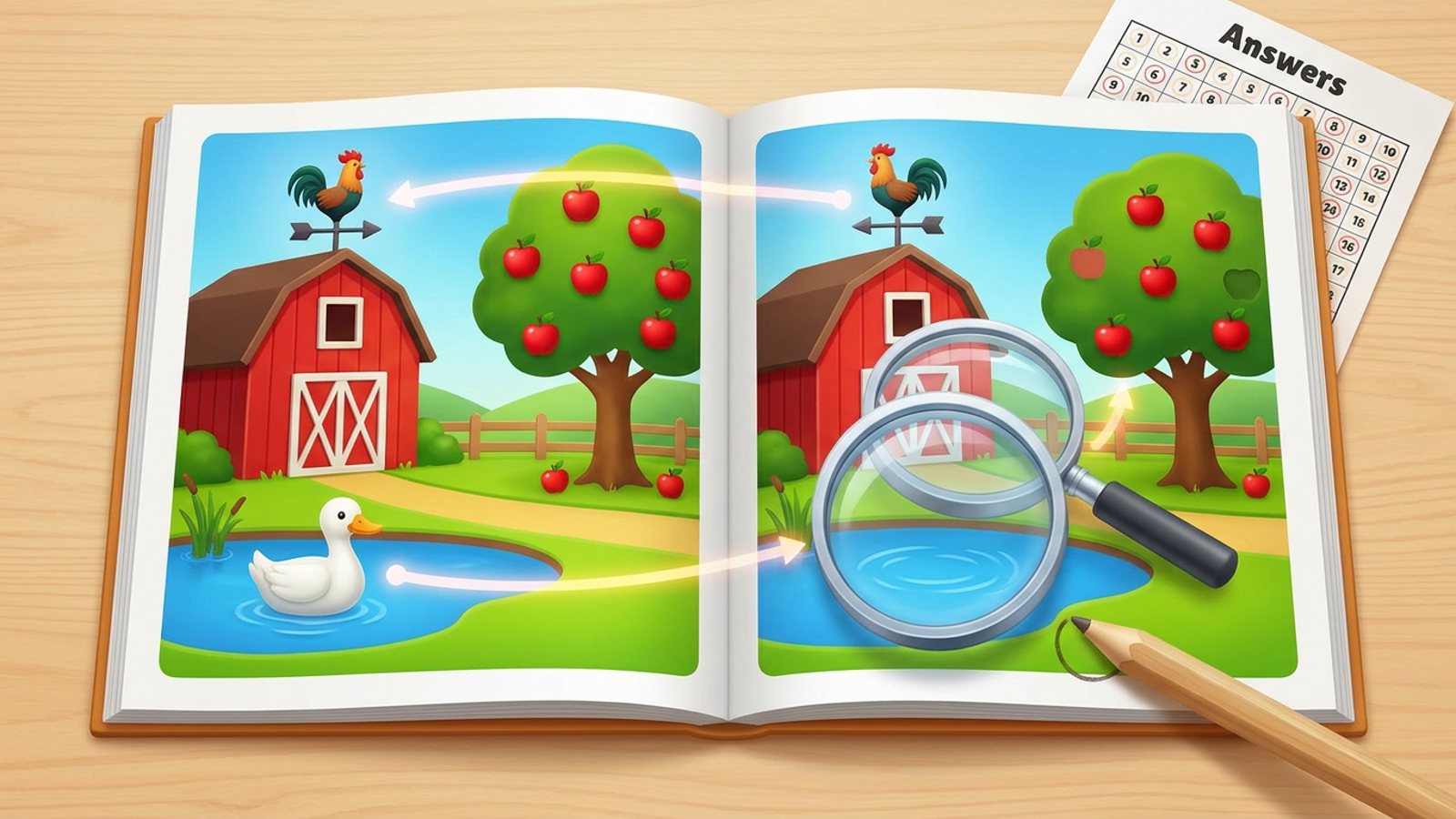
Best Bookcraft AI alternatives for spot the difference books
Bookcraft AI makes story books, not paired-image puzzles. See which tools actually produce a countable, answer-keyed spot-the-difference book with KDP-ready files.
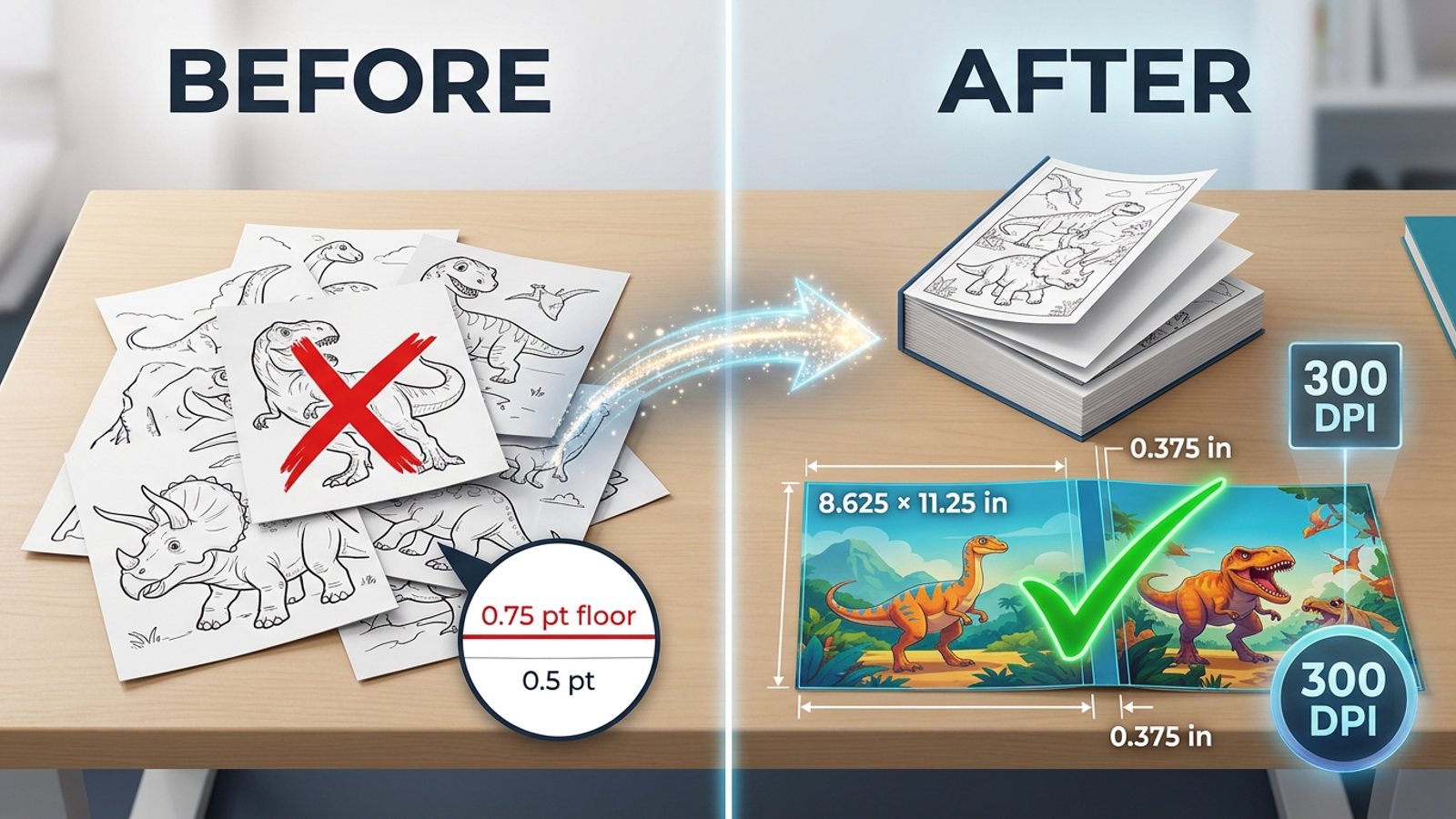
Tyniko alternatives for making coloring books to sell on Amazon
Tyniko promises one-click coloring books but publishes no pricing or KDP specs. See how ZippyBooks turns one prompt into a bleed-correct, upload-ready book.