
Storique alternatives for authors publishing many kids' books a year
By ZippyBooks Team ·
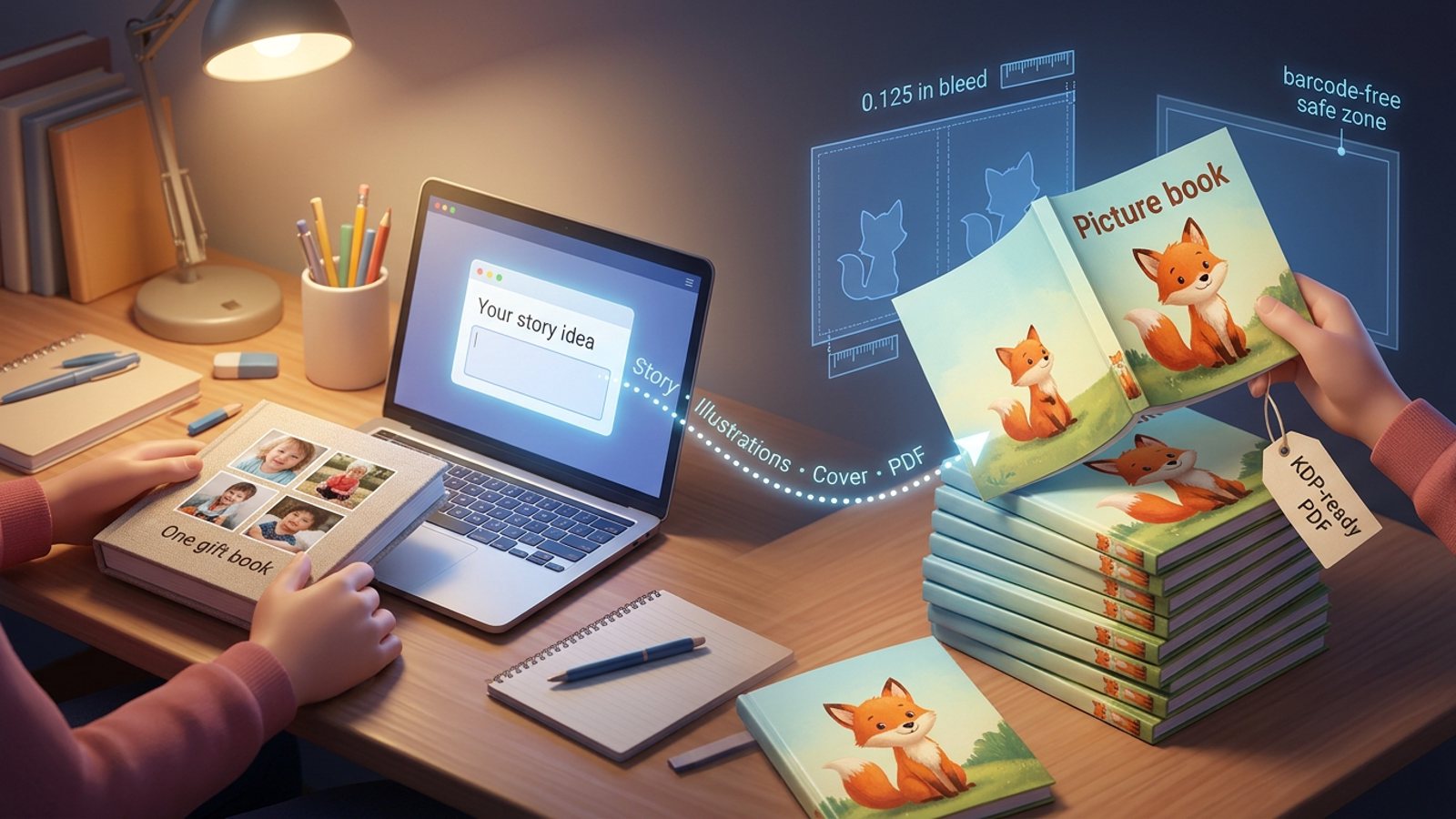
If you publish many kids' books a year, the best storique alternatives publishing many books hand you a KDP-ready cover and interior per book, not a printed keepsake. Storique is built for one-off personalised hardcovers from 4–8 photos. For volume, compare ZippyBooks, BookBildr, Canva and a freelance illustrator — and check which one exports files Amazon KDP accepts without a rebuild.
Why isn't Storique built for authors publishing many books?
Storique is a personalised keepsake service, not a volume publishing tool. Its own pages describe training a private AI model on 4–8 photos of a person, animal or imaginary character so the subject stays recognisable across 30–40 pages, then reading the digital book on web, iPhone and iPad before ordering a hardcover.
That is a wonderful product for a birthday gift. It is a poor engine for an author brand, for three reasons:
- Every book starts with photos. A keepsake needs a specific subject. A series needs a repeatable character and a repeatable process.
- The output is a printed book. Storique's pricing page bundles the AI model, the book production and professional hardcover printing — not KDP-ready PDF export.
- The positioning is gift, not catalogue. Storique's own blog frames the product around birthdays, holidays, anniversaries and family memories across 26 languages.
So the question for a volume author isn't "which tool makes prettier pictures?" It's "which route gives me a cover and interior file Amazon accepts, book after book?"
What does Amazon KDP require from every book you publish?
KDP requires a specific file, not just good art. Get these wrong and the book bounces back — usually the cover first.
- AI disclosure. KDP requires you to disclose AI-generated text, images (including cover and interior art) and translations when publishing a new book or republishing an edited one, even if you substantially edited the output, per KDP Builder (updated 2026-10-07). The disclosure is made in the publishing flow, is internal to Amazon and is not shown on the product page; failing to disclose can lead to blocked books or account suspension.
- Bleed. Bleed is 0.125 in on the top, bottom and outside edge only — not the spine edge. For 8.5×11 trim, the bleed page is 8.625×11.25, per BookIllustrationAI (updated 2026-09-30).
- The bleed mismatch. The most common bleed rejection is a mismatch between the setting you declare in KDP ("With Bleed" or "No Bleed") and what the PDF actually contains, per the same source.
- The wrap. Paperback covers must be one continuous image covering back, spine and front; important text should sit at least 0.25 in from trim and fold lines, per BookCoversLab (2026-05-21).
- Spine maths. Spine width on white paper = page count × 0.002252 in (150 pages ≈ 0.338 in), so a saved wrap drifts whenever page count changes. Spine text needs 79+ pages, and the back-cover barcode clear area is 2 in × 1.2 in, 0.25 in from the edges.
- The file itself. Fonts embedded, images 300 DPI+, transparency flattened, no crop marks, per KDP's "Save Your Manuscript File" help page.
That is the bar. Now the routes that clear it.
Which Storique alternative is best for publishing many kids' books a year?
For authors publishing many titles, ZippyBooks is our pick of the tools we compared, because it is the only route here built to go from one prompt to a complete book with an auto-reviewed cover and interior and KDP-ready files. It is a Windows and Mac desktop app: you type a one-sentence story idea, the app writes the book, illustrates the interior and designs the cover, you adjust or regenerate any illustration with a sentence or one click, then download the KDP-ready files and upload.
The volume angle matters most. One prompt produces a complete, uploadable book in minutes, and there are no usage caps from the app — so the limit on how many books you ship is your own review time, not a monthly allowance. You do bring your own API key and pay your provider for each book; the owner states one API key can realistically produce 100 or more books a month, with those costs paid directly to OpenAI and Gemini.
ZippyBooks is priced at $999 per month plus your API costs, as of November 2026 — prices can change, and the owner describes this as a limited-time price. It is a desktop app for Windows and Mac only.
Ready to see the workflow? Get ZippyBooks (Picture, Coloring, Spot the Difference & Recipe Books) and run your first prompt.
How do the alternatives compare for volume publishing?
Here is the comparison, with the product first.
| Option | Best for | Key features | Price / free option | Watch-outs |
|---|---|---|---|---|
| ZippyBooks (Our pick) | Volume authors wanting KDP-ready files | One prompt → full book; cover + interior auto review; KDP files | $999/month + API costs, as of Nov 2026 | Windows/Mac only; you pay API per book |
| BookBildr | Simple browser page-building | Vector art, photos, AI writing; PDF + print | Basic $4.99/mo, Premium $7.99/mo (directory, date not given) | No documented character lock; typos via support ticket |
| Canva | Designers who know the wrap maths | Flexible canvas; PDF Print at 300 DPI | CMYK export carries a Pro crown on free accounts | PDF Print adds crop marks and bleed by default |
| Freelance illustrator | Bespoke art and brand look | Human craft; original characters; no AI image disclosure for the art | No per-book rate in our sources | Doesn't scale to many titles on a normal budget |
BookBildr is the closest browser-based option for families and simple page-building, with portrait, landscape and square formats, hardcover and softcover, and PDF downloads. A third-party directory (date not given) lists Basic at $4.99/month or $49.99/year and Premium at $7.99/month or $79.99/year — check BookBildr's own site before buying. Its uploaded-PDF route adds bleed and crop marks automatically, and editor projects need at least 8 interior pages (uploaded PDFs at least 20 pages including covers), per Rotten WiFi (2026-10-03). Watch-outs: Position Is Everything (2026-10-03) found no documented persistent-character control comparable to dedicated character tools, BookBildr's own FAQ (2026-10-15) says PDF downloads are non-refundable and typos are fixed via support ticket rather than self-service, and unused uploaded images are deleted after 7 days (FAQ, 2020-04-01 — old). If you mainly need a free browser editor for one book at a time, BookBildr is the more direct choice.
Canva is the flexible design canvas, and Canva lists its PDF Print preset as the 300 DPI option, per Built&Written (2026-10-10). The catch is that PDF Print includes crop marks and bleed by default, which breaks KDP submissions unless turned off, per BookIllustrationAI (updated 2026-09-30). Built&Written also found that a 6×9, 180-page wrap is 12.655 × 9.25 in while Canva's suggested PNG was only about 158 DPI at that size, and a KDP Community forum thread (2026-04-05) shows authors reporting repeated cover rejections after following Canva resizing advice. If you already understand KDP's wrap maths and want total design control, Canva suits you better than an automated route.
A freelance illustrator gives you human craft, original characters and art that is not AI-generated — so no AI image disclosure is needed for the art, per KDP's Content Guidelines. But the arrangement is per book and per revision by nature, and the KDP file work (bleed, spine, single-page PDF wrap) still has to be done by someone, per BookCoversLab (2026-05-21). Our sources gave no per-book rate. If your brand is built on a distinctive hand-drawn look and you publish a handful of titles a year, this is the more direct choice.
ZippyBooks is made by the team behind this blog.
How do you build a repeatable system for many books a year?
Pick a route that produces a KDP-ready cover and interior per book, then repeat the same steps every time. Volume publishing is a system, not a burst of inspiration: the AI Paycheck podcast (via Podscan, 2025-12-14) frames it as niche selection, a character bible and style lock for consistent art, a human edit pass and read-aloud test, and a physical proof before publishing.
- Set your volume target. One self-published children's author reports releasing five or more books a year (Kirsten W. Larson, 2025-09-21). Write your number down.
- Lock a character bible and style guide. Carry the same characters and palette through every prompt so the series looks like a series.
- Fix trim size and page count first. Then calculate spine width (page count × 0.002252 in on white paper) and the full-wrap cover size, per BookCoversLab (2026-05-21).
- Add 0.125 in bleed on top, bottom and outside edge only. Keep text 0.25 in inside trim and the 2 × 1.2 in barcode area clear.
- Export a single-page PDF. Check fonts embedded, images 300 DPI+, transparency flattened, no crop marks, per KDP's help page.
- Declare AI-generated text and images honestly in the KDP publishing flow for each book, per KDP Builder (updated 2026-10-07).
- Repeat with the same template and review pass for each new title to build the brand backlist.
This is where a one-prompt workflow earns its place: ZippyBooks handles steps 2–5 for you, with a cover built to correct bleed, margins and formatting, a full book review for typos, grammar, gaps and consistency, and files that upload to KDP with zero edits. You still do step 6 — the disclosure is yours to make.
Do you have to disclose AI images to Amazon KDP?
Yes. AI-generated cover and interior art must be disclosed, even if you edit it afterwards, per KDP Builder (updated 2026-10-07). A children's picture book with AI-generated story text and illustrations needs disclosure; your own story with AI grammar or style edits does not. This is Amazon's publishing policy, not legal advice — rules vary by place and can change, so check KDP's current guidelines before each release.
Can you use Storique books to publish on Amazon KDP?
Storique's own pages describe digital reading plus hardcover ordering, not KDP-ready file export. That makes it the wrong starting point for a KDP catalogue — you would be paying for a printed keepsake and still need a separate route to a print-ready interior and wrap. If you love the personalised-model idea, use it for gifts and keep your publishing pipeline separate.
What's the fastest route from story idea to finished kids' book?
The fastest route is the one that skips the rebuild. A one-prompt generator that outputs a reviewed cover and interior is quicker than designing in Canva and quicker than briefing an illustrator, because the KDP maths is done for you. ZippyBooks is that route here: one prompt produces a complete, uploadable book in minutes, and you can publish many books fast to build an author brand.
If you want to go deeper on the workflow, read how to get a complete illustrated kids' book from one AI prompt, or compare the best AI children's book creator for authors selling on Amazon. If budget is the deciding factor, see whether there's a cheaper alternative to Storique that makes KDP-ready files.
When you're ready to build your backlist, download the book app for windows or mac and run your first prompt today.
The tool that wins at volume isn't the one that draws the prettiest page — it's the one that hands Amazon a file it accepts the first time.
Sources
- Storique German homepage (Storique, date not given) — https://www.storique.ai/de#1
- Storique pricing (Storique, date not given) — https://www.storique.ai/de/pricing
- Storique blog: Maja in the Space School (Storique, 2025-06-07) — https://www.storique.ai/blog/maja-space-school#1
- Storique blog: Turn your family memories into a magical storybook (Storique, 2025-10-12) — https://www.storique.ai/de/blog/turn-your-familys-memories-into-magical-storybook#1
- Amazon KDP AI Disclosure Rules 2026 Guide (KDP Builder, updated 2026-10-07) — https://kdpbuilder.com/blog/kdp-ai-disclosure-rules
- KDP Content Guidelines (Kindle Direct Publishing, date not given) — https://kdp.amazon.com/en_US/help/topic/G200672390?trk=public_post_reshare-text
- How to Fix KDP Cover Alignment in 3 Steps (BookCoversLab, 2026-05-21) — https://bookcoverslab.com/guides/how-to-fix-kdp-cover-alignment
- KDP bleed mistakes that cause rejection (BookIllustrationAI, updated 2026-09-30) — https://bookillustrationai.com/blog/kdp-bleed-mistakes-that-cause-rejection
- Canva Book Cover for KDP: Size and Export Settings Tested (Built&Written, 2026-10-10) — https://www.builtwritten.com/blog/canva-book-cover-kdp
- KDP Paperback Submission Guidelines (KDP, date not given) — https://kdp.amazon.com/en_US/help/topic/G201857950
- Save Your Manuscript File (KDP help, date not given) — https://kdp.amazon.com/en_US/help/topic/G202145060#manualreview
- AI Children's Book Generators Compared (Position Is Everything, 2026-10-03) — https://www.positioniseverything.net/ai-childrens-book-generators-compared-features-illustration-quality-and-export-options/#1
- AI Children's Book Generators: Childbook.ai vs. BookBildr (Rotten WiFi, 2026-10-03) — https://blog.rottenwifi.com/ai-childrens-book-generators-compared-features-illustration-quality-and-export-options/
- BookBildr vs MakeTales (prodstars, date not given) — https://prodstars.com/tools/compare/maketales,bookbildr
- BookBildr FAQ (BookBildr, 2020-04-01) — https://www.bookbildr.com/faq/?_wpnonce=1d8ba86845
- BookBildr Questions fréquentes (BookBildr, 2026-10-15) — https://www.bookbildr.com/fr/questions-frequentes/
- Paperback Cover Not Passing Guidelines (KDP Community forum, 2026-04-05) — https://www.kdpcommunity.com/s/question/0D5at00000hqgcTCAQ/paperback-cover-not-passing-guidelines?language=en_US
- How to Create and Sell Storybooks on Amazon KDP Using AI Software (AI Paycheck via Podscan, 2025-12-14) — https://podscan.fm/podcasts/ai-paycheck-1/episodes/how-to-create-and-sell-storybooks-on-amazon-kdp-using-ai-software#1
- Betting on Yourself: Darcy Pattison on Self-Publishing for Children's Authors (Kirsten W. Larson, 2025-09-21) — https://kirstenwlarson.com/2025/09/22/betting-on-yourself-self-publishing/
Frequently asked questions
Keep reading

What's the easiest AI children's book generator and illustrator?
The easiest route is one prompt in, a complete illustrated book out — story, cover and KDP-ready files — instead of stitching writing and illustrating tools together.

Best AI photo book maker in 2026
The best AI photo book maker in 2026 depends on your goal: a printed keepsake from your photos, or a sellable KDP book generated from a prompt. Here's how to choose.

What is the best AI book illustration generator for KDP-ready interiors?
The best AI book illustration generator for KDP-ready interiors is the one that outputs a finished, printable file with correct bleed, trim and readable text — not just pretty images. Here's how the