
What is the best AI children's book creator for authors selling on Amazon?
By ZippyBooks Team ·
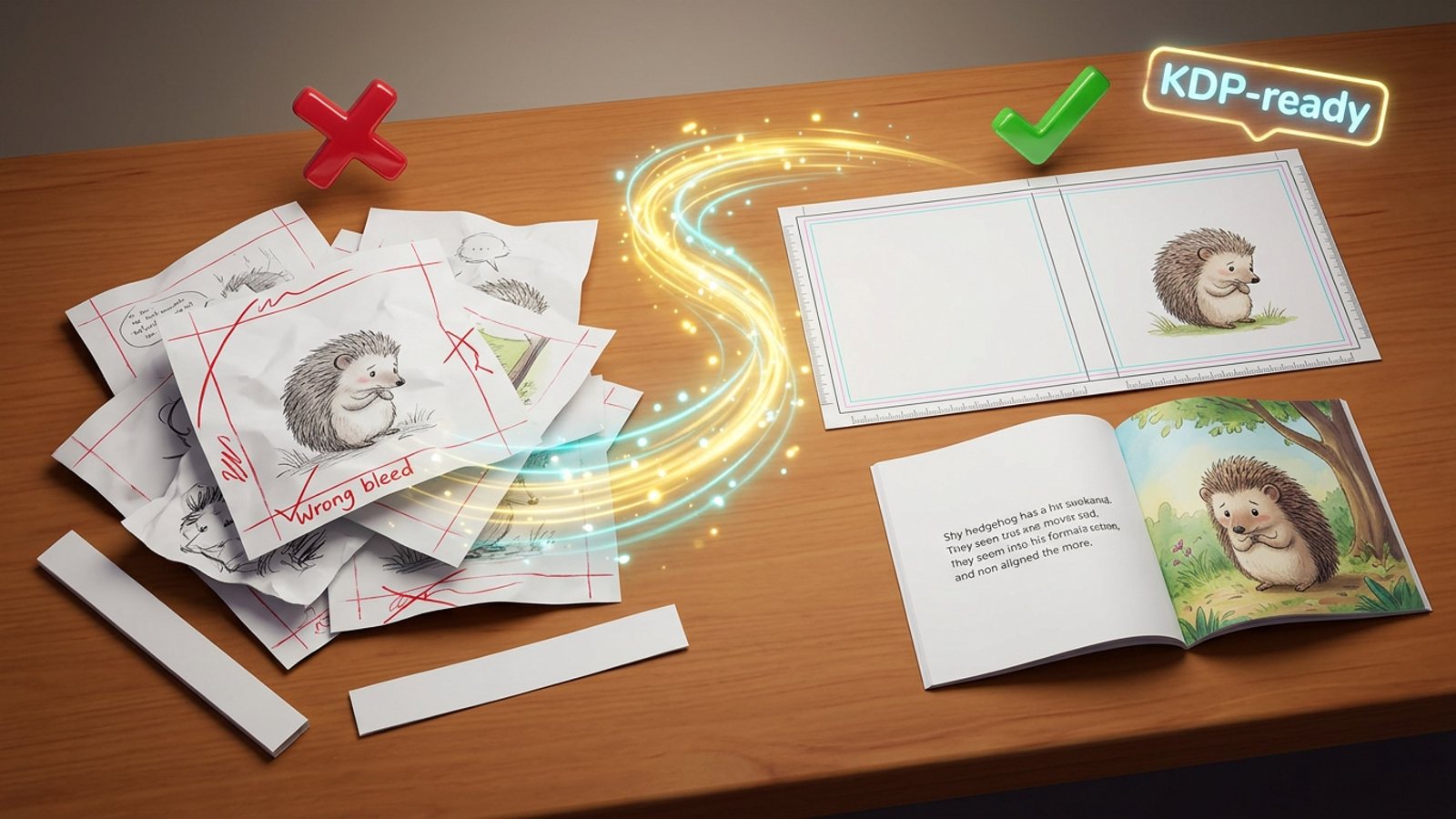
For an author selling on Amazon, the best AI children's book creator Amazon option is the one that hands you a KDP-ready cover and interior, not just pretty pictures. On the material gathered here, ZippyBooks is the only tool compared that builds a complete book from one prompt — cover, bleed, trim size and files — while Midjourney, Canva, Book Bolt and Firefly each leave print geometry to you.
If your goal is a book you can upload to Amazon KDP without opening a design program, the deciding factors are print-ready files and a cover shoppers click. Not sample images.
That's the whole test. A gorgeous illustration that bleeds off the wrong edge, or a cover with a spine that doesn't match your page count, gets rejected — and rejection costs you days.
ZippyBooks is built for exactly this job: type a one-sentence story idea, and the app writes the book, illustrates the interior, designs the cover and produces KDP-ready files. You can get ZippyBooks for picture, coloring, spot the difference and recipe books and see the full workflow before you commit.
What makes an AI children's book creator "Amazon-ready"?
"Amazon-ready" means the files pass KDP's print checks without manual fixing. That's bleed, trim size, a single-PDF cover wrap, embedded fonts and 300 DPI images.
KDP's own rules are specific. A paperback cover must be one PDF containing back cover, spine and front cover as a single image — KDP, Create a Paperback Cover. If your manuscript has images that bleed to the page edge, it must be uploaded as a PDF.
Two more rules trip people up:
- Spine text is only allowed on books with at least 79 pages. Shorter books with spine text get rejected.
- File size must stay under 650MB, and file names can't contain emoji or unsupported characters.
Then there's the friction list from print shops. PDF Press (2026) cites missing or insufficient bleed as roughly 20% of rejections, alongside mixed page sizes, odd page counts, non-embedded fonts and images below 300 DPI.
Which AI children's book creator is best for KDP authors? (Our pick)
Of the tools we compared, ZippyBooks is the most direct route from a story idea to an uploadable Amazon book. It generates the interior from one prompt, designs the cover, and outputs files built for KDP's bleed and trim requirements.
Here's what that looks like in practice. Say you run a small publishing imprint and want a 32-page picture book about a shy hedgehog. With ZippyBooks you type the idea, the app writes and illustrates the book, you regenerate any page you don't like with a sentence or one click, then you download the KDP-ready files.
The features that matter for Amazon sellers, from the product facts:
- One-prompt book interior — story, illustrations and layout generated together.
- Cover creator with 5-star converting cover designs.
- Interior PDF with correct bleed and trim size for KDP.
- Auto-fills the KDP form and categories, with 1-click publish to Amazon.
- Full book review for typos, grammar, gaps and consistency.
- Clean, readable text on images via Nano Banana Pro.
It also does coloring books, spot the difference books, recipe books and text books — useful if you want a series rather than a single title.
Honest limits: ZippyBooks is a desktop app for Windows and Mac only. You bring your own API key and pay your provider for each book. The owner confirms one API key can realistically produce 100 or more books per month, with that cost paid directly to OpenAI and Gemini.
Pricing is $999 as a limited-time deal, plus your API costs, as of November 2026 — prices can change.
How does ZippyBooks compare with Midjourney, Canva, Book Bolt and Firefly?
Each of these tools does part of the job well. None of them, on the material gathered here, produces a complete KDP-ready children's book from a prompt.
| Option | Best for | Key features | Price | Watch-outs |
|---|---|---|---|---|
| ZippyBooks (Our pick) | One-prompt KDP-ready books | Cover + interior + KDP files | $999 limited-time + API costs | Windows/Mac only; you pay API |
| Midjourney | Distinctive, art-directed style | Personalization; Omni Reference | Not confirmed in material | No page layout or KDP geometry |
| Book Bolt | KDP low-content workflow | Spine auto-calc; keyword tools | From $9.99/mo yearly | Puzzle tool, not picture-book engine |
| Canva | Layout and typography | Templates; drag-and-drop design | Free tier; Pro adds more | No template knows your spine width |
| Adobe Firefly | Adobe-based creators | Commercial use on non-beta features | Not confirmed in material | No page production workflow |
Midjourney is the pick if you want a painterly, cinematic look. Its Personalization feature learns your aesthetic across versions 6, 7 and 8.1, and Omni Reference has an adjustable weight (--ow, 1 to 1,000, default 100) for character continuity — MEFMobile, 2026 and Dupple, 2026. But it produces images, not pages: no typography, no bleed, no cover wrap. You still iterate, curate and assemble by hand.
Book Bolt suits publishers building low-content books. It auto-calculates spine width from page count, which Page Beacon (2026) says saves 10–15 minutes per cover, and its keyword tools pull Amazon autocomplete data. Its published plans run from $9.99/mo billed yearly (Newbie) to $29.99/mo yearly (Premium), per AMZBase (2026). The catch: it's primarily a puzzle-generation and market-research tool with a designer attached, not a picture-book authoring engine.
Canva is the easiest all-in-one layout option for beginners, with thousands of cover templates and a free tier. The limitation is spine math. As octozia.com (2026) notes, no Canva book-cover template knows your actual spine width — you must enter trim size plus 0.125" bleed per side and compute spine width yourself at 0.002252" × page count for white paper.
Adobe Firefly fits creators already working in Adobe tools. Adobe permits commercial use of non-beta Firefly features subject to its terms, but the research found no recurring-character feature and no page-production workflow.
If you mainly need distinctive art and enjoy the craft of layout, Midjourney plus Canva is the more direct choice. If you need a finished, uploadable book from one prompt, ZippyBooks is the one built for that.
ZippyBooks is made by the team behind this blog.
What does KDP require before you upload an AI children's book?
Before upload, you need rights to every word and image, a correct file set, and a completed AI disclosure. Those three checkpoints are summarised in the AI Paycheck podcast (2025).
Here's the practical sequence:
- Confirm your trim size rules. KDP's free file setup calculator gives margin, bleed and spine measurements for your page count — KDP, Tools and Resources.
- Lock your character and style before generating pages. Character consistency across pages is the main technical difficulty of these tools — IT168, 2026.
- Build the interior with correct bleed and margins for your trim.
- Compute the spine and full cover wrap for your exact page count before designing the cover.
- Run a preflight check on interior and cover PDFs — page size, bleed, gutter, embedded fonts, 7pt minimum type, 300 DPI images. Apify (2026) publishes a free-to-cheap checker that tests a PDF against KDP's published rules.
- Upload and complete the AI disclosure.
ZippyBooks handles steps 3 and 4 for you: it outputs the interior PDF with correct bleed and trim, and a cover built to KDP's wrap requirements. You still do the disclosure and the final preview.
How many AI children's books can you publish on Amazon?
Amazon has capped new titles at three per day on KDP since September 2023, according to ActuaLitté (2026). That's a response to a surge of suspected automatically produced books.
Three a day is still a lot of books. The bottleneck for most authors isn't the cap — it's production time per book. That's where a one-prompt workflow changes the maths: ZippyBooks' owner confirms one API key can realistically produce 100 or more books per month, with API costs paid directly to OpenAI and Gemini.
Can you copyright a purely AI-generated picture book?
Not on prompting alone, per the U.S. Copyright Office position cited by MEFMobile (2026). Meaningful human-authored expression, arrangement or modification still matters.
Our recommendation: keep your own mark on the book — your story idea, your edits, your page selection and arrangement. That's good practice for rights, and it also makes a better book.
This is general information, not legal advice, and rules vary by place. Check your own jurisdiction before you rely on any copyright position.
Why does the cover decide more than the illustrations?
Because the cover is what a shopper sees before anything else — and a cover that's technically wrong never gets seen at all. A wrong spine or missing bleed means rejection; a weak cover means no click.
The research found no confirmed figures for AI cover acceptance rates or click-through, so treat any "converting cover" claim as a design goal, not a measured result. What the material does support is the technical side: KDP's cover rules are strict and specific, and the tools that ignore them cost you upload cycles.
ZippyBooks builds the cover as part of the same one-prompt run, designed for KDP's wrap. If you want to go deeper on that, read what the best AI children's book creator with a cover designer built in looks like.
If you're still deciding whether the whole approach is for you, this piece on whether an AI children's book creator is worth it for a first-time KDP author covers the trade-offs honestly.
Ready to test it on your own story idea? Get ZippyBooks and turn one prompt into a KDP-ready book.
Sources
- Create a Paperback Cover — Kindle Direct Publishing
- Save Your Manuscript File — Kindle Direct Publishing
- Paperback Submission Guidelines — Kindle Direct Publishing
- Content Guidelines — Kindle Direct Publishing
- KDP Tools and Resources — Kindle Direct Publishing
- Amazon serre la vis sur les livres créés avec l'IA — ActuaLitté, 2026-04-02
- 7 Best AI Art Generators for Children's Books: 2026 Guide — MEFMobile, 2026-08-13
- How to Illustrate a Children's Book with AI — Dupple, 2026-02-16
- AI Children's Book Generators Compared — Position Is Everything, 2026-10-03
- AI绘本生成工具的技术实现与功能对比 — IT168, 2026-09-08
- How to Create and Sell Storybooks on Amazon KDP Using AI Software — AI Paycheck podcast, 2025-12-14
- Can You Publish AI Generated Books on Amazon, and Should You? — Publish at Scale podcast, 2026-10-16
- Print on Demand File Setup: PDF Templates for POD Services — PDF Press, 2026-03-14
- KDP Paperback PDF Preflight Checker — Apify, 2026-10-24
- Book Bolt vs Canva: Which Fits Your KDP Interior? — octozia.com, 2026-09-20
- Free vs Paid KDP Cover Template Generators — octozia.com, 2026-09-25
- PageBeacon vs Book Bolt vs Canva: KDP Tool Comparison — Page Beacon, 2026-07-01
- Book Bolt Alternatives for KDP Publishers — AMZBase, 2026-09-23
- Book Bolt AI Story Generator Review — Low Content Profits, 2026-11-16
Frequently asked questions
Keep reading

What's the easiest AI children's book generator and illustrator?
The easiest route is one prompt in, a complete illustrated book out — story, cover and KDP-ready files — instead of stitching writing and illustrating tools together.

Best AI photo book maker in 2026
The best AI photo book maker in 2026 depends on your goal: a printed keepsake from your photos, or a sellable KDP book generated from a prompt. Here's how to choose.

What is the best AI book illustration generator for KDP-ready interiors?
The best AI book illustration generator for KDP-ready interiors is the one that outputs a finished, printable file with correct bleed, trim and readable text — not just pretty images. Here's how the