
What is the best AI picture book maker that also writes the story?
By ZippyBooks Team ·
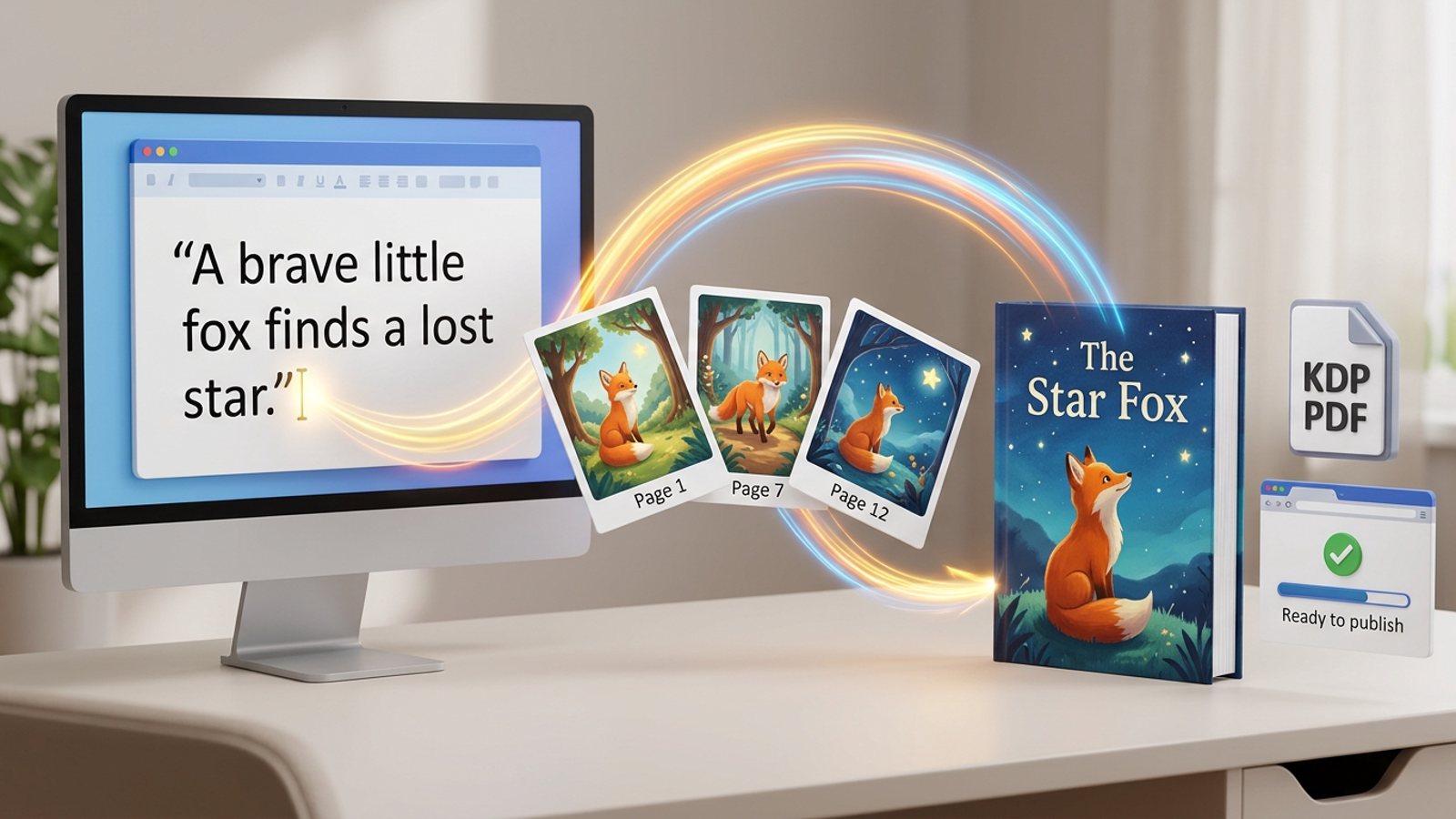
If you have a story idea but no written text, the best AI picture book maker story tool must do both jobs in one place: write the children's story and illustrate every page. Of the tools we compared, ZippyBooks is our pick — one prompt produces the written text, illustrations, cover and print-ready Amazon KDP files, plus a full typo, grammar and consistency review.
Ready to see a whole book come out of one sentence? Get ZippyBooks and turn your idea into a finished picture book.
Can one AI tool really write the story and illustrate it in one go?
Yes — but the tools that do both are a smaller group than the tools that do one job well. The research breaks AI picture-book tools into three routes: text generation plus image generation, image style transfer with character customisation, and multimodal workflows that move from outline to images to narration. Only the all-in-one apps and plugins cover the full route from idea to illustrated pages.
The catch is quality. A TechRadar reviewer (August 2025) found Google Gemini's Storybook feature could pick art styles and themes from a prompt, but judged the results "far from the quality of beloved classics." A PCNMobile comparison (October 2026) went further: none of the options it examined reliably produced a polished, print-ready book with consistent characters from a single prompt.
So the real question isn't "does an AI write and illustrate?" — it's "which one gets you closest to a book you can upload?"
What should you check before you trust a tool with your story idea?
Four things decide whether a tool saves you work or creates more.
- Does it write the text, or only the pictures? A story generator must produce age-appropriate prose you can edit, not just captions.
- Does the same character survive page to page? The research calls this the hardest technical problem in the category (IT168, September 2026).
- Does it produce print files, or just screen images? KDP needs specific trim, bleed and margins.
- Can you fix a page without starting over? Regeneration per image and per page matters more than any single feature.
How do you keep the same character on every page?
Build a character sheet before you generate finished pages. The most reliable approach in the research is a character "bible" plus a reference sheet — front, side and back views with expressions — used as the reference for every scene (Dupple, February 2026; MEFMobile, August 2026). No tool should be treated as an automatic guarantee of identical characters.
The technique that works across tools:
- Write a one-paragraph character description — age, hair, clothing, one distinguishing detail.
- Generate a reference sheet showing the character from several angles and moods.
- Reuse that sheet as the reference image for every page.
- Check page by page before you export, and regenerate any page where the character drifts.
Midjourney's Omni Reference lets you upload a reference image so the same character appears across a picture story (t3n, December 2025) — but the same source notes small details can still be lost. A 2026 Upwork job post hiring a Midjourney-assisted illustrator for a 32-page picture book at a fixed $350 asked for character consistency across a six-book series and manual clean-up of AI output. Even paid human help plans for clean-up.
With AI illustration, the character sheet is the book. Get it right once and every page inherits it.
How does ZippyBooks handle the story, the art and the cover?
ZippyBooks writes the book, illustrates the interior and designs the cover from a single sentence you type into the app. You start with a story idea — no manuscript, no illustrator brief — and the app produces the text and pictures together, then lets you adjust or regenerate any illustration with a sentence or one click.
Three things matter for the "writes the story" half of your question:
- The text is written for you, then checked by a full book review for typos, grammar, gaps and consistency.
- Text sits cleanly on the images, so the words stay readable on the page.
- The cover is designed to convert shoppers, with correct bleed, margins and formatting built in.
The output is an interior PDF with the right bleed and trim size for KDP, plus a cover, and the app auto-fills the KDP form and categories with 1-click publish to Amazon. That closes the gap the research keeps flagging: tools that stop at screen images.
Which AI picture book maker is best — the options compared
ZippyBooks leads this comparison because it is the only option here built to deliver the written story, the illustrations, the cover and KDP-ready files from one prompt. ZippyBooks is made by the team behind this blog.
| Option | Best for | Key features | Price / free option | Watch-outs |
|---|---|---|---|---|
| ZippyBooks — Our pick | Idea only, want a finished KDP book | Writes, illustrates, covers, reviews, exports KDP files | $999 lifetime deal, limited time, plus your API costs | Windows and Mac only |
| ChatGPT | Writing the story text | Age-appropriate story from a prompt, editable | Not confirmed in our sources | No illustration or layout |
| Midjourney | Distinctive illustration style | Omni Reference for character consistency | Not confirmed in our sources | No story writing; manual clean-up |
| Canva | Hands-on page assembly | Layouts, image generation, bleed setup | Not confirmed in our sources | You write and lay out the book |
| KDP Kids' Book Creator | Assembling a finished book | Imports PDF, JPG, TIFF, PNG, PPM | Free, Mac or PC | Doesn't write or illustrate |
Prices for the other tools aren't confirmed in our sources, so check each one directly — and note that prices can change.
ChatGPT writes an age-appropriate children's story from a prompt, and you can specify plot, places, characters and names, then regenerate or edit the result (t3n, December 2025). If you mainly need help shaping the manuscript, ChatGPT is the more direct choice. It doesn't illustrate or lay out pages, so you'd still need an image tool and a design step.
Midjourney produces distinctive illustrations and its Omni Reference helps hold a character across pages (t3n, December 2025). If you mainly need a striking art style and you're happy to write prompts scene by scene, Midjourney is the more direct choice. It doesn't write the story, and small details can drift even with references.
Canva is the hands-on route: generate images, pick a layout, assemble and edit pages yourself, and set KDP bleed (PCNMobile, October 2026; Drawphics, September 2026). If you mainly need design control page by page, Canva is the more direct choice. It doesn't reliably write the story or hold characters consistent from one prompt.
Amazon KDP Kids' Book Creator is free and imports PDF, JPG, TIFF, PNG and PPM files for Mac or PC (Amazon KDP). If you already have a written, illustrated book and just need to assemble it, this is the more direct choice. It doesn't write or draw anything.
All-in-one apps are worth knowing about too: Google Gemini's Storybook makes a 10-page illustrated book with narration in more than 45 languages (Google Blog, August 2025), though a Chinese-language test noted the main character's appearance and clothing drifting between pages (IT168, September 2026). Kiboopix and TaleKit are iPad-only apps that write and illustrate from an idea, free with in-app purchases (Apple App Store, 2025 and 2026). Readkidz drew praise for character consistency and PDF export in a user test (SMZDM, September 2026).
Want the version that ends with files you can upload? Get ZippyBooks and go from one sentence to a KDP-ready picture book.
What file does KDP need for a children's picture book?
A PDF is required when your book has bleed; without bleed, KDP accepts PDF, DOC, DOCX, RTF, HTML or TXT (Amazon KDP). Children's picture books commonly use 8.5 × 8.5 or 8 × 10 trim sizes (SimpleLifeCalc, May 2026), and most KDP rejections come down to bleed, trim size and margins.
Bleed is extra image area beyond the trim line, added to the exported file — not to the trim size you choose in KDP (Drawphics, September 2026). Get that wrong and your illustrations show white edges, or KDP sends the file back.
If you'd rather not manage bleed and trim at all, read whether an AI picture book maker can produce print-ready files before you pick a tool.
Is a free AI picture book tool good enough to publish?
Sometimes — if you're willing to do the writing, illustrating and layout work yourself. Free tiers and trials exist: Kiboopix and TaleKit are free with in-app purchases, Readkidz offers a free trial quota, and We Made a Story was freemium as of January 2026 (WhichAITools, February 2026). KDP's Kids' Book Creator is free outright.
The trade is time and consistency. Free tools typically hand you separate pieces — a story here, images there, a layout to assemble — and the character-consistency problem doesn't disappear because the tool is free. For a first book you're testing the waters with, that's a fair trade. For a series you want to publish fast under your own author brand, the assembly work compounds with every title.
Our recommendation: use a free tool to prove your story idea works, then move to a tool that produces the finished book when you're ready to publish at volume.
Can you publish AI-generated picture books on Amazon KDP?
Check KDP's current content guidelines before you upload, because the disclosure rules for AI-generated content weren't confirmed in the sources we used for this article. This is general publishing information, not legal advice, and Amazon's rules can vary by marketplace and change over time.
What the sources do confirm is the technical side: KDP accepts the file types listed above, and Kids' Book Creator imports PDF, JPG, TIFF, PNG and PPM (Amazon KDP). The publishing-policy side is yours to verify directly with Amazon.
Your story idea is the only input you need. Get ZippyBooks and publish your first complete picture book.
Sources
- AI绘本生成工具的技术实现与功能对比 (IT168, 2026-09-08)
- KI als Ghostwriter und Illustrator: So erstellt ihr mit ChatGPT und Midjourney ein Bilderbuch (t3n, 2025-12-19)
- Create personal illustrated storybooks in the Gemini app (Google Blog, 2025-08-04)
- I tried Gemini's create-your-own Storybook feature (TechRadar, 2025-08-06)
- How to Illustrate a Children's Book with AI (Dupple, 2026-02-16)
- 7 Best AI Art Generators for Children's Books (MEFMobile, 2026-08-13)
- Best Alternatives to AI Children's Book Generators (PCNMobile, 2026-10-03)
- KDP Bleed Settings (Drawphics, 2026-09-03)
- KDP Bleed, Trim Size & Margins Explained (SimpleLifeCalc, 2026-05-31)
- Save Your Manuscript File (Amazon KDP)
- 絵本・児童書を KDP で出版するには (Amazon KDP JP)
- AI/Midjourney-assisted artist for children's Books (Upwork job post, 2026-10-01)
- Kiboopix – AI Picture Books (Apple App Store, 2025-08-21)
- Storybook Maker – TaleKit (Apple App Store, 2026-11-03)
- 实测三款AI绘本工具 (SMZDM user test, 2026-09-07)
- We Made a Story – AI Tool Review (WhichAITools, 2026-02-06)
Frequently asked questions
Keep reading

What's the easiest AI children's book generator and illustrator?
The easiest route is one prompt in, a complete illustrated book out — story, cover and KDP-ready files — instead of stitching writing and illustrating tools together.

Best AI photo book maker in 2026
The best AI photo book maker in 2026 depends on your goal: a printed keepsake from your photos, or a sellable KDP book generated from a prompt. Here's how to choose.

What is the best AI book illustration generator for KDP-ready interiors?
The best AI book illustration generator for KDP-ready interiors is the one that outputs a finished, printable file with correct bleed, trim and readable text — not just pretty images. Here's how the