
What is the best AI picture book generator for a 32-page children's book?
By ZippyBooks Team ·
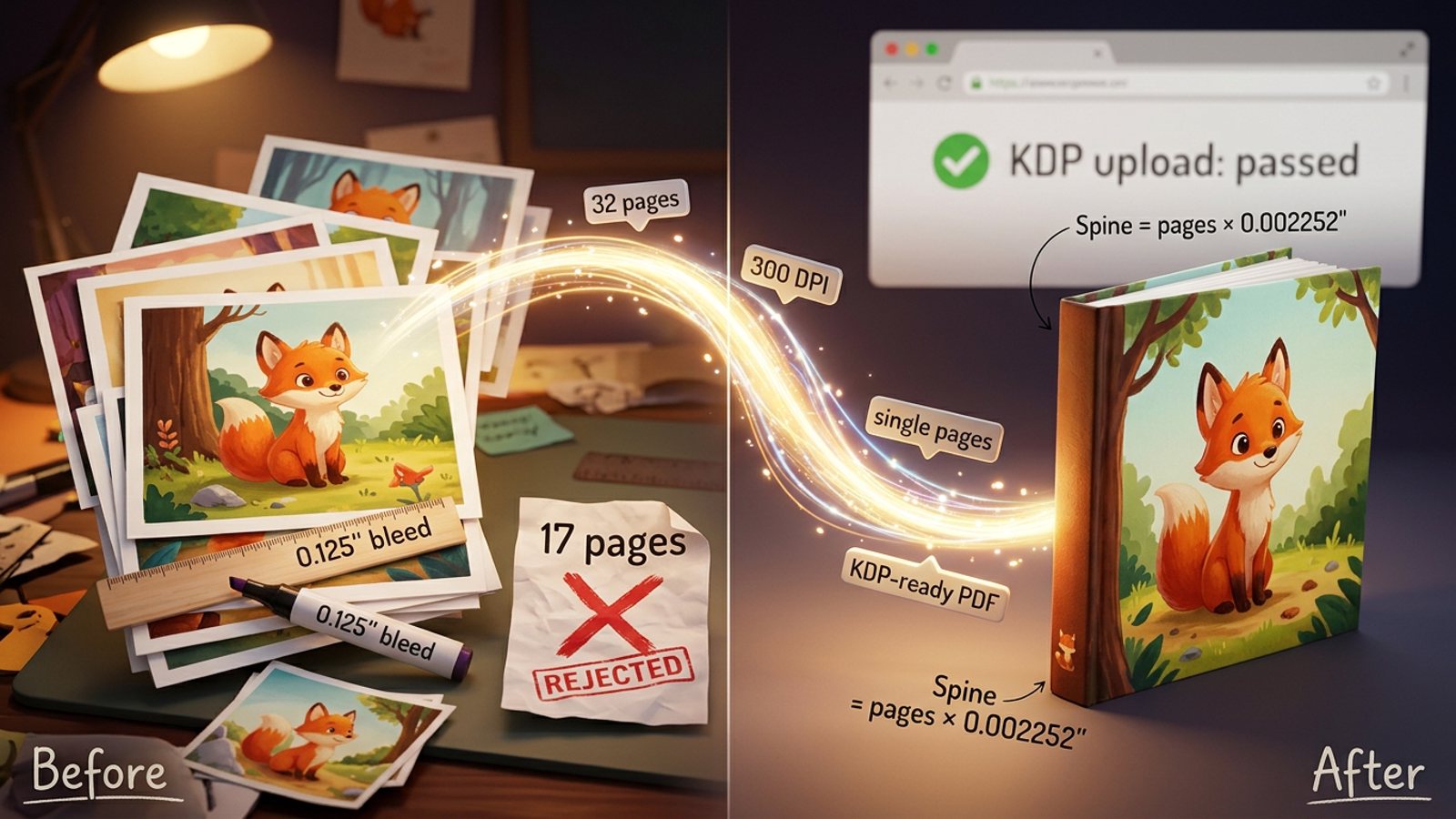
For the standard 32-page KDP picture book, the best fit of the tools we compared is ZippyBooks: one prompt produces the full illustrated interior at the right trim and bleed, plus a wrap cover sized to the page count and KDP-ready files. Midjourney, Canva, ChatGPT and InDesign all leave the 32-page setup to you.
If you have a story idea and want a finished 32-page book this week, an AI children's book creator that outputs the interior and cover together saves you the layout work. Here is how the options actually compare for this exact job.
Why is 32 pages the standard for a children's picture book?
Because 32 pages is two 16-page printing signatures, which is the efficient way to print — and it has become the picture-book convention (Books Publishing House, 2026). KDP itself only requires a 24-page minimum for paperbacks, so 32 is a choice, not a rule.
That matters for a simple reason: if you plan 32 pages, a few go to front matter — title page, copyright page, sometimes a dedication — leaving roughly 14 spreads for the actual story (Books Publishing House, 2026). Your ai picture book generator 32 pages workflow should start from that page budget, not from a pile of pretty images.
Do the title and copyright pages count toward the 32?
Yes. They are pages in the same file, so they count. Plan your story to fill the pages that remain after front matter, and decide early whether you want a dedication page at all.
What makes a 32-page picture book hard to produce with AI?
The page setup, not the art. Most AI image tools give you images; almost none give you a 32-page print file that KDP will accept.
Here is what KDP actually needs, according to the sources in this research:
- Single pages, never spreads. KDP will not accept spreads — each illustration must be its own page. One publisher's 32-page book was rejected because the interior file had only 17 pages, under the 24-page minimum (KDP Community, undated).
- Bleed of 0.125″ (3.2 mm) on the top, bottom and outside edges. The gutter edge never gets bleed (hmdpublishing, 2026).
- 300 DPI minimum at placed size, with embedded fonts and no crop or print marks (PDF Press, 2026).
- A single wrap cover PDF containing back, spine and front together (KDP Help, undated).
- Spine width from page count: 0.002252″ per page on white paper, 0.0025″ on cream (Polotno, undated).
KDP's own help text says that without proper trim and margin sizing, a manuscript may be rejected on upload or print badly (KDP Help, undated). That is the wall most AI-plus-designer workflows hit.
What trim size should a 32-page picture book use?
8.5″×8.5″ square is the safe default. It is the most popular square trim for KDP picture books, and as of 2026 it is the only square size shared by both Amazon KDP and IngramSpark for full-colour books (publishing.co.uk, 2026; LeadWorks Print, 2026). 8.25″×8.25″ and 8″×10″ portrait are also common.
What is the best AI picture book generator for a 32-page children's book?
Of the tools we compared, ZippyBooks is our pick for this job, because it produces the complete interior and cover from one prompt rather than leaving you to assemble 32 pages by hand.
Our pick: ZippyBooks. You type a one-sentence story idea. The app writes the book, illustrates the interior, designs the cover and gives you an interior PDF with correct bleed and trim size for KDP, plus a cover built for the page count. It also runs a full book review for typos, grammar, gaps and consistency, and auto-fills the KDP form and categories. You can edit or regenerate any illustration with a sentence or one click.
Two honest limits. It is a desktop app for Windows and Mac only. And you bring your own API key and pay your provider for each book — the owner says one key can realistically produce 100 or more books a month, with those costs paid directly to OpenAI and Gemini.
Pricing is $999 per month plus your API costs, as of November 2026, and prices can change. The owner describes it as a limited-time price.
Ready to see it on your own story idea? Get ZippyBooks (Picture, Coloring, Spot the Difference & Recipe Books).
How do the alternatives compare for a 32-page book?
Each alternative below does part of the job well. None of them hands you a finished 32-page KDP file from a prompt.
| Option | Best for | Key features | Price / free option | Watch-outs |
|---|---|---|---|---|
| ZippyBooks (Our pick) | One prompt to a finished 32-page book | Interior, cover, KDP files, auto review | $999/month + API costs, as of Nov 2026 | Windows and Mac only |
| Midjourney + Canva | Stylised, high-quality art | Strong image style; Canva layout | Midjourney paid; Canva free and Pro tiers | Character drift; manual bleed and spine |
| ChatGPT + Canva | Brainstorming story and prompts | General-purpose writing help | No pricing in our sources | Licence, not ownership; layout is yours |
| Canva Magic Studio | Design plus AI in a browser | PDF Print exports at 300 DPI | Free tier; CMYK PDF Print is Pro | Manual 32-page layout and bleed |
| Adobe InDesign + AI images | Maximum print control | Master pages, margins, page size | No pricing in our sources | You build the file and bleed yourself |
| Hiring an illustrator | Hand-crafted, spread-crossing art | Original painted artwork | No per-page rates in our sources | Slowest and most expensive |
ZippyBooks is made by the team behind this blog.
Midjourney + Canva is the strongest choice if you mainly want a distinctive art style and enjoy the design work. Midjourney produces striking stylised images, and Canva handles layout once the images exist (Upwork, 2024; zenebookai, 2026). The catch is consistency: a children's book is 24–40 pictures of the same character in the same style (Cinapse, 2026), and Midjourney's personalisation supports a consistent style but does not guarantee identical character identity (MEFMobile, 2026). You also set 0.125″ bleed, the wrap cover size and the spine by hand.
ChatGPT + Canva suits you if the story text is the part you dread. ChatGPT is useful for brainstorming text and image prompts (Foundd Legal, 2026). Be clear on rights: permission to use an AI output commercially is a licence, not copyright ownership, and a raw AI image may have no copyright owner at all (Foundd Legal, 2026). The 32-page page and bleed setup still falls to you in Canva.
Canva Magic Studio is the most convenient all-in-one design option, with AI inside a browser and PDF Print exports at 300 DPI (zenebookai, 2026). You still lay out 32 pages manually, add 0.125″ bleed on the outer edges, work out the spine and watch the crop-mark toggle.
Adobe InDesign with AI images is the right pick if print control matters more than speed. Designers recommend moving a Canva project into InDesign for high-quality KDP print because of master pages, margins and page size (Graphic Design Forum, 2025). You build the 32-page file, bleed, embedded fonts and single-page output yourself, and prebuilt 8.5″×8.5″ KDP templates are sold separately.
Hiring an illustrator is best if you want original hand-painted art that can cross a spread — though the file still has to be split into left and right pages for upload (hmdpublishing, 2026). It is the slowest and most expensive route, and you still handle trim, bleed and single-page prep afterward.
How do I keep the same character on all 32 pages?
Generate with a reference or a character sheet, and review every page against it. Character consistency is the core unsolved problem in AI storybook illustration — generating pages independently produces a different character each time (DoodleBook Field Notes, 2026; CharCom, undated).
In Midjourney v7, one tutorial uses an image reference and a character sheet rather than the older --cref annotation (Upwork, 2024). In ZippyBooks, you edit or regenerate any single illustration with a sentence or one click, so you can correct a drifting hero without rebuilding the book. Judging any AI tool on a single image is the wrong test — judge it on page 30 looking like page 3 (Cinapse, 2026).
Can a 32-page colour book use standard colour on KDP?
No — it needs premium colour. KDP's minimum is 24 pages, but standard colour ink needs at least 72 pages, so a 32-page colour picture book must use premium colour (hmdpublishing, 2026; Neolemon, 2026). That costs more per copy and affects your list price, so build it into your plan before you publish.
Do I have to disclose that AI made the pictures?
Yes, if the text or images are AI-generated. KDP requires disclosing AI-generated text, images (cover and interior) and translations at publish or re-publish; AI-assisted editing or brainstorming does not need disclosure (KDP Content Guidelines, undated; KDP Builder, 2026). This is not legal advice, and rules vary by place.
What is the fastest way to a finished 32-page book?
Use a tool that outputs the interior and the cover in one pass, then review rather than build. That is the whole premise of an AI picture book maker that produces print-ready files: one prompt, a complete interior, a cover sized to the page count, and files that upload without edits.
The steps look like this in ZippyBooks:
- Type your story idea — one sentence is enough.
- Let the app write, illustrate and design the cover, sized to your page count.
- Review and regenerate any page or image that drifts.
- Download the KDP-ready files and upload the interior and wrap cover.
- Tick the AI-disclosure box and publish.
If you would rather build the book yourself page by page, our guide to AI drawing the pictures and laying them out walks through that route. And if you are still deciding whether to buy a tool at all, is an AI children's book creator worth it for a first-time KDP author? covers the maths honestly.
The 32-page book is won or lost on page setup, so pick the tool that hands you the setup already done.
Get your 32-page book built from one prompt: Get ZippyBooks (Picture, Coloring, Spot the Difference & Recipe Books).
Sources
- Set Trim Size, Bleed, and Margins — Kindle Direct Publishing
- Create a Paperback Cover — Kindle Direct Publishing
- KDP Content Guidelines — Kindle Direct Publishing
- 32-Page Standard + Specs — Books Publishing House, 2026
- Picture Book KDP Formatting — publishing.co.uk, 2026
- KDP Margins and Gutter — hmdpublishing, 2026
- How to Write a Picture Book — hmdpublishing, 2026
- Picture Book Page Layouts — Neolemon, 2026
- Minimum page issue — KDP Community
- KDP cover calculator — Polotno
- Canva for KDP guide — zenebookai, 2026
- KDP bleed mistakes that cause rejection — BookIllustrationAI, 2026
- Consistent Characters in Midjourney — Upwork, 2024
- Best AI art generators for children's books — MEFMobile, 2026
- Character consistency research — CharCom
- DoodleBook Field Notes — Hugging Face, 2026
- 8 best AI tools for children's book illustrations — Cinapse, 2026
- KDP AI disclosure rules — KDP Builder, 2026
- Do you own what Canva, Midjourney and ChatGPT make — Foundd Legal, 2026
- Canva to KDP print document — Graphic Design Forum, 2025
- Children's picture book size guide — LeadWorks Print, 2026
- Print-on-demand file setup — PDF Press, 2026
Frequently asked questions
Keep reading
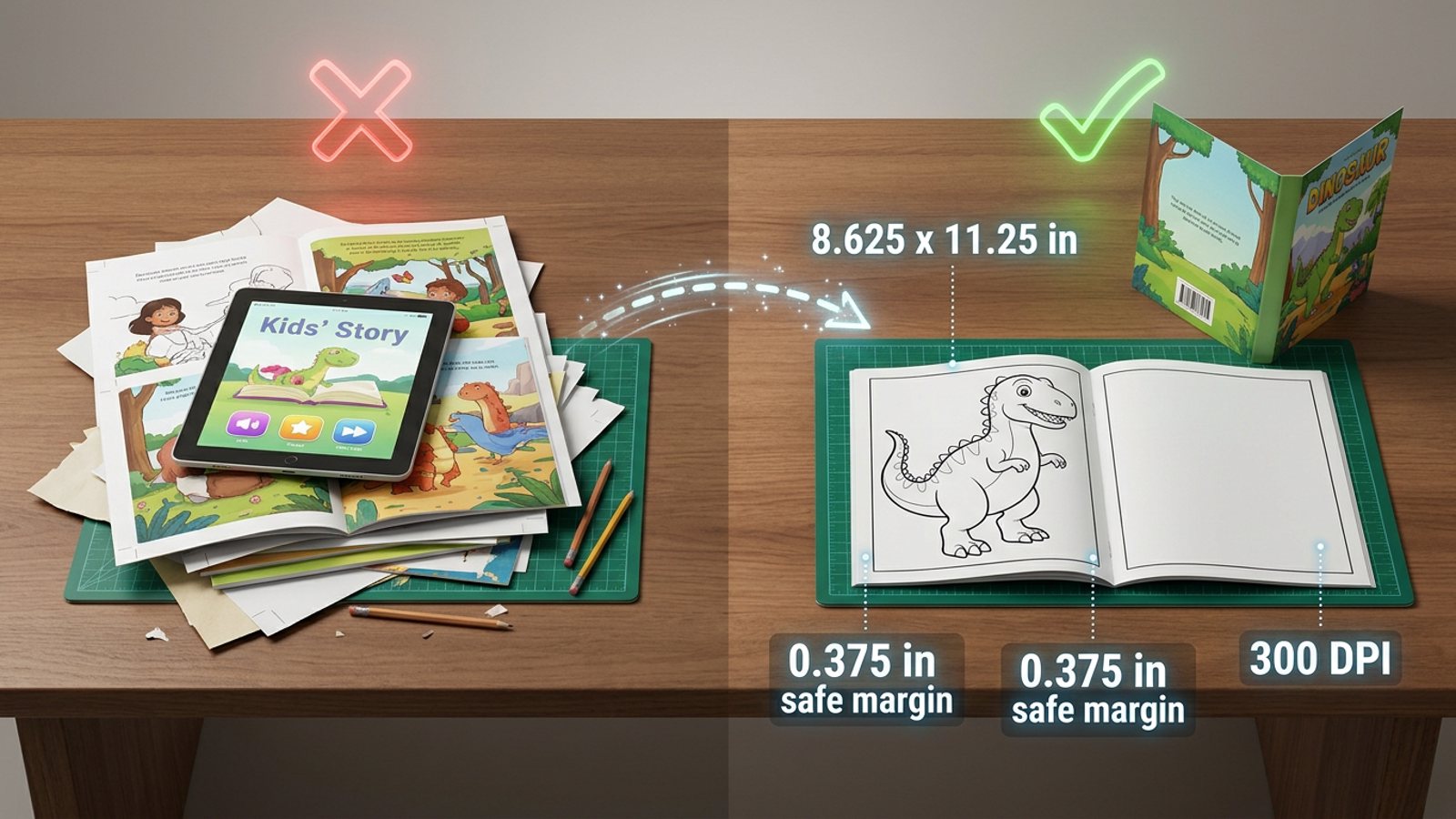
LoveToRead.ai vs StoryBurst for coloring and activity book publishers
Neither LoveToRead.ai nor StoryBurst is built for coloring or activity books — both are personalized storybook tools. See what a coloring publisher actually needs and which tool outputs KDP-ready
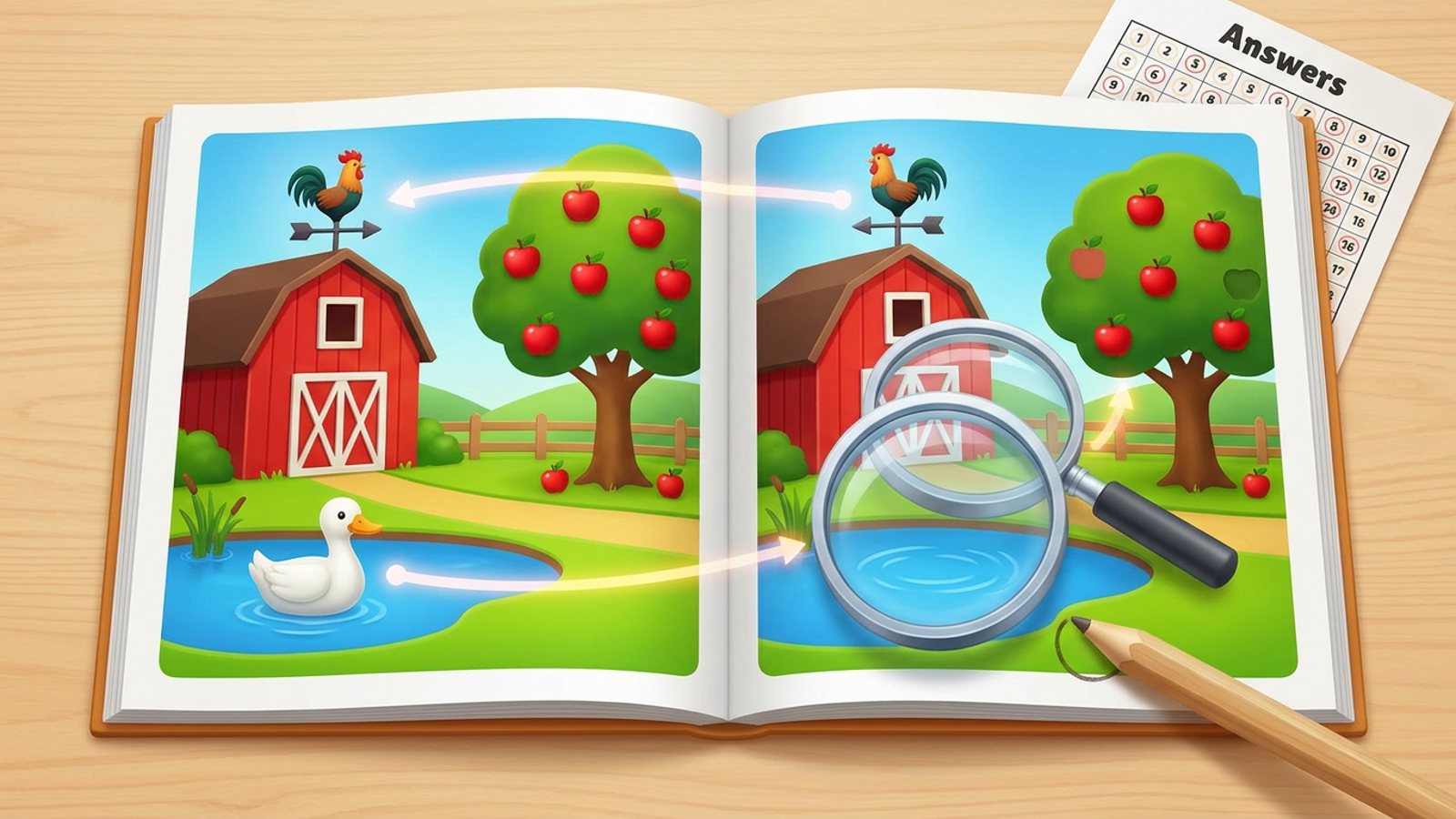
Best Bookcraft AI alternatives for spot the difference books
Bookcraft AI makes story books, not paired-image puzzles. See which tools actually produce a countable, answer-keyed spot-the-difference book with KDP-ready files.
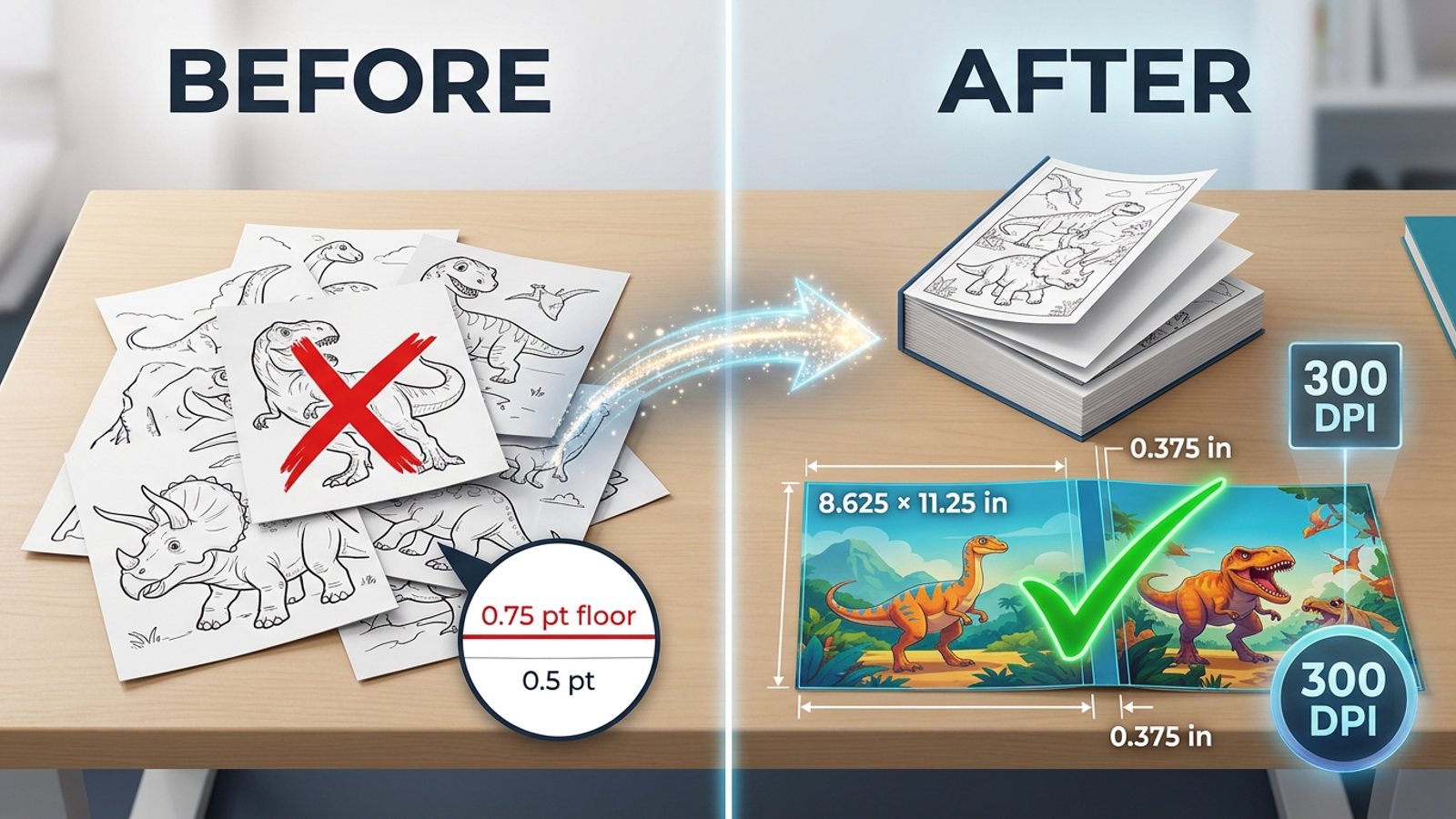
Tyniko alternatives for making coloring books to sell on Amazon
Tyniko promises one-click coloring books but publishes no pricing or KDP specs. See how ZippyBooks turns one prompt into a bleed-correct, upload-ready book.