
Is there a StoryLandAI alternative that formats for Amazon KDP?
By ZippyBooks Team ·
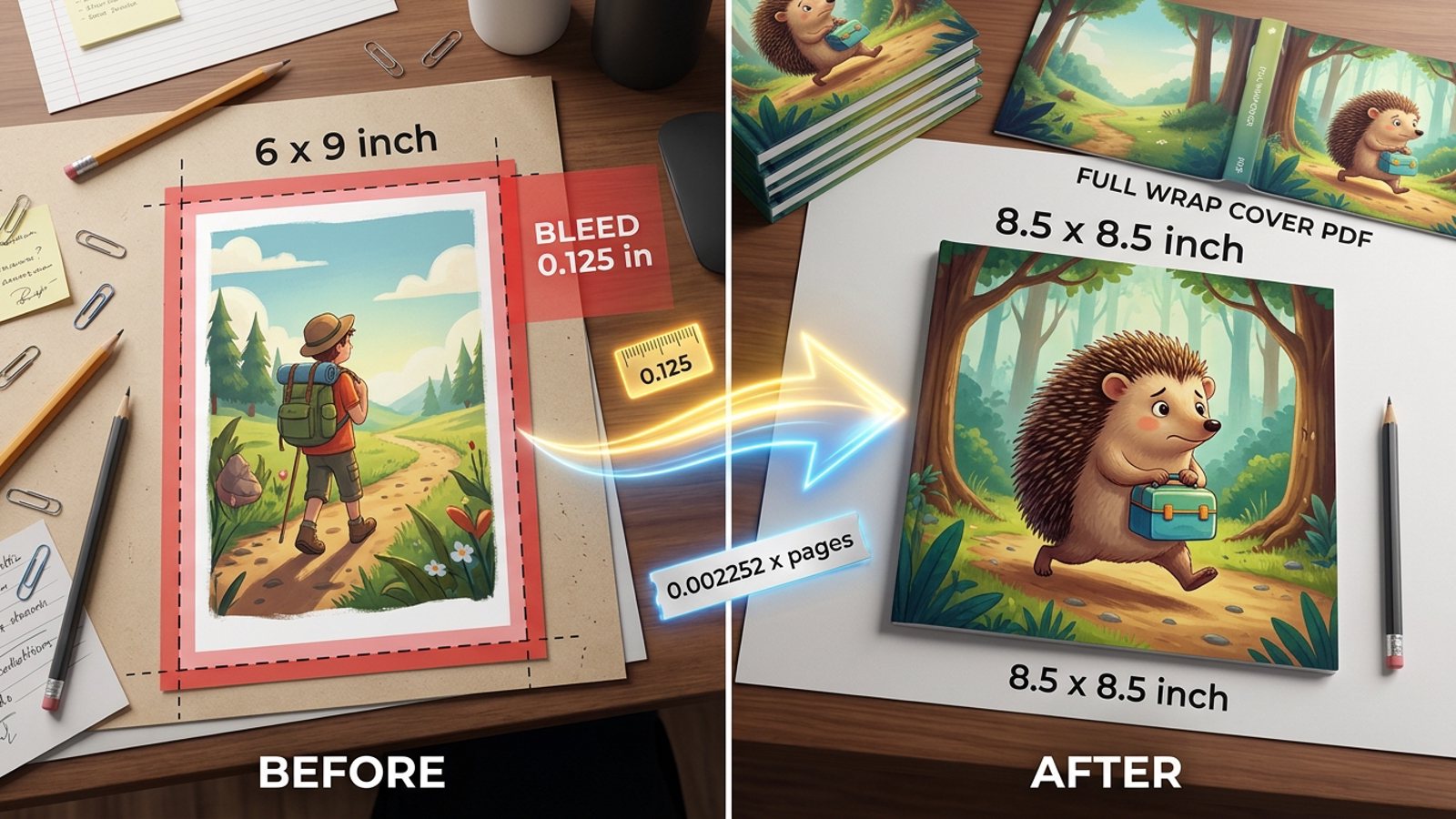
Yes — of the tools we compared, ZippyBooks is the one built for the formatting step: one prompt produces the illustrated interior as a PDF with KDP bleed and trim already set, plus a full wrap cover, and a cover and interior auto review before export. StoryLandAI, as catalogued, is a storytelling tool for animated kids' stories, not a print formatter.
If you came for the stories and stayed for the upload screen, the gap you hit is formatting — and that is exactly the gap this post is about. Get ZippyBooks and you start with a story idea, not a template.
What is a storylandai alternative kdp formatting tool?
A storylandai alternative kdp formatting tool is software that takes your story and returns files KDP will accept as they are: an interior PDF sized to your trim with correct bleed, and one cover PDF with back, spine and front. That is the job — not writing the story, not drawing the pictures, but producing the two files KDP actually asks for.
KDP describes formatting as exactly those two files: the manuscript (interior with front matter, body and back matter) and the cover (front, back and spine), per KDP's own "Format Your Paperback" help page. Any tool that stops at "here is your story and some pictures" has done half the job.
So the question isn't really "which tool writes better stories?" It's "which tool hands me a file I can upload without opening a design program?"
Why does StoryLandAI leave you stuck before the KDP upload?
Because the material gathered on StoryLandAI describes an animated storytelling product, not a print one. Its catalogue listings describe personalised animated stories with custom characters and narration, with a free tier to try a few stories and paid plans for longer videos and more customisation (toolstory.ai, data updated January 2026).
That is a genuinely nice product for what it does. It just isn't a formatter. Nothing in the gathered listings shows a print interior, a trim-and-bleed page or a wrap cover output — so whatever you make there, the KDP file work is still ahead of you.
What does KDP actually require from a children's book file?
Two files, and a short list of numbers. Here is the whole checklist in plain terms:
- Pick the trim size first. 8.5 x 8.5 in is the only square trim offered by both Amazon KDP and IngramSpark, according to LeadWorks Print's 2026 size guide. A 2026 formatting guide also lists 8 x 10 for picture books and 8.5 x 11 for coloring books and workbooks (simplelifecalc.com, 2026).
- Add bleed where art touches the edge. KDP adds 0.125 in (3.2 mm) to the outside, top and bottom edges and 0.25 in (6.4 mm) to the height for a bleed book — a 6 x 9 in book becomes a 6.125 x 9.25 in page, per KDP's help pages.
- Never bleed the gutter. KDP sets the inside margin from your final page count, and bleed goes on top, bottom and outside only (hmdpublishing, 2026).
- Export one interior PDF, single pages, no crop marks. If images reach the page edge, the interior must go up as a PDF (KDP).
- Build the cover as one PDF. Spine width = page count × 0.002252 in on white paper or 0.0025 in on cream, plus 0.125 in bleed on every outer edge (Polotno's KDP cover calculator).
- Leave spine text off under 79 pages. KDP rejects a cover with spine text below that page count and it must be fixed before the book goes live (KDP, Create a Paperback Cover).
That's the maths most authors discover the hard way — usually at 11pm, with a file that looks fine on screen.
The story is the easy part; the trim size, the bleed and the spine width are what actually stop a children's book going live.
How does ZippyBooks handle the KDP formatting for you?
ZippyBooks does the formatting as part of making the book, not as a separate step you have to learn. You type a one-sentence story idea, and the app writes the book, illustrates the interior and designs the cover. The interior PDF comes out with the correct bleed and trim size for KDP, and the cover is built as a full wrap design.
Then there's the review. Before you export, the app runs a full book review for typos, grammar, gaps and consistency, plus a cover and interior auto review, so you catch the problems while they're still one click from fixed. Any illustration can be edited or regenerated with a sentence or a single click.
When you're happy, you download the KDP-ready files and upload. The app also auto-fills the KDP form and categories, with 1-click publish to Amazon.
A worked example. Say you want a 32-page square picture book about a nervous hedgehog starting school. You type that idea. The app returns the story, the illustrated interior and a cover. You spot one spread where the hedgehog looks wrong, type "make him smaller and add a lunchbox", and regenerate. You export, upload, and the trim and bleed are already right — no template download, no spine calculator, no white frame on the printed page.
That's the difference between a storytelling tool and an AI children's book creator built for publishing.
How do the options compare for KDP formatting?
Here's the honest comparison of the tools we looked at, with ZippyBooks first because it's ours and because formatting is the job you asked about.
| Option | Best for | Key features | Price / free option | Watch-outs |
|---|---|---|---|---|
| ZippyBooks (Our pick) | Story idea to uploadable KDP files | One prompt to full book; bleed/trim interior PDF; wrap cover; auto review | $999 lifetime deal + your API costs, as of Nov 2026 | Windows and Mac desktop only; you bring your own API key |
| StoryLandAI | Animated story videos | Custom characters, narration, free tier | Freemium / paid plans | No print interior or KDP cover output in listings |
| Canva | Laying out pages yourself | Custom sizes, PDF Print export, guides | Free plan; Pro reported at $13/month | Export DPI and bleed depend on your setup |
| Kindle Create | Fixed-layout kids' ebooks | Imports PDF/PNG/JPEG, exports KPF | No price found in material | Ebook-only; doesn't format text |
| Midjourney | Illustration assets | Strong image generation | No free tier; from $10/month | No API; no layout, trim or bleed output |
A few notes on the rows, because the table can't hold them.
ZippyBooks is made by the team behind this blog, so weigh that as you read. Its honest limits are real: it's a Windows and Mac desktop app, and you bring your own API key and pay your provider for each book — the owner puts a realistic output at 100 or more books a month on one key. The $999 is a limited-time price as of November 2026, and prices can change. If you're publishing at volume, that maths works; if you want one book a year, it won't. See what ZippyBooks produces.
StoryLandAI is the more direct choice if what you mainly want is personalised animated stories with narration for children — that's what its listings describe, and the free tier lets you test it. It just doesn't close the print gap.
Canva suits authors who want to place every element by hand. The catch is the export: Canva's help pages label "PDF Print" as the 300 DPI option, but one tested KDP cover export at Canva's suggested size came out at about 158 DPI, and ticking "Crop marks and bleed" made the file the wrong size in that test (Built&Written, October 2026). A coloring-book guide from the same year advises leaving crop marks off entirely, because KDP rejects files that carry them. A KDP Community poster also reported cover art that reached the bleed on every edge except the bottom, which needed 0.125 in more.
Kindle Create is the current KDP tool for fixed-layout kids' ebooks. Kindle Kids' Book Creator downloads stopped on 6 February 2025, and since 18 March 2025 KDP no longer accepts the MOBI files it produced (kdpbook.io, September 2026). Kindle Create imports a PDF, PNG or JPEG and exports a KPF — but text must already be on the image, because it doesn't format text, and a KDP Community reply describes this family of tools as ebook-only, so a print edition still needs a print-ready PDF from somewhere else.
Midjourney is for the pictures, not the book. It has no free tier in 2026, plans run $10 (Basic), $30 (Standard), $60 (Pro) and $120/month (Mega), it bills by Fast GPU time rather than images, and there's no public API (Mobbi AI, May 2026; Flexprice, October 2026). Nothing in the material shows it producing page layout, trim or bleed.
Hiring an illustrator and formatter gets you bespoke art and hands-off production. The deliverable is the same checklist above: a KDP-ready interior PDF, 0.125 in bleed, and a full cover PDF with spine width from page count and paper.
Which trim size should a children's picture book be?
8.5 x 8.5 in is the safest square choice, because it's the only square trim offered by both Amazon KDP and IngramSpark, per LeadWorks Print's July 2026 guide. That matters if you ever want the same file to work with a second printer.
If you're making a coloring book or workbook instead, 8.5 x 11 in is the common working trim in a 2026 formatting guide, and 8 x 10 in is also cited for picture books. Pick the trim before you draw a single page — changing it later means redoing every spread.
Can you publish many books fast with this setup?
Yes, and that's the point of the formatting being automatic. The owner's own figure is 100 or more books a month on one API key, with the API cost paid directly to OpenAI and Gemini. Each book is a prompt, a review, a few regenerations and an export.
That pace is how an author brand gets built on KDP — a series of picture books, a run of coloring books, a set of spot the difference titles, all in the same trim so they look like a shelf rather than a pile. The app covers picture books, coloring books, spot the difference and recipe books, and it can do text-led books too through its text book factory if you want to branch out later.
If you want the deeper walkthrough on the formatting side, our post on whether AI can do all the KDP formatting for your children's book goes step by step, and the AI text book factory covers the text side.
Ready to stop doing spine maths? Download the book app for Windows or Mac and turn your next story idea into an uploadable book.
ZippyBooks is made by the team behind this blog.
Sources
- KDP, Format Your Paperback
- KDP, Set Trim Size, Bleed, and Margins
- KDP, Save Your Manuscript File
- KDP, Fix Paperback and Hardcover Formatting Issues (Japanese help)
- KDP Print Publishing Guidelines V3 (German PDF)
- KDP, Create a Paperback Cover
- Polotno, KDP cover calculator
- BookIllustrationAI, KDP bleed mistakes
- BookIllustrationAI, How to make a coloring book on Canva
- hmdpublishing, KDP margins and gutter
- simplelifecalc.com, KDP bleed, trim size & margins 2026
- LeadWorks Print, children's picture book size guide
- Built&Written, Canva book cover for KDP tested
- KDP Interior, KDP template for Canva
- KDP Community, Bleed and Canva
- KDP Community, children's book format
- kdpbook.io, Kindle Kids' Book Creator alternative
- The Publishing Map, how to self-publish a children's book
- FilePrepLab — KDP Size Companion
- toolstory.ai, StoryLandAI listing
- saas.com.ai, StoryLandAI review
- Mac Informer, StoryLandAI
- Mobbi AI, Midjourney pricing
- Flexprice, pricing index: Midjourney
Frequently asked questions
Keep reading
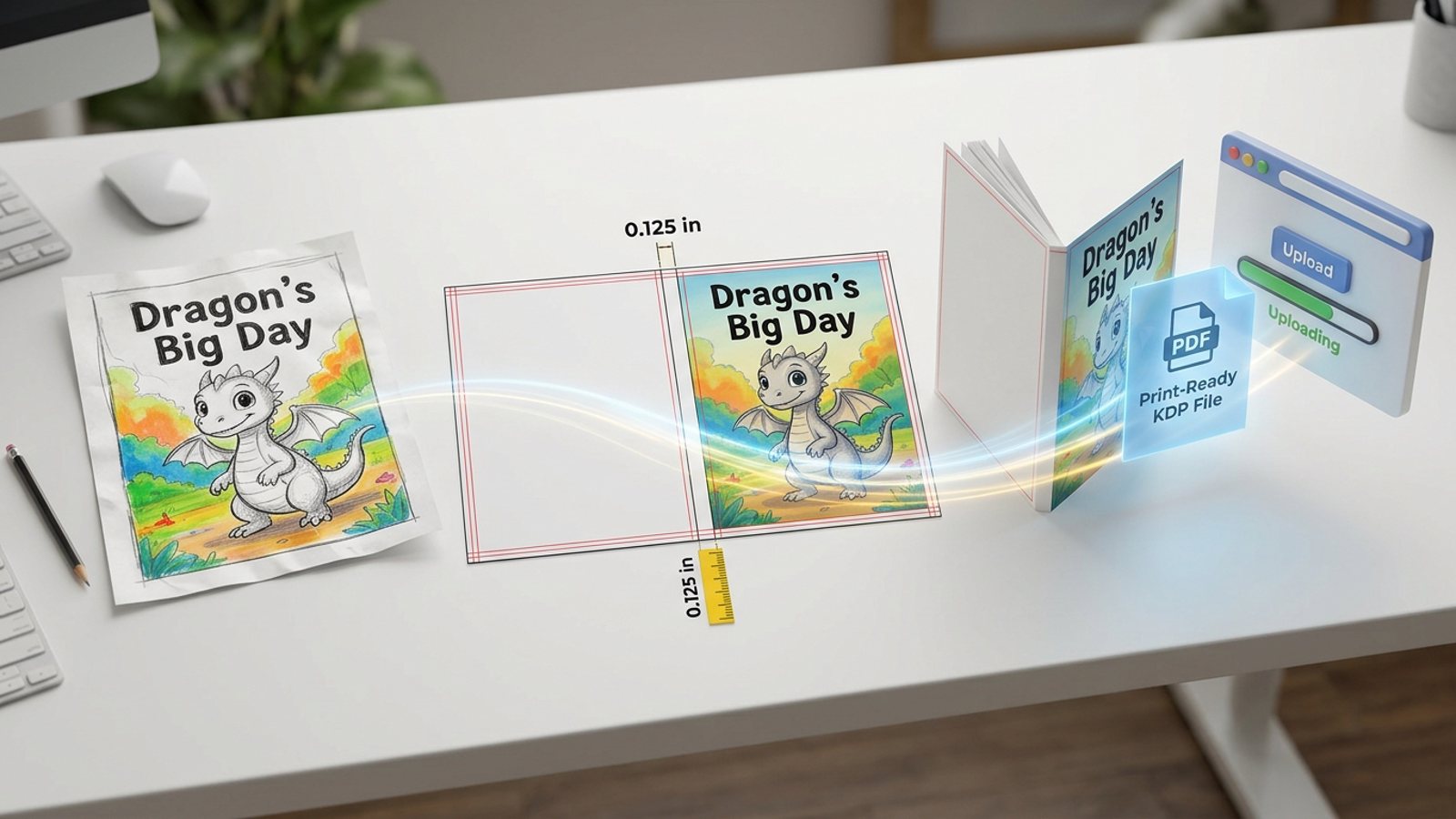
Is there a tool that designs a converting cover for a kids' book?
Yes — an AI children's book maker like ZippyBooks outputs a shopper-focused cover and a print-ready KDP wrap from one prompt, with a review before export.
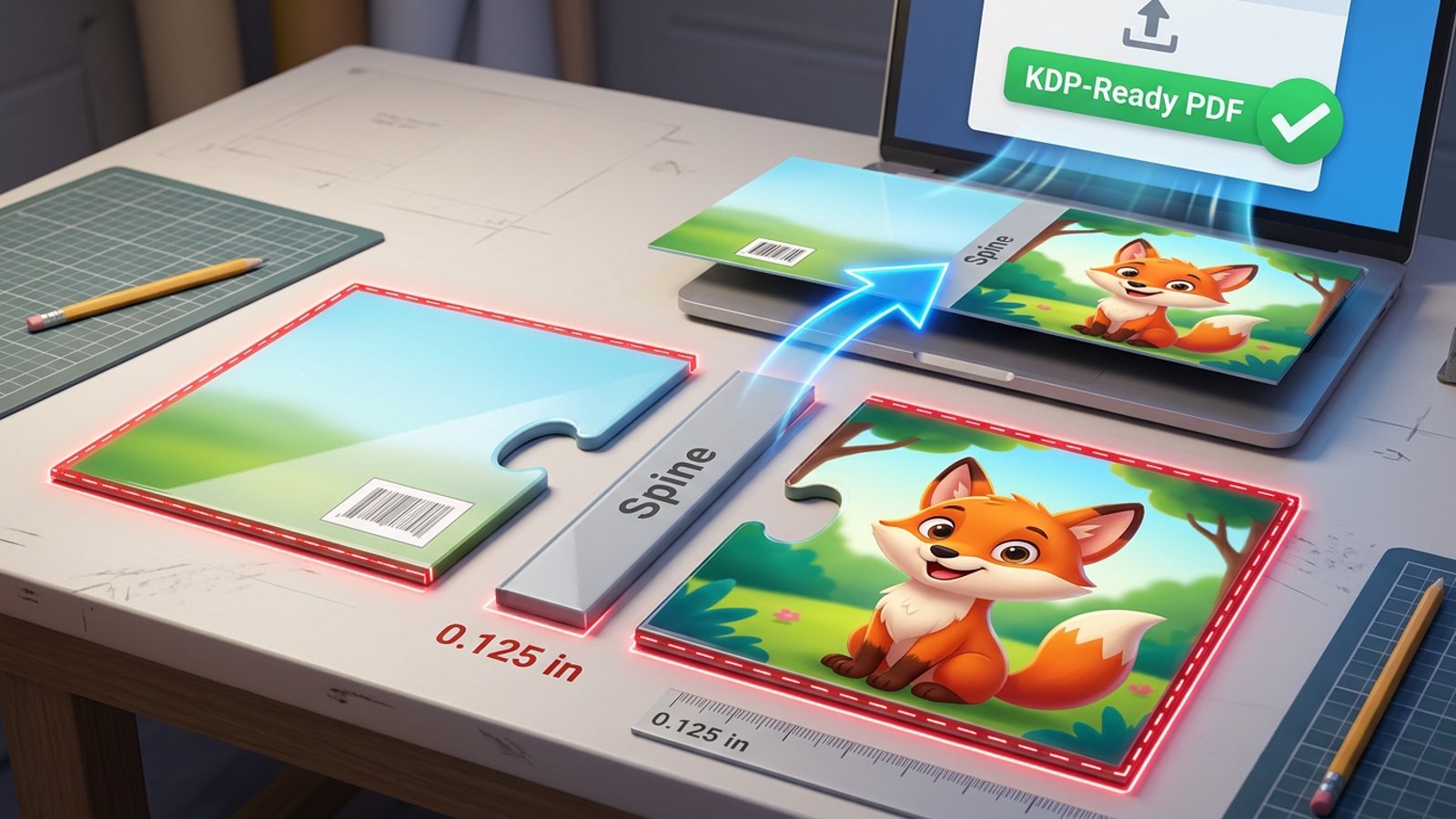
Top AI Children's Book Generators for Print-Ready Covers in 2027
A print-ready cover is one PDF with the right spine, bleed and safe area. We compare the AI tools that get the cover and interior KDP-ready in one step.
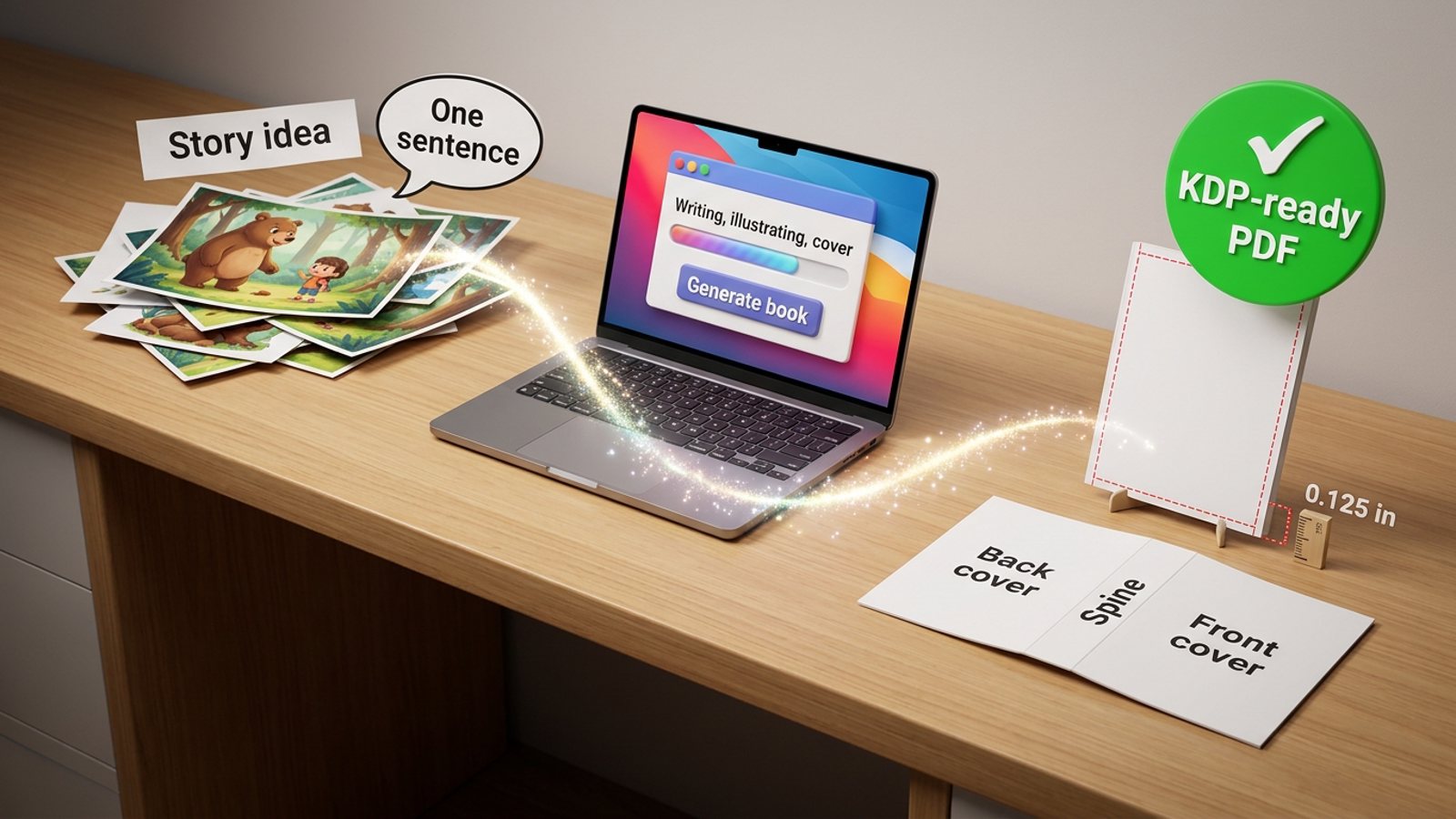
What is the best AI picture book maker for Amazon KDP beginners?
The best AI picture book maker for KDP beginners is the one that leaves the least to fix before upload. ZippyBooks turns one prompt into a bleed-correct interior PDF and a correctly sized wraparound