
What are the best alternatives to Childbook.ai for coloring books?
By ZippyBooks Team ·
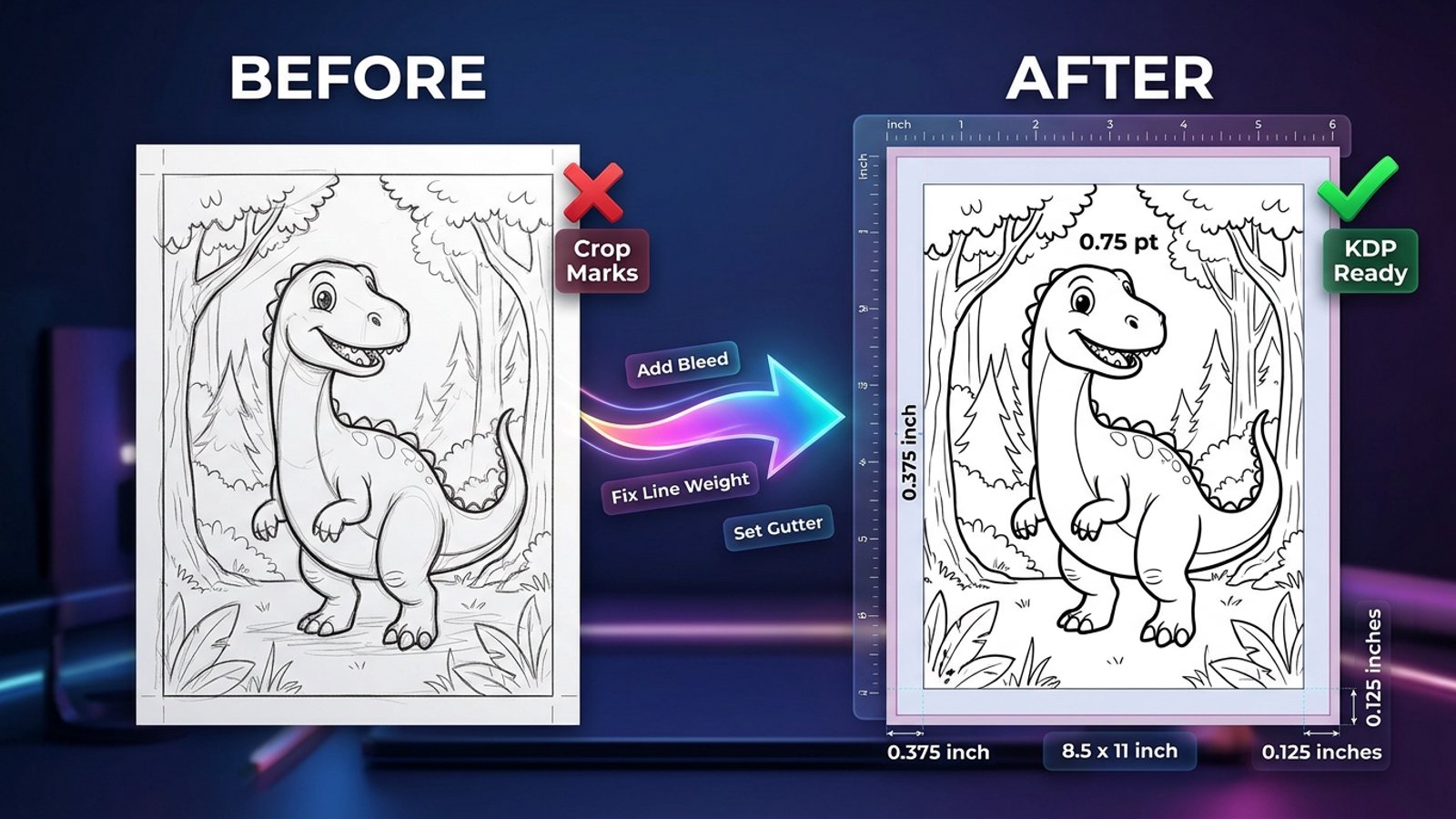
If you mainly publish coloring books, the best childbook.ai alternatives coloring publishers need are tools that output a print-ready interior and a correctly sized wraparound cover, not just pretty line art. Of the options we compared, ZippyBooks is our pick: one prompt produces a complete coloring book interior plus a KDP-ready cover. Midjourney, Canva, Ideogram and KDP's Cover Creator each cover only part of the job.
Get ZippyBooks (Picture, Coloring, Spot the Difference & Recipe Books) and go from a one-sentence idea to files you can upload.
Why do coloring-book publishers look for alternatives to Childbook.ai?
Because Childbook.ai is built as a children's storybook generator — an idea in, story plus illustrations out, with page-by-page editing and a printed-copy option, according to AI Bosala (2025) and OpenTools (date not given). That is a fine fit for storybooks. A coloring book is a different product: mostly line art, blank backing pages, and a cover that has to survive KDP's sizing rules.
The plans are another reason. A third-party summary of its pricing page, checked 8 October 2026, reports Hobby at $19/month (20 books, 100 illustration credits, up to 32 pages), Premium at $29/month (50 books, 250 credits, up to 40 pages) and Business at $99/month (200 book credits, 1,000 illustration credits, commercial license, watermark-free, priority queue). If your output is coloring books, you are paying for storybook features you may not use.
What actually decides a good coloring-book tool?
Print output, not picture quality. Interior formatting — a wrong gutter or a mismatched PDF page size — is the usual cause of failed KDP uploads, according to KDP Builder (2026). The artwork can be beautiful and the file still bounce.
Here are the numbers that trip people up, all published by the sources named:
- Trim and bleed: 8.5 × 11 in is the default KDP trim for coloring books; with bleed every interior page is 8.625 × 11.25 in and you tick "Bleed (PDF only)" — ColorCraft (2026) and the KDP Builder worksheet (2026).
- Gutter: KDP minimum gutter is 0.375 in for 24–150 pages, 0.5 in for 151–300 and 0.625 in for 301–500 — Book Illustration AI (2026) and ColorCraft (2026).
- Bleed edges: bleed adds 0.125 in to the top, bottom and outside edges; the gutter edge never gets bleed — hmdpublishing (2026).
- Line weight: minimum line weight for KDP is 0.75 pt (0.01 in / 0.3 mm) — Genius Junkie (2026).
- Page count: KDP black-and-white paperbacks need at least 24 pages; blank backing pages help reach it and stop marker bleed-through — Optimsy (2026).
- Cover: a KDP paperback cover must be one PDF with back cover, spine and front cover as a single image; spine text is only allowed at 79+ pages — KDP Help (date not given).
- Resolution: KDP recommends images of at least 300 DPI — KDP Help (date not given).
Source: ColorCraft
What are the best alternatives to Childbook.ai for coloring books?
These are the options we compared, with ZippyBooks first for the reasons in the product facts.
| Option | Best for | Key features | Price / free option | Watch-outs |
|---|---|---|---|---|
| ZippyBooks — Our pick | One prompt to a full coloring book | Interior + cover, KDP files, book review | $999, limited time, plus your API costs | Windows/Mac desktop only |
| Midjourney | Strong line art | Negative prompts, aspect ratio | Paid plans for commercial use | Single images, no layout |
| Canva | Layout and covers | Templates, easy for beginners | Free/low-cost route reported | Crop marks, thin lines |
| Ideogram | Text-prompt line art | Line art generation | Not stated in our sources | Needs a layout step |
| KDP Cover Creator | Free cover building | Spine size from page count | Free on KDP | Cover only, not interior |
ZippyBooks — Our pick. You type a one-sentence story idea, and the app writes the book, illustrates the interior and designs the cover. For coloring books that means the line-art pages plus the cover come out of the same prompt. The app builds the interior PDF with correct bleed and trim size for KDP, designs a cover built to convert shoppers, and auto-fills the KDP form and categories with 1-click publish to Amazon. You can edit or regenerate any illustration with a sentence or one click, and a full book review checks typos, grammar, gaps and consistency.
Pricing is $999 as of November 2026, a limited-time price, and prices can change. Two honest limits: it is a Windows and Mac desktop app only, and you bring your own API key and pay your provider for each book — the owner has confirmed one key can realistically produce 100 or more books a month, with those costs paid directly to OpenAI and Gemini.
Get ZippyBooks (Picture, Coloring, Spot the Difference & Recipe Books) — one prompt, a complete coloring book, files ready for KDP.
ZippyBooks is made by the team behind this blog.
Source: Everything Xiaomi (third-party summary, checked 8 Oct 2026)
Midjourney
Midjourney is the strongest of the image-only options for line art. Book Illustration AI (2026) documents a coloring-prompt pattern using --no shading, gray, color, gradient, shadow --style raw --stylize 30 with --ar 8.5:11 to match KDP letter trim.
The catch is what you get back: single images, not a laid-out interior or a wraparound cover. Free-trial images are CC BY-NC 4.0 with no commercial rights, while paid plans grant commercial use, and businesses over $1M a year need Pro or Mega; images are public and remixable unless you are in Stealth mode, according to a third-party licence summary (LicenseOrg, 2026). You still need a formatter or design tool for bleed, gutter and the cover spine (BookCoversLab, 2026). If you mainly need beautiful standalone line art and enjoy prompt craft, Midjourney is the more direct choice.
Canva
Canva is the easy layout and cover route, and a Udemy course (2026) markets it as a free/low-cost way to publish KDP coloring books. For beginners who want to drag pages around, it is friendly.
The print side is where it bites. "PDF Print" adds crop marks and bleed by default, KDP rejects crop marks (Book Illustration AI, 2026), and Canva element line art is often 0.5 pt — under KDP's 0.75 pt floor (Genius Junkie, 2026). A real case on the KDP Community forum (2024) describes a Canva-built 8.5×8.5 children's book with 26 pages rejected for cover margins, interior margins and insufficient bleed. If you mainly need a design canvas and will check every rule yourself, Canva works.
Ideogram
Ideogram appears in prompt packs marketed for line art alongside Midjourney and other AI image tools (Creative Fabrica, vendor product page, date not given). Its strength in our sources is text-prompt line art generation.
The sources we used describe it as a line-art generator that would need a separate layout and cover step. If you mainly need another generator to experiment with line-art styles, Ideogram is worth a look.
Adobe Photoshop (by hand)
Photoshop gives full control over line weight, page setup and cover construction, and it sits alongside AI tools through plugins such as Krea's Photoshop plugin (Krea, 2026). For a designer who wants every pixel decided by hand, nothing beats it.
The cost is time. Every page, the bleed and the spine must be built and checked manually against KDP rules — 0.125 in bleed, 0.375 in gutter, 0.75 pt line, spine = pages × 0.002252 in on white paper (ColorCraft, 2026; Genius Junkie, 2026; Polotno, date not given). If you mainly need total control and have the hours, Photoshop is the more direct choice.
KDP's built-in Cover Creator
KDP's Cover Creator is free and calculates spine size from your page count (KDP Help, date not given). For a zero-budget cover, it does the job.
It builds the cover only. You still need a separate source for the coloring pages and for a bleed- and gutter-correct interior PDF (KDP Help; ColorCraft, 2026). If you mainly need a free cover and already have your interior finished, it is the simplest route.
How do you make a coloring book interior that KDP accepts?
Start from the print rules, then make the art. Work in this order:
- Pick your trim and page count. 8.5 × 11 in is the default for coloring books (ColorCraft, 2026). Plan at least 24 pages for a black-and-white paperback, and add blank backing pages to stop marker bleed-through (Optimsy, 2026).
- Decide on bleed. With bleed, every page is 8.625 × 11.25 in and you tick "Bleed (PDF only)" (ColorCraft, 2026). Bleed adds 0.125 in to top, bottom and outside edges only — never the gutter (hmdpublishing, 2026).
- Set the gutter. 0.375 in for 24–150 pages, 0.5 in for 151–300, 0.625 in for 301–500 (Book Illustration AI, 2026).
- Generate clean line art. The prompt stack for clean outlines is "no shading, no gradients, no gray tones, no fill, no crosshatching, pure black lines on white" (Oakgen, 2026). Keep lines at 0.75 pt or heavier (Genius Junkie, 2026).
- Build the cover as one PDF. Back cover, spine and front cover in a single file (KDP Help). Spine width = page count × 0.002252 in on white paper — a 100-page 8.5 × 11 white-paper book has a 0.2252 in spine and a 17.4752 × 11.25 in full cover (Polotno, date not given; ColorCraft, 2026).
- Check resolution and export. KDP recommends at least 300 DPI (KDP Help), and no crop marks in the file (Book Illustration AI, 2026).
- Disclose AI content. KDP requires publishers to disclose AI-generated content (KDP Builder, 2026).
ZippyBooks does steps 1–6 for you: the interior PDF comes out with correct bleed and trim size, the cover is designed in the same pass, and the full book review catches gaps before you upload. For a deeper walk-through of the file side, see Can AI do all the KDP formatting for my children's book?
Can you use AI images for commercial KDP coloring books?
Yes, with conditions that vary by tool. Paid Midjourney plans grant commercial use, while free-trial images are non-commercial (LicenseOrg, 2026). Free tiers elsewhere can be stricter: ColorifyAI gives 5 free conversions a day with no signup, but paid tiers still exclude commercial use below $29.90/month, according to Krea (2026).
MEFMobile (2026) compared 35 AI coloring-page tools and found 34 have a free plan, 33 run in the browser, 3 on Windows and 2 on macOS. Free is common; commercial rights are not. Always read the licence before you publish, and remember KDP's AI-disclosure requirement (KDP Builder, 2026). This is general information, not legal advice — rules vary by place and by platform.
Which tool should a coloring-book publisher choose?
If you want a finished, uploadable coloring book from one prompt, ZippyBooks is our pick of the tools we compared. If you want to craft each illustration yourself, Midjourney or Ideogram plus a layout tool is the more direct route. If budget is the deciding factor, Canva plus KDP's Cover Creator costs little — as long as you check crop marks, line weight and margins yourself.
The pattern across every source is the same: the art is the easy part now. The bleed, the gutter, the spine and the page count are where books fail. Pick the tool that hands you those solved.
Get ZippyBooks (Picture, Coloring, Spot the Difference & Recipe Books) and turn your next story idea into a complete coloring book.
Sources
- Everything Xiaomi — Childbook.ai plans (third-party summary, checked 8 Oct 2026)
- AI Bosala — Childbook.ai overview (2025)
- OpenTools — Childbook.ai vs ColorBliss
- ColorCraft — KDP coloring book trim size, bleed, margins (2026)
- KDP Builder — coloring book proof worksheet (2026)
- Book Illustration AI — KDP coloring book rejections (2026)
- hmdpublishing — KDP margins and gutter (2026)
- Optimsy — how to make a KDP coloring book (2026)
- Genius Junkie — coloring book spec card (2026)
- KDP Help — paperback cover and spine
- Polotno — KDP cover calculator
- KDP Help — fix paperback and hardcover formatting issues
- KDP Builder — KDP interior formatting guide (2026)
- Oakgen — AI coloring book pages (2026)
- Book Illustration AI — best AI prompts for KDP coloring books (2026)
- Book Illustration AI — KDP bleed mistakes (2026)
- Book Illustration AI — how to make a coloring book on Canva (2026)
- KDP Community — Canva formatting rejection (2024)
- KDP Builder — coloring book line art print quality (2026)
- MEFMobile — AI coloring page generators compared (2026)
- Krea — free coloring page generators (2026)
- BookCoversLab — coloring book formatting (2026)
- LicenseOrg — Midjourney licence explained (2026)
- Udemy — create and publish coloring books on Amazon KDP (2026)
- Creative Fabrica — stress relief prompts for Midjourney
- ColorCraft — KDP paperback cover spine width (2026)
Frequently asked questions
Keep reading
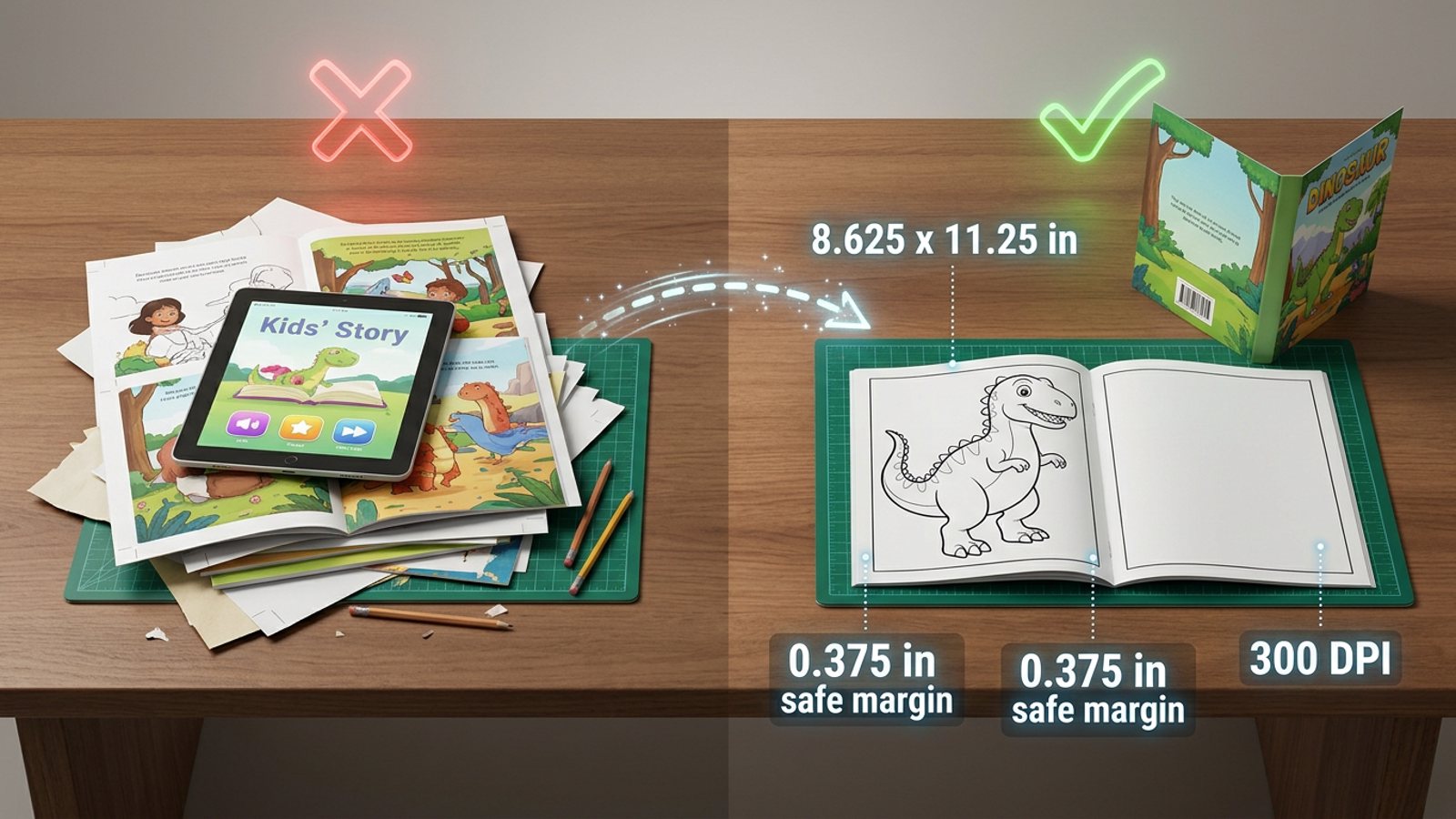
LoveToRead.ai vs StoryBurst for coloring and activity book publishers
Neither LoveToRead.ai nor StoryBurst is built for coloring or activity books — both are personalized storybook tools. See what a coloring publisher actually needs and which tool outputs KDP-ready
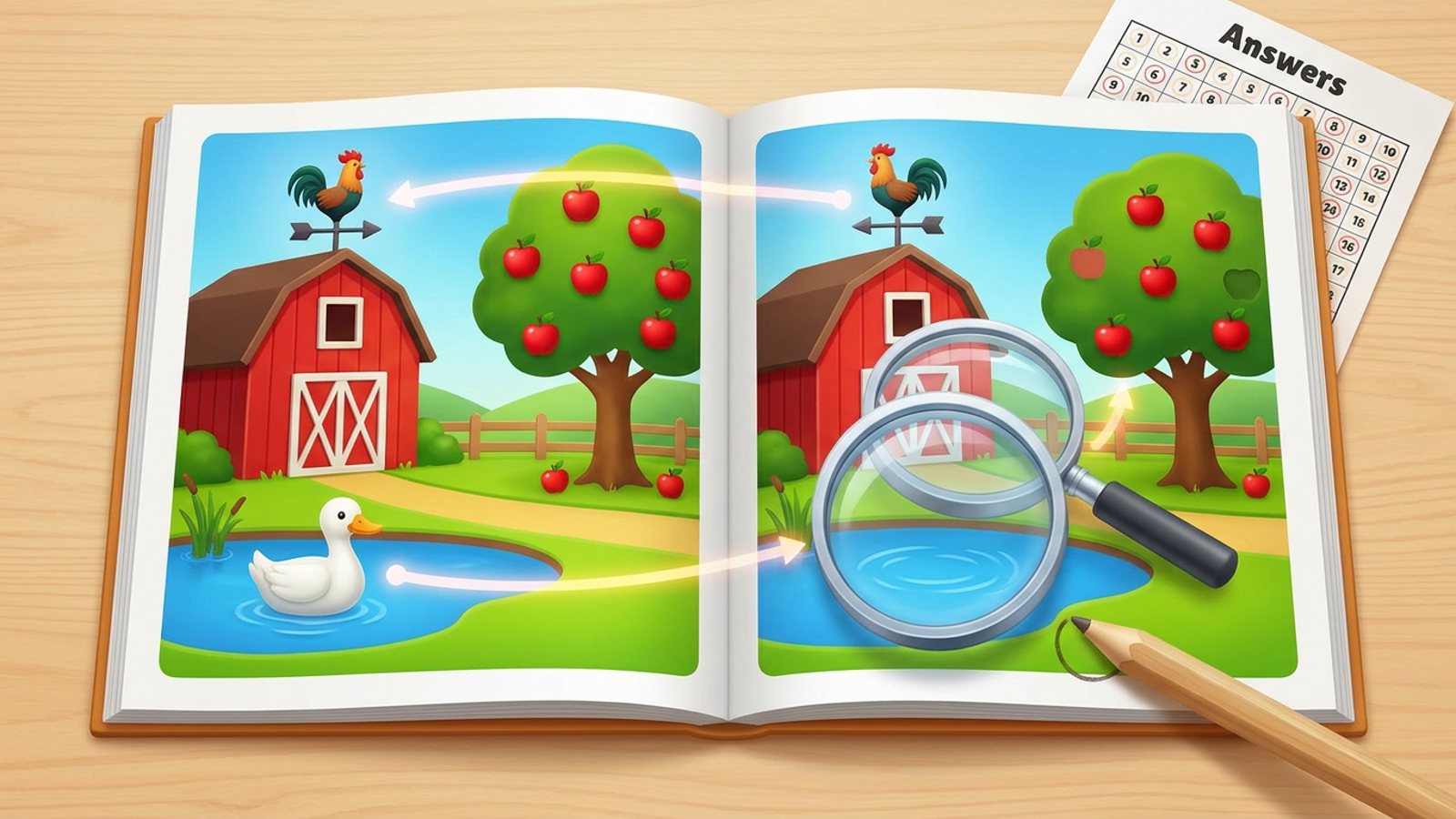
Best Bookcraft AI alternatives for spot the difference books
Bookcraft AI makes story books, not paired-image puzzles. See which tools actually produce a countable, answer-keyed spot-the-difference book with KDP-ready files.
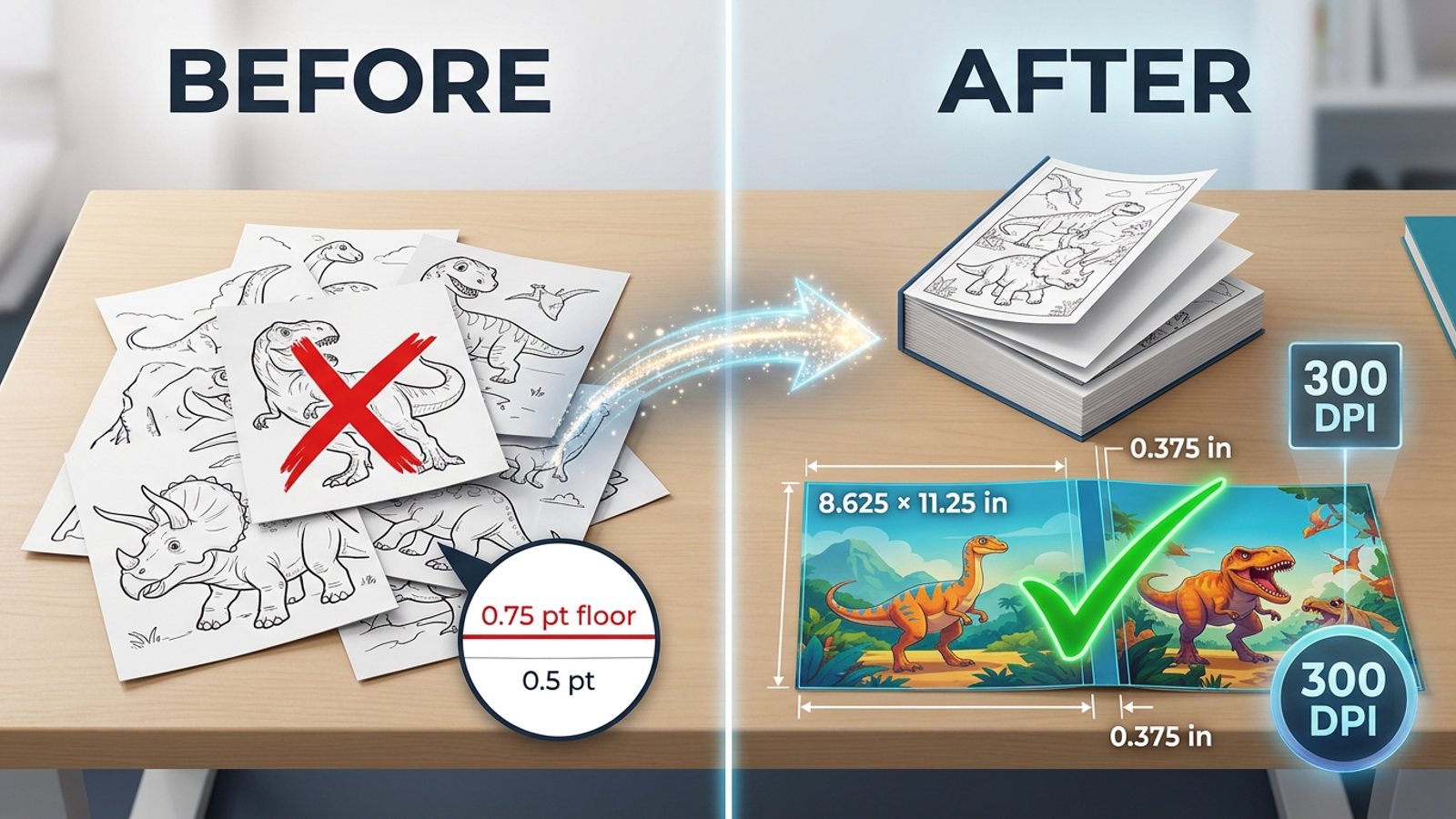
Tyniko alternatives for making coloring books to sell on Amazon
Tyniko promises one-click coloring books but publishes no pricing or KDP specs. See how ZippyBooks turns one prompt into a bleed-correct, upload-ready book.