
Can ChatGPT make a coloring book ready to upload to Amazon?
By ZippyBooks Team ·
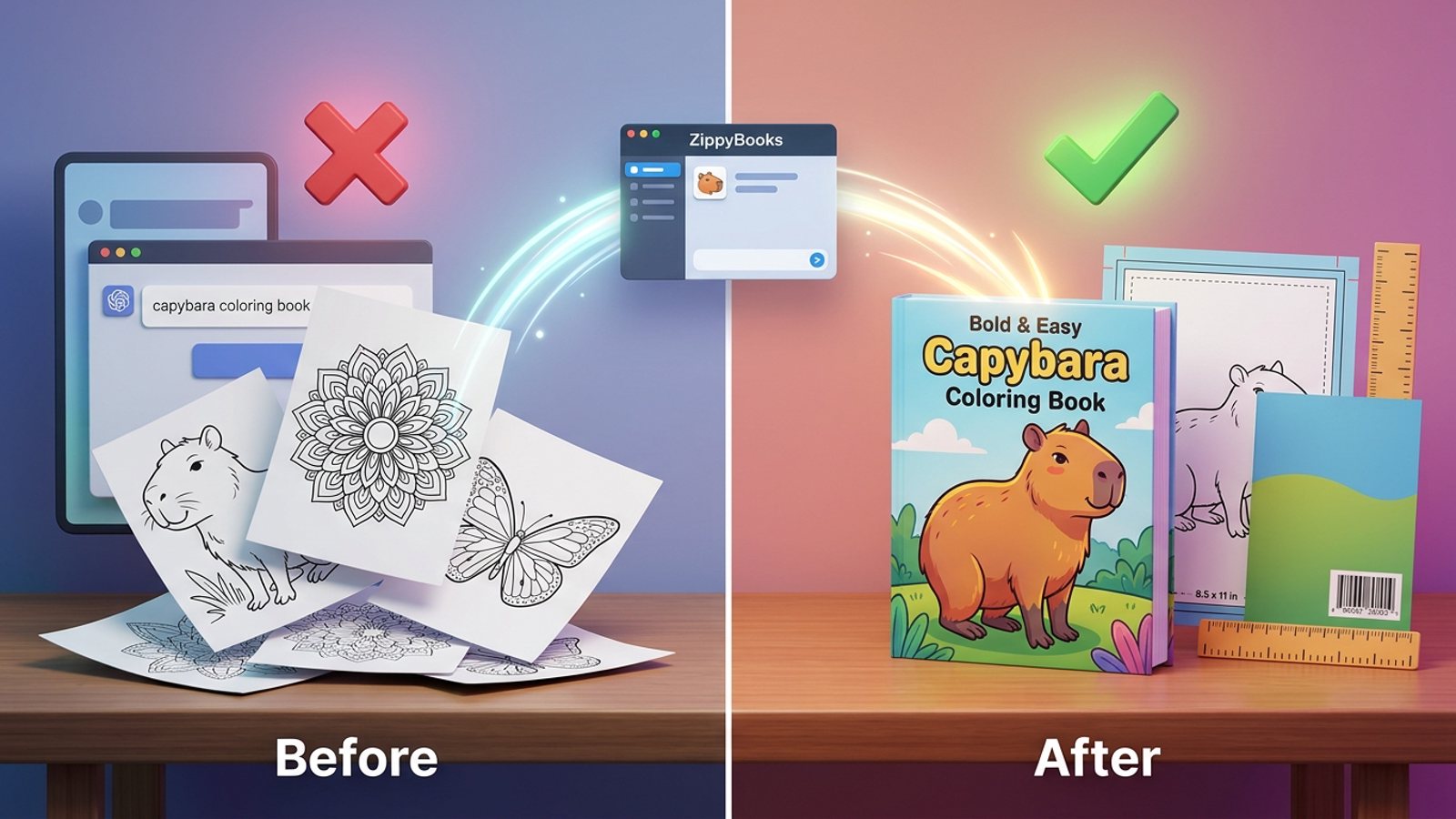
No — not on its own. ChatGPT can suggest coloring-book themes and write line-art prompts, and it does generate individual coloring-style images. But what it returns is a folder of separate pictures, not the single print-ready interior PDF and cover wrap Amazon KDP requires. Those images still need trim size, bleed, margins and single-sided layout before KDP will accept them.
If you want the shortcut instead of the manual route, get ZippyBooks and turn one prompt into a coloring book with a cover and KDP-ready files.
What can ChatGPT actually do for a coloring book?
It can do the thinking and the drawing — one page at a time. ColorCraft's guide (2026) describes ChatGPT as useful for themes, niches, page-by-page prompts and listing copy, and BookIllustrationAI (2026) shows it producing coloring pages on every plan, including Free.
What it can't do is the book. As ColorCraft puts it, a chat alone gives you separate images, not a book KDP will take: you still need a 24-page interior PDF at trim size and a cover wrap sized to the spine.
Why isn't a folder of ChatGPT images uploadable?
Because KDP judges a file, not a picture. Amazon's own print guidelines set the technical bar, and a chat window doesn't meet any of it by default:
- One interior file. If any element bleeds to the page edge, KDP requires a PDF (KDP, Save Your Manuscript File).
- A separate cover file, built in KDP's Cover Creator or submitted as a PDF (KDP, Paperback Submission Guidelines).
- Bleed of 0.125" beyond final trim on top, bottom and outer edges (KDP Print Publishing Guidelines).
- Margins: a 0.375" gutter for 24–150 page books, and at least 0.25" outer margin without bleed or 0.375" with bleed.
- 300 DPI images, or KDP flags them before publishing.
- Line widths of at least 0.75 pt (0.3 mm) so your outlines actually print.
- Flattened transparency — no live transparent layers.
Then there's the layout question. Optimsy's guide (2026) notes that KDP needs at least 24 pages for a black-and-white paperback, and that a blank back behind each design both reaches the page count and stops marker bleed-through. WPS (2026) recommends the same single-sided approach.
A coloring book isn't a set of pictures. It's one file where every page obeys the same trim, bleed and margin rules — and that's the part a chat window never does.
Does ChatGPT's free plan make coloring pages?
Yes. BookIllustrationAI (2026) reports that ChatGPT Images works on every plan including Free, with a separate image limit that OpenAI keeps internal.
So the free plan is a fair way to test whether your idea looks good on paper. It is not a production line. If you want to publish several books, you'll hit that image ceiling and have no way to plan around it.
What size should an Amazon coloring book be?
8.5 × 11 in is the default trim for coloring and activity books, per KDP Builder (2026) and ColorThese (2026). Add bleed and every page becomes 8.75 × 11.25 in, with art extending 0.125 in past the trim (ColorThese, 2026).
That extra quarter inch is where most first-time uploads fail. If you draw to 8.5 × 11 and then tick "with bleed," your art no longer reaches the edge — or your file is the wrong size entirely.
What are the steps to turn ChatGPT pages into a KDP coloring book?
Here is the honest manual route, step by step.
- Pick one specific niche and buyer. KDP Builder (2026) argues specificity beats generic — "bold and easy capybara for adults" over "beautiful animal book."
- Lock trim and decide bleed or no bleed. 8.5 × 11 in is the default; 8.75 × 11.25 in if you use bleed.
- Use ChatGPT for themes and page-by-page line-art prompts, then generate the images (BookIllustrationAI, 2026).
- QA every image at print size: 300 DPI, closed clean lines, no grey shading, line width at least 0.75 pt.
- Assemble one interior PDF at trim, with a blank page behind each design and at least 24 pages total.
- Build the cover wrap. Spine width is page count × paper thickness; the full wrap needs 0.125" bleed all round, and the barcode area must stay clear (DEV Community, 2026; KDP guidelines).
- Run KDP's print previewer, fix every flag in the source file, rebuild the PDF and re-upload (KDP, Fix Paperback and Hardcover Formatting Issues).
Steps 4 to 6 are where the hours disappear. That's also exactly where a dedicated creator earns its keep.
How does ZippyBooks handle the coloring book for you?
ZippyBooks is a Windows and Mac desktop app that generates a complete book from a single prompt — story, illustrations, cover and KDP-ready files. For a coloring book, that means one prompt produces the interior and the cover, with the interior PDF built with correct bleed and trim size for KDP.
You can edit or regenerate any illustration with a sentence or one click, and the app runs a full book review for typos, grammar, gaps and consistency. Then you download the files and upload them.
It covers picture books, coloring books, spot the difference and recipe books — and the owner confirms it can produce text books too. For the wider picture-book workflow, see our guide to the best AI children's book creator for Amazon authors.
What are the best options for a ChatGPT coloring book on Amazon?
Here's how the realistic routes compare, of the tools we looked at.
| Option | Best for | Key features | Price / free option | Watch-outs |
|---|---|---|---|---|
| ZippyBooks — Our pick | One prompt to a finished, uploadable coloring book | Interior + cover from a prompt, bleed and trim, book review | $999, limited time, as of Nov 2026, plus your API costs | Windows and Mac only; you bring your own API key |
| ChatGPT (alone) | Themes, prompts, listing copy | Image generation on all plans | Free plan includes images | Separate images only; no PDF, cover or bleed |
| Midjourney | High-quality stylised art | HD 2048 × 2048 px default | Not stated in our sources | Images, not a book file |
| Canva | Laying pages out yourself | Exact trim, one page per design | Not stated in our sources | Crop marks and bleed settings cause rejections |
| Optimsy | Theme-to-PDF workflow | Cover, consistent pages, KDP-ready PDF | Free to start (vendor claim) | Vendor blog; check current terms |
ZippyBooks is made by the team behind this blog. It goes first here because it's the only option in this comparison whose stated output is a complete book — cover and print-ready KDP files — from one prompt.
If you mainly need beautiful, stylised art and you enjoy assembling files, Midjourney is the more direct choice; its docs list a 2048 × 2048 px default at 1:1. If you want to hand-place every page, Canva gives you fine control — BookIllustrationAI's Canva guide (2026) warns that the "Crop marks and bleed" checkbox is the top rejection cause, and that other Canva defaults don't match KDP. If you want a lighter, cheaper dedicated creator, Optimsy advertises a theme-to-book workflow with a KDP-ready PDF and a free-to-start tier.
Ready to skip the PDF math? Get ZippyBooks and build your coloring book from a prompt.
How much does it cost to publish a ChatGPT coloring book?
Two costs stack up. First, the image generation — free on ChatGPT's Free plan, with an image limit OpenAI keeps internal. Second, the book build, whether that's your own hours or a tool.
ZippyBooks is $999 as of November 2026, and prices can change. The owner describes it as a limited-time price. You also bring your own API key and pay your provider for each book. The owner says one API key can realistically produce 100 or more books a month, with that cost paid directly to OpenAI and Gemini.
What mistakes should you avoid with a ChatGPT coloring book?
The same handful sink most first uploads.
- Art that's too detailed. ImaginePro (2025) notes AI image tools often overshoot "simple" — results come back as detailed sketches that are hard for a child to color.
- Prompt wording that gets flagged. An OpenAI forum user (2025) reported "adult coloring book" prompts being flagged, likely triggered by wording rather than the design.
- Crop marks in the PDF. KDP rejects files with crop marks (BookIllustrationAI, 2026).
- Grey shading and thin lines. For kids and seniors, BookIllustrationAI (2026) recommends 3–5 pt bold black outlines, no grey fills, and large enclosed regions.
- Art in the barcode zone. KDP adds a barcode on the back cover automatically and rejects covers with important text or art there.
Sources
- Save Your Manuscript File (Kindle Direct Publishing, undated)
- Paperback Submission Guidelines (Kindle Direct Publishing, undated)
- Fix Paperback and Hardcover Formatting Issues (Amazon KDP JP, undated)
- KDP Print Publishing Guidelines V3 (FR) (Amazon, undated)
- KDP Print Publishing Guidelines V3 (ES) (Amazon, undated)
- How to Format an Adult Coloring Book PDF for Amazon KDP (WPS, 2026-10-19)
- KDP Interior Formatting Guide (KDP Builder, vendor, 2026-07-16)
- How to Make a Coloring Book with AI (KDP Builder, vendor, 2026-07-16)
- How to make coloring pages with ChatGPT (BookIllustrationAI, vendor, 2026-11-06)
- How to make a coloring book on Canva (BookIllustrationAI, vendor, 2026-10-09)
- Large-print coloring book for seniors (BookIllustrationAI, vendor, 2026-06-15)
- How to Make a Coloring Book with ChatGPT or Claude (ColorCraft, vendor, 2026-11-09)
- How to Make a Coloring Book with AI (Optimsy, vendor, 2026-11-03)
- AI coloring book generator (Optimsy, vendor, 2026-11-04)
- How to Make a Coloring Book to Sell on Amazon KDP (ColorThese, 2026-10-01)
- Coloring book print prep for KDP paperbacks (DEV Community, 2026-11-15)
- Midjourney Image Size & Resolution (Midjourney, undated)
- Can not generate Quilts or textile images in ChatGPT (OpenAI Developer Community forum, 2025-03-24)
- Create Custom AI Coloring Books For Your Kids (ImaginePro, 2025-07-21)
Frequently asked questions
Keep reading
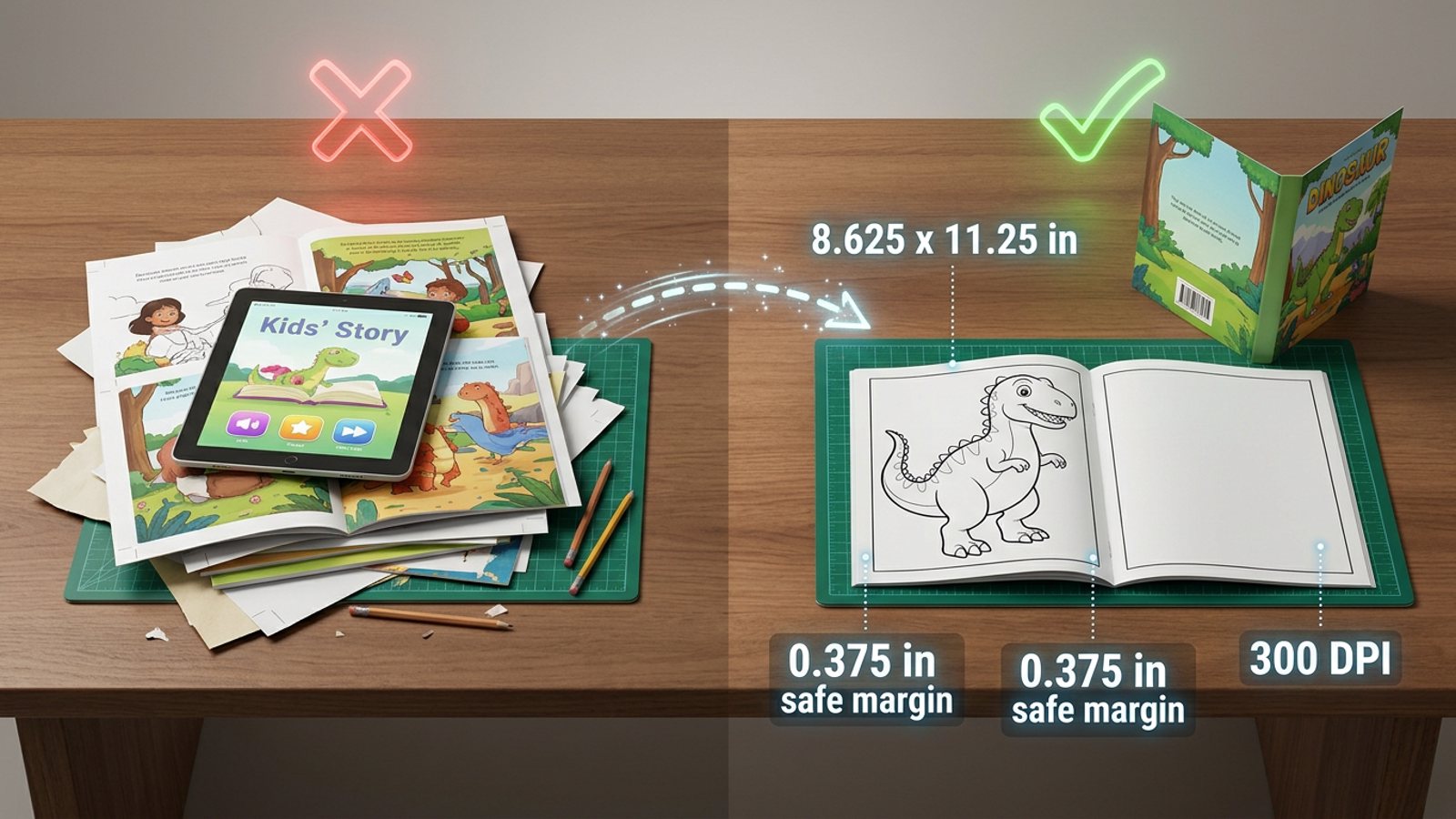
LoveToRead.ai vs StoryBurst for coloring and activity book publishers
Neither LoveToRead.ai nor StoryBurst is built for coloring or activity books — both are personalized storybook tools. See what a coloring publisher actually needs and which tool outputs KDP-ready
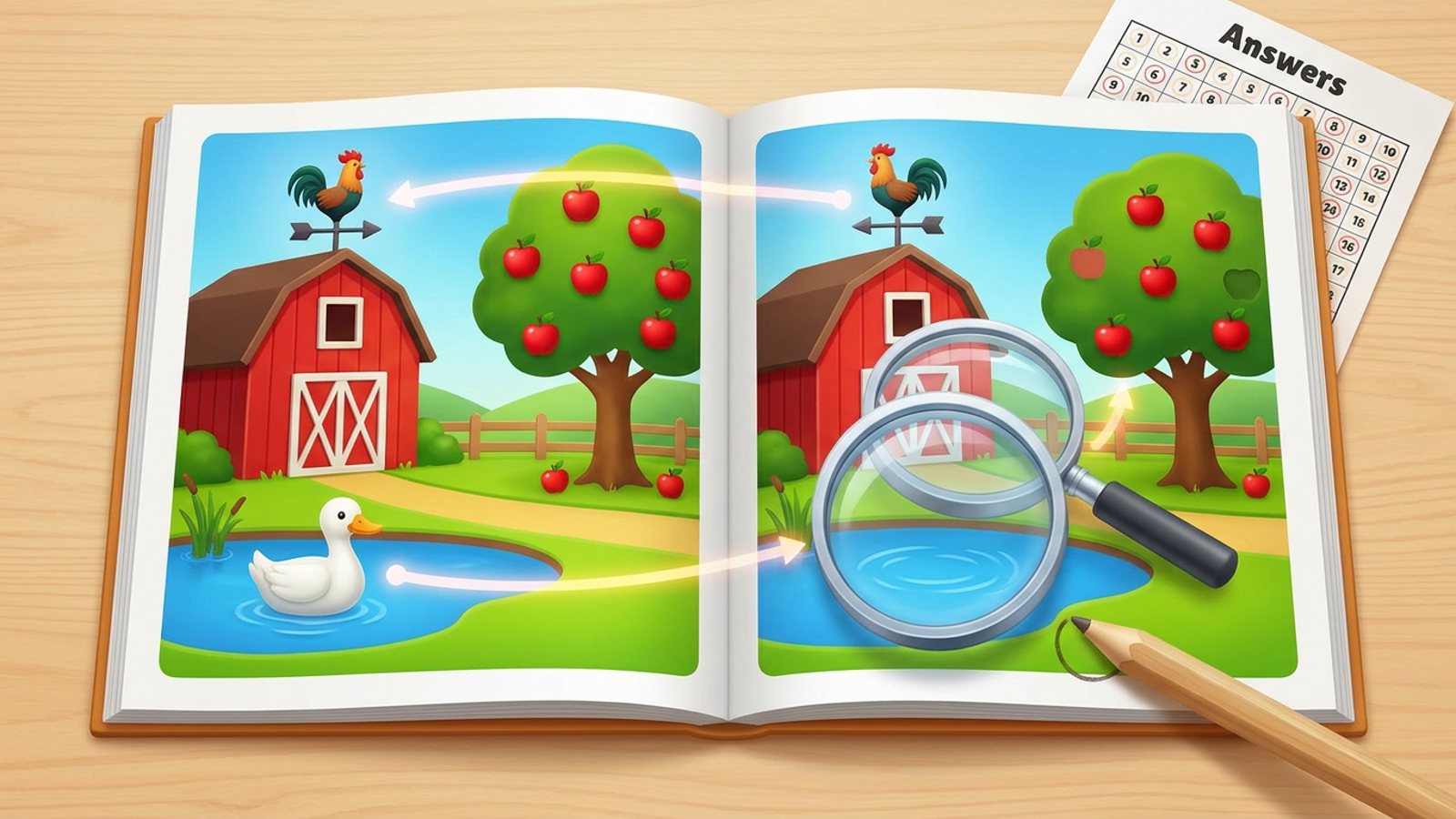
Best Bookcraft AI alternatives for spot the difference books
Bookcraft AI makes story books, not paired-image puzzles. See which tools actually produce a countable, answer-keyed spot-the-difference book with KDP-ready files.
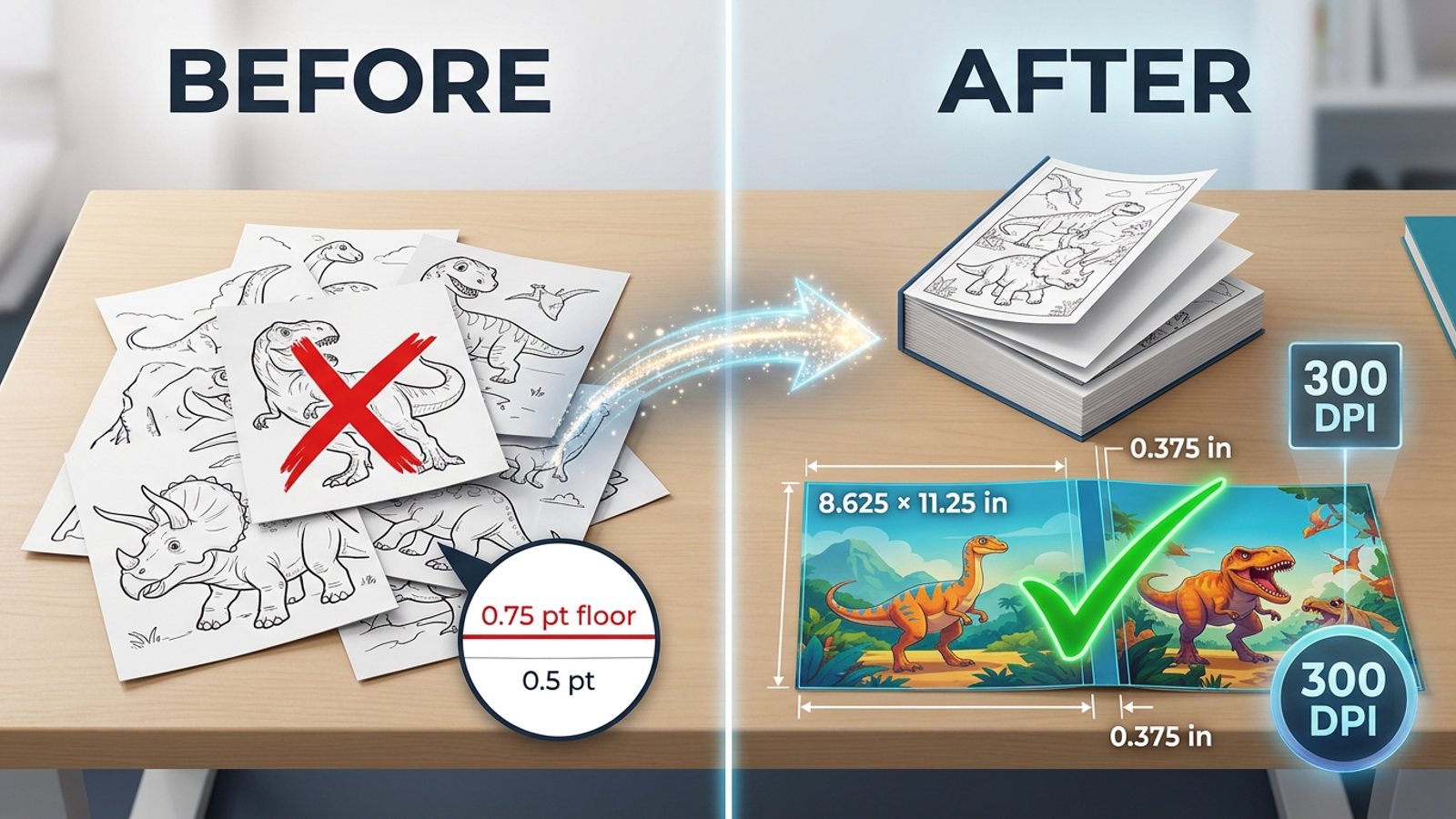
Tyniko alternatives for making coloring books to sell on Amazon
Tyniko promises one-click coloring books but publishes no pricing or KDP specs. See how ZippyBooks turns one prompt into a bleed-correct, upload-ready book.