
Is there an AI that designs a kids' book cover and interior together?
By ZippyBooks Team ·
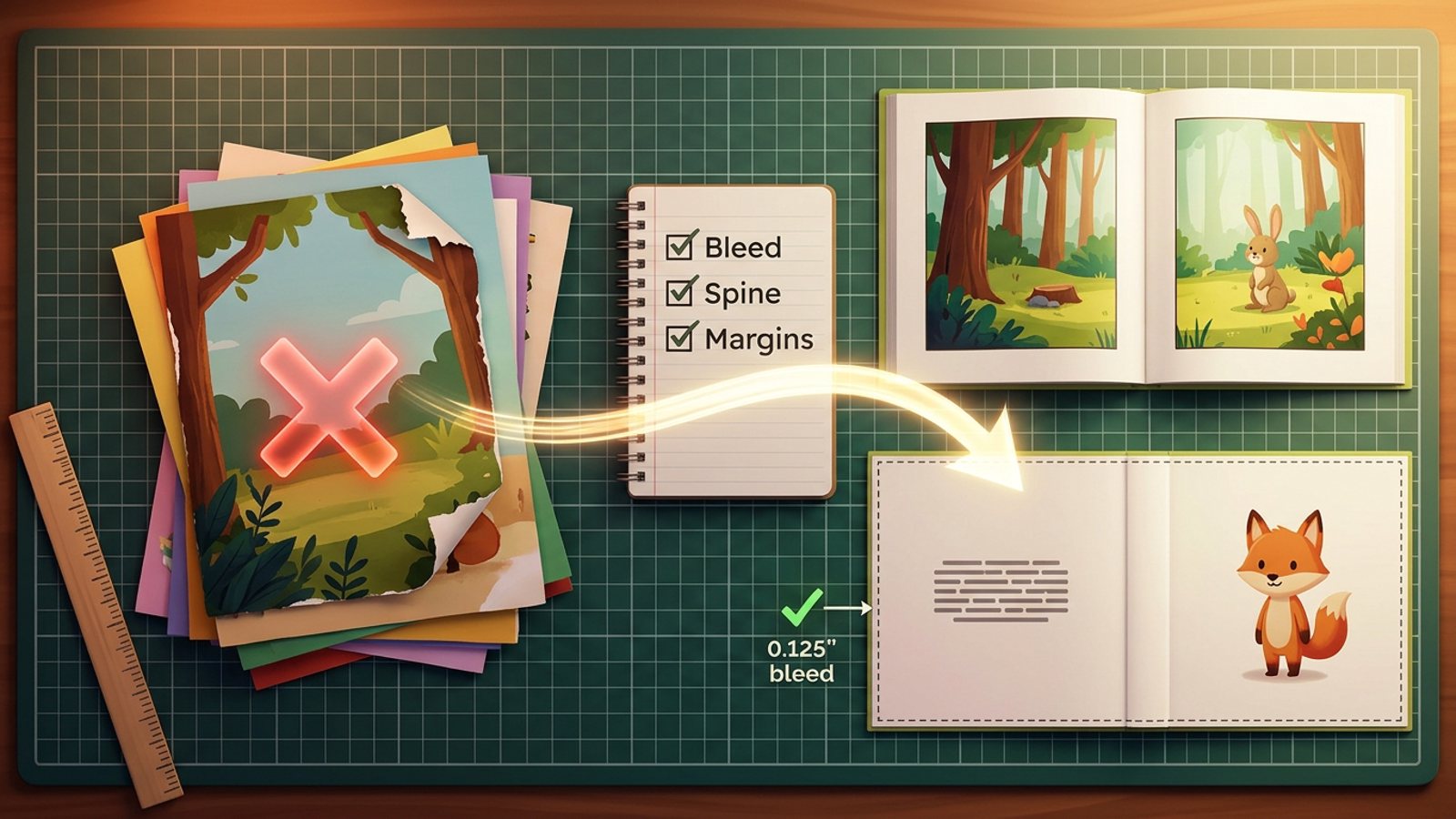
Yes. A small group of AI book tools now produce a children's book cover and interior in one workflow — but only some output both as correctly sized KDP print files. ZippyBooks does it from one prompt on Windows and Mac, with a cover-and-interior auto review before export. Most other tools still leave you to check bleed, spine width and margins yourself.
An AI children's book cover and interior used to mean two jobs: one tool for art, another for layout, then a night in Canva fixing margins. That's changing. A handful of AI book studios now generate the story, the inside pages and the wrap-around cover in one pass, sized for Amazon KDP.
Here's what to check before you pay for any of them — and which ones actually deliver both files.
Get ZippyBooks (Picture, Coloring, Spot the Difference & Recipe Books) — one prompt in, cover and interior out, ready to upload.
What does "cover and interior together" actually mean for KDP?
It means one workflow produces two print-ready files that match each other: an interior PDF and a single cover PDF containing back cover, spine and front cover. KDP's paperback help pages are clear that these are two separate uploads.
The catch is sizing. The cover can't be designed until the interior is final, because the spine width comes from the page count and paper type. KDP Builder's 2026 formatting guide recommends this order: lock trim size, lock page count, confirm interior bleed, size the cover to exact KDP dimensions, check spine text rules, then review in the previewer.
A tool that generates a pretty cover before the interior exists isn't designing them "together" — it's guessing.
Why do so many AI kids' books fail KDP formatting?
Because the art is generated but the print maths isn't. Common print-on-demand file errors, per a 2026 PDF Press guide, include missing 0.125" bleed on edge-to-edge art, mixed page sizes, live transparency, gutter margins below the page-count minimum, content within 0.25" of trim, and files over the platform limit.
A real freelance job posted in October 2026 describes a 26-page 8.5 × 8.5 picture book made in Canva that KDP rejected over cover margins, interior margins and insufficient bleed. The client needed cover text at least 0.375 in inside trim.
That's the trap. The book looked finished on screen. It wasn't finished as a print file.
Our recommendation: before you judge any illustration, judge the file. If you can't see bleed guides and a spine zone, you're not looking at a print-ready book.
Does one AI tool give you both the cover and the interior in KDP-ready files?
Yes — for a short list of tools, and ZippyBooks is the one built around that single job. You type a one-sentence story idea, and it writes the book, illustrates the interior, designs the cover and produces print-ready files for Amazon KDP. The interior PDF carries correct bleed and trim size; the cover is built with the bleed, margins and formatting KDP expects.
Then it runs a full book review for typos, grammar, gaps and consistency — the step most AI tools skip. You can edit or regenerate any illustration with a sentence or one click, and the app auto-fills the KDP form and categories for 1-click publish.
Two honest limits: it's a desktop app for Windows and Mac only, and you bring your own API key and pay your provider for each book.
How do you check a cover-and-interior pair before uploading?
Work through this checklist — it's the same one a preflight tool would run.
- Lock trim size and page count. Spine width and cover size depend on both (KDP Builder, 2026).
- Confirm interior bleed. Edge-to-edge art needs 0.125" bleed on the outer edges and correct gutter margins (PDF Press, 2026).
- Build the cover as one PDF. Back, spine and front in a single file, with 0.125" bleed and content inside the safe area (Opus Publishing, 2026).
- Check spine text rules. Spine text is only supported at 79 pages or more (KDP Builder, 2026), so most thin picture books skip it.
- Flatten and embed. KDP requires embedded fonts and images, flattened transparency, no printer marks, and files under 650MB (KDP submission guidelines).
- Run a preflight check. A third-party checker tests page size for trim and bleed, gutters, fonts, transparency, 7pt minimum type and 300 DPI images (Apify, 2026).
- Judge the cover at thumbnail size. If the title and core image aren't readable small, the design isn't ready (KDP Builder, 2026).
Which tools design a kids' book cover and interior together?
Here's how the options we compared stack up. Prices are as of November 2026 and can change.
| Option | Best for | Key features | Price / free option | Watch-outs |
|---|---|---|---|---|
| ZippyBooks — Our pick | One prompt to a finished, KDP-ready book | Interior + cover from one prompt, 5-star auto review, 1-click KDP publish | $999 lifetime deal (limited time) + your API costs | Windows and Mac only; you pay your API provider |
| kdpbook.io | Chat-driven book planning | Plans, writes, illustrates, typesets; exports interior PDF, cover PDF, EPUB | Freemium, 2,000 free credits; Starter $25/mo (third-party listing) | Pricing only in a third-party database — verify |
| ColorCraft | Fast print-ready coloring and activity books | Interior pages, KDP cover wrap and mockups in one workflow | 7-day free trial, card required, from $9/mo | Vendor claims; affiliate link on its page |
| CreateBooksAI | Consistent characters across pages | Five illustration styles, front/back covers, full cover wrap | Pay per image, no subscription | Maker's own launch post; no independent review |
| Adobe Express | Cover design only | Thousands of children's book cover templates, generative AI tools | Free plan; paid from $7.99/mo (BookBird, 2026) | Covers only — no interior or wrap sizing |
ZippyBooks is made by the team behind this blog.
Why ZippyBooks takes the first slot, of the tools we compared: it's the only one here built to hand you both files from a single prompt with a review pass before export. If you mainly need a free cover template to design yourself, Adobe Express is the more direct choice. If you want a chat-style planner with a free credit tier, kdpbook.io is worth a look — but confirm its pricing on its own site first.
Get ZippyBooks (Picture, Coloring, Spot the Difference & Recipe Books) and stop stitching two tools together.
Can you design the cover yourself and still get both files right?
Yes, but you're doing the spine maths. Canva gives flexible page design and print-ready PDF export, per a 2026 WifiTalents roundup — and a Canva-made picture book was rejected for margins and bleed in the Upwork case above. Templates sold for Canva exist precisely because the sizing isn't automatic.
BookBildr takes a different route: it turns AI-made text and images into a designed, printed book, and its uploaded-PDF route adds bleed and crop marks automatically. Its "Essentials" package, though, only accepts books already fully designed as a complete PDF — so it's a service, not a one-prompt generator.
Hiring an illustrator and designer gives you human judgment on cover appeal, but it's slower and costlier per book, and the Upwork post shows publishers paying for a second pass to fix formatting.
If you're weighing the DIY route properly, our guide to the best AI children's book creator with a cover designer built in walks through it.
Does the cover actually help the book sell?
No tool can promise that, and anyone who does is selling you something. What you can control is whether the cover is readable, correctly sized and consistent with the interior art.
KDP Builder's 2026 quality guide makes the thumbnail test the pass/fail mark: if the title and core image aren't legible small, the design isn't ready. The same guide notes that uninspected AI images and inconsistent characters are a known failure — a prompt isn't a finished page.
That's where a review pass earns its keep. ZippyBooks runs a full book review for typos, grammar, gaps and consistency, and you can regenerate any single illustration with a sentence. The interior and cover stay in the same visual world, which is what makes a book look made rather than assembled.
The cover and the interior are one product; if they don't match, the shopper can tell before they read a word.
Sources
- Format Your Paperback — Kindle Direct Publishing
- Paperback Submission Guidelines — Kindle Direct Publishing
- KDP Cover Template Explained: Bleed, Spine, Barcode — Opus Publishing, 2026-10-08
- Why AI Books Look Generated: 12 Cheap Tells — KDP Builder, 2026-10-25
- AI Book Publishing Quality: Why Most Fail — KDP Builder, 2026-10-14
- AI Book Publishing Quality: Why AI Books Fail — KDP Builder, 2026-08-23
- Print on Demand File Setup — PDF Press, 2026-03-14
- KDP Paperback PDF Preflight Checker — Apify, 2026-10-24
- Children's Book – Urgent Amazon KDP Margins/bleed/formatting — Upwork, 2026-10-19
- Free online children's book cover designs — Adobe
- Adobe Express review: price, features and score — BookBird, 2026-10-06
- Children's Book Self-Publishing Packages — BookBildr, 2026-08-18
- KI-generiertes Buch drucken — BookBildr, 2026-09-03
- AI Children's Book Generators: Childbook.ai vs. BookBildr — Rotten WiFi, 2026-10-03
- ColorCraft
- kdpbook.io AI book generator — aiwizard, 2026-10-06
- kdpbook.io startup profile — TrustMRR
- CreateBooksAI — Product Hunt, 2026-09-28
- Picture Book Software Expert Picks 2026 — WifiTalents, 2026-07-03
- Illustrated books and template-bound covers — GitHub, 2026-10-01
Frequently asked questions
Keep reading
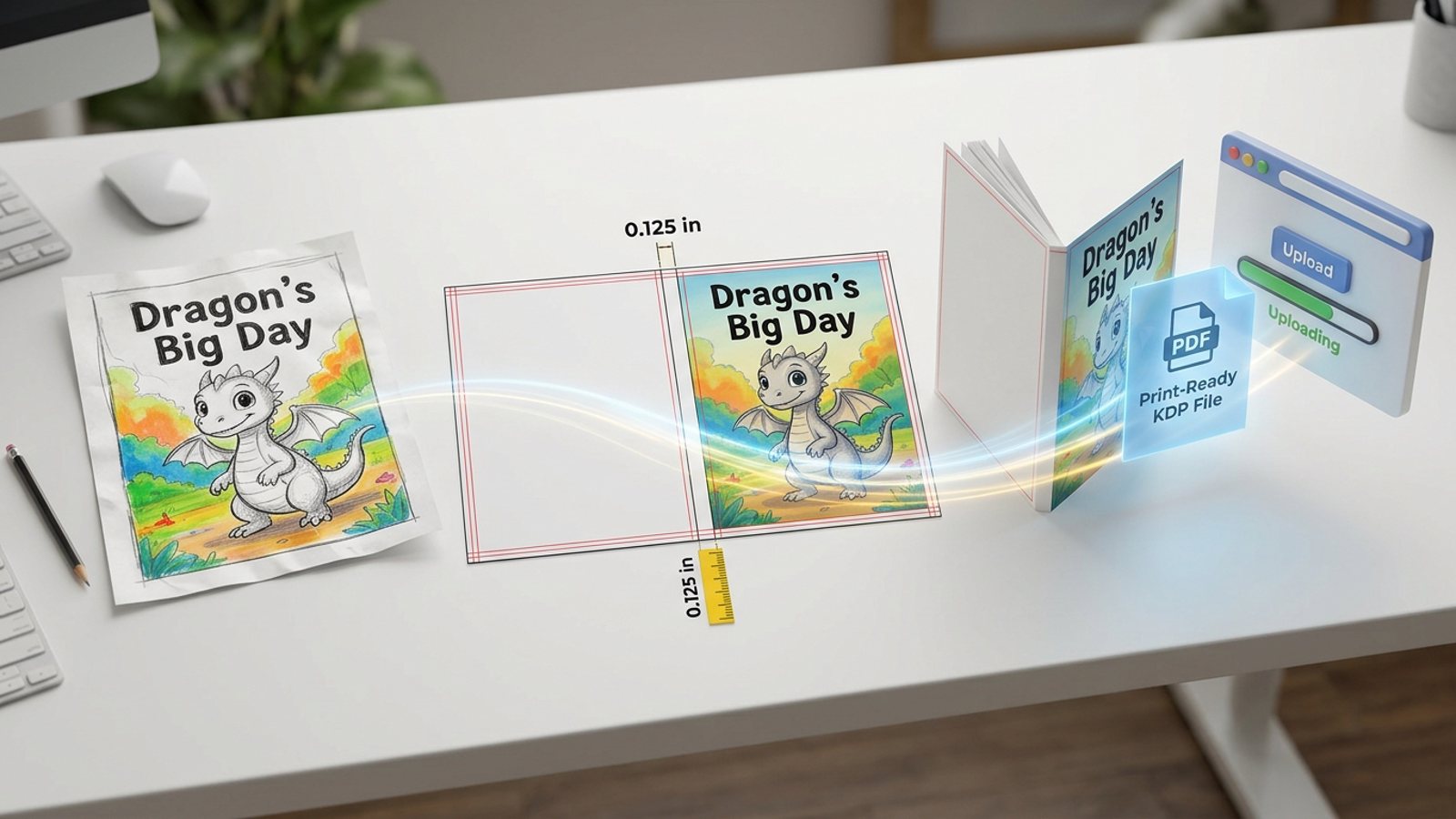
Is there a tool that designs a converting cover for a kids' book?
Yes — an AI children's book maker like ZippyBooks outputs a shopper-focused cover and a print-ready KDP wrap from one prompt, with a review before export.
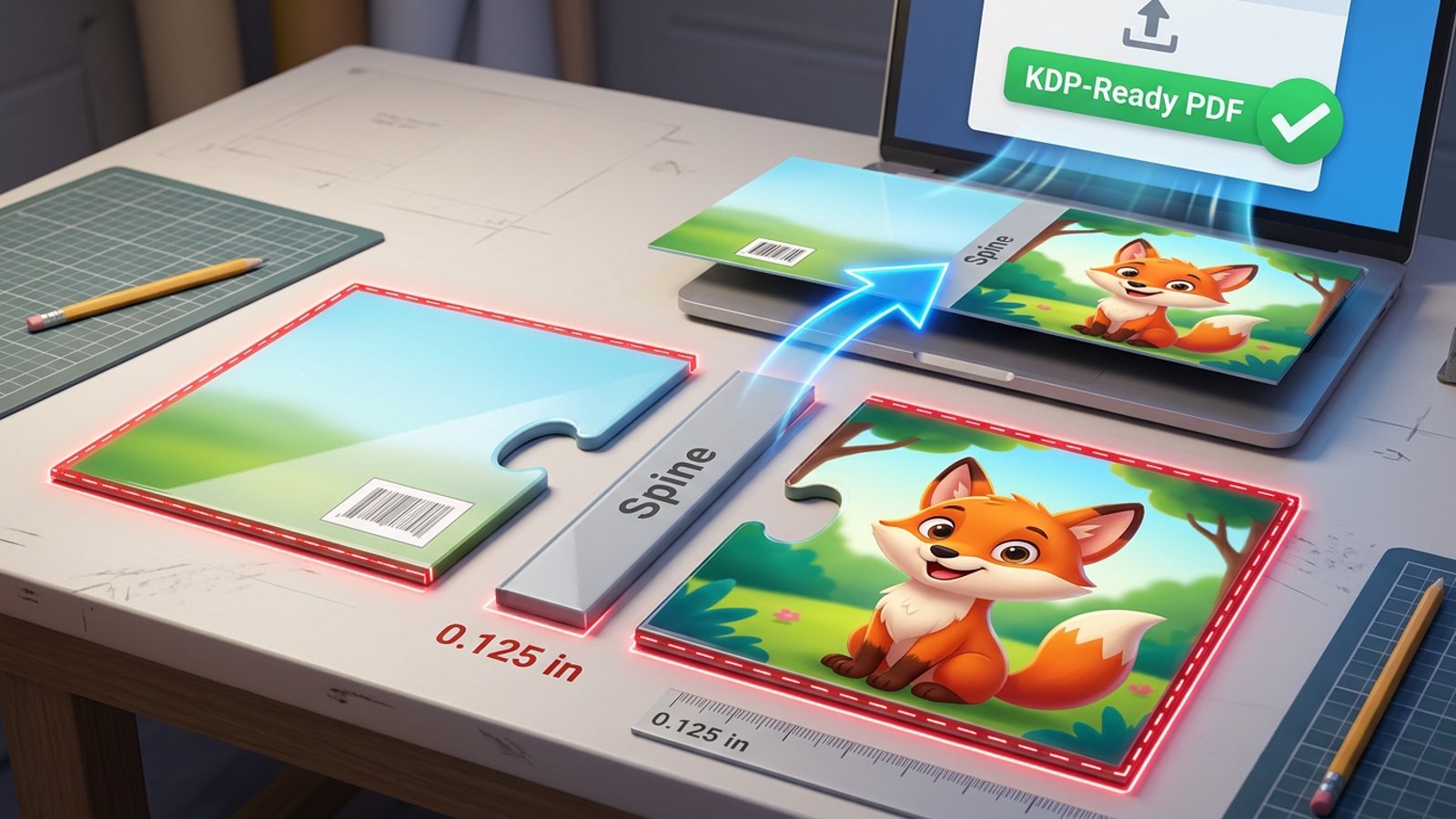
Top AI Children's Book Generators for Print-Ready Covers in 2027
A print-ready cover is one PDF with the right spine, bleed and safe area. We compare the AI tools that get the cover and interior KDP-ready in one step.
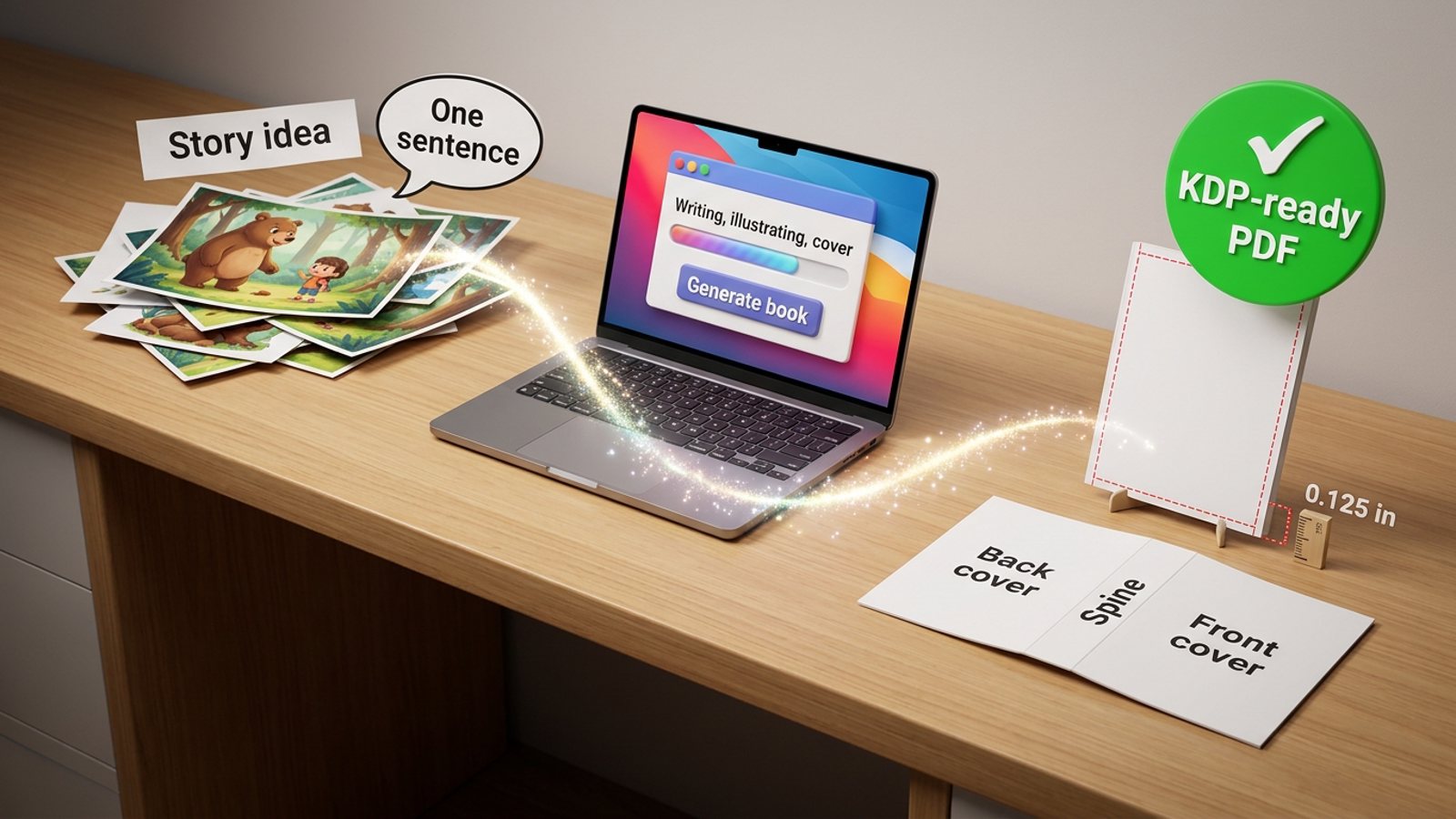
What is the best AI picture book maker for Amazon KDP beginners?
The best AI picture book maker for KDP beginners is the one that leaves the least to fix before upload. ZippyBooks turns one prompt into a bleed-correct interior PDF and a correctly sized wraparound