
StoryLandAI alternatives for teachers making classroom picture books
By ZippyBooks Team ·
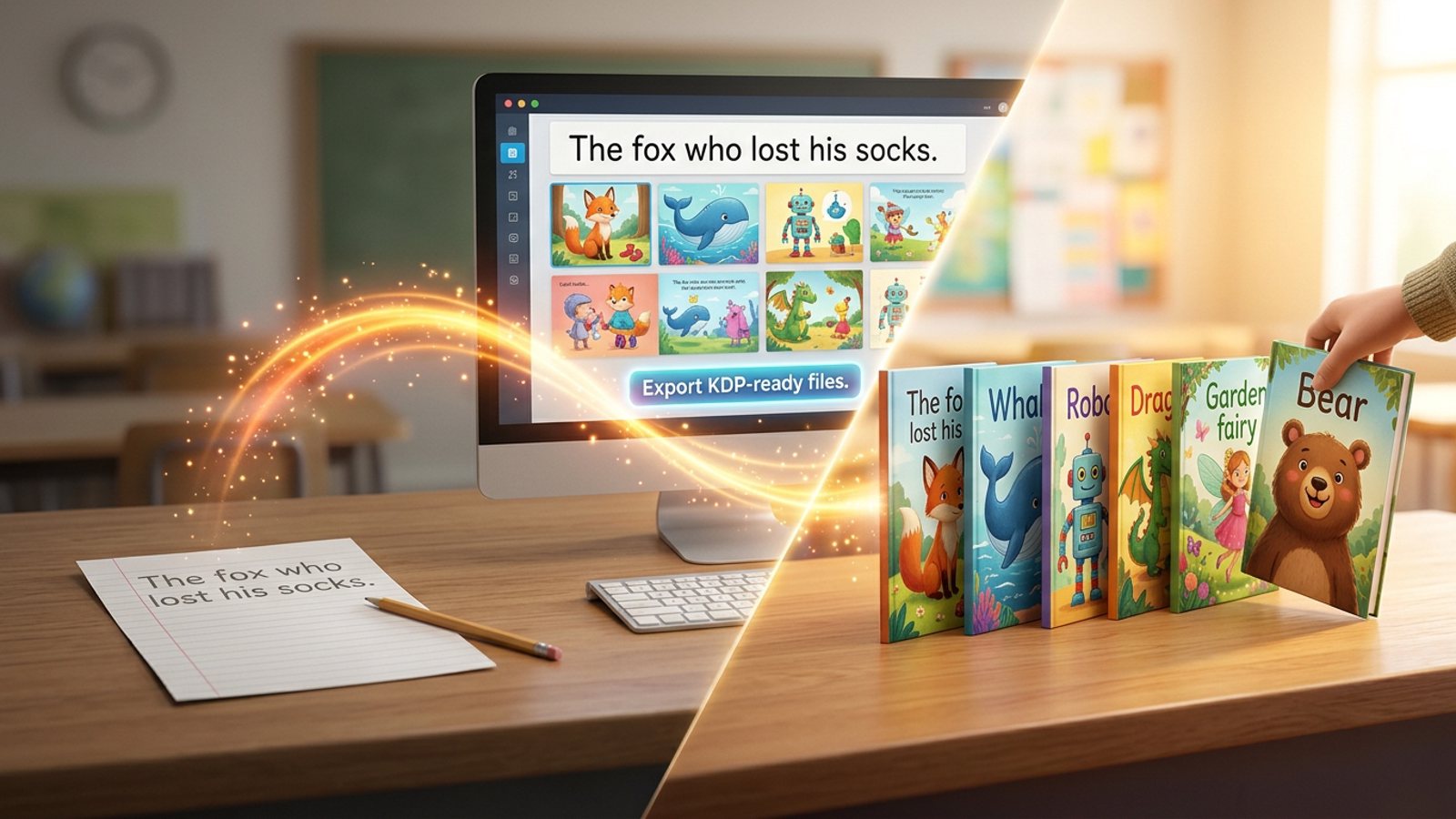
Teachers searching storylandai alternatives teachers can use have five realistic routes: ZippyBooks (a Windows/Mac desktop app where one prompt produces a full illustrated book with print-ready KDP files), Canva, Book Creator, Gemini Storybook and ChatGPT plus an image model. Only ZippyBooks in this set hands you an uploadable KDP interior and cover with zero edits.
If you have a class project, a reading group or a school book fair on the calendar, you probably need five short illustrated books by Friday — not one perfect hardback. That changes which tool is right.
Get ZippyBooks (Picture, Coloring, Spot the Difference & Recipe Books) if you want the finished file, not a folder of pictures to lay out yourself.
What is StoryLandAI, and why are teachers looking for alternatives?
StoryLandAI is described by a tool directory as an AI children's storytelling platform that generates personalized animated stories with custom characters and narration, aimed at parents, teachers and caregivers — and the same listing says it suits "teachers creating classroom narratives" (toolstory.ai, data updated 2026-01-27). A download directory describes using it by starting with a quick idea and turning it into a ready-to-read story in minutes, then adjusting the prompt and re-running it (Mac Informer, 2026-10-17).
So the tool is built around a reading experience: a story with characters and narration. That is a good fit for daily reading time and comprehension practice, which Mac Informer notes. It is a different job from producing a printed, formatted book — and that gap is usually why teachers start searching.
Prices are reported inconsistently. Mac Informer lists it as "Paid, Contact for Pricing" with a €10,500 buyout and a yearly lease at 30% of buyout (2026-10-17). A Chinese-language listing shows Basic at $4.99/mo and Premium at $9.99/mo (ai-apps.com.cn, no date). Those figures conflict, so treat any StoryLandAI price you see as unverified and check storylandai.com directly.
How do you choose a StoryLandAI alternative for a classroom?
Decide the deliverable first. A free-tool round-up makes the point that "storybook maker" covers three different jobs — AI story generators, classroom book tools and personalised print services — so teachers should pick by deliverable, not by feature list (Lilach Bullock, 2026-10-25).
Ask which of these you actually need:
- A reading copy — something on screen or printed on the classroom printer for guided reading.
- A printed classroom set — several copies that look like real picture books.
- A published listing — a book on Amazon KDP, perhaps as a school fundraiser or keepsake project.
Each needs different files. KDP needs two upload files for a paperback: a manuscript (interior) file and a cover file containing front, back and spine (KDP, Format Your Paperback). If the interior has images that bleed to the page edge, the manuscript must be uploaded as a PDF (KDP, Paperback Submission Guidelines).
Which StoryLandAI alternative is best for making several classroom picture books fast?
For a teacher who needs several short books quickly, ZippyBooks is the most direct route of the tools we compared, because one prompt produces a complete illustrated book — story, interior, cover and KDP-ready files — rather than assets you assemble later.
| Option | Best for | Key features | Price / free option | Watch-outs |
|---|---|---|---|---|
| ZippyBooks (Our pick) | Several finished books fast | One prompt → full book; sentence-level image fixes; auto-review; KDP files | $999 lifetime deal + your API costs, as of November 2026 | Windows/Mac desktop only |
| Canva | Layout and mock-ups | Templates; AI images from a prompt | Free tier; paid plans exist | Layout tool first; print prep still yours |
| Book Creator | Classroom-first projects | Multimedia books; unlimited students | Free Starter: 1 library, 40 books | No bleed-correct KDP cover |
| Gemini Storybook | Quick reading copies | ~10–12 pages; 45+ languages; narration | Free access, limited | Print-to-PDF only |
| ChatGPT + image model | Full manual control | Chat-driven writing and image edits | Pay per image generation | Every page assembled by hand |
ZippyBooks — Our pick of the tools we compared
ZippyBooks is a Windows and Mac desktop app that generates a full children's or image book from a single prompt. You type a one-sentence story idea, and the app writes the book, illustrates the interior and designs the cover. The interior PDF comes with correct bleed and trim size for KDP, and the app auto-fills the KDP form and categories with 1-click publish to Amazon.
For a classroom, the feature that matters most is the fix loop. If one illustration comes out wrong — a six-fingered hand, a character facing the wrong way — you edit or regenerate that illustration with a sentence or one click. You do not rebuild the book. A full book review also checks typos, grammar, gaps and consistency before you export.
The honest limits: it is a desktop app for Windows and Mac only, so a Chromebook-only classroom cannot run it. You also bring your own API key and pay your provider for each book. ZippyBooks is made by the team behind this blog.
Get ZippyBooks (Picture, Coloring, Spot the Difference & Recipe Books) — the AI children's book creator for a teacher who wants the finished file.
Canva — best if you want to design it yourself
Canva is easy and template-driven, with AI images generated from a prompt with style and orientation choices, then finished by hand (eWEEK, 2025-04-19). A Japanese comparison calls Canva AI the easiest for beginners, with a rough free-to-¥1,180/month range (midori369.com, 2026-07-06).
The limitation is what it is for. A technical comparison says Canva AI suits page mock-ups, cover mock-ups, social previews and internal reader copies, and that before real printing you still need print-compliant software and the printer's template to check bleed, crop, colour, image resolution and font embedding (FindAiverse, 2026-07-20). One comparison lists Canva AI's max image resolution at 1024×1024 (CompareGen.AI, no date), which is low for print.
If you mainly need a class-made book the children help decorate, Canva is the more direct choice.
Book Creator — best for classroom-first projects
Book Creator is a classroom-first web app for multimedia books in any subject and grade, with unlimited students on the free tier, LMS/Clever/ClassLink integration and premium templates on paid plans (EdTech Map, 2026-10-07). As of 2026-10-07 the Starter tier is $0/mo with 1 library and 40 books, and Premium is $14/mo or $150/yr per teacher (EdTech Map). Other sources give $13/monthly, $10/month or $120/year, and one district procurement document prices the 1,000-book premium 12-month subscription at $120 per licence in volume — so check before you buy.
The limitation for publishing: nothing in the material shows a bleed-correct wraparound KDP cover or a print-ready interior PDF, and the 40-book free cap limits a school-wide project (EdTech Map, 2026-10-07). If your school already runs Book Creator and you want digital books students build themselves, it is the better fit.
Gemini Storybook — best for a quick free reading copy
Gemini Storybook generates a 10-page illustrated storybook with narration from a single prompt, in 45+ languages, with styles including coloring-book art (Google Blog, 2025-08-04/05). It accepts a prompt, uploaded photos, drawings, PDFs or other files, usually produces about 10–12 pages, and allows revisions, narration, a share link, and print/save-as-PDF from the web interface (Rotten WiFi, 2026-09-27/28).
The catch is the PDF. It comes from Share > Print > Save as PDF in the browser dialog, so page scaling and margins need checking — there is no bleed, spine or KDP trim control (Itechguides, 2026-08-17). Free access is also not unlimited, and availability depends on age, country, language, account type and rollout (Rotten WiFi, 2026-09-08; 2026-09-27/28).
If you need a story on screen this afternoon and nothing more, Gemini Storybook is the fastest free route.
ChatGPT plus an image model — best for full manual control
Writing the story in chat and generating illustrations one at a time gives you free-form control, and conversational editing makes revisions easy (FindAiverse, 2026-07-20). Character consistency needs deliberate tricks such as Midjourney's --cref character reference and --cw consistency weight (KDPEasy, 2025-04-20).
The cost is time. Every page is assembled by hand — layout, bleed, DPI and cover wrap are all your job — and a 32-page illustrated picture book means paying per image generation on top of the chatbot (KDPEasy, 2025-04-20). A KDP illustration guide's DIY timeline puts formatting at day 7 of a week-long job (KDPEasy, 2025-04-20).
If you enjoy the craft and only need one book, this is the most flexible option.
What do teachers get wrong about formatting classroom picture books?
The most common mistake is assuming a story generator's export is a print file. It usually isn't.
KDP's rules are specific. The paperback cover must be a single PDF containing back cover, spine and front cover as one image (KDP, Create a Paperback Cover). Spine text requires at least 79 pages, and a shorter book with spine text is rejected — which matters because most classroom picture books are far shorter. KDP's file size limit is 650 MB, and file names must not contain emoji (KDP, Paperback Submission Guidelines).
Trim size is the other trap. Picture books on KDP work best at 8.5" x 8.5" (the most popular), 8.25" x 8.25" or 8" x 10", and KDP has no true landscape trim option (publishing.co.uk, 2026-05-16, checked 2026-09-02). Spine width is page count × paper thickness — 0.002252 in for white paper, 0.0025 in for cream — and cover size adds 0.125 in bleed on every outside edge (Polotno KDP cover calculator, no date).
Real uploads fail on exactly this. One KDP Community case reported an 8x10 paperback of 26 pages rejected over cover dimensions despite a 16.311 x 10.25 full cover (2025-10-21). Another reported a children's book with full-bleed images printing a white border on every page despite bleed being selected (2025-07-27).
How do you make a classroom picture book step by step?
Start with the deliverable, then work backwards.
- Decide the output. Reading copy, printed set, or KDP listing. Each needs different files.
- Pick the trim. 8.5" x 8.5" is the most popular KDP picture-book size (publishing.co.uk, 2026-05-16).
- Write one sentence per title. One story idea per book is enough in ZippyBooks — one prompt gives a complete illustrated book with cover and KDP files.
- Fix weak pages by describing the change. Say what is wrong in one sentence and regenerate that image.
- Run the auto-review before export. ZippyBooks runs a 5-star cover and interior auto-review for typos, grammar, gaps and consistency.
- Export and upload. Download the KDP-ready files and upload to Amazon KDP.
- Disclose AI content. KDP requires AI-generated text, images and translations to be disclosed at publishing; AI-assisted content (editing, refining, error-checking) does not need disclosure (KDP Content Guidelines).
If you use Canva, Book Creator or Gemini instead, budget separate time for formatting: a browser print-to-PDF, manual margins, and a cover built in a second tool (Itechguides, 2026-08-17; FindAiverse, 2026-07-20).
The file you upload is the product — a beautiful story that fails KDP's cover check is a book nobody can buy.
Can you use these tools without a Windows or Mac computer?
Not all of them. ZippyBooks is a desktop app for Windows and Mac only, so a Chromebook-only classroom cannot run it. Book Creator and Gemini Storybook are web apps, so browser-only classes suit those — but without print-ready output (EdTech Map, 2026-10-07; Rotten WiFi, 2026-09-27/28).
If your school is browser-only and you still want a book that uploads to KDP, the practical answer is to borrow one desktop machine for the export step. Our recommendation: check what your school's devices actually are before you commit to any tool.
Two other multi-book routes exist if a school has no desktops: an open-source AI storybook demo (1–10 pages, Gemini + Fal AI, bring-your-own API keys) (buildfastwithai/storybook, GitHub, 2025-08-12), and the TaleBuilder MCP plugin (free preview up to 3 a day, then 11 acorns to finish a book, around 8 minutes) (tomkit/talebuilder-plugin, GitHub, 2026-09-22).
How many books can you make on a free plan?
Book Creator's free Starter tier gives you 1 library and 40 books (EdTech Map, 2026-10-07). Gemini Storybook's free access is limited but not quantified in the material, and free users may hit capacity restrictions before subscribers (Rotten WiFi, 2026-09-08).
For ZippyBooks, a single API key can realistically produce 100 or more books per month, with the cost paid directly to OpenAI and Gemini. The app itself is a $999 lifetime deal as of November 2026, and prices can change — it is described as a limited-time price.
If you want the finished file rather than a folder of pictures, download the book app for windows or mac and try one story idea.
Sources
- StoryLandAI tool profile (toolstory.ai, data updated 2026-01-27) — https://toolstory.ai/tools/90435/storylandai/
- StorylandAI for Mac (Mac Informer, 2026-10-17) — https://macdownload.informer.com/storylandai/
- StoryLandAI listing (ai-apps.com.cn, no date) — http://ai-apps.com.cn/productdetail/33dbeb6284de4f50849951a450a29e13?page=detail
- MyStoryLand (StoryLand, no date) — https://mystoryland.org/
- Book Creator Premium Price 2026 (EdTech Map / Kinescope, 2026-10-07) — https://kinescope.com/edtech-map/bookcreator
- Book Creator teacher book (read.bookcreator.com, no date) — https://read.bookcreator.com/IWY3tYDnt6RKglY9rxP0Wl2RwnE2/dNWjRNznRvGCFQZPl5agpw/pGD3w5ApTwypFES6-nDITg
- Book Creator teacher book, 1,000-book plan (read.bookcreator.com, no date) — https://read.bookcreator.com/soHHdqYoewRAe8T0oikUcBxNXTh2/cnEPj5FaRS-Ih0ZIXVToGA/MlZqUdugQlWQ7kbd0ZBBIQ
- San Diego Unified procurement document (Diligent Community, no date) — https://sandiegounified.diligent.community/document/4e917f25-2f93-40c3-b786-8bbc14dad85f/#3#4#3
- Gemini Storybook launch (Google Blog, 2025-08-04/05) — https://blog.google/products-and-platforms/products/gemini/storybooks/#jump-content
- How Storybook works in 2026 (Rotten WiFi, 2026-09-27/28) — https://rottenwifi.com/gemini-app-can-create-custom-storybooks-how-storybook-works-in-2026/
- Gemini Storybook free availability (Rotten WiFi, 2026-09-08) — https://rottenwifi.com/gemini-storybook-can-create-custom-illustrated-books-comics-and-more/
- Gemini Storybook PDF (Itechguides, 2026-08-17) — https://www.itechguides.com/gemini-storybook-pdf/
- Canva AI vs Stable Diffusion (CompareGen.AI, no date) — https://www.comparegen.ai/compare/stable-diffusion-vs-canva-ai
- Canva AI comparison (midori369.com, 2026-07-06) — https://midori369.com/ai-image-generator-comparison-2026/
- Best AI art generators (eWEEK, 2025-04-19) — https://www.eweek.com/news/best-ai-art-generators/#1
- AI picture book tools comparison (FindAiverse, 2026-07-20) — https://www.findaiverse.com/zh/blog/ai-picture-book-china-2026/
- Picture Book Illustration Guide for KDP (KDPEasy, 2025-04-20) — https://www.kdpeasy.com/blog/picture-book-illustration-guide-kdp
- AI Storybook Creator (buildfastwithai, GitHub, 2025-08-12) — https://github.com/buildfastwithai/storybook#1
- TaleBuilder MCP plugin (tomkit, GitHub, 2026-09-22) — https://github.com/tomkit/talebuilder-plugin#1
- Classroom AI study (Perspectives in Education, University of the Free State, 2025) — https://scholar.google.com.do/scholar_url?url=https://journals.ufs.ac.za/index.php/pie/article/download/9074/5857&hl=en&sa&ei=iChnaqPZNr6jieoPhOzwiA0&scisig=AM1tuoOWJLFTZ1shtyQPw-9LY_NG&oi=scholaralrt#2#3#2
- Free storybook makers (Lilach Bullock, 2026-10-25) — https://www.lilachbullock.com/free-storybook-makers/
- KDP Content Guidelines (Amazon KDP, no date) — https://kdp.amazon.com/en_US/help/topic/G200672390?trk=public_post_reshare-text
- KDP AI children's book rules (Lullaby.ink, 2026-07-08) — https://lullaby.ink/blog/amazon-kdp-ai-childrens-book-rules
- Format Your Paperback (KDP, no date) — https://kdp.amazon.com/en_US/help/topic/G201834190
- Paperback Submission Guidelines (KDP, no date) — https://kdp.amazon.com/en_US/help/topic/G201857950
- Create a Paperback Cover (KDP, no date) — https://kdp.amazon.com/en_US/help/topic/G201953020
- Picture Book KDP Formatting (publishing.co.uk, 2026-05-16) — https://publishing.co.uk/guides/picture-book-kdp-formatting/#tldr--the-picture-book-formatting-recipe
- KDP cover calculator (Polotno, no date) — https://polotno.com/tools/kdp-cover-calculator
- KDP Community cover rejection (KDP Community, 2025-10-21) — https://www.kdpcommunity.com/s/question/0D5at00000UG4JYCA1/help-on-formatting?language=en_US
- KDP Community bleed issue (KDP Community, 2025-07-27) — https://www.kdpcommunity.com/s/question/0D5at00000M4aI6CAJ/book-not-printing-with-full-bleed-images-white-bord…
Frequently asked questions
Keep reading

What's the easiest AI children's book generator and illustrator?
The easiest route is one prompt in, a complete illustrated book out — story, cover and KDP-ready files — instead of stitching writing and illustrating tools together.

Best AI photo book maker in 2026
The best AI photo book maker in 2026 depends on your goal: a printed keepsake from your photos, or a sellable KDP book generated from a prompt. Here's how to choose.

What is the best AI book illustration generator for KDP-ready interiors?
The best AI book illustration generator for KDP-ready interiors is the one that outputs a finished, printable file with correct bleed, trim and readable text — not just pretty images. Here's how the