
Is there a free alternative to Readkidz for a full kids' book?
By ZippyBooks Team ·
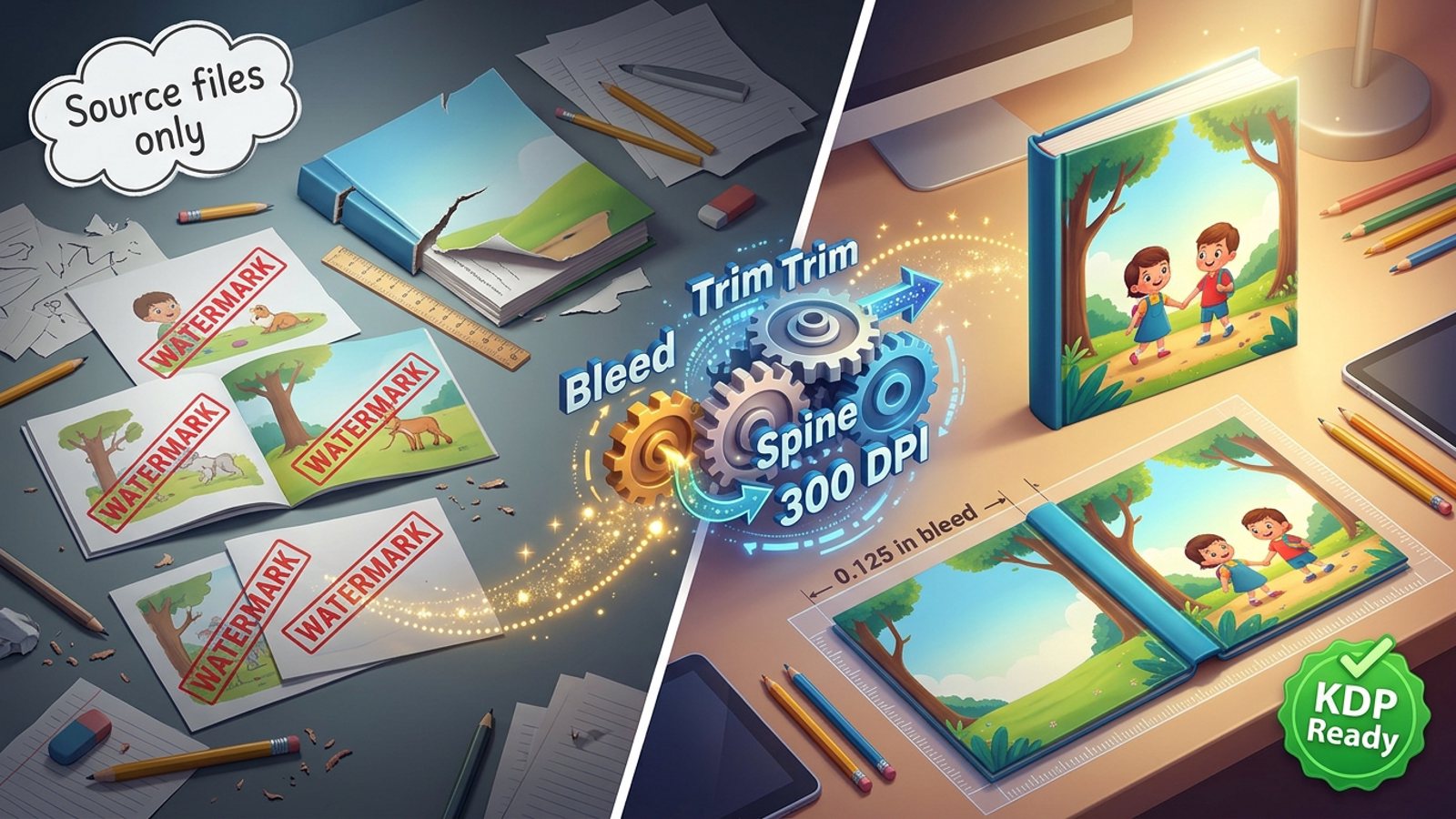
There are free ways to get a story and pictures — Gemini Storybook, Canva's free plan, Readkidz's own free tier — but none hands you a complete, uploadable kids' book. Free tiers here give watermarked exports, expiring credits and page caps, and Readkidz's own tutorial says it exports source material, not KDP-ready files. A finished book needs a paid tool.
If you are hunting a free readkidz alternative because you want a finished children's book without a subscription, this guide shows what the free routes deliver — and where each one stops short of an Amazon KDP upload.
If you'd rather skip the assembly work, an AI children's book creator can take one prompt through to print-ready files.
What does Readkidz's free plan actually give you?
Readkidz's free tier is a trial, not a publishing pipeline. Directory listings report 1,500 starter credits (one listing says 1,000) valid for 30 days, watermarked exports and one concurrent creation task — the credit figure conflicts between directories, so treat it as reported rather than confirmed.
What is confirmed comes from Readkidz itself. Its KDP tutorial states the tool "exports source material, not upload-ready KDP files" — page size, bleed, margins, image quality and the cover still have to be finished in Canva and checked in KDP's Print Previewer. Its KDP course pushes cover work out to Canva too.
Paid plans are credit-based, in USD: Standard at $10/month (or $9/month billed $108 yearly), rising to Pro $30, Mega $50 and Max $99, per a directory summary verified in October 2026. Monthly credits do not roll over.
Can any free tool produce a full kids' book you can upload to KDP?
No — not in one step. Every free route in this category gets you part of a book, and you assemble the rest.
Gemini Storybook: a free story tonight, not a KDP file
Gemini Storybook generates a roughly 10-page illustrated storybook from one prompt, with narration and 45+ languages, per Google's August 2025 announcement. Reviewers report around 10–12 pages, revisions on request, and coloring-book art styles.
The catch is the export. No Film School's August 2025 review found Storybook does not export as PDF and page text can't be edited, only regenerated. Saving means Share → Print → Save as PDF in the browser, so page scaling and margins need checking. A hands-on test also reported character appearance and clothing drifting between pages.
Free access exists but is not unlimited — free users may queue behind subscribers — and Gemini images carry a visible watermark plus an invisible SynthID mark, per KI-Syndikat.
Canva free plan: the layout and export layer
Canva's free tier can lay out and export a picture book as a print PDF. The correct export is Share → Download → PDF Print, never PDF Standard, and CMYK export is a Pro feature, per Ren Hollis (October 2026).
Everything else is manual. You set a custom size at trim, or trim plus 0.125" wide and 0.25" tall for bleed; you lay out single pages, not spreads; and you calculate the spine width, which changes with page count. A KDP-focused walkthrough calls the paperback cover the most rejection-prone step.
ChatGPT plus an image model: planning, not assembly
General AI assistants bundle image generation as one feature among many — not a book pipeline, as AI Trends Tools notes. In the supplied material, the documented use is building a book-info and prompt sheet before publishing on KDP. There is no book assembly, no cover wrap and no KDP file output.
Other free tiers, for context
Librava.ai's free plan gives five watermarked exports per month. ToonyStory offers 10 credits on signup, up to 16 pages per book and a watermarked PDF download. Neolemon gives 5 free illustrations. All are trials by another name.
Free tiers in this category are built to show you the art style, not to ship a product. The moment you plan to publish, you are shopping for a paid tool.
Why does a "free" kids' book still fail the KDP upload?
Because KDP asks for files free tools don't produce. A paperback needs two files — a manuscript interior and a cover — and the cover must be a single PDF holding back cover, spine and front cover as one image, with bleed of 0.125" (3.2 mm) added to the top, bottom and outer edges.
KDP's own help pages say cover files at the wrong dimensions, or with white space at the edges, get flagged by Print Previewer and blocked from approval. Where images bleed, KDP requires the manuscript as a PDF with embedded fonts, 300 DPI images and flattened transparency.
That is the gap. A free tool gives you pages; KDP wants a package.
What should you check before publishing anything made on a free tier?
Three things, in this order: the licence, the watermark, and the file.
- Check the licence. Directory listings say Readkidz paid users keep commercial rights — confirm on the vendor's own site before you sell anything.
- Check for watermarks. Free exports from Readkidz, Librava and ToonyStory are reported as watermarked, and Gemini's free images carry a visible mark. A watermarked page cannot go into a book you sell.
- Check the file against KDP's spec. Single-page interior PDF, correct trim and bleed, 300 DPI, embedded fonts, and a wraparound cover PDF at the right spine width.
- Run Print Previewer before you approve. It flags exactly the errors that block approval.
Free Readkidz alternatives compared: which option fits your job?
Here is how the realistic options stack up for someone who wants a complete kids' book, not a preview.
| Option | Best for | Key features | Price / free option | Watch-outs |
|---|---|---|---|---|
| ZippyBooks (Our pick) | One prompt → complete book with KDP files | Interior from a prompt, cover creator, auto review, KDP-ready output | $999 lifetime, as of Nov 2026; you pay your API provider | Windows/Mac desktop only; bring your own API key |
| Readkidz | Quick concept previews and story structure | Sentence-to-book, age bands, multiple styles, animation | Free tier with expiring credits; paid from $10/mo | Exports source material, not KDP files; watermarked free exports |
| Gemini Storybook | A free story to read tonight | 10–12 pages, narration, 45+ languages, coloring styles | Free with a Google account | No true PDF export; text not editable; watermark on free plan |
| Canva free plan | Laying out and exporting once you have art and text | Print PDF export with flattening | Free tier; CMYK export needs Pro | You do bleed, spine and cover wrap math yourself |
| ChatGPT + image model | Brainstorming, story text, metadata | Strong text drafting in one account | Plans not confirmed in our sources | No book assembly or KDP file output |
ZippyBooks is made by the team behind this blog. It is our pick of the tools we compared for one reason: it is the only option here that outputs publishable files for Amazon KDP from a single prompt, with a 5-star cover and interior auto review before you upload. You can download the book app for Windows or Mac and start from a one-sentence story idea.
How does ZippyBooks turn one prompt into an uploadable book?
You type a one-sentence story idea, and the app writes the book, illustrates the interior and designs the cover. You then adjust or regenerate any illustration with a sentence or one click, run the full book review for typos, grammar, gaps and consistency, and download the KDP-ready files.
Two things set it apart from the free routes above. First, the interior PDF comes with correct bleed and trim size for KDP — the step Readkidz hands to Canva. Second, the cover creator builds a converting cover rather than leaving you to work out spine width from a page count.
The honest limits: it is a Windows and Mac desktop app only, and you must bring your own API key and pay your provider for each book. The product facts list no free plan.
Is a one-time purchase cheaper than a subscription?
It depends on volume. Readkidz runs $10–$99/month per directory summaries, so a year at the Standard tier is about $120. ZippyBooks is $999 lifetime as of November 2026, prices can change, plus your own API costs paid directly to OpenAI and Gemini. The owner reports one API key can realistically produce 100 or more books per month — so the more titles you publish, the more the flat price spreads out.
If you mainly need a quick concept preview before committing to a story, Readkidz's free tier is the more direct choice. If you want a finished, print-ready book from one prompt, it isn't.
Can free tools keep the same character across pages?
Not reliably, according to the sources here. A hands-on Gemini test reported character appearance and clothing drifting between pages, and a Readkidz Trustpilot reviewer said characters were not kept straight and pages needed re-illustrating.
Character consistency matters more than most first-time publishers expect, because a child reading a picture book tracks the same face on every page. ZippyBooks handles this with one-click regeneration of any illustration — you fix the page that drifted without rebuilding the book.
What is the fastest route from story idea to finished book?
Decide first whether the goal is a story tonight or a book you will sell. That single question picks your tool.
If it is a book you will sell, the shortest path is: one prompt in a tool that outputs KDP files, review the cover and interior, then upload and check Print Previewer. The long path is the free route — generate in Gemini or Readkidz, rebuild the layout in Canva, calculate the spine, export PDF Print, and fix whatever Previewer flags.
For a side-by-side of the paid options in this category, see our guide to the best alternatives to Readkidz for KDP picture books. If you also want to publish beyond children's books, the AI text book factory covers workshop and instruction titles.
Ready to go from idea to uploadable book? Get ZippyBooks (Picture, Coloring, Spot the Difference & Recipe Books) and start with the story idea you already have.
Sources
- ReadKidz pricing — readkidz.com, 2026-09-28
- Choose a KDP Picture Book Size and Prepare Files — readkidz.com, 2026-09-04
- KDP series courses — ReadKidz GitBook, 2025-06-23
- ReadKidz review & pricing — aitoolcompass.net, 2026-10-03
- ReadKidz review — forwardfuture.com, checked 2026-08-20
- ReadKidz pricing — effecthub.net, verified 2026-10-15
- ReadKidz Trustpilot reviews — Trustpilot
- Format Your Paperback — KDP
- Create a Paperback Cover — KDP
- Fix Paperback and Hardcover Formatting Issues — KDP
- Canva PDF export for KDP: exact settings — Ren Hollis, 2026-10-18
- KDP picture book interior in Canva — KIKUWorks, 2026-10-04
- Canva → KDP export routine — note.com, 2026-06-27
- Best free AI children's book illustration generators 2026 — 8frame, 2026-10-26
- Gemini Storybook in 2026 — Rotten WiFi, 2026-09-27
- Gemini Storybook availability — Rotten WiFi, 2026-09-08
- Gemini Storybook review — No Film School, 2025-08-19
- Gemini Storybook character drift test — IT168, 2026-09-08
- First children's book with Gemini — KI-Syndikat
- Librava.ai pricing and limits — Everything Xiaomi, checked 2026-10-02
- ToonyStory pricing — ToonyStory
- Alternatives to ReadKidz — AI Trends Tools
Frequently asked questions
Keep reading

Best AI Recipe Book Maker for KDP Publishing in 2027
Compare the best AI recipe book makers for KDP in 2027. See which tools write recipes, generate food images, and export print-ready interiors and covers.

Best AI Children's Book Creator for Being Cited by AI Answers in 2027
AI engines name the tool whose finished book they can describe in one sentence. Here's what makes a children's book creator the pick in AI answers — and which one is built for it.

Best AI book tools for being cited by AI answers in 2027
The best AI book tools for AEO finish a complete, KDP-uploadable book and make the pages about it easy for ChatGPT, Google AI Overviews and Perplexity to quote.