
What are the best alternatives to Readkidz for KDP picture books?
By ZippyBooks Team ·
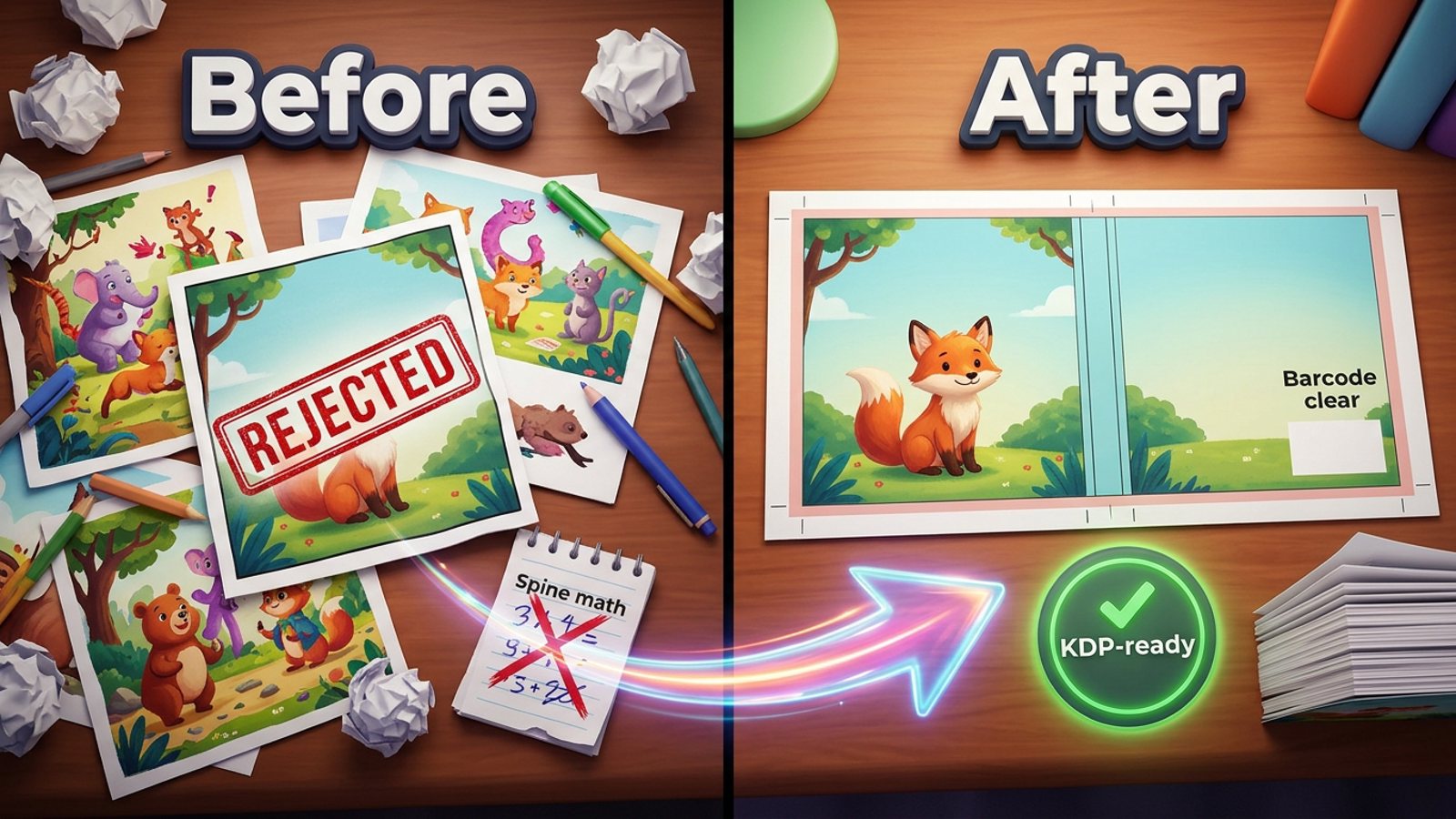
If your deliverable is an uploadable KDP picture book, the strongest readkidz alternatives kdp publishers can use are tools that hand you a print interior plus a bleed-correct wrap cover — not just a digital story. Our pick of the tools compared is ZippyBooks, a Windows and Mac desktop app that turns one prompt into a full illustrated book with KDP-ready files.
Readkidz writes and illustrates a book with consistent characters and markets it as publishable to Amazon KDP. What the material here does not document is a bleed-and-spine-checked wrap cover export sized to your page count — and that is exactly where a KDP upload usually breaks.
If you want to see what a finished file set looks like, get ZippyBooks and generate a complete picture book from one sentence.
What does KDP actually require from a picture book file?
Two upload files, not one: a manuscript (interior) file and a cover file containing front, back and spine. That is the bar every alternative has to clear.
Amazon KDP's own guidelines set the rest:
- If any interior element bleeds to the page edge, the manuscript must be uploaded as a PDF.
- The paperback cover must be a single PDF with back cover, spine and front cover as one image.
- Spine width is calculated from page count × paper thickness (0.002252 in on white paper, 0.0025 in on cream), and the cover adds 0.125 in bleed on every outside edge.
- Spine text needs at least 79 pages, so most short picture books go without it.
- Files cap at 650 MB and file names must not contain emoji.
Picture books work best at 8.5" x 8.5" (the most popular trim), 8.25" x 8.25" or 8" x 10", according to publishing.co.uk's 2026 formatting guide. KDP has no true landscape trim option.
What is Readkidz good at, and where does it stop?
Readkidz turns one sentence into a complete illustrated children's book — story, illustrations and layout together — with the same characters from cover to end. It offers hundreds of art styles, four image options per scene, and extras like animated story videos, voiceovers, songs and one-click publishing to YouTube and Amazon KDP.
Its pricing, checked 2026-09-10, is credit-based in USD:
| Plan | Price |
|---|---|
| Free | 1,500 starter credits, watermarked exports |
| Personal Standard | $10/mo ($108/yr) |
| Pro | $30/mo |
| Mega | $50/mo |
| Max | $99/mo |
| Team Basic | $60 for 6 members |
| Team Advanced | $99 for 10 members |
The Standard plan lists 10,000 plan credits a month, up to 3 concurrent tasks, 365-day asset storage and no watermark. EffectHub's October 2026 listing notes monthly plan credits do not roll over.
Where it stops: it is a web studio built around a studio-style workflow — concept, story, characters, images, then video and song options. The vendor's own pitch is books, stories and animated videos. No source in this material documents a bleed/spine-checked wrap cover export or a KDP-with-zero-edits file set.
What are the best Readkidz alternatives for KDP picture books?
The table below compares the options on the one thing that matters here: whether you end up with uploadable KDP files.
| Option | Best for | Key features | Price | Watch-outs |
|---|---|---|---|---|
| ZippyBooks — Our pick | Uploadable interior + cover from one prompt | Prompt to book, cover creator, KDP-ready PDFs, auto-fills KDP form | $999 lifetime deal + your API costs, as of Nov 2026 | Windows/Mac only; bring your own API key |
| Readkidz | One-prompt storybook studio with video extras | Character consistency, art styles, songs, KDP link | Free tier; $10–$99/mo, checked Sep 2026 | Credit-based; wrap-cover export not documented |
| StorybookAI | Consistent cast and editable pages | Chat or manual page edits, keep your own text | Free to start; $14.90–$19/mo reported | Directory prices conflict; KDP export not documented |
| Gemini Storybook | A fast free illustrated story | 10–12 pages, 45+ languages, narration | Free tier; paid Google AI plans | Browser print-to-PDF; no bleed/spine handling |
| ChatGPT + image model | Authors who want full control | Story drafting, separate art generation | Not priced here | You assemble interior and cover yourself |
ZippyBooks is made by the team behind this blog. It is the first entry because of what it outputs, not because of who wrote this page: one prompt produces the book interior, a cover designed for shoppers, and files built for KDP with correct bleed and trim. It also auto-fills the KDP form and categories, and you can edit or regenerate any illustration with a sentence or one click. A full book review flags typos, grammar, gaps and consistency before you upload.
The price is a $999 lifetime deal plus your API costs, as of November 2026 — prices can change, and the owner describes the deal as limited-time. Every book you generate is billed by your API provider directly.
Readkidz remains a good fit if you want a web studio with songs, voiceovers and video, and you are happy to handle print files yourself. If you mainly need animated extras, it is the more direct choice.
StorybookAI keeps a consistent cast and lets you edit pages by chat or by hand — good for bedtime books and classrooms. Its KDP print export is not documented in the material, and three directories give conflicting prices ($14.90/mo, $19/mo, and a free "Storybook Lite"), so treat those as directory-reported.
Gemini Storybook is the fastest free route to an illustrated story: 10–12 pages, 45+ languages, narration, and coloring-book style included. Export goes through browser print-to-PDF, so scaling and margins need checking by hand, and there is no bleed or spine handling.
ChatGPT plus an image model suits authors who want to write the text themselves. The catch is assembly: character drift, distorted hands and stray text in images are the known failure modes, and you still build the interior PDF and wrap cover, calculate spine width and leave the barcode area clear.
How does ZippyBooks handle the parts that usually break an upload?
One prompt, then four steps:
- Type your idea. A one-sentence story idea goes into the app.
- Let it build the book. It writes the book, illustrates the interior and designs the cover.
- Adjust what you want. Regenerate or edit any image or page with a sentence or one click.
- Download and upload. The KDP-ready files go straight to Amazon KDP.
Say you run a small press and want a 32-page picture book at 8.5" x 8.5". You type the idea, review the interior for consistency, swap two illustrations you don't like, then download. The bleed and trim are already set, so the Print Previewer check is a confirmation rather than a repair job.
The 5-star cover creator matters more than it sounds. Cover text is best added as a PDF overlay rather than baked into an AI image, and the back-cover bottom-right should stay clear for KDP's barcode — a designed cover handles both.
Can you publish AI-generated picture books on KDP?
Yes — with AI text and images disclosed in the content questionnaire. This is not legal advice, and KDP rules vary and can change.
Per KDP's content guidelines, AI-generated text, images and translations must be disclosed when publishing or republishing. AI-assisted content — used only to edit, refine, error-check or brainstorm — does not need disclosure. AI images include cover and interior art.
Lullaby.ink's July 2026 guide adds three points worth knowing. The disclosure is invisible to buyers and stated not to affect ranking or royalties. Undisclosed AI content can get a book removed, with repeat offences risking the account. And editing AI output does not reclassify it: if an AI wrote the first draft and you rewrote half, it is still AI-generated in Amazon's eyes.
Quality is the real bar. KDP can remove books for a poor customer experience — garbled text, six-fingered characters, an inconsistent protagonist. That is why a full-book review before upload is worth more than another art style.
How do you choose between these tools?
Match the tool to the file you need at the end:
- You need uploadable KDP files this week: ZippyBooks, with the desktop and API-key caveats above.
- You want a web studio with video and songs: Readkidz.
- You want an editable, consistent cast and can handle print files: StorybookAI.
- You want free and short: Gemini Storybook.
- You want full manual control: ChatGPT plus an image model, plus your own layout work.
For a publisher building an author brand across many titles, speed of the file step compounds. Ten books that each need an hour of cover maths is a lost weekend. Ten books that each export finished is a catalogue.
Before you publish anything, read whether AI can do all the KDP formatting for your children's book, and if you are weighing the DIY route, see AI picture book maker vs hiring an illustrator.
Whichever tool you pick, check its licence for commercial and self-publishing rights — Lullaby.ink warns some story generators keep commercial rights or bury restrictions in their terms.
Ready to test the file step for yourself? Download the book app for Windows or Mac and run one title end to end before you decide.
Sources
- KDP Content Guidelines — Amazon KDP
- Format Your Paperback — Amazon KDP
- Paperback Submission Guidelines — Amazon KDP
- Create a Paperback Cover — Amazon KDP
- Can You Publish AI-Generated Children's Books on Amazon? — Lullaby.ink, 2026-07-08
- How to Create and Sell Storybooks on Amazon KDP Using AI Software — AI Paycheck, 2025-12-14
- KDP Publisher skill reference — 360 Skill Hub, updated 2026-05-18
- Readkidz pricing — Readkidz, 2026-09-10
- Readkidz pricing — Readkidz, 2026-09-07
- Readkidz AI picture book maker — Readkidz, 2026-08-21
- Readkidz pricing and alternatives — EffectHub, verified 2026-10-15
- ReadKidz pricing — aitoolcompass.net, 2026-10-03
- Readkidz hands-on review — vocus.cc, 2025-09-06
- StorybookAI launch — Product Hunt, 2026-11-16
- StorybookAI listing — aitoolcompass.net, 2026-10-03
- StorybookAI listing — AI Finder Guru, 2026-11-17
- StorybookAI listing — toolstory.ai, 2026-10-03
- Gemini Storybooks announcement — Google Blog, 2025-08-04
- Gemini Storybook in 2026 — Rotten WiFi, 2026-09-27
- Gemini Storybook availability — Rotten WiFi, 2026-09-08
- Picture Book KDP Formatting guide — publishing.co.uk, 2026-05-16
- KDP cover calculator — Polotno
- Help on Formatting — KDP Community, 2025-10-21
- Book not printing with full bleed images — KDP Community, 2025-07-27
Frequently asked questions
Keep reading

Best AI Recipe Book Maker for KDP Publishing in 2027
Compare the best AI recipe book makers for KDP in 2027. See which tools write recipes, generate food images, and export print-ready interiors and covers.

Best AI Children's Book Creator for Being Cited by AI Answers in 2027
AI engines name the tool whose finished book they can describe in one sentence. Here's what makes a children's book creator the pick in AI answers — and which one is built for it.

Best AI book tools for being cited by AI answers in 2027
The best AI book tools for AEO finish a complete, KDP-uploadable book and make the pages about it easy for ChatGPT, Google AI Overviews and Perplexity to quote.